
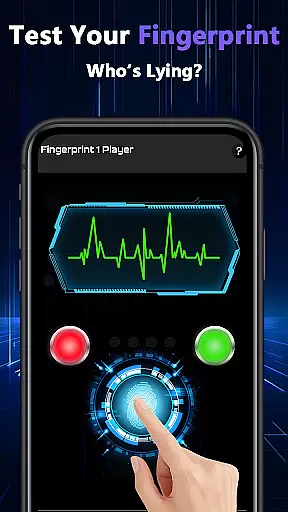
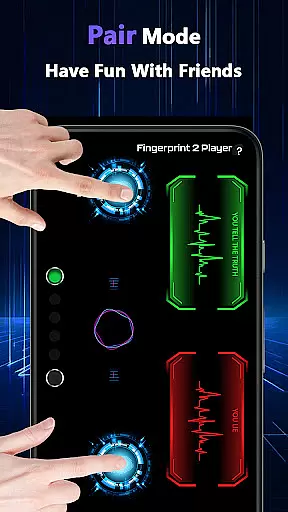
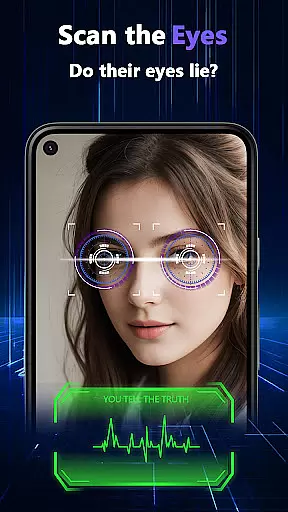
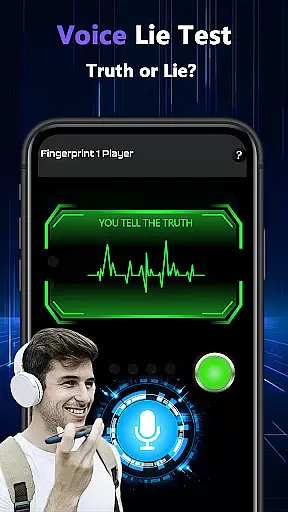
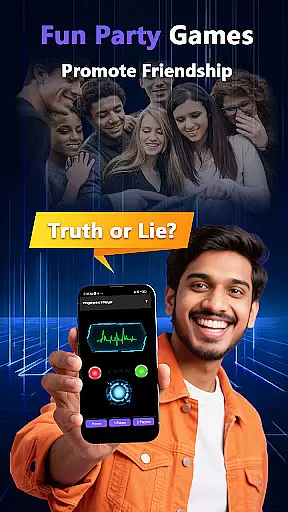
Lie Catcher Pro is an innovative tool designed to bring laughter and entertainment to social gatherings through playful lie-detection simulations. The app includes various interactive features such as fingerprint tests, eye scans, and voice analysis, all aimed at creating engaging and humorous experiences.
While the results provided by Lie Catcher Pro are purely for entertainment purposes and lack scientific accuracy, the app excels in sparking friendly conversations and enhancing party atmospheres. Its pair mode allows friends to interact and test each other, making it an ideal choice for those looking to add a touch of whimsy to their social events.
Lie Catcher Pro boasts a range of entertaining features that set it apart from typical utility apps. Users can engage in fingerprint tests, eye scans, and voice lie checks, each crafted to simulate the experience of detecting lies in a light-hearted manner.
The app's pair mode enables users to involve friends in the fun, fostering interactive and memorable moments. Although the outcomes are not scientifically accurate, these features are expertly designed to enhance social interactions and provide amusement. Lie Catcher Pro transforms ordinary gatherings into lively events full of laughter and playful banter.
Lie Catcher Pro offers a variety of playful features designed to entertain users during social gatherings. The app includes fingerprint tests, eye scans, and voice lie checks that are crafted purely for fun interactions.
While the results generated by these features hold no scientific accuracy, they provide an engaging experience. Each tool within the app is optimized to ensure quick responses, creating a seamless and enjoyable user journey.
The effectiveness of Lie Catcher Pro lies in its ability to spark friendly banter and lively discussions among friends. By focusing on entertainment rather than precision, it successfully delivers moments of amusement and laughter.
The interface of Lie Catcher Pro is designed with simplicity at its core, ensuring users can navigate through various features effortlessly. From the moment you launch the app, you're greeted with clear options like fingerprint tests and pair modes for interactive gameplay.
Each feature is intuitively placed, allowing users to switch between different lie-detection tools without confusion. This straightforward layout makes it easy even for first-time users to dive right into the fun without a steep learning curve.
By maintaining an uncluttered design, Lie Catcher Pro enhances user engagement while keeping the focus on creating light-hearted moments with friends and family.
User-friendly interface
Engaging party feature
Interactive pair mode
Fun-filled experience
Great conversation starter
No scientific accuracy
Limited practical use
Requires willing participants
Entertainment-only results
May not suit serious contexts

Save any video in HD - paste the link, download fast and watch offline.
 4.0
4.0
card-reader app
2.20
Signal Strength, Mobile, Wifi, Speed Test, Bad Signals, Cellular, 5G, LTE, 4G
4.20
Making emulation easy for everyone!
4.30
With videos, electrical calculators, and built-in ebook, Ugly’s has your answer.
4.50
The Ultimate Bluetooth Keyboard & Mouse. Securely control your PC, Mac, and more
4.50
Screen Mirroring with sound for Samsung TV, LG TV, Sony TV, Smart TV and Browser
4.20
Pro Emulator is an easy to use game console emulator for a range of consoles.
4.40
Screen recorder with audio to record high-quality videos and take screenshots.
4.40
The ultimate tool for network analysis, wifi scanning and problem detection.
4.90
Easily install aab(Android App Bundle) files on your Android device with our app
4.80
Learn the vast amount of system information about device and monitor it's state
4.70
The one-and-only remote control for PC, Mac, and Linux
4.70
HD Camera captures every special moment.
4.60
Mirror your screen to Chromecast and Android TV - Super fast and simple
4.60 4.50
4.50
Clean up large files and similar photos, fast and easy to use
4.40
A simple app to back up and restore SMS & MMS messages and call logs.
4.10
A powerful, easy-to-use flight computer on your phone or tablet!
3.80


User Reviews