
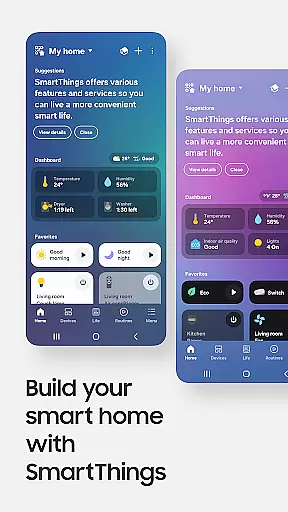
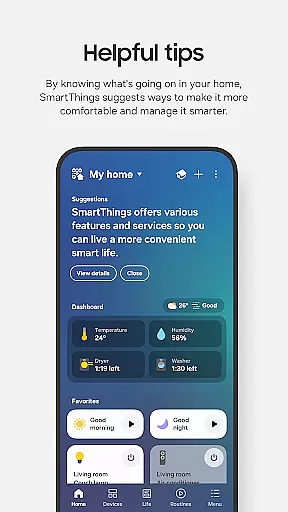
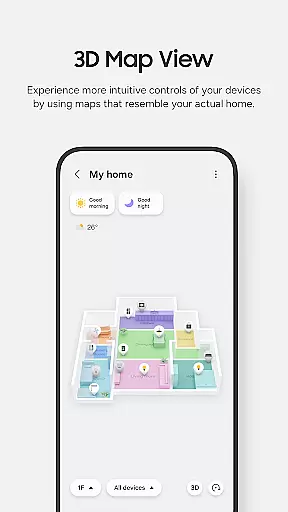
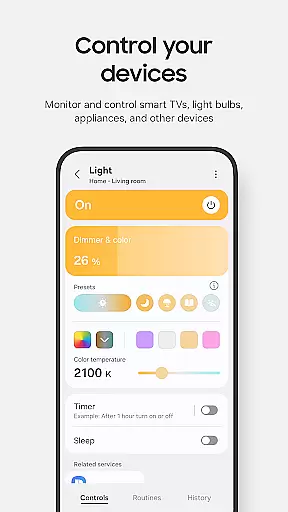
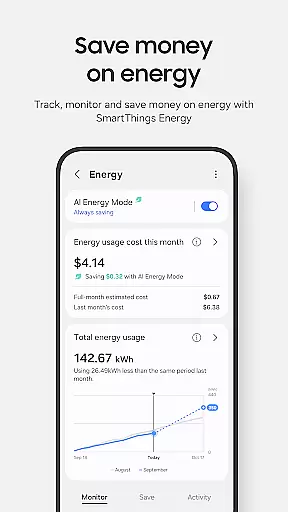
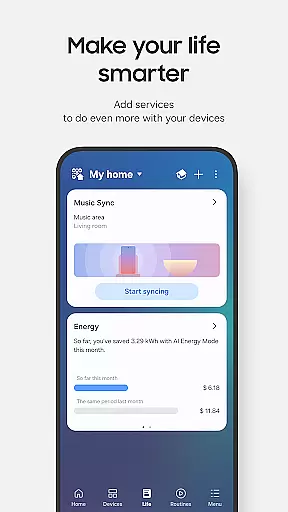
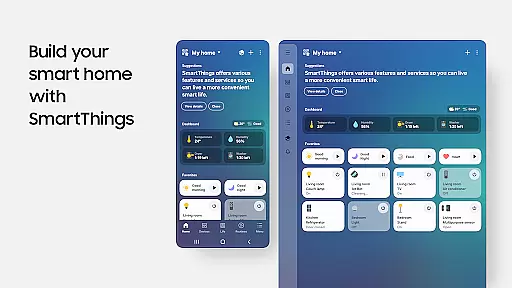
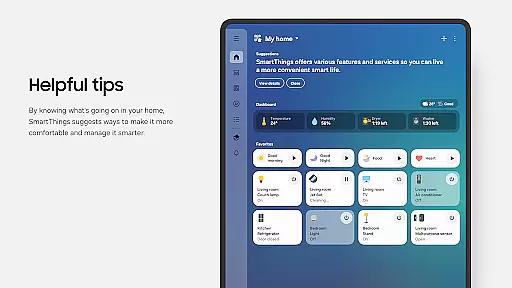
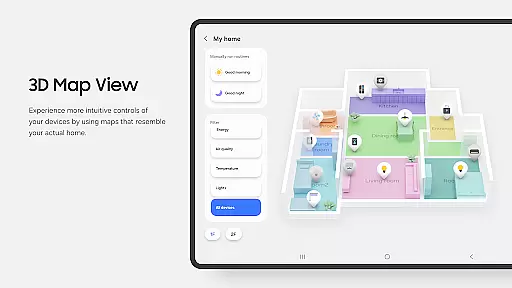
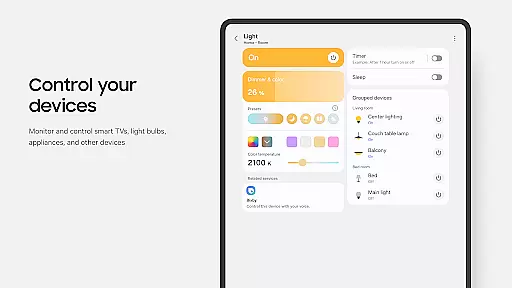
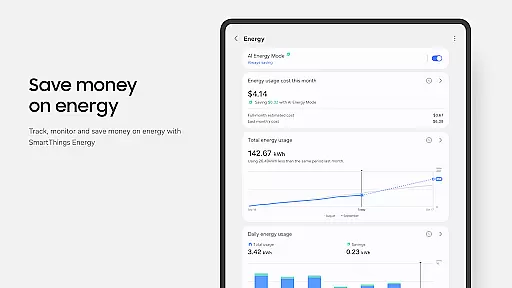
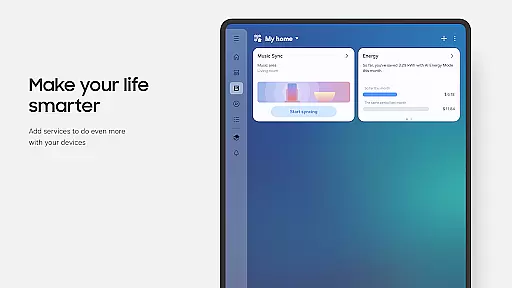
SmartThings is a comprehensive smart home management application that allows users to connect, monitor, and control multiple smart devices from various brands in one place. The app supports Samsung Smart TVs, smart appliances, and integrates with popular brands like Ring, Nest, and Philips Hue.
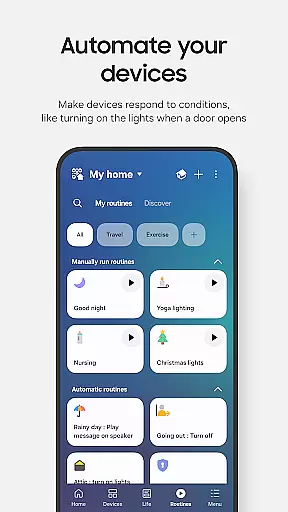
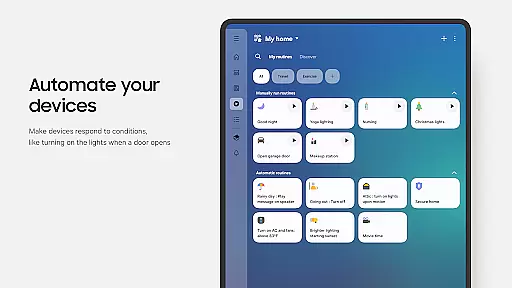
With its intuitive interface, SmartThings enables users to create automated routines based on time, weather, or device status. It also provides voice control compatibility with Alexa, Bixby, and Google Assistant, making smart home management more accessible than ever.
Whether you're at home or away, SmartThings ensures you can maintain control over your smart home ecosystem, receiving real-time updates and notifications about your devices' status.
SmartThings stands out with its extensive compatibility, supporting hundreds of smart home brands and devices. This versatility allows users to consolidate all their smart home controls into a single application.
The app's routine-building feature lets users automate their home operations by setting conditions based on time, weather, or device status. Additionally, the ability to share access with other users enhances collaborative smart home management.
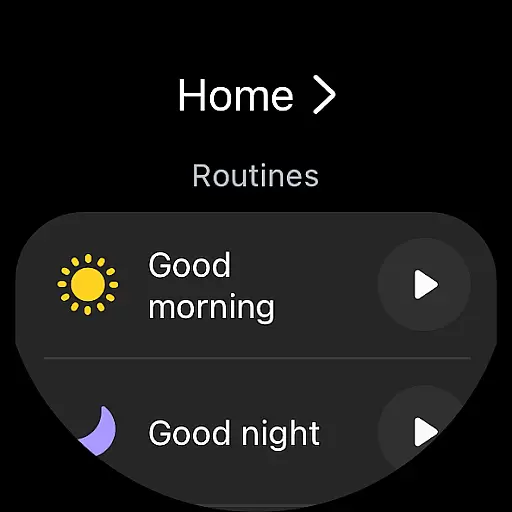
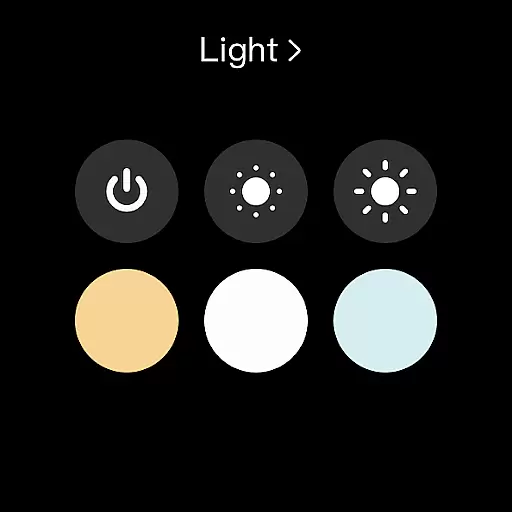
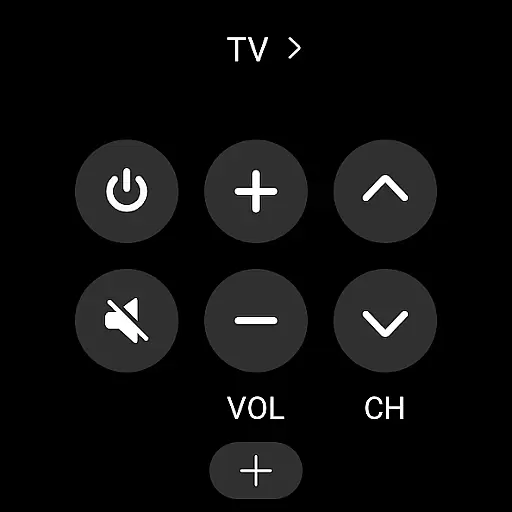
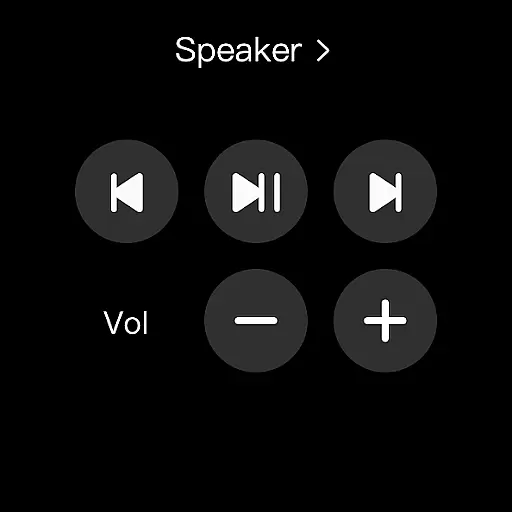
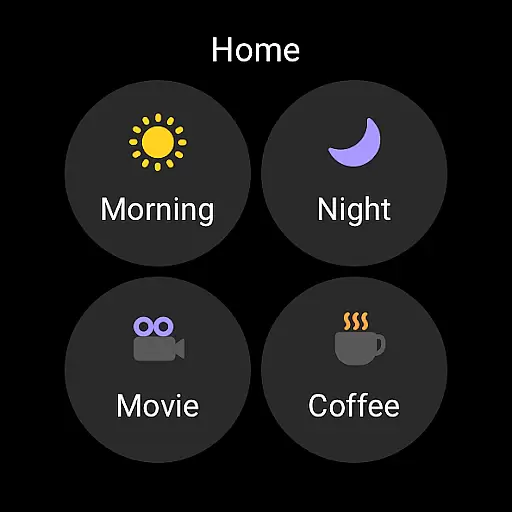
For wearable technology enthusiasts, SmartThings offers integration with Wear OS-based watches, providing quick access to routines and device controls directly from the watch face through dedicated complications.
Companion app integration is essential for users who want a seamless experience between their mobile devices and wearables. SmartThings excels in this area by offering robust connectivity options that ensure your smart home devices work harmoniously with your Wear OS-based watches.
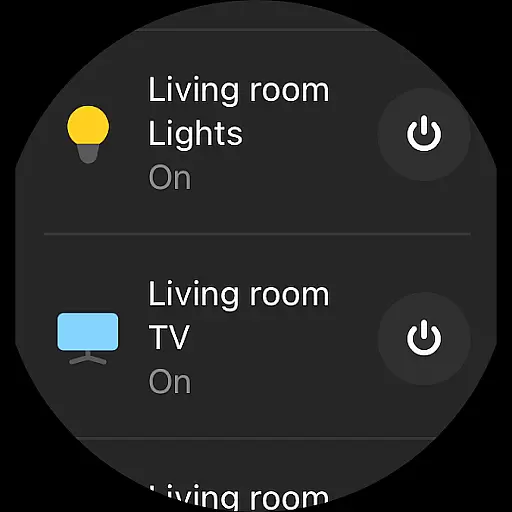
The app allows you to control your smart home gadgets directly from your wearable device, providing convenience and accessibility. By adding the SmartThings tile on your watch face, you gain quick access to routines and device controls without needing to reach for your phone.
This level of integration means that whether you're at home or on the go, managing your smart environment remains effortless. With real-time updates and controls available right on your wrist, SmartThings ensures you stay connected to your home ecosystem at all times.
Device compatibility is crucial when selecting an application for your wearable technology. SmartThings offers extensive support for Wear OS-based devices, ensuring that users can enjoy a wide range of functionalities tailored specifically for their smartwatches.
While primarily optimized for Samsung smartphones, SmartThings extends its capabilities to other vendors' devices as well. However, it's important to note that some features might be limited when using non-Samsung products. The app provides complications that allow direct access to services from the watch face, enhancing usability.
For those looking to integrate their smart homes with their personal wearables, SmartThings delivers a reliable solution. Its compatibility with various devices and operating systems makes it a versatile choice for anyone seeking comprehensive smart home management through their wearable device.
User-friendly interface
Wide device compatibility
Voice assistant integration
Automated routines
Real-time notifications
Limited non-Samsung support
Feature restrictions by region
Optional permissions needed
Memory requirements high
Device-specific limitations

Embrace the holiday spirit with this magical animated watch face!
 4.40
4.40
Artistic Digital Watchface
4.0
The most customizable minimal watch face. For Wear OS 5.0, API 34+ and later
4.70
Authentic military-tactical design with ZULU time! Realistic and functional!
3.80
Monitor health with the stress test and pulse checker in the heart rate app.
4.60
Connect to your Bluelink equipped Hyundai vehicle from your smartphone.
4.50
Real-time weather radar with temperatures, warnings, hurricanes, and widgets
4.80
Hyper-Realistic Airplane Dashboard Watch Face With 10 Skins and Custom AOD
4.00
Start and succeed with PAP
4.10
Christmas Theme Watch Face for Wear Os
5.00
A modern hybrid informative watch face for Wear OS designed by BALLOZI
4.80
A modern premium sporty hybrid watch face for Wear OS by Ballozi
4.70
Ideal for surviving in the wasteland left after nuclear fallout
4.50
Digital watch face with big numbers and many customization for Wear OS devices
4.40
Bold weather Digital watchface with forecast & optional animated background
4.40
Daily Weather forecast with 15 weather images for Day & Night plus Big Bold time
4.10
Animated Watch Face and Customizable with 24 Backgrounds. Perfect for Christmas!
3.90
A heartwarming Christmas scene featuring a cute image of Santa and Rudolf
4.3
Minimalistic design modern digital watch face.
4.3


User Reviews