
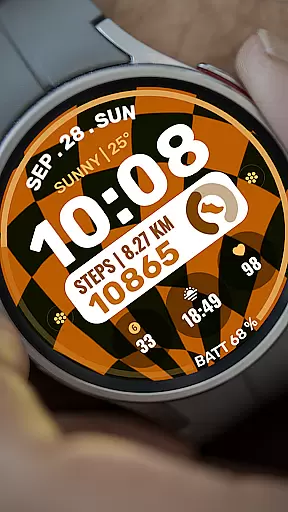
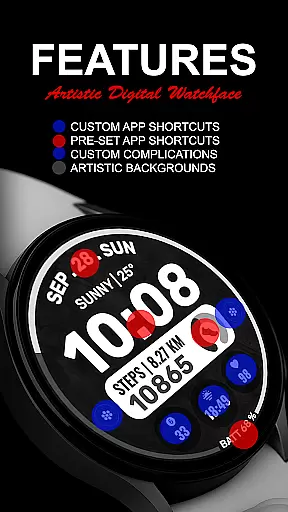
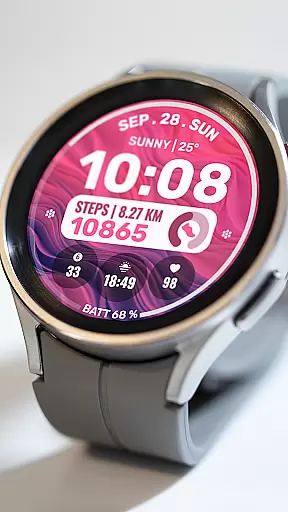
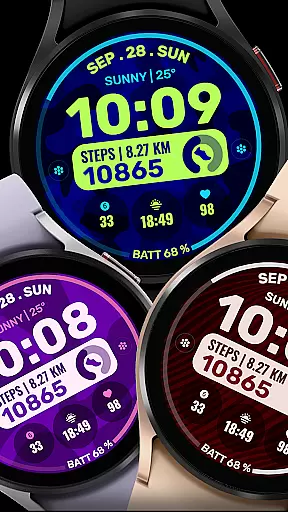
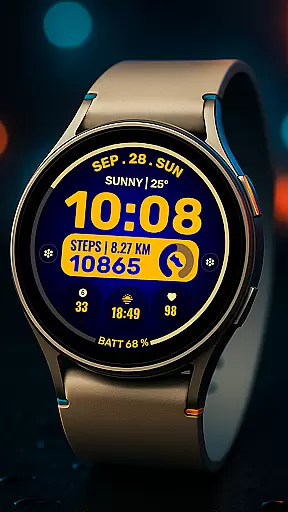
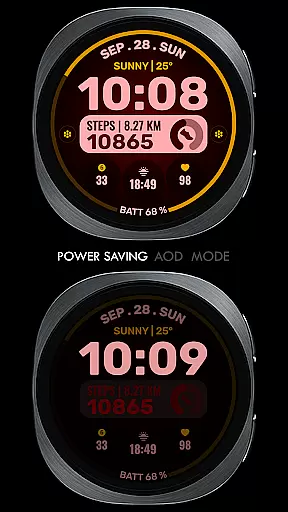
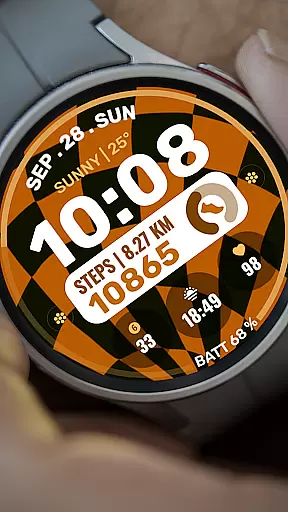
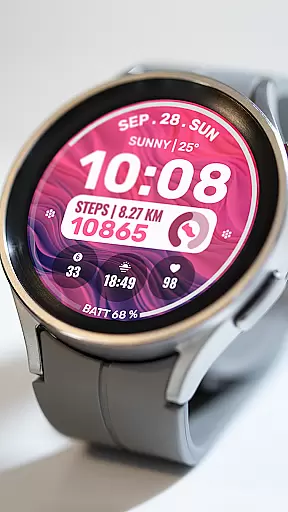
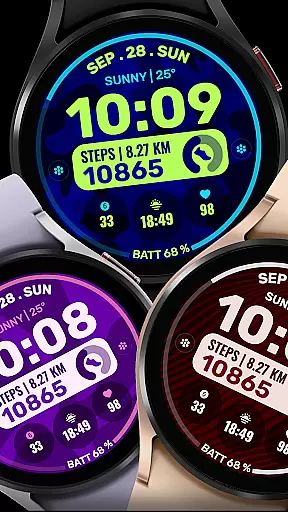
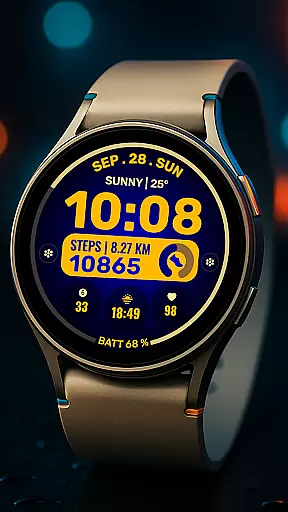
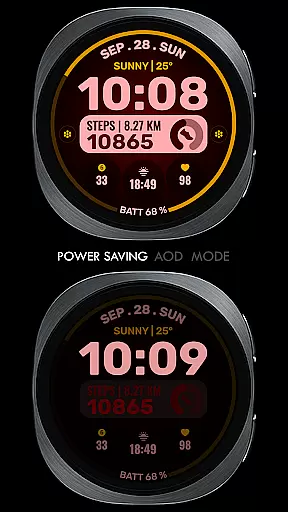
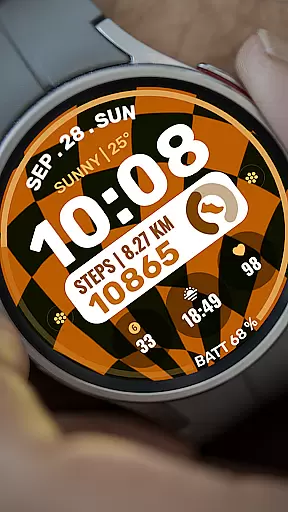
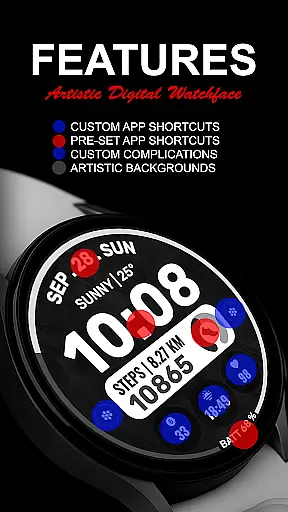
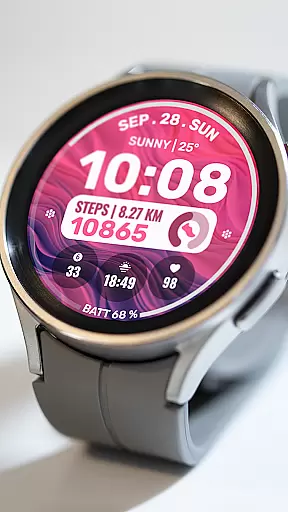
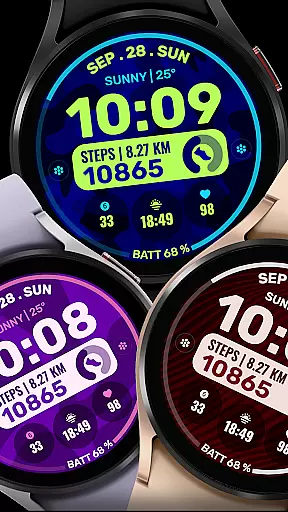
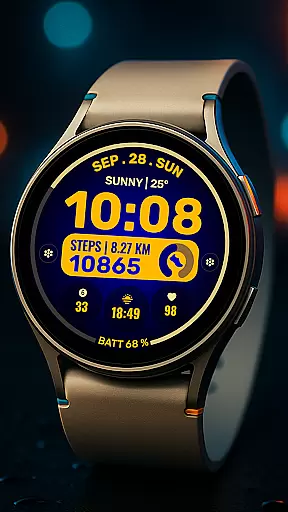
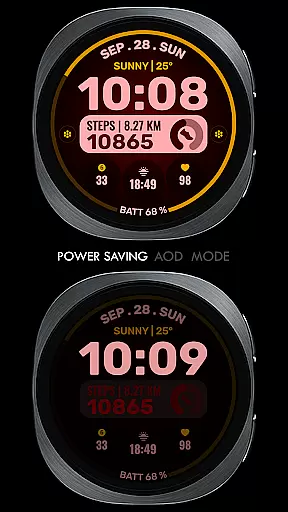
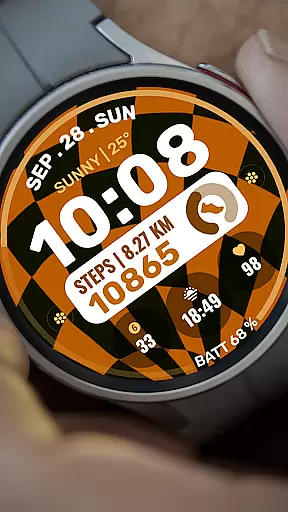
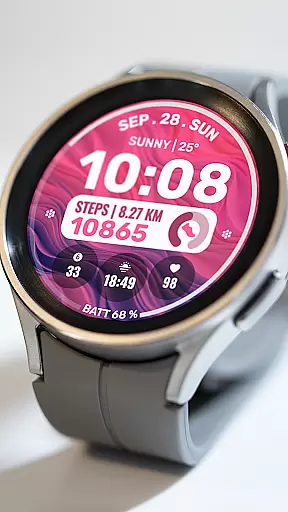
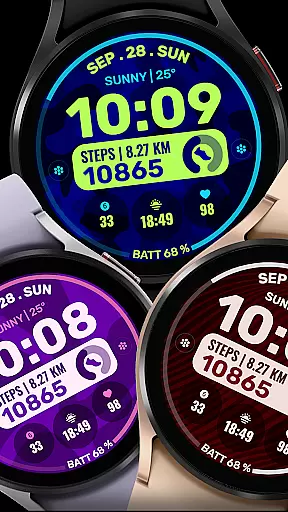
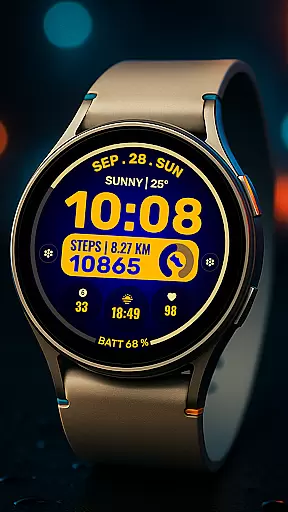
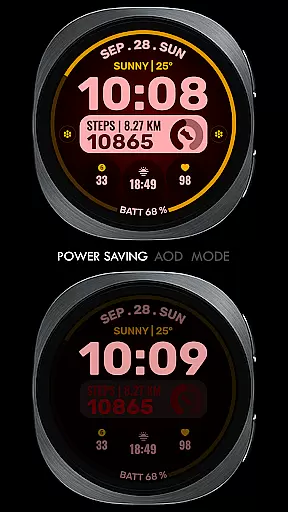
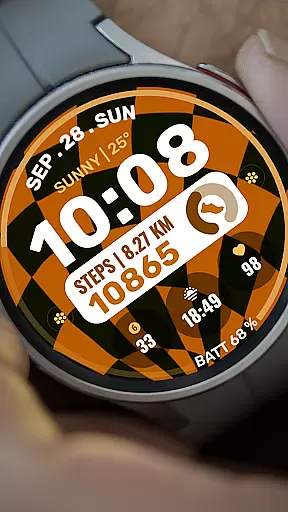
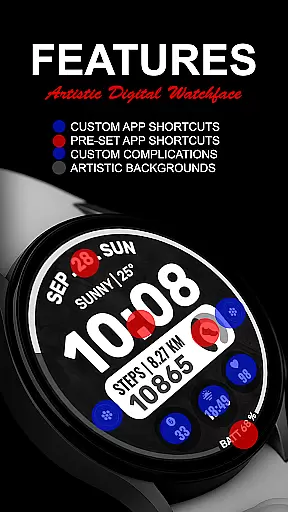
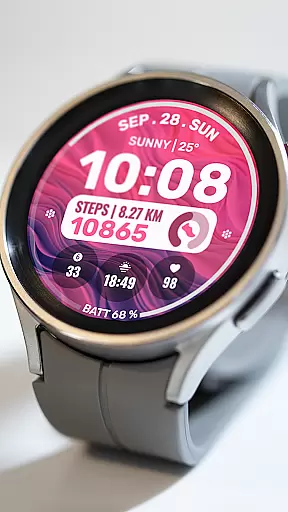
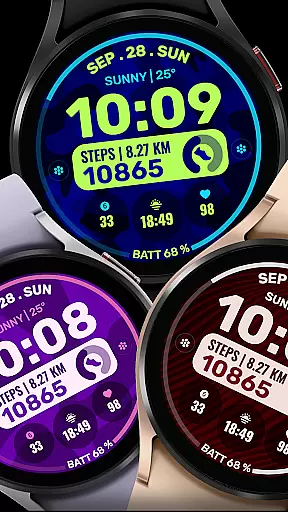
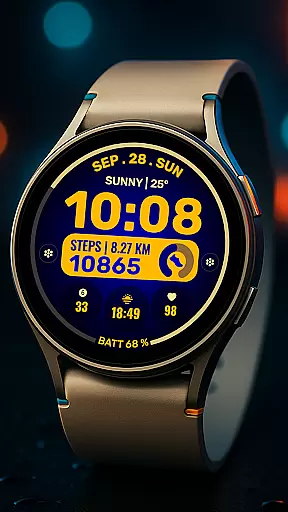
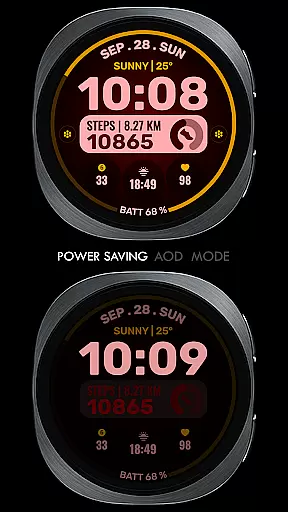
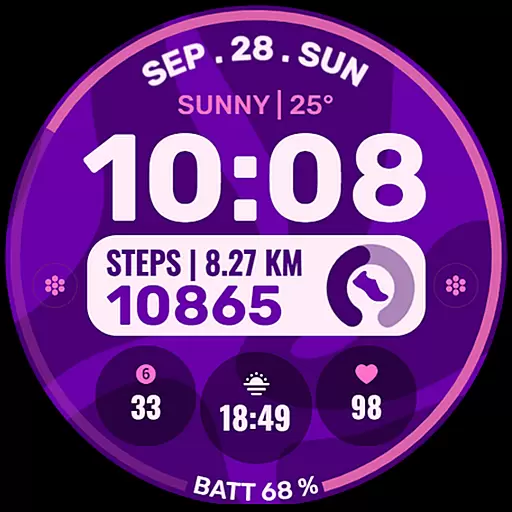
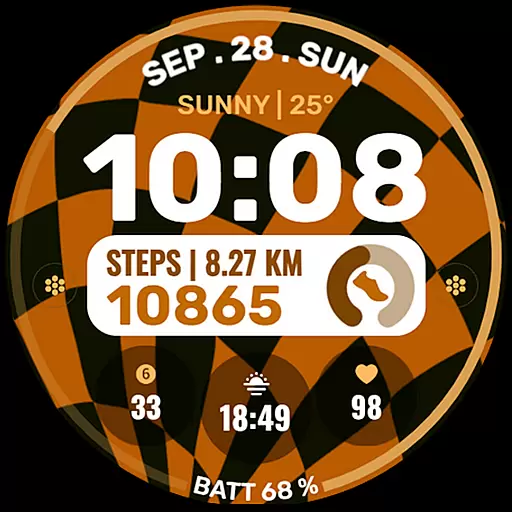
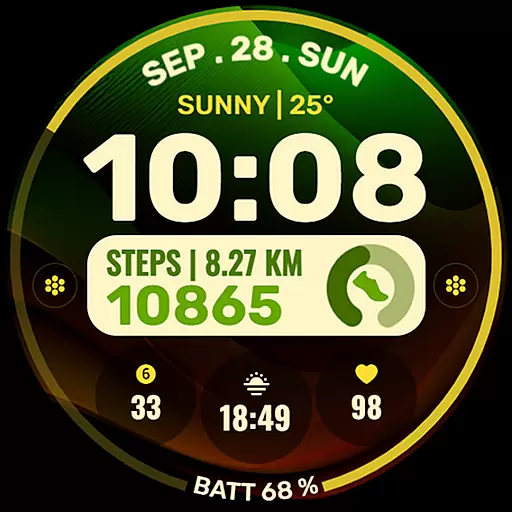
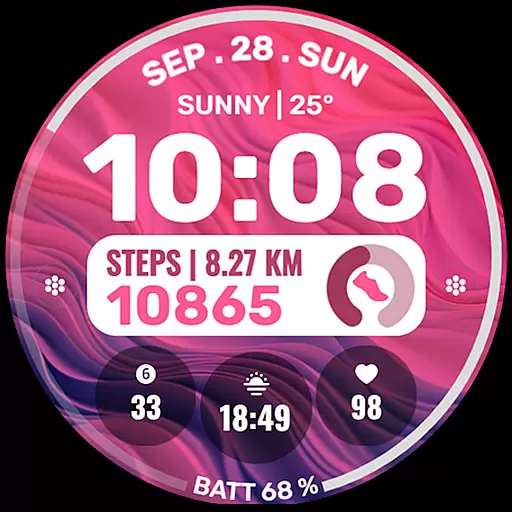
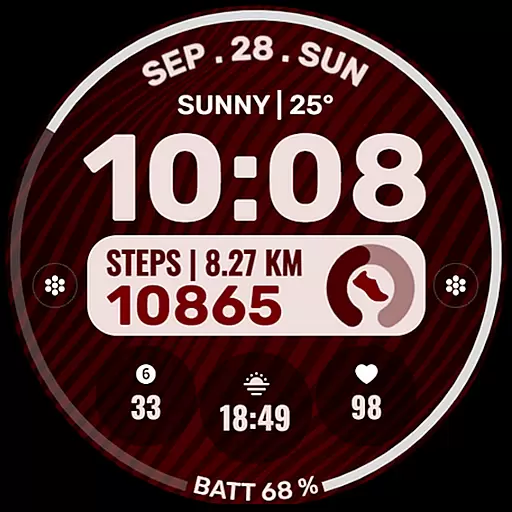
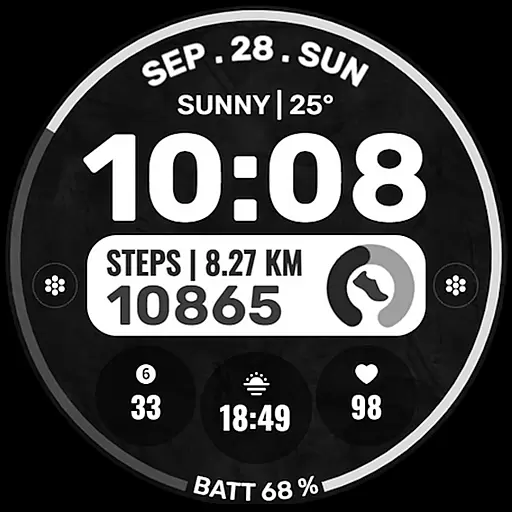
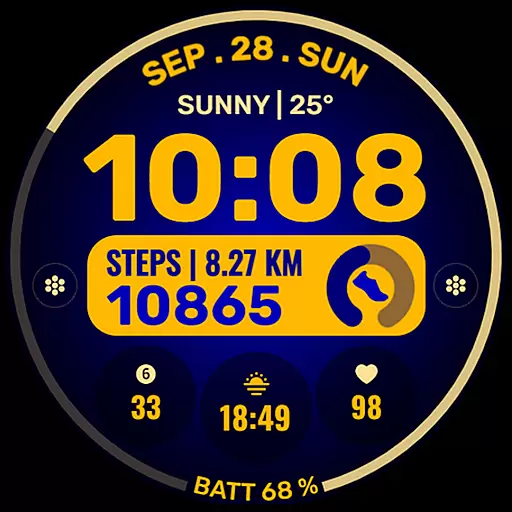
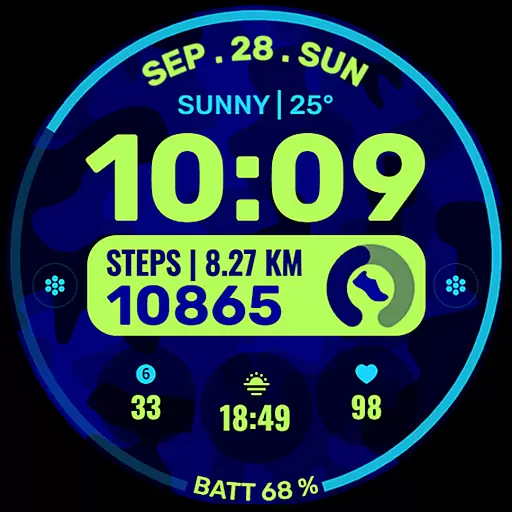
Data Dash is a feature-rich watch face designed for Wear OS devices, offering users an artistic digital clock display with extensive customization options. The app supports all Wear OS devices running API Level 34+ and later versions, ensuring compatibility with the latest smartwatches.
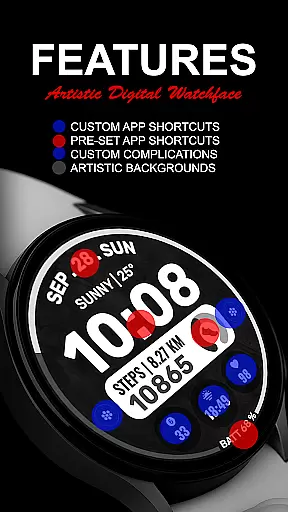
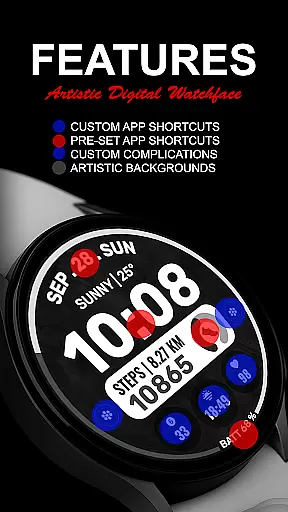
Key features include pre-set app shortcuts, two custom app shortcuts, and three customizable complications that allow users to personalize their watch face with various data types such as date, weather, steps, and more. Users can also choose custom background and color themes to match their style.
This versatile watch face is ideal for users who want both functionality and personalization on their smartwatch, providing a seamless way to access important information at a glance while maintaining a unique aesthetic.
Data Dash stands out with its comprehensive customization capabilities. The watch face offers an artistic digital clock display complemented by pre-set app shortcuts for Alarm, Calendar, Battery, and Steps, ensuring quick access to essential functions.
Users can further personalize their experience with two custom app shortcuts and three custom complications. These allow integration of various data sources like date, weather, world clock, and fitness metrics. The ability to install additional third-party complications expands the watch face's functionality even further.
The app includes custom background and color theme options, enabling users to create a truly unique look. With automatic installation on Wear OS devices and clear setup instructions, Data Dash provides both powerful features and user-friendly implementation, making it a top choice for smartwatch personalization.
Companion app integration is essential for Android Wear applications as it ensures seamless data sharing and functionality between the wearable device and its paired smartphone. Data Dash excels in this area by providing users with a synchronized experience across devices.
The watch face automatically installs on WEAR OS watches and requires synchronization using the same email address on both the phone and the wearable. This guarantees that all personalized settings and data are accurately mirrored, enhancing user convenience.
After downloading, users may need to wait a few minutes for the watch face to transfer to the watch, with notifications confirming successful installation. If issues arise, the Google Play Store on the watch can be used to search for 'Data Dash' directly.
This streamlined integration allows users to customize their watch faces either through the Samsung Wearable app or directly on the watch, ensuring maximum flexibility and reliability despite potential syncing challenges.
Device compatibility is crucial for Wear OS applications, determining how well the software performs across various hardware models. Data Dash supports all Wear OS devices with API Level 34+ and Wear OS 4 or later versions, ensuring broad accessibility.
While some features might not be available on certain watches, the core functionalities such as Artistic Digital Clock, Pre-Set App Shortcuts, Custom App Shortcuts, and Custom Complications remain consistent. These elements allow users to tailor their experience according to their preferences.
To enable full functionality, users must grant all necessary permissions via settings. This includes access to complications like date, weather, steps, world clock, and more, which can be customized using third-party apps if needed.
By prioritizing compatibility and offering extensive customization options, Data Dash delivers a versatile and engaging user experience tailored to each individual's Wear OS device capabilities.
Highly customizable
Wide device compatibility
Artistic design
Extensive features
User-friendly
Complex setup process
Third-party complications needed
Limited initial features
Potential sync issues
Short refund window

Wear Os Watch Face - Animated Snow Effect & Christmas Lights
 4.5
4.5
Stunning modern digital watch face with 7 complications and strong contrast
4.2
Easy Voice Recorder is your everyday companion to record important moments.
4.70
Digital watch face with big numbers and many customization for Wear OS devices
4.40
Stylish digital watch face for Wear OS devices with customizable features
4.3
Ideal for surviving in the wasteland left after nuclear fallout
4.50
Nutrition, Macro tracker: Food, fitness & healthy diet tracking for weight loss
4.60
Connect, create, and collaborate with Gmail, part of Google Workspace.
4.10
Spam call blocker and caller ID for automatic call protection!
4.40
Period, ovulation & pregnancy tracker. Fertility insights & menstrual calendar.
4.90
Hybrid watch face for Wear OS with customizable complications by Matteo Dini MD
4.70
Premium hybrid watch face with many customizations for Wear OS devices.
4.40
Locate your family members by GPS phone location tracker everywhere and anytime
4.30
Your music, your playlists, and more—offline and unlimited.
4.20
"PER27 Galaxy Digital" is a digital Wear OS watch face designed by PERSONA
4.10
Daily Weather forecast with 15 weather images for Day & Night plus Big Bold time
4.10
Get helpful reminders, take progress photos and find answers to your questions.
3.90
Watch the sharpness of the sky on your wrist..
3.70
Simple Analog-Digital Watchface For Wear OS 3.0 and Up Smartwatches
4.1


User Reviews