
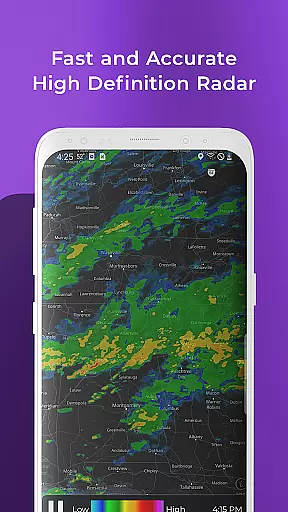
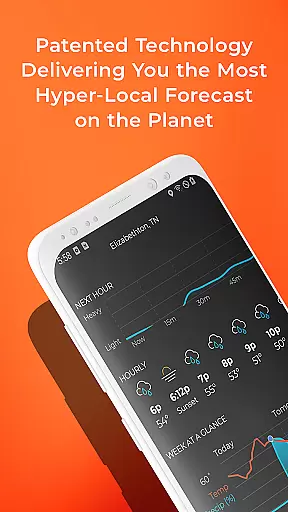
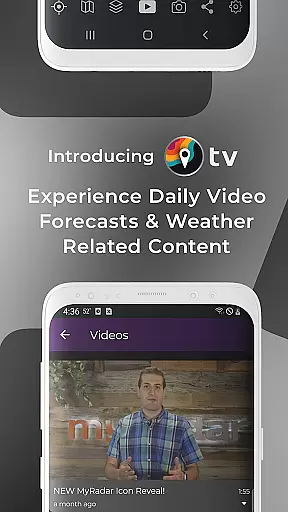
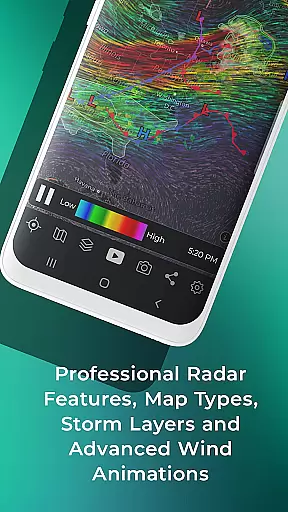
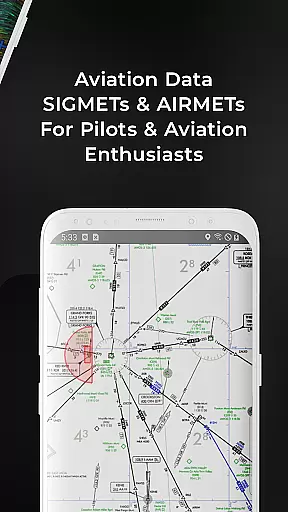
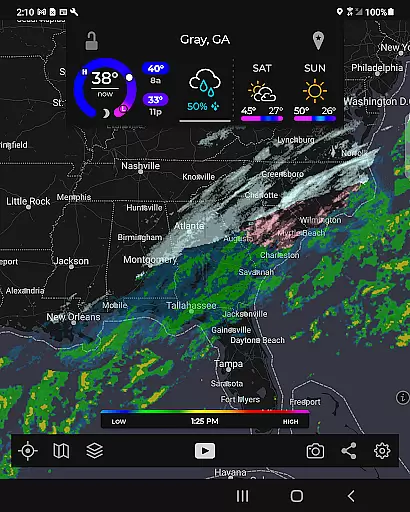
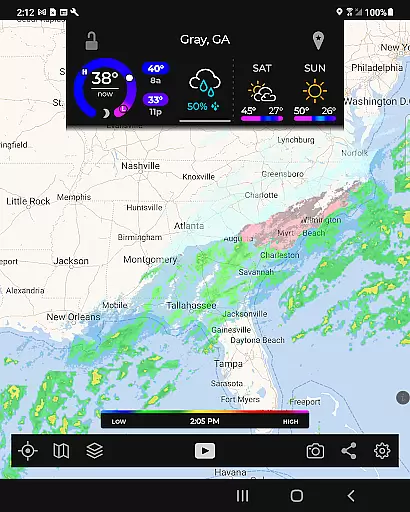
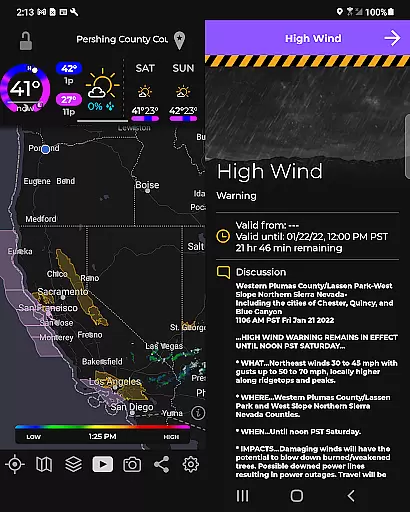
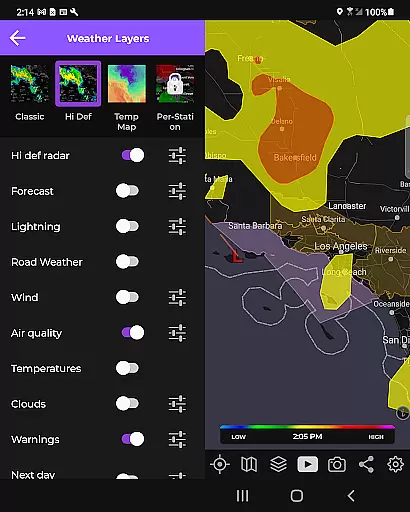
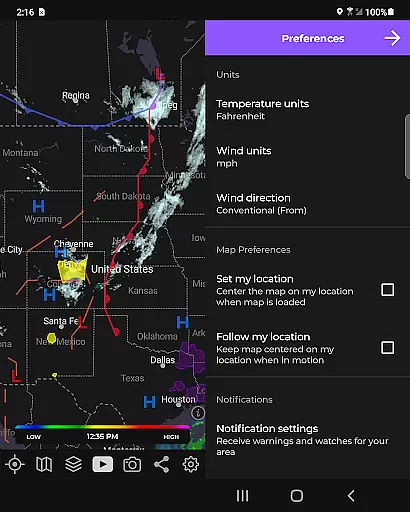
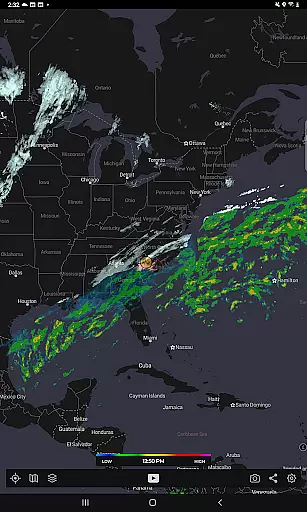
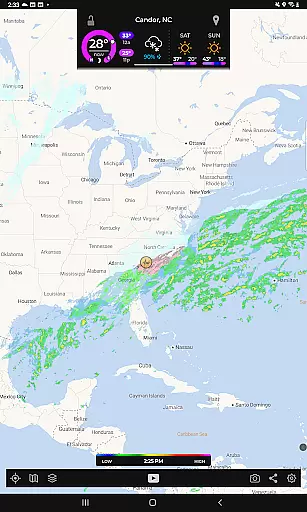
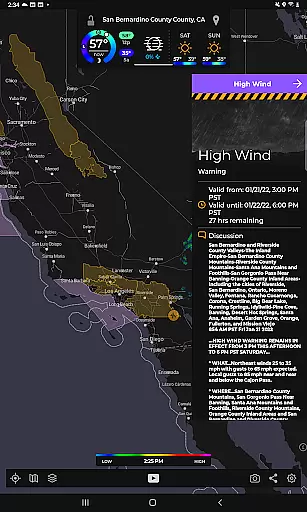
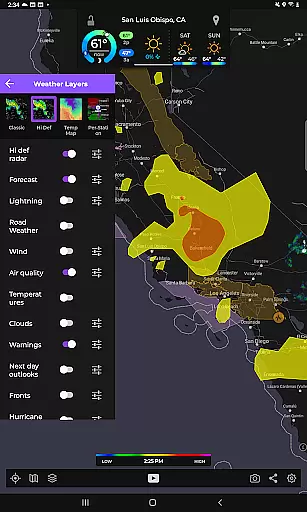
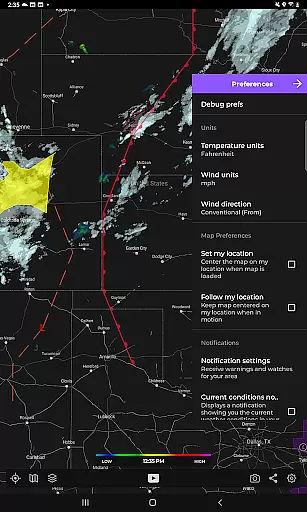
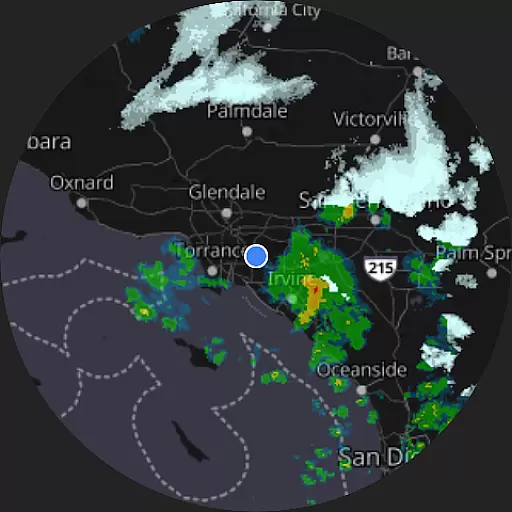
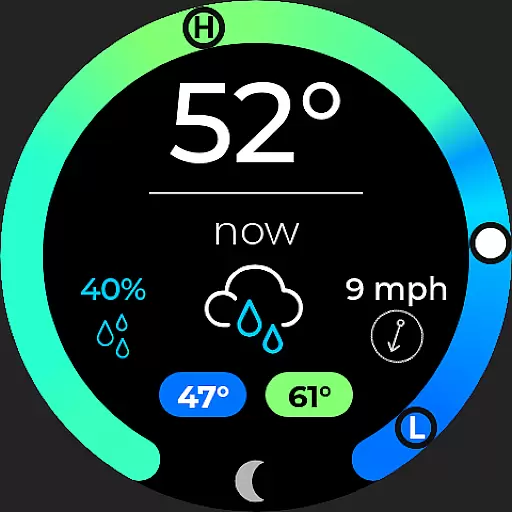
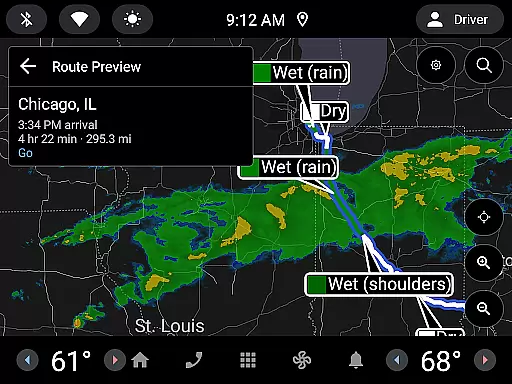
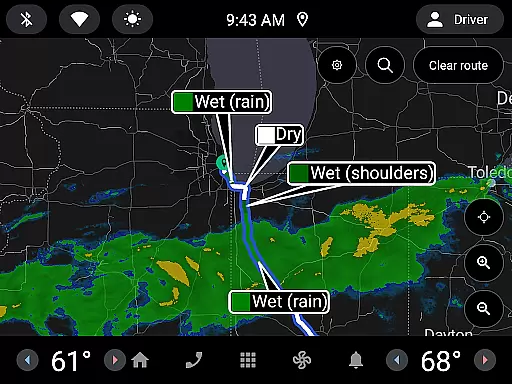
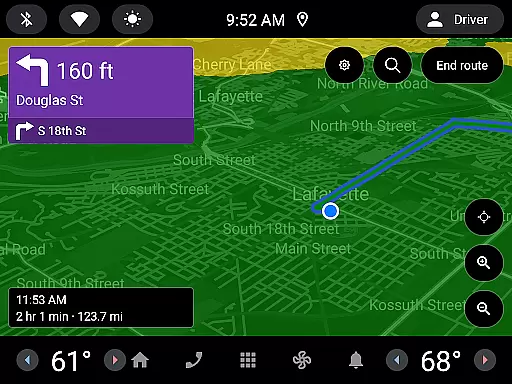
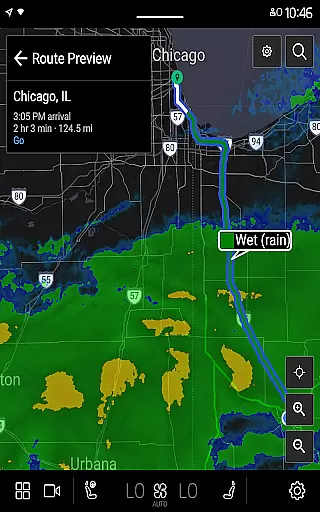
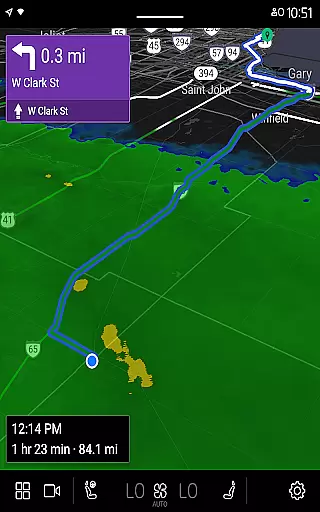
MyRadar Weather Radar Pro is a premium weather application designed specifically for Android Wear devices. This app provides users with an ad-free experience while delivering essential weather information through animated radar maps. The core functionality revolves around its ability to display real-time weather patterns around the user's current location, making it an ideal tool for those who need quick and reliable weather updates on-the-go.
One of the standout features of MyRadar Pro is its intuitive map interface that supports standard pinch and zoom gestures. This allows users to effortlessly navigate across different regions, particularly across the United States, and access detailed weather conditions from various locations. Additionally, the app offers advanced features such as real-time hurricane tracking and professional radar packs, which are available as in-app purchases for more comprehensive weather monitoring.
Whether you're a commuter, traveler, or simply someone who wants to stay prepared for changing weather conditions, MyRadar Weather Radar Pro serves as a valuable companion. Its seamless integration with Wear OS devices ensures that users can access critical weather data directly from their smartwatches, enhancing both convenience and accessibility.
MyRadar Weather Radar Pro stands out with its rich set of features tailored for weather enthusiasts and everyday users alike. At its core, the app delivers high-quality animated weather radar visuals, enabling users to track rain movements and predict whether storms are approaching or receding. This feature proves especially useful for planning outdoor activities or managing travel schedules based on accurate weather forecasting.
Beyond basic radar functionality, MyRadar Pro offers advanced capabilities such as real-time hurricane tracking, which becomes crucial during hurricane seasons. Users can monitor storm paths and receive timely alerts, ensuring better preparation for severe weather events. Another notable feature is the professional radar pack, which provides enhanced details of individual radar stations, catering to users who require more granular data for analysis or professional purposes.
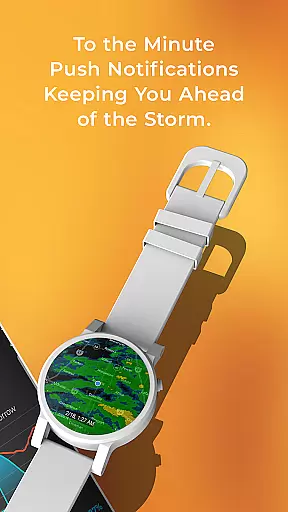
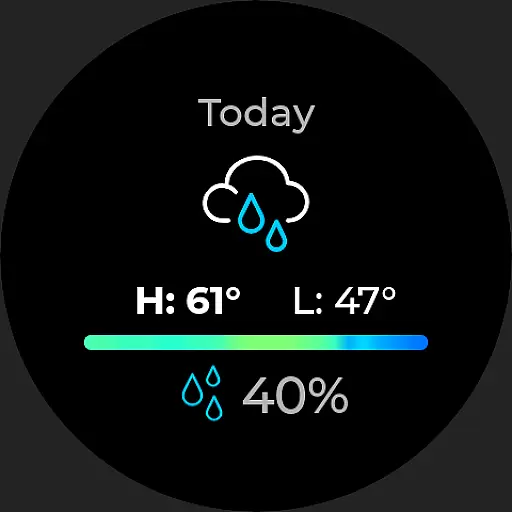
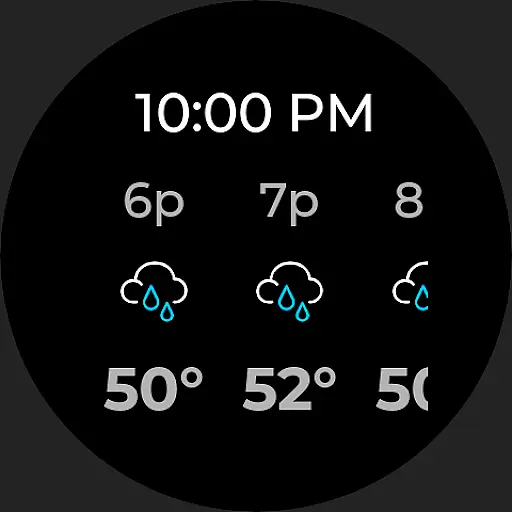
The app also boasts compatibility with Wear OS devices, bringing weather updates directly to your wrist. With dedicated tiles for radar and current weather conditions, users can quickly glance at their smartwatch to get instant weather insights without needing to pull out their phone. This seamless wearable integration highlights the app's commitment to delivering accessible and user-friendly weather solutions.
Companion app integration is essential for a seamless wearable experience. MyRadar Weather Radar Pro excels in this area by offering full compatibility with its main application, ensuring that users have access to vital weather information directly on their Wear OS devices.
The app provides synchronized radar and current weather tiles, allowing you to stay informed about incoming weather conditions without needing to check your phone. This synchronization ensures that whether you're on the go or monitoring an incoming storm, the data on your wearable device is as up-to-date and accurate as that on your smartphone.
By leveraging the capabilities of Wear OS, MyRadar enables users to receive timely weather updates which are crucial when planning daily activities or preparing for severe weather events. The convenience of having radar imagery and current weather conditions readily accessible on your wrist enhances both safety and preparedness.
Device compatibility is a cornerstone of any successful wearable application. MyRadar Weather Radar Pro offers extensive support for Wear OS devices, ensuring that no matter which compatible smartwatch you own, you can benefit from its robust weather tracking features.
This compatibility extends beyond just basic functionality; it includes interactive radar maps and current weather tiles designed specifically for wearable screens. Users can easily pan and zoom on the map directly from their watch, providing a level of interaction previously only available on larger devices.
Furthermore, the app's optimization for Wear OS guarantees smooth performance and minimal battery consumption. By focusing on efficient resource usage, MyRadar ensures that users can rely on continuous weather updates throughout the day without worrying about excessive battery drain on their smartwatches.
Ad-free experience
Real-time radar updates
Wear OS compatibility
Advanced hurricane tracking
Professional radar options
Paid subscription required
Limited free features
Additional in-app purchases
US-focused coverage
Complex for beginners

Gym Log & Workout Tracker | Fitness Journal, Training & Weight Lifting Planner
 4.90
4.90
Christmas Theme Watch Face for Wear Os
5.00
Christmas and New Year - Themed Watchface
4.4
MyNISSAN® lets you remotely control your car from your phone.*
4.50
Let's celebrate Thanksgiving - Wear Os watch face
4.20
Professional weather radar and more
3.90
Connect, create, and collaborate with Gmail, part of Google Workspace.
4.10
Fast and smart typing with Emojis, GIFs, and more
4.50
Spam call blocker and caller ID for automatic call protection!
4.40
Hyperlocal rain alerts by MyRadar using patent-pending technology, radar & more
4.80
A modern premium sporty hybrid watch face for Wear OS by Ballozi
4.70
Nutrition, Macro tracker: Food, fitness & healthy diet tracking for weight loss
4.60
To-Do List: daily schedule planner, task organizer, to do reminder app, calendar
4.60
Ideal for surviving in the wasteland left after nuclear fallout
4.50
Beautiful artistic animated digital watch face, with a customizable layout!
4.40
Christmas watch face. For Wear OS devices.
4.30
Wear Os Watch Face - Animated Snow - Sesonal for Christmas & Winter
4.0
Sleek, highly customizable watch face inspired by Galaxy Watch Circle Dashboard.
4.3
3 Complications. All shadow on/off. 30 Themes color palette...
4.1


User Reviews