
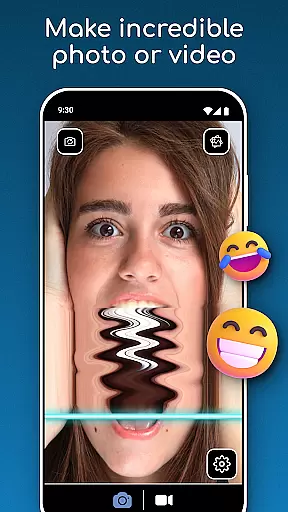
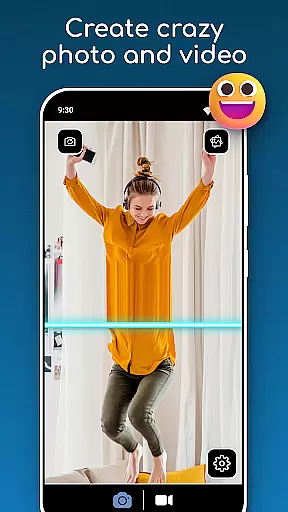
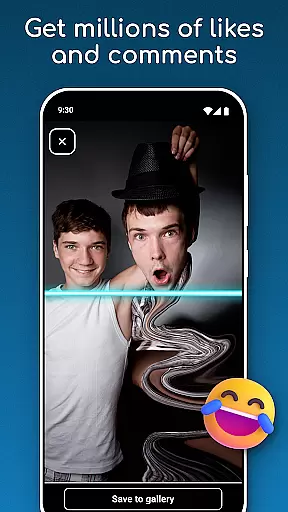
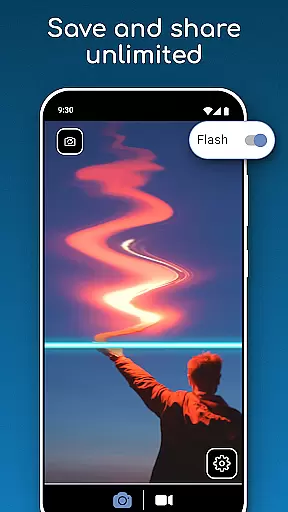
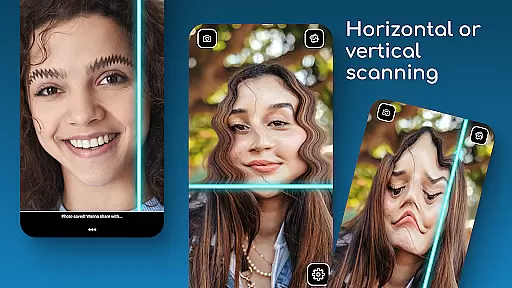
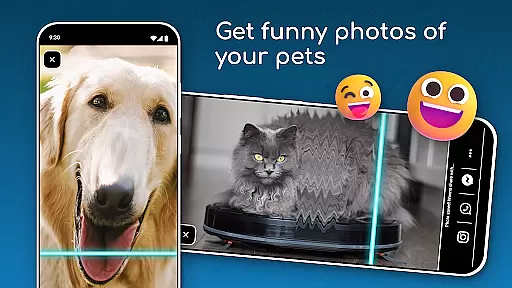
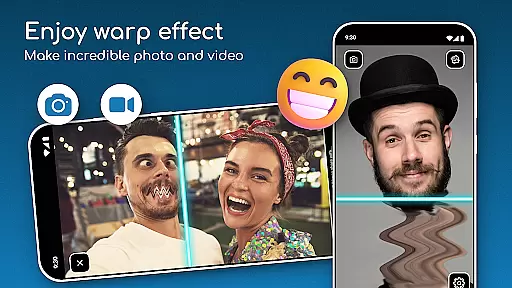
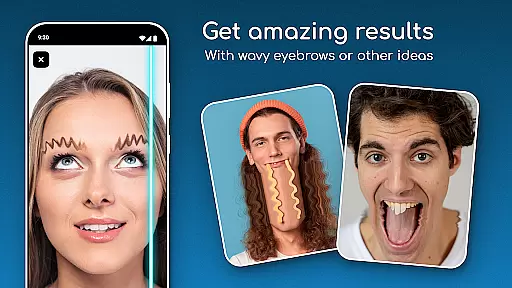
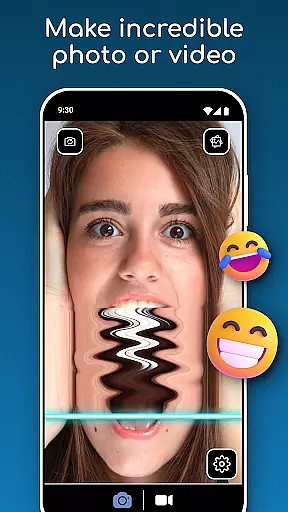
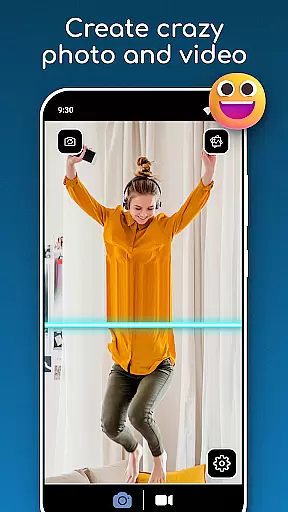
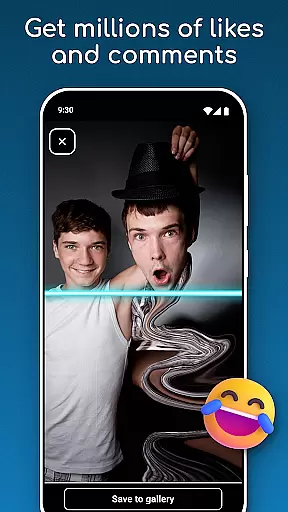
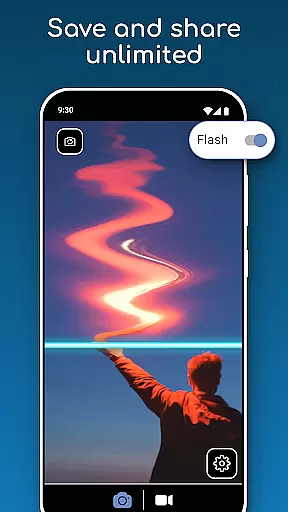
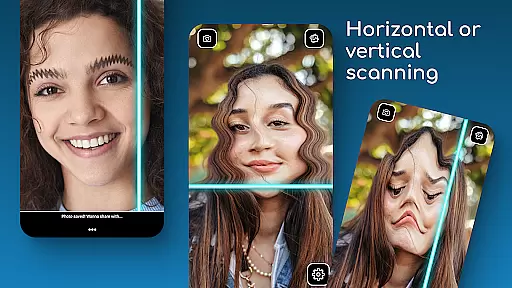
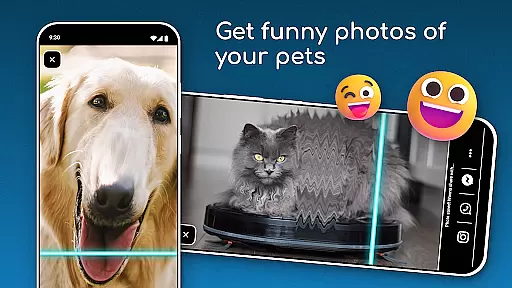
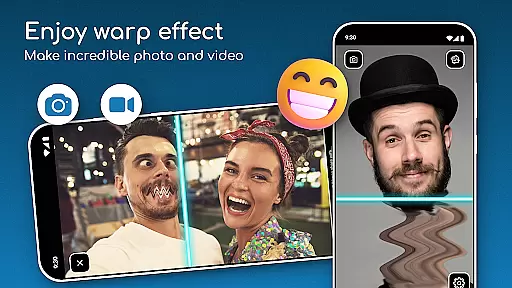
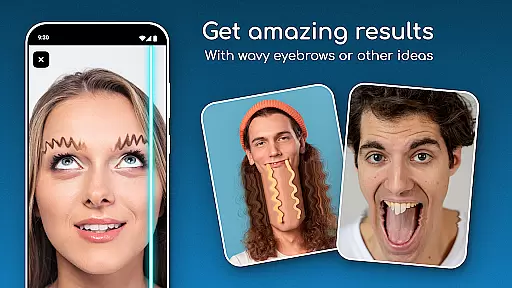
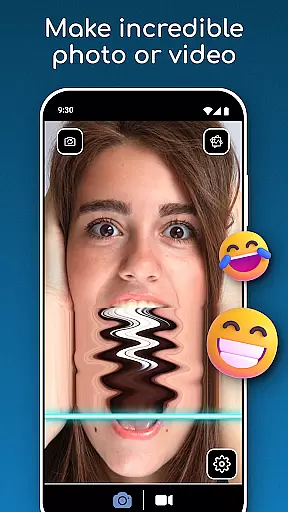
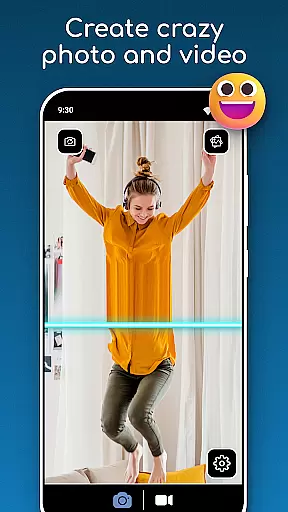
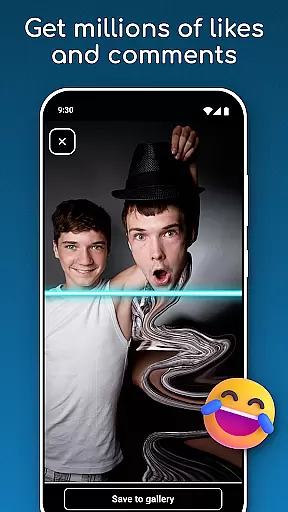
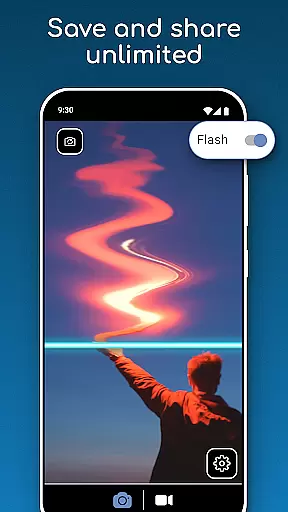
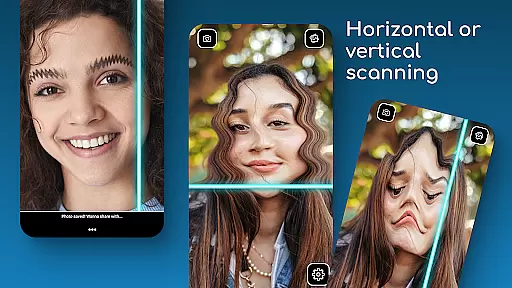
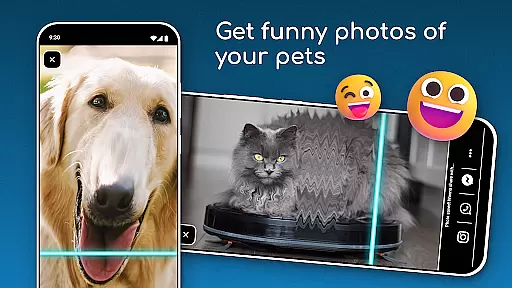
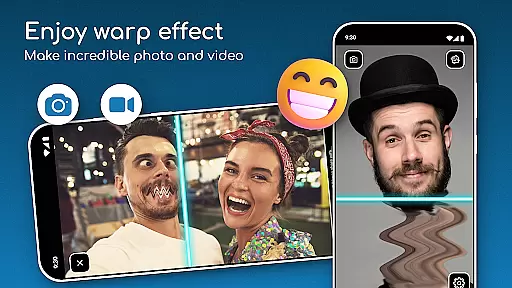
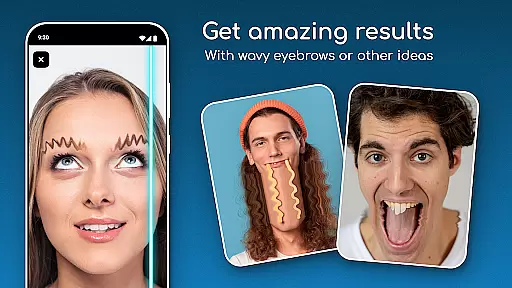
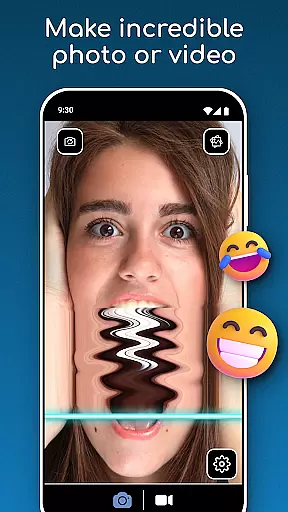
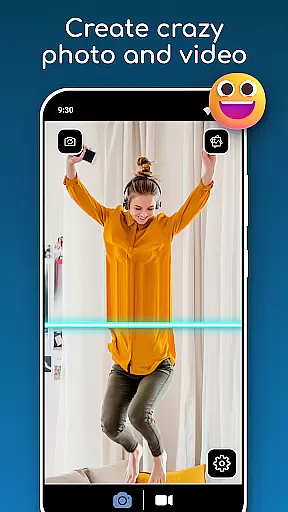
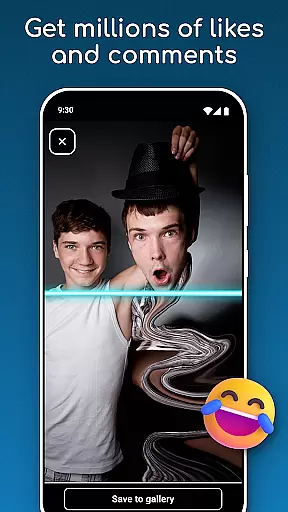
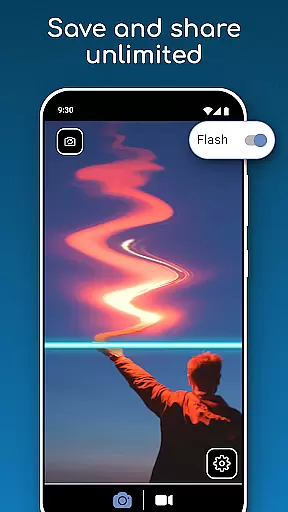
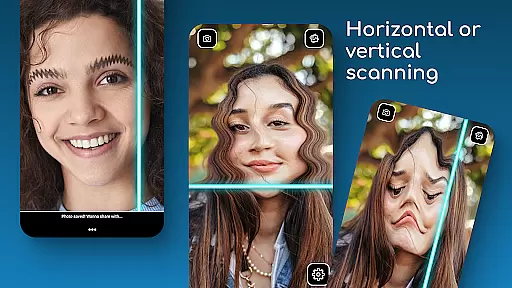
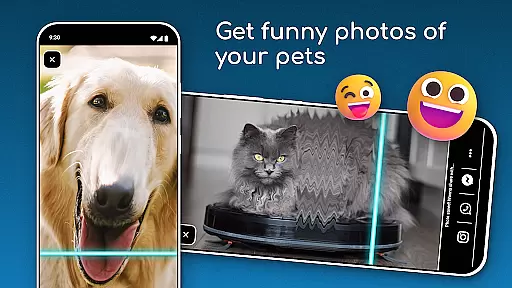
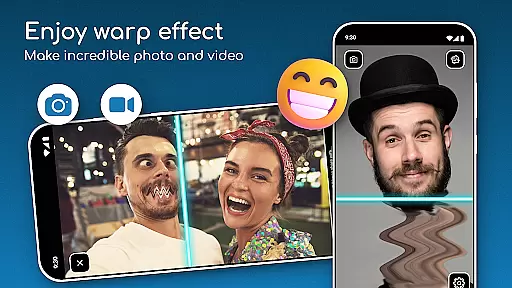
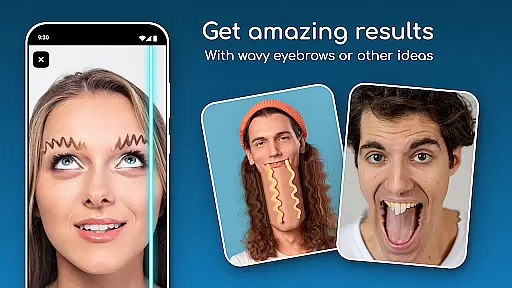
TIME WARP SCAN is a photography app that allows users to create unique and funny content using the Time Warp Effect. The app's core feature is its Blue Line Filter, which adds a distinctive twist to photos and videos by scanning faces with a blue line that warps images in either horizontal or vertical directions.
In addition to the warp effect, the app offers Face Freeze mode for capturing creative visuals. Users can save and share their creations instantly without needing to use social media platforms. This makes it ideal for those looking to experiment with artistic styles or simply have fun with friends while creating standout visual content.
One of the standout features of TIME WARP SCAN is its versatile Timewarp Filter, which includes Slit Scan technology. This allows users to apply real-time effects to their photos and videos, resulting in visually stunning and often hilarious outcomes. The ability to choose between horizontal or vertical scan directions adds another layer of customization.
The app also provides an easy-to-use interface where no advanced technical skills are required. With simple controls, users can quickly capture moments and apply the Time Scan Filter effortlessly. Furthermore, the Warp Camera's Face Freeze mode lets creators freeze facial expressions at key points during recording, enhancing creativity and adding an element of surprise to each piece of content produced.
Real-time capture and preview functionality is essential for photography apps like TIME WARP SCAN. This feature ensures that users can see the effects applied to their photos or videos instantly as they are being recorded.
TIME WARP SCAN offers a unique twist with its Time Warp Effect: Blue Line Filter, allowing users to visualize creative alterations in real time. The app's ability to show these effects live on-screen enhances user experience by providing immediate feedback on the creative choices being made.
Users benefit from this instant visualization as it allows them to adjust their shots on the fly, ensuring that the final content meets their expectations without any post-processing delays. This seamless integration of fun filters into the capturing process makes creating engaging content both effortless and enjoyable.
AI beauty and enhancement features have become a staple in modern photography apps, aiming to improve image quality while maintaining a natural look. TIME WARP SCAN incorporates such enhancements subtly to amplify photo appeal without compromising authenticity.
The app applies AI-powered modifications through its Warp Camera: Face Freeze mode and other filters, which intelligently enhance facial features and overall aesthetics. These smart adjustments are designed to be unobtrusive, preserving the genuine essence of captured moments.
With TIME WARP SCAN, users enjoy beautified yet realistic images thanks to sophisticated algorithms that understand when less is more. This approach not only elevates visual storytelling but also respects the originality of each photograph taken with the app.
User-friendly interface
Real-time photo and video editing
Versatile scan direction options
Instant saving and sharing capabilities
Creative Face Freeze mode
Requires storage permissions
Limited filter variety
No social media integration
Potential performance issues on older devices
May drain battery quickly

A collection of tools and reference tables for DPs, ACs, DITs and Operators.
 4.70
4.70
Perfect photos with body shaping, BG changer and object remover.
3.70
Trendy TikTok time warp scan funny filter app brings you unique photos & videos.
4.40
AI photo editor with hair editor, retouch tools, hair color changer & filters!
4.50
HD Camera Pro with HD Video shooting, Panorama, Photo editor , Beauty Camera.
4.50
Add a dreamy vibe to your selfies and videos with soft style filters
4.3
Create AI photos & videos with Enhancer; restore, fix, beautify, enhance photos
4.50
Transform Photos: Edit, Beautify and Craft Memories & Make Collages!
4.10
Discover & download millions of art for The Frame TV or Hisense CanvasTV
4.60
Pro version: AR sun/moon tracker for any date. Tool for photographers & planners
4.90
Android Native system HD camera app. Never been so simple and faster.
4.70
Natural Beauty, Selfie Retouch
4.30
Virtual makeup, hair filters & body tuner—edit from face to full body!
4.20
All-in-One Editor & AI Photo Enhancer, Collage, Cartoonify, Funny Stickers & BGS
4.10
Catch sunlight, sunrise sunset times and sun phases with the AR sun tracker.
4.10
Gallery Slideshow is slideshow maker app for slideshow from your gallery photos.
3.90
Hair color changer, AI haircut app, fun hair editor and buzz cut filter for all!
3.80
Be your best in every shot! Fix, edit and retouch your face in selfies & photos.
3.70
Professional video recording application with manual controls for filmmakers!
2.80


User Reviews