
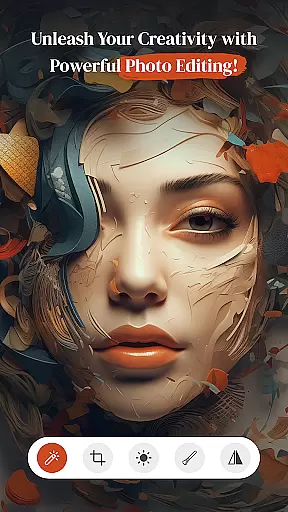
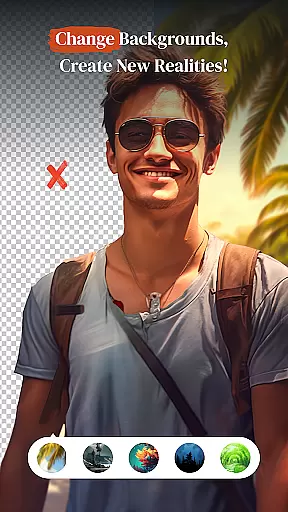
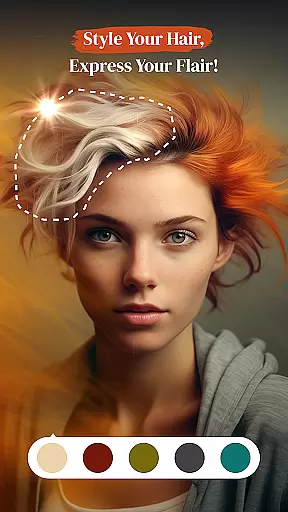
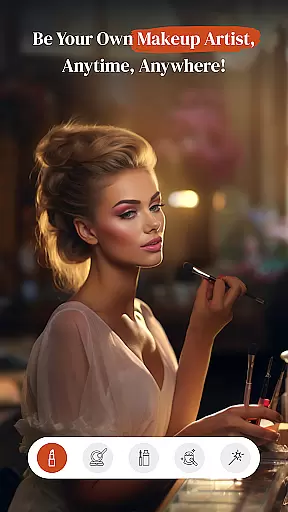
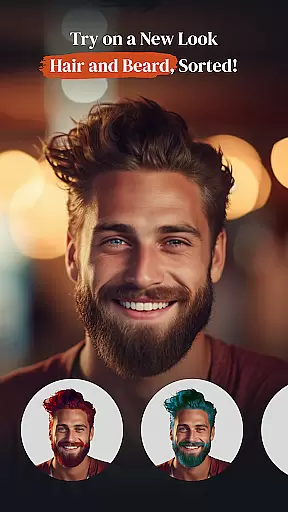
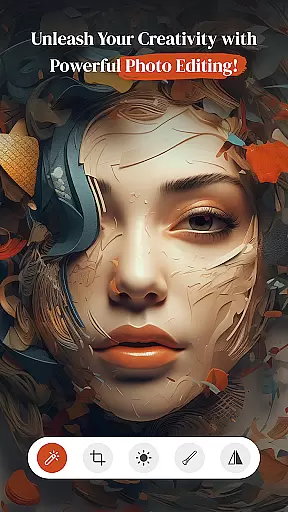
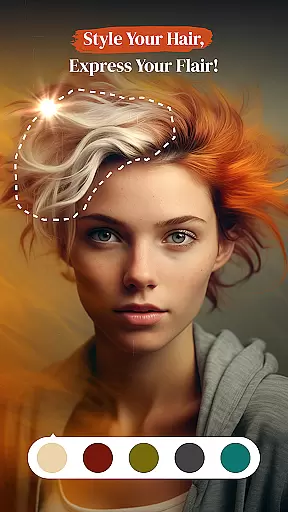
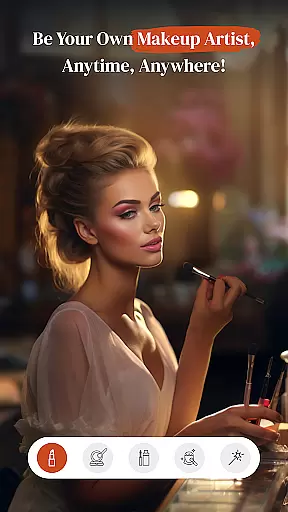
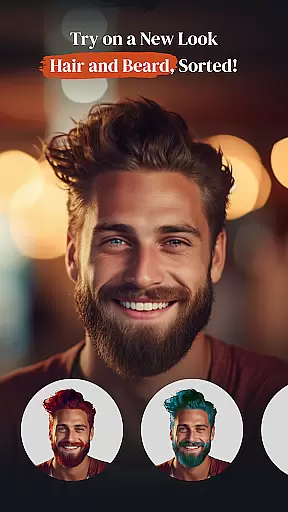
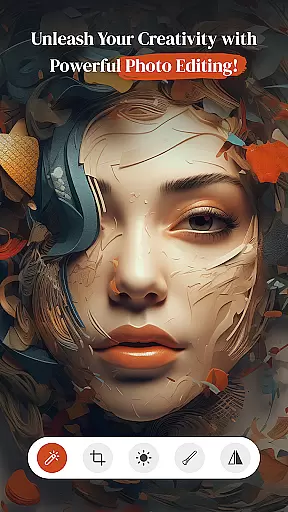
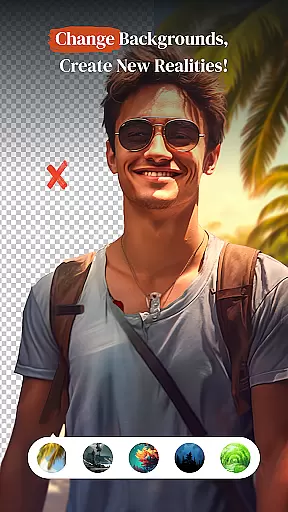
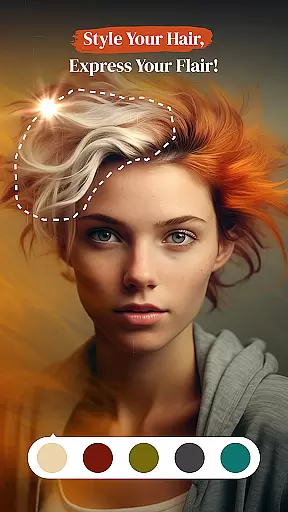
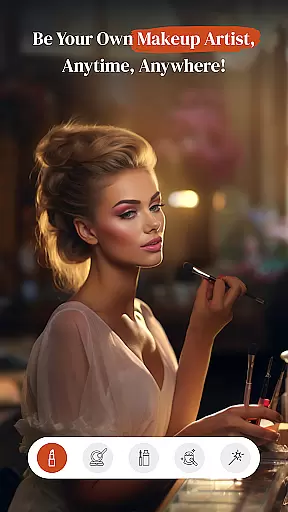
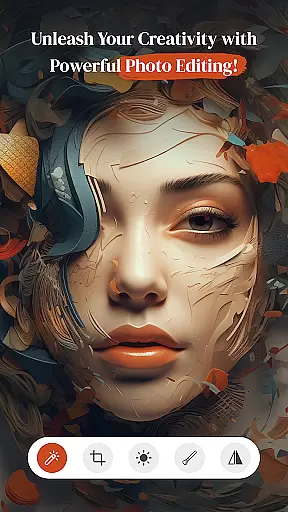
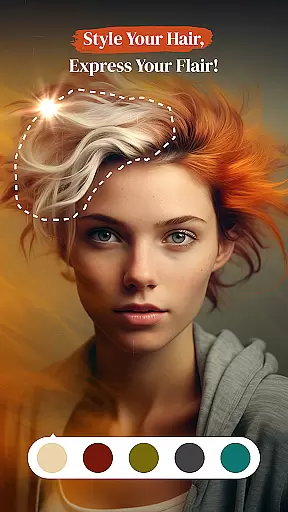
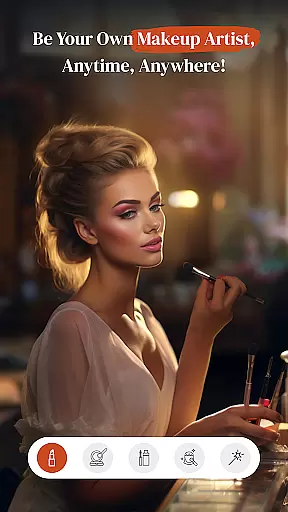
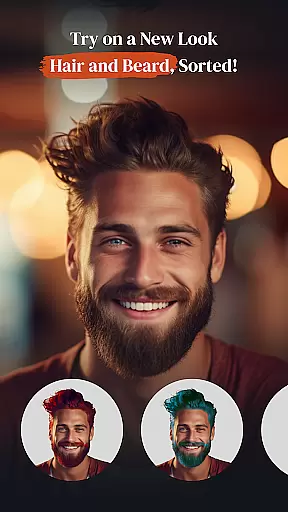
PerfectPic-Photo Edit・Collage is a feature-rich photography app that empowers users to transform their photos into creative masterpieces. The app offers an all-in-one suite of editing tools, including advanced photo editing capabilities, AI-powered object removal, and background editing features. With PerfectPic, users can effortlessly remove unwanted objects or backgrounds from images, apply professional-grade filters and effects, and experiment with beauty enhancements such as hairstyle changes, beard styling, and virtual makeup.
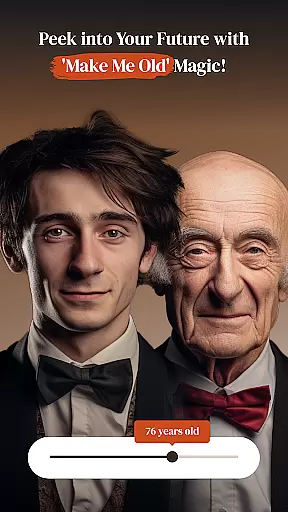
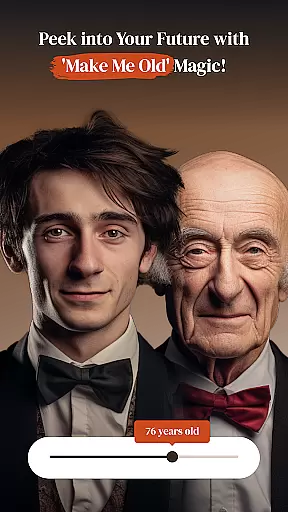
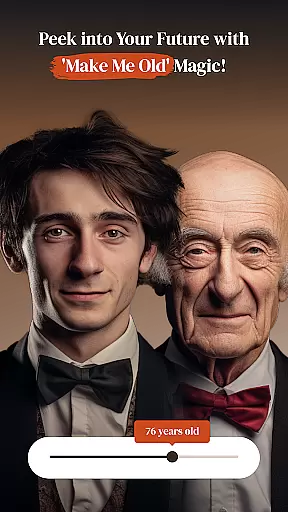
Designed for both casual users and photography enthusiasts, this app provides unique features like the 'Make Me Old' time-travel effect and a versatile collage maker to create stunning visual stories. Whether you're looking to refine your personal photos or craft professional-quality edits, PerfectPic delivers a seamless experience across Android devices. Its intuitive interface and powerful tools make it easy to bring your creative ideas to life while maintaining high-quality results.
PerfectPic is particularly useful for social media enthusiasts, content creators, and anyone who wants to enhance their digital memories. By combining practical editing tools with imaginative features, the app ensures every photo tells a story worth sharing.
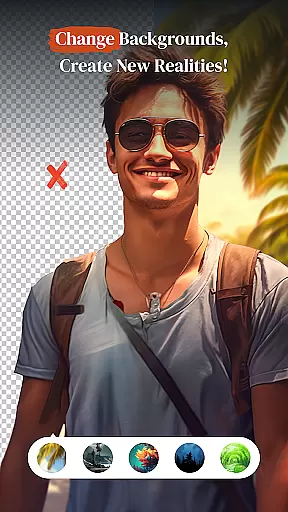
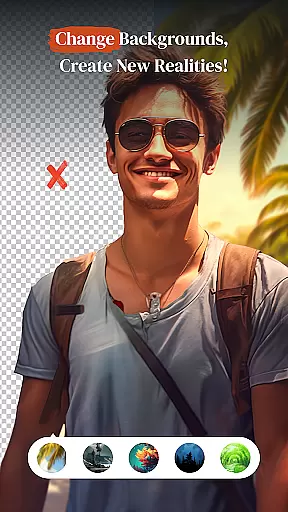
PerfectPic stands out with its diverse range of innovative features tailored to meet various photo editing needs. One of its core highlights is the AI-powered Object Remover, which allows users to erase unwanted elements from photos quickly and efficiently. This tool is complemented by the Background Changer (BG Changer), enabling users to replace mundane backgrounds with vibrant alternatives, creating visually striking compositions.
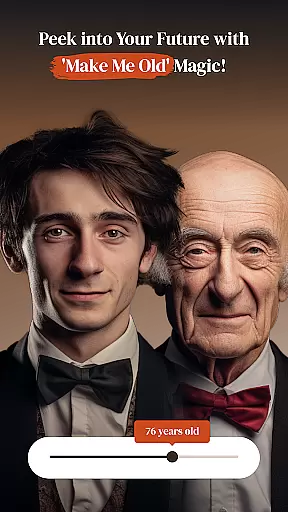
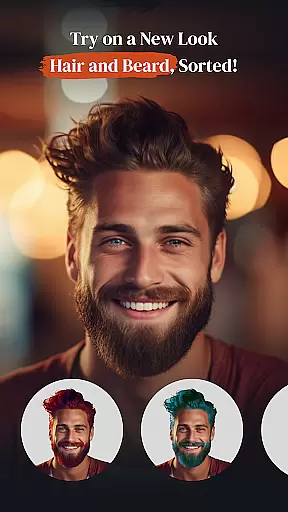
In addition to these advanced tools, PerfectPic includes specialized beauty enhancement options such as Hair Style & Beard Changer and virtual makeup applications. These features let users experiment with different looks, making the app ideal for self-expression and portrait refinement. Another standout capability is the 'Make Me Old' feature, which uses sophisticated algorithms to simulate aging effects on photos, adding a layer of creativity and fun.
The app also features a Collage Maker, allowing users to combine multiple images into cohesive layouts. With customizable templates and intuitive controls, this tool helps turn ordinary photos into memorable collages. Together, these features ensure that PerfectPic caters to both artistic exploration and practical photo editing requirements.
Real-time capture and preview functionality is essential for ensuring that every photo taken meets the user's expectations immediately. PerfectPicuff0dPhoto Editu30fbCollage offers a seamless experience where users can see exactly how their edits will look before finalizing them.
This app provides an intuitive interface that allows users to apply filters, effects, and adjustments in real time. As you tweak settings such as brightness or contrast, the changes are reflected instantly on your screen, giving you precise control over the outcome of your photos.
The value of this feature lies in its ability to save time and enhance creativity. Users no longer need to guess how an edit might turn out; instead, they can experiment freely with different styles and see results instantly. This immediate feedback loop encourages exploration and helps users refine their artistic vision without any delays.
By offering robust real-time editing capabilities, PerfectPic empowers photographers to produce high-quality images efficiently while maintaining creative freedom. Whether you're adjusting backgrounds or experimenting with new looks, the assurance that what you see is what you get makes all the difference.
AI beauty and enhancement features have revolutionized photo editing by providing tools that not only beautify but also maintain naturalness. In PerfectPicuff0dPhoto Editu30fbCollage, these enhancements are powered by advanced algorithms designed to elevate your photos without compromising authenticity.
The AI-driven tools include options like skin smoothing, blemish removal, and makeup application, all tailored to preserve the subject's original features. These enhancements adapt intelligently to different skin tones and lighting conditions, ensuring that every edit looks genuine and professional.
Users benefit from this technology through improved confidence in their edited photos. The natural-looking results mean that portraits retain their unique character while still benefiting from polished aesthetics. This balance between enhancement and realism sets PerfectPic apart from other editors.
Ultimately, the AI beauty features in PerfectPic offer a sophisticated yet accessible way to achieve stunning photographs. By prioritizing naturalness alongside enhancement, the app ensures that every user can create captivating images that remain true to life, enhancing both personal memories and professional portfolios alike.
User-friendly interface
AI-powered editing tools
Versatile beauty enhancements
Creative aging simulation
High-quality collage maker
Some features may require premium access
Occasional ads in free version
Advanced tools have a learning curve
Limited offline functionality
Large file size for storage

Long exposure camera with computational photography
 2.60
2.60
Create & Edit with AI: AI Remove, Enhance, Retouch, Filter
4.10
Natural Beauty, Selfie Retouch
4.30
Add a dreamy vibe to your selfies and videos with soft style filters
4.4
live datamoshing
4.00
Enhance, upscale, and transform your images — on your device, without limits
4.70
Effortlessly make high-quality GIFs from images & videos without any watermarks.
4.70
Solocator stamps photos you take with GPS location, Compass Direction, Date/Time
3.80
Your Family Calendar + Photos. Manage your Skylight Calendar and Skylight Frame.
4.40
Photo prints, cards, & gifts at Walgreens. Easy ordering & fast local pickup !
4.80
Easily view, share, delete photos with Gallery.
4.70
Discover & download millions of art for The Frame TV or Hisense CanvasTV
4.60
Add Watermark - Sign your pictures with a text or logo. Effective, quick, easy!
4.50
AI photo enhancer with Sora 2! Enhance, descratch, and colorize your old photos.
4.50
[3DSteroid Pro] is a stereoscopic application for Android.
4.30
All-in-One Editor & AI Photo Enhancer, Collage, Cartoonify, Funny Stickers & BGS
4.10
Perfect photos with body shaping, BG changer and object remover.
3.70
Pet Camera
3.70
Photo Album Watch Face shows your favorite pictures as a Watchface.
1.90


User Reviews