
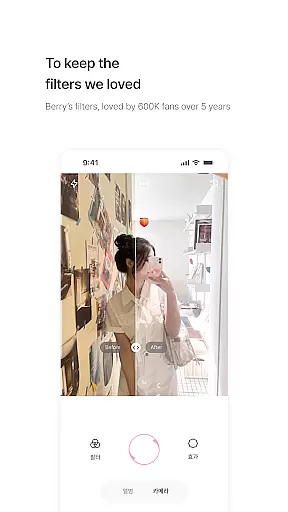
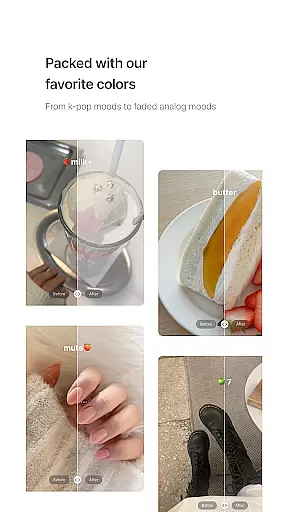
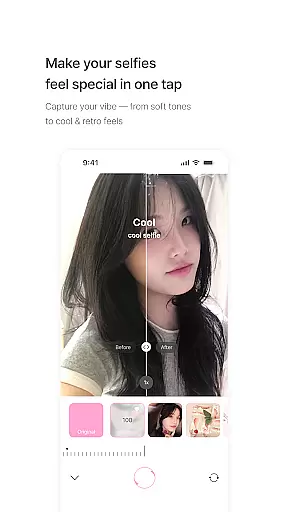
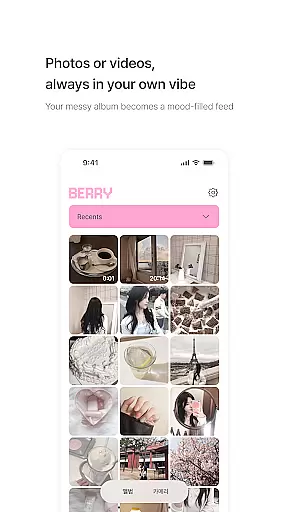
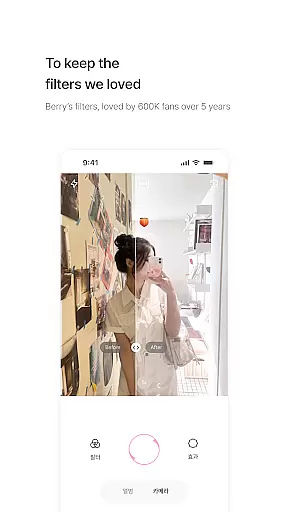
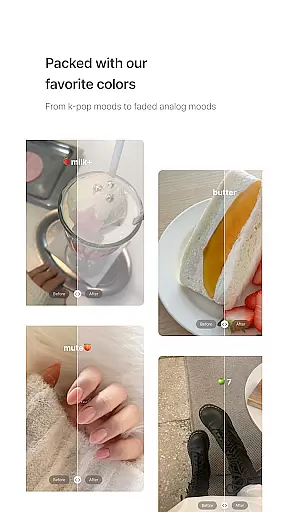
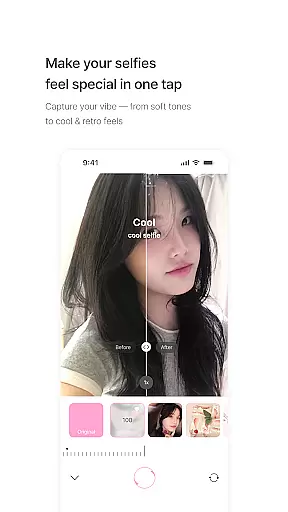
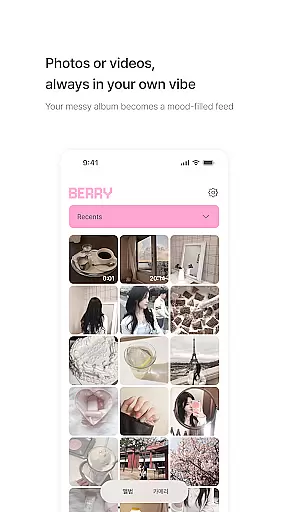
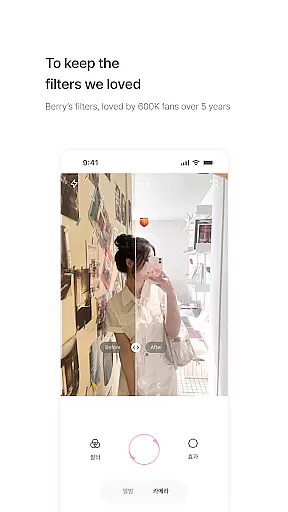
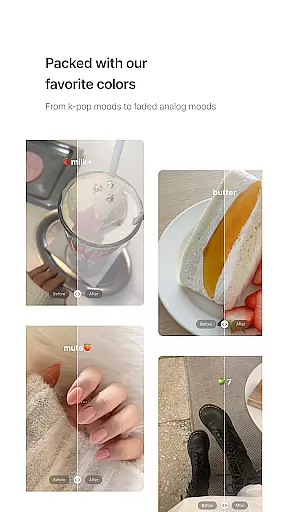
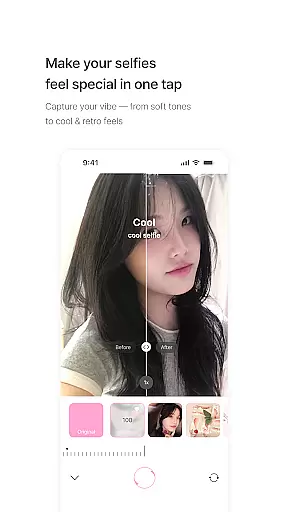
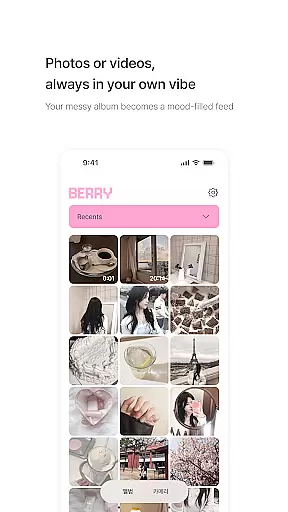
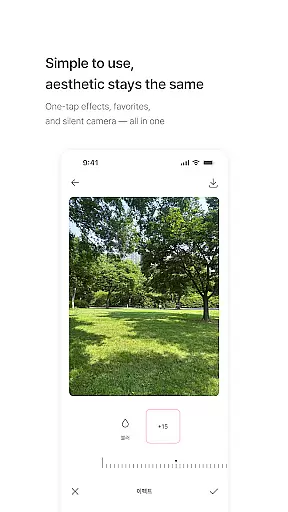
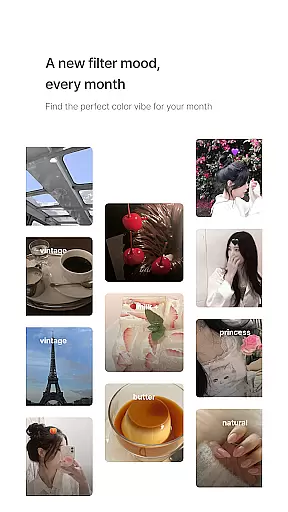
BerryFilm is a photography app designed for users who appreciate soft, natural Korean-style filters. Developed by Berry, a renowned filter creator from South Korea, this app preserves her signature aesthetic tones that gained popularity on Instagram. The app offers over 20 unique filters, ranging from airy milk tones to vintage moods, allowing users to transform their photos and videos into visually pleasing content with minimal effort.
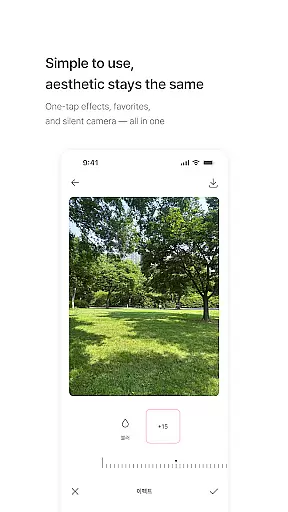
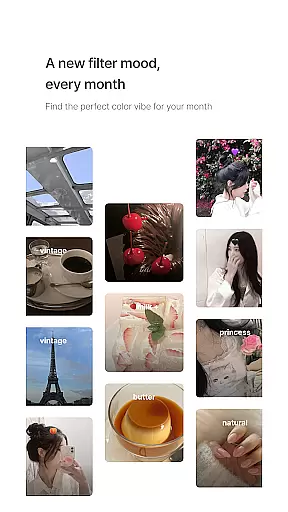
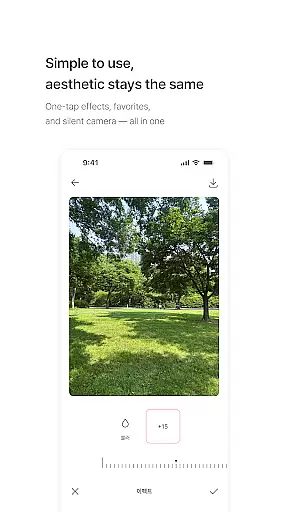
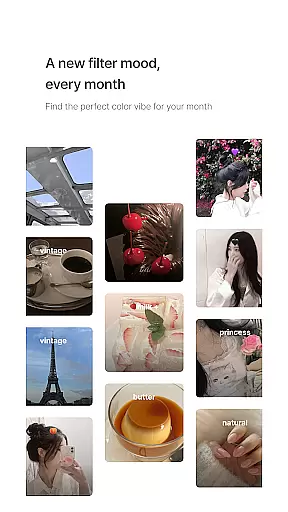
What sets BerryFilm apart is its focus on simplicity and authenticity. The intuitive interface lets users apply filters with just one tap, save their favorite looks, and capture moments with a silent shutter. Regular updates ensure new filters are added monthly, keeping the experience fresh and aligned with seasonal trends. Additionally, the app incorporates user feedback to continually enhance functionality, making it an evolving tool for mobile photographers.
Whether you're a fan of Berry's previous Instagram filters or simply looking for subtle editing options, BerryFilm provides a quiet yet powerful solution for creating aesthetically cohesive galleries. Its emphasis on preserving natural skin tones and soft lighting makes it ideal for those who prefer understated beauty in their photography.
BerryFilm stands out through its thoughtfully crafted features tailored for photography enthusiasts. One of its key highlights is the collection of over 20 Korean-inspired filters, each designed to evoke distinct moods such as warmth, coolness, or nostalgia. These filters emphasize soft tonal adjustments rather than heavy edits, ensuring your images retain their original charm while gaining an artistic touch.
The app also supports both photo and video editing, enabling users to maintain consistency across various types of media. With functionalities like one-tap filter application, favorite saving, and a silent shooting mode, BerryFilm streamlines the creative process without overwhelming users. Furthermore, the app promises regular updates, introducing new filters every month based on seasonal themes or trending aesthetics.
A standout feature of BerryFilm is its commitment to community-driven improvements. By actively seeking and incorporating user feedback, the developers ensure that the app evolves according to the needs of its audience. This collaborative approach not only enhances usability but also fosters a sense of connection between creators and users, setting BerryFilm apart in the competitive photography app market.
Real-time capture and preview functionality is essential for photography apps like BerryFilm. This feature allows users to see the effects of filters instantly as they take photos or record videos.
BerryFilm excels in this area by offering a seamless experience where users can apply Korean-style filters with one tap and immediately view the results through the camera preview. The app ensures that the soft tones and natural skin effects are accurately represented before capturing the image.
The benefit to users is significant, as they can make real-time adjustments to achieve their desired aesthetic without guesswork. Whether using the airy milk tones or vintage moods, photographers can trust that the final image will match what they see on screen.
This instant feedback loop enhances creativity and efficiency, allowing users to focus on capturing moments rather than post-processing. With regular updates and new filters added monthly, BerryFilm continues to refine its real-time capabilities based on user feedback.
AI beauty and enhancement features have become a staple in modern photography apps, aiming to improve images while maintaining a natural look. BerryFilm incorporates advanced AI algorithms to enhance photos subtly, preserving authenticity.
The app focuses on gentle color correction and minimalist touch enhancements, ensuring that edits do not overpower the original image. By prioritizing natural skin tone effects and soft light features, BerryFilm delivers enhancements that feel organic rather than artificial.
Users benefit from these sophisticated tools by achieving professional-quality results without extensive editing knowledge. The AI-driven enhancements adapt to different lighting conditions and skin tones, providing consistent quality across diverse scenarios.
With ongoing development informed by user suggestions, BerryFilm's AI beauty features continue to evolve. This commitment to natural enhancement ensures that every photo reflects the unique atmosphere intended by the photographer, making it an ideal choice for those who appreciate understated elegance.
User-friendly interface
Regular filter updates
Natural tone enhancements
Instagram integration
Community feedback loop
Limited advanced tools
No desktop version
Premium filter costs
Occasional bugs
Small user base

Gallery show photo, video, slideshow, is perfect 3D effect private photo albums.
 4.80
4.80
All-in-One Editor & AI Photo Enhancer, Beautify & Retouch, Collage, Cartoonify
4.20
[3DSteroid Pro] is a stereoscopic application for Android.
4.30
Perfect photos with body shaping, BG changer and object remover.
3.70
Application for remote controlling DSLR
3.00
What celebrity do you look like? Celebs will find your celebrity match!
4.10
Collage your moments in one tap: 1000+ layouts, filters, stickers, and texts.
4.90
Use AI Video Generator to turn your words to ai generated videos.
4.50
Welcome to ProShot, the most powerful camera app on Android.
4.20
A collection of tools and reference tables for DPs, ACs, DITs and Operators.
4.70
PhotoSync Bundle Add-On License. Enables all features and services in PhotoSync.
4.60
Trendy TikTok time warp scan funny filter app brings you unique photos & videos.
4.40
Edit like a pro with Hypic. Apply filters, AI effects, & magic touch.
4.40
Create & Edit with AI: AI Remove, Enhance, Retouch, Filter
4.10
The #1 app for B&W film developing featuring an advanced darkroom timer.
4.10
Transform Photos: Edit, Beautify and Craft Memories & Make Collages!
4.10
live datamoshing
4.00
How would you look like with a differently shaped nose, chin or lips?
3.90
Superimpose one photo on top of another using the original Superimpose app!
3.20


User Reviews