
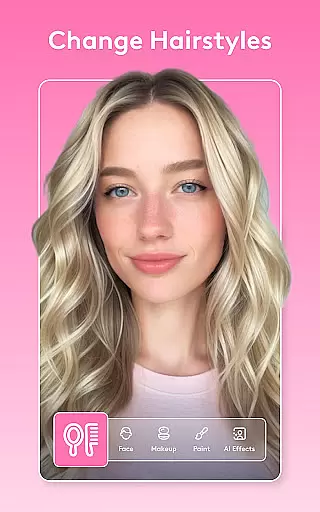
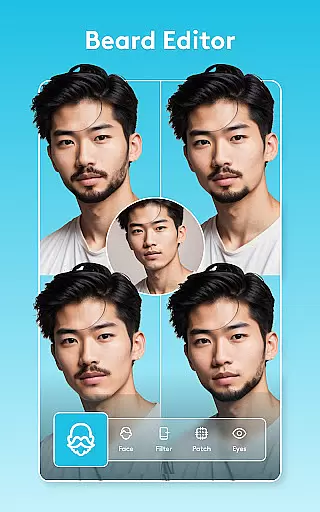
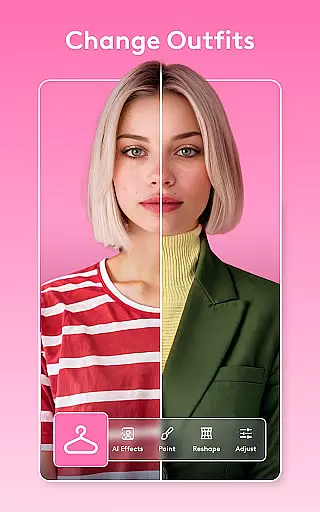
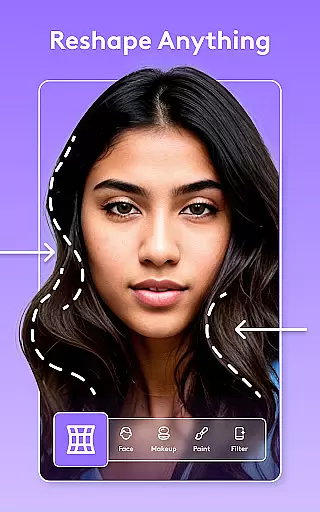
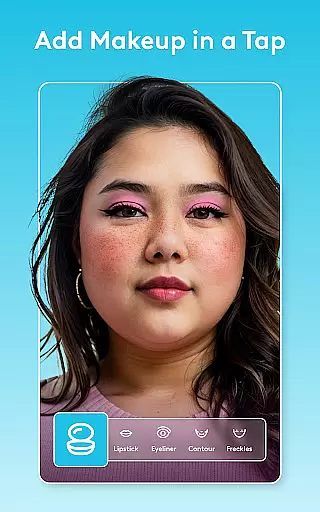
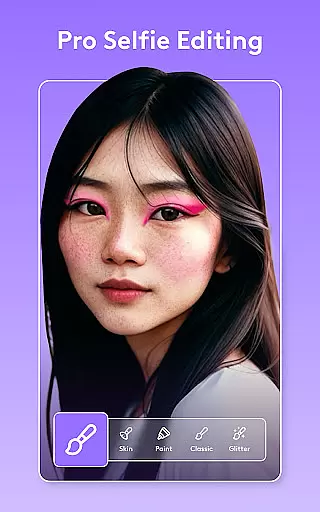
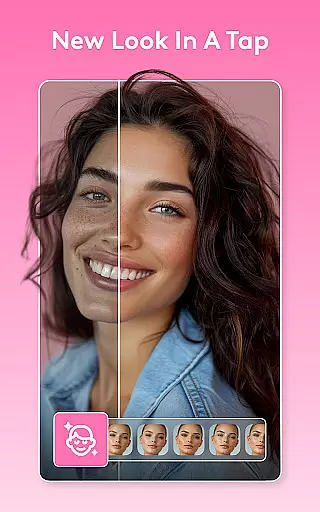
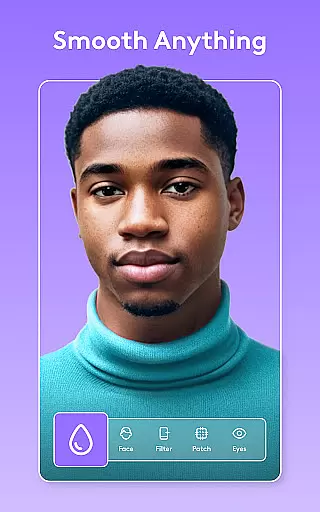
Facetune is the ultimate AI-powered photo and video editing app, designed to effortlessly transform your visual content. Whether you're editing a quick selfie, creating polished headshots, or producing scroll-stopping videos, Facetune offers professional-grade tools without requiring advanced skills. The app's one-tap fixes and advanced retouching capabilities allow users to smooth skin, reshape features, brighten eyes, and experiment with bold new styles.
Beyond basic editing, Facetune provides next-level creative control with intelligent features like background blurring, body reshaping, and instant makeup application. Its AI tools continue to evolve, ensuring users have access to cutting-edge functionalities such as light adjustments, hair color changes, and professional headshot generation. Available for both photos and videos, Facetune ensures your content stands out on social media while maintaining a natural look.
Facetune distinguishes itself through its comprehensive suite of AI-powered editing tools. The app supports both photo and video editing, allowing users to apply filters, retouch faces, and enhance clips seamlessly. One standout feature is the ability to edit single frames or entire videos in seconds, making it ideal for creating Instagram-ready content. Advanced options include teeth whitening, blemish removal, and precise reshaping tools that cater to every user's unique needs.
Facetune also offers creative experimentation with features like hair try-on, eye color changes, and instant makeup filters. Users can blur or swap backgrounds for a studio-quality effect, adjust body skin tone, add a tan, or enhance their smile. Additionally, the app includes an AI headshot tool that generates professional-grade headshots instantly. These robust features ensure that Facetune remains a versatile and indispensable tool for anyone looking to elevate their visual content.
Real-time capture and preview functionality is essential for ensuring that users can see the results of their edits as they apply them. Facetune offers this feature, allowing users to witness transformations instantly as they adjust filters, retouch images, or apply makeup effects.
The app's advanced processing capabilities ensure that even complex edits like reshaping features or changing hair color are reflected immediately, providing a seamless editing experience. This real-time feedback empowers users to make precise adjustments without guesswork.
For video content, Facetune's real-time preview ensures that effects applied to clips are consistent across frames, enabling creators to produce professional-quality videos with cohesive looks. Users can experiment freely, knowing their final output will match their creative vision.
Facetune leverages AI technology to enhance beauty while maintaining natural-looking results. The app intelligently smooths skin, whitens teeth, and brightens eyes in a way that preserves authentic facial features, avoiding the over-processed appearance common in other editing tools.
With its AI-powered makeup filters and airbrushing options, Facetune allows users to achieve a polished yet realistic glow. These enhancements adapt dynamically to different skin tones and lighting conditions, ensuring consistently flattering outcomes.
Additionally, Facetuneu2019s AI headshot tool generates professional-grade portraits by subtly refining details without altering the subject's inherent characteristics. This commitment to natural enhancement makes Facetune an ideal choice for creating resume-ready headshots or Instagram-worthy photos.
User-friendly interface
Advanced AI tools
Real-time video editing
Versatile style options
Professional results
Premium features locked
Subscription cost
Learning curve
Occasional lag
Limited free version

What celebrity do you look like? Celebs will find your celebrity match!
 4.10
4.10
Natural Beauty, Selfie Retouch
4.30
Turn your phone into a professional camera - full DSLR manual photography
4.30
Gallery Slideshow is slideshow maker app for slideshow from your gallery photos.
3.90
A reflected light meter with spot metering and incident light metering.
4.40
See your baby AI baby face generator AI baby maker Face generator babymaker fun!
4.70
Unblur, enhance & restore photos with powerful AI photo enhancer tools.
4.60
RAW video capture with advanced controls
4.40
Catch sunlight, sunrise sunset times and sun phases with the AR sun tracker.
4.10
Photo prints, cards, & gifts at Walgreens. Easy ordering & fast local pickup !
4.80
Your personal guide to the sun and moon. Plan ahead, visualize and predict!
4.70
Enhance, retouch & create your story - Share the moment with Photoshop Express.
4.60
PhotoSync Bundle Add-On License. Enables all features and services in PhotoSync.
4.60
Create AI Photos, Improve and restore quality of blurry, old or damaged pics.
4.20
Luminar: Photo Editor - easy picture editing with AI
4.20
Perfect photos with body shaping, BG changer and object remover.
3.70
Pet Camera
3.70
An interval timer to automate photo taking process for timelapse
2.90
Long exposure camera with computational photography
2.60


User Reviews