
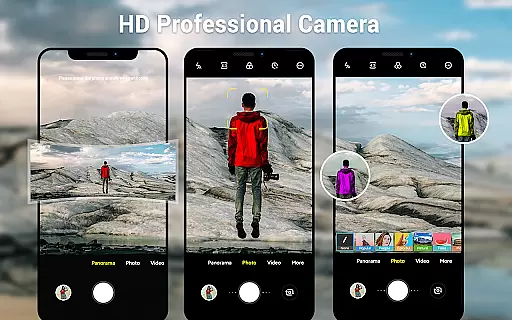
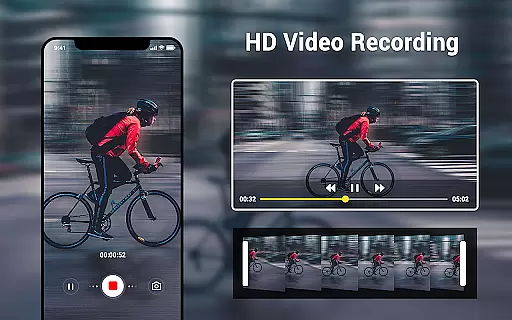
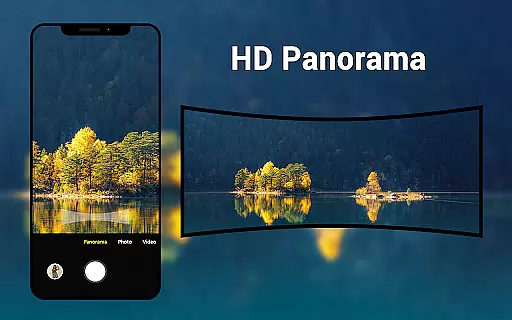
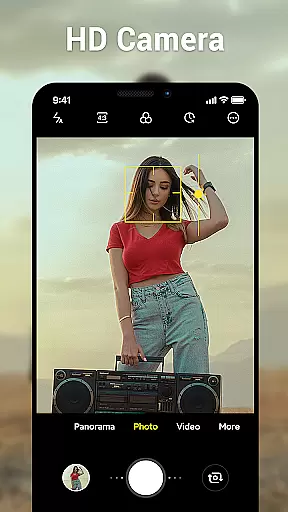
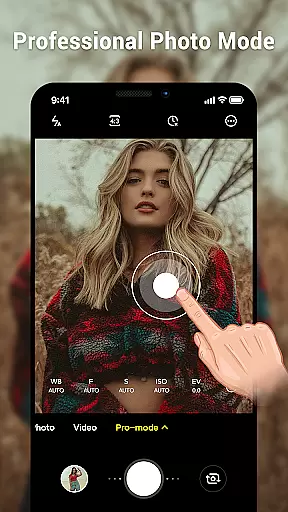
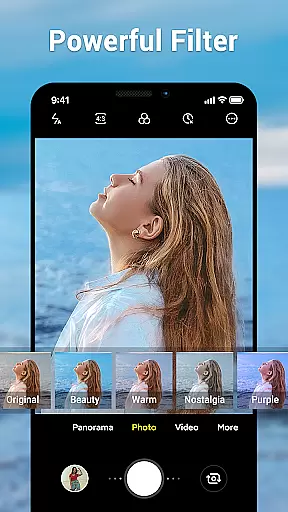
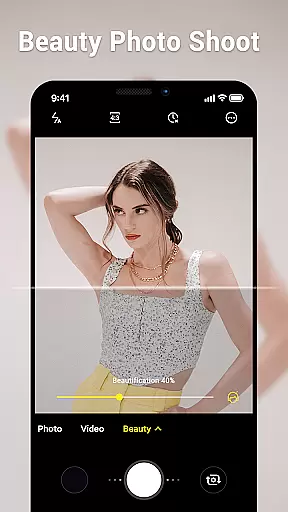
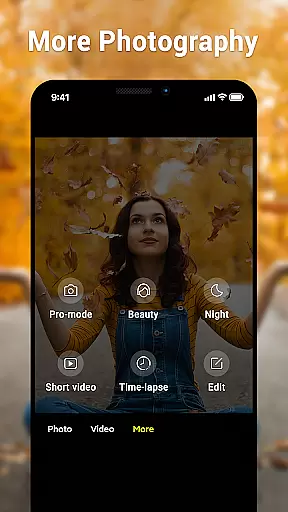
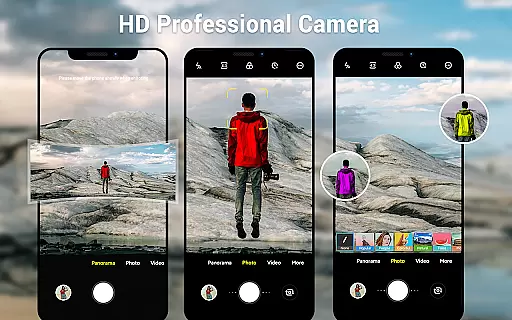
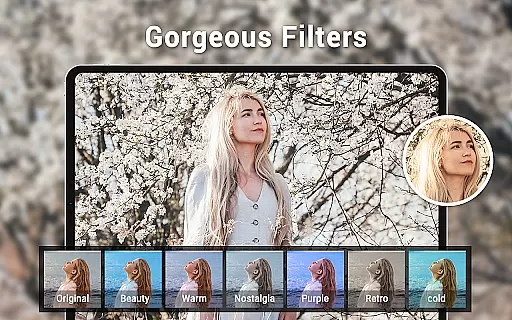
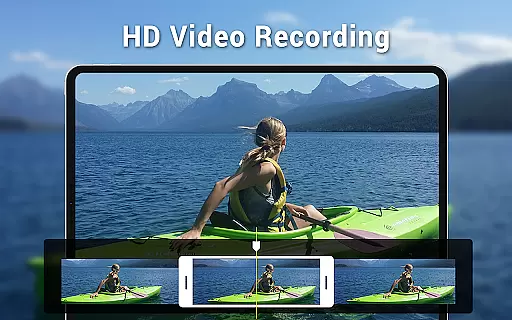
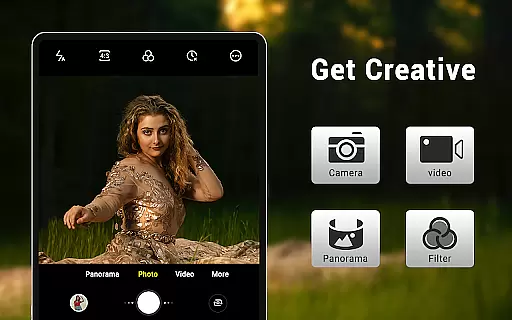
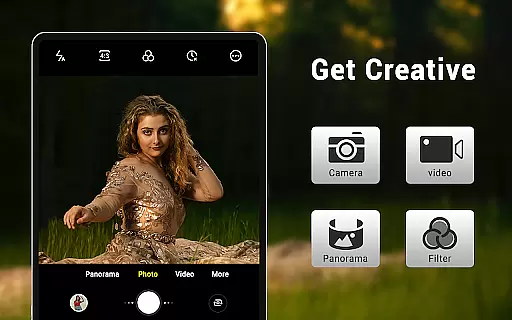
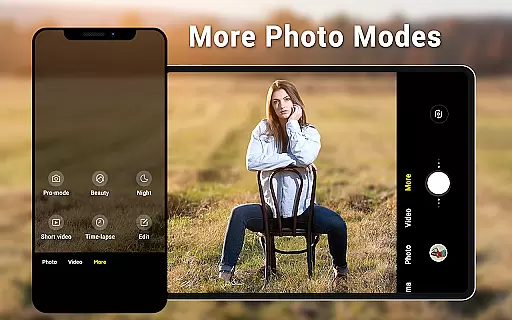
Camera for Android is a native system HD camera application designed to provide users with a simple and efficient way to capture high-quality photos and videos. The app supports multiple shooting modes including standard photo capture, video recording, and smart panorama functionality.
Key features of the app include pinch-to-zoom capability, countdown timer, dynamic user interface adaptable to both phones and tablets, and advanced settings such as white balance, exposure, and screen mode adjustments. These functionalities allow users to customize their photography experience according to different environments and lighting conditions.
Whether you're capturing everyday moments or shooting professional-quality images, Camera for Android ensures excellent results by utilizing all the advantages of your device's hardware. It's an ideal choice for users seeking a reliable and feature-rich camera app on their Android devices.
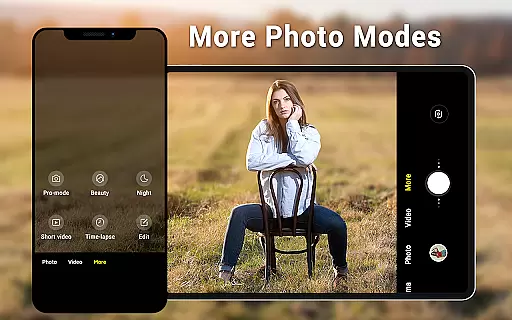
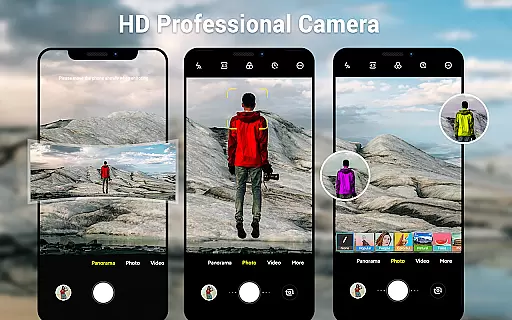
One of the standout characteristics of Camera for Android is its comprehensive set of shooting modes and customization options. The app offers three primary modes: standard camera, video recorder, and panorama, each designed to cater to different photography needs.
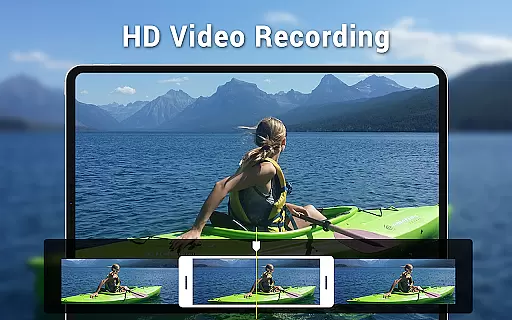
In addition to basic photo capture, the app provides advanced features such as HD video recording, pinch-to-zoom functionality, and smart panorama shooting. Users can also adjust various settings including white balance (Incandescent, Fluorescent, Auto, Daylight, Cloudy), screen modes (Action, Night, Sunset, Play), exposure levels, and picture quality.
The app's dynamic user interface automatically adapts to different device types and screen sizes, while additional features like countdown timer, location targeting, and configurable volume keys enhance the overall user experience. These robust features make Camera for Android a versatile tool for both casual and professional photographers.
Real-time capture and preview functionality is essential for ensuring that users can accurately frame and capture their desired shots without delay. The Camera for Android app excels in this area by providing a seamless experience that leverages the native capabilities of your device.
This application offers an intuitive interface that dynamically adjusts based on whether you're using a phone or tablet, ensuring optimal performance across devices. With features like pinch to zoom and exposure settings, users have precise control over their photography, allowing them to capture high-quality images with ease.
The inclusion of countdown timers and configurable volume keys further enhances the real-time capture experience, making it not only efficient but also customizable to individual preferences. These features collectively ensure that users never miss a moment, offering them the tools needed to take excellent photos under various conditions.
While the Camera for Android app does not explicitly market itself as having AI beauty and enhancement features, its robust set of photo editing tools allows users to enhance their photos naturally. This includes white balance settings, which help adjust colors according to different lighting conditions such as incandescent, fluorescent, daylight, and cloudy environments.
Additionally, screen mode settings like action, night, sunset, and play enable users to optimize their shots for specific scenarios, enhancing the natural beauty of their photos without artificial alterations. The wide screen picture capability ensures that every detail is captured in its full glory, contributing to the overall enhancement of image quality.
By focusing on delivering authentic and high-quality images through advanced yet straightforward settings, this app provides a natural enhancement experience that respects the original scene while still allowing room for creative expression. Users can trust that their photos will reflect reality with a touch of refinement, thanks to these comprehensive features.
User-friendly interface
High-quality imaging
Customizable settings
Multiple shooting modes
Native system performance
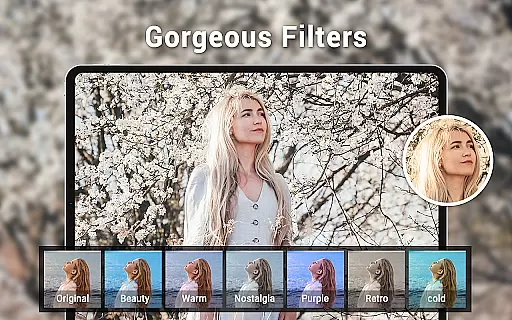
Limited creative filters
No built-in editing tools
Basic panorama stitching
Occasional stability issues
Interface design outdated

AI portrait generator and polaroid AI selfie, fun AI generated AI photo creator!
 4.30
4.30
Long exposure camera with computational photography
2.60
HD Photo gallery and photo manager to edit, hide private photos, videos & albums
4.3
An interval timer to automate photo taking process for timelapse
2.90
GCamera allows all GCam features on all phone models! Better photos with GCamera
3.30
Luminar: Photo Editor - easy picture editing with AI
4.20
Enhance, retouch & create your story - Share the moment with Photoshop Express.
4.60
Pro version: AR sun/moon tracker for any date. Tool for photographers & planners
4.90
Your personal guide to the sun and moon. Plan ahead, visualize and predict!
4.70
Create funny photos and videos with the popular Time Warp Scan filter.
4.90
AI photo editor with hair editor, retouch tools, hair color changer & filters!
4.50
Turn your phone into a professional camera - full DSLR manual photography
4.30
AI-powered video creator by MiniMax - Where ideas meet cinema
4.20
Professional quality photo edits with the new Snapseed.
4.00
USB Storage Access for Photos, Videos, Music and Documents
3.80
Pet Camera
3.70
Be your best in every shot! Fix, edit and retouch your face in selfies & photos.
3.70
Create amazing frames with up to five photos. Rounded corners, effects and more!
3.60
Add a dreamy vibe to your selfies and videos with soft style filters
4.3


User Reviews