


HD Camera Pro Edition is a premium photography application designed for Android users who demand professional-grade features without advertisements. This app offers an extensive range of functionalities including high-definition photo and video capture, creative panorama modes, and advanced photo editing tools.
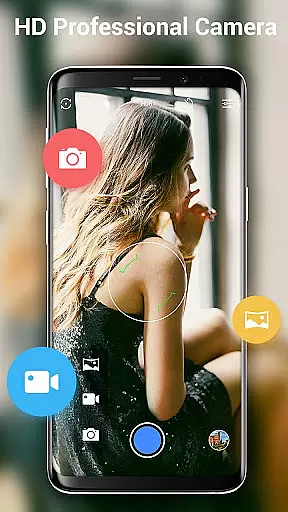
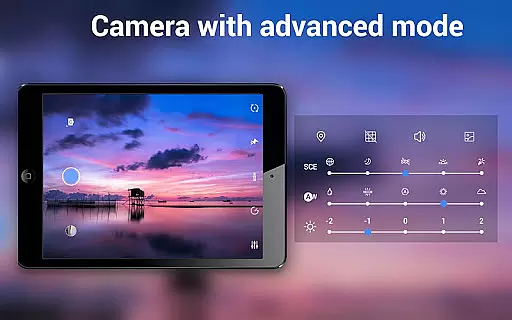
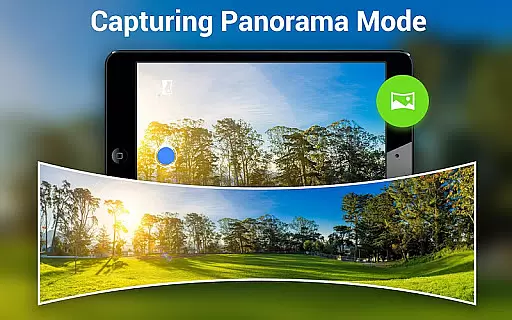
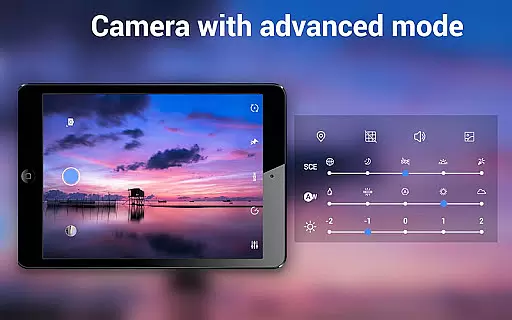
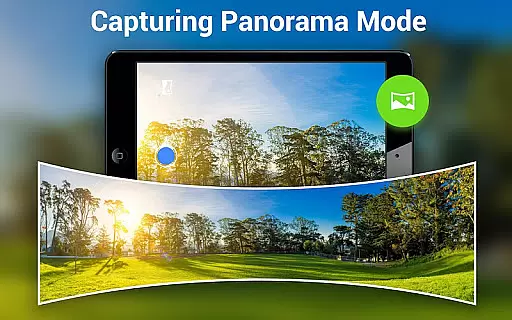
The application stands out with its Quick Snap feature, enabling rapid photo capture, and supports various photographic modes such as Photo Sphere and Panorama. It also includes professional settings like white balance adjustments, timer, time-lapse, and focus options, making it versatile for different shooting scenarios.
Whether you're capturing high-resolution images for professional projects or simply taking selfies, HD Camera Pro provides the tools necessary to produce stunning visuals. Its intuitive interface ensures that both amateur and professional photographers can easily navigate and utilize its features to their fullest potential.
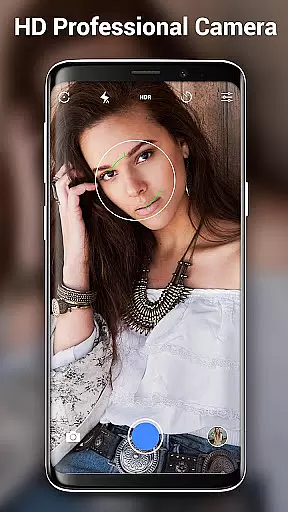
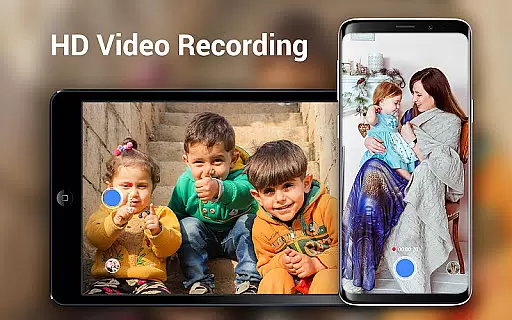
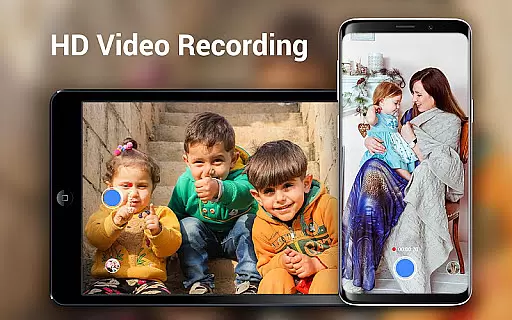
HD Camera Pro boasts an impressive array of features tailored for photography enthusiasts. The app supports professional HD video recording with options for pause and resume, ensuring you never miss a moment. Its advanced camera controls include optical and digital zoom, tap-to-focus, and focus halo display, providing precision in every shot.
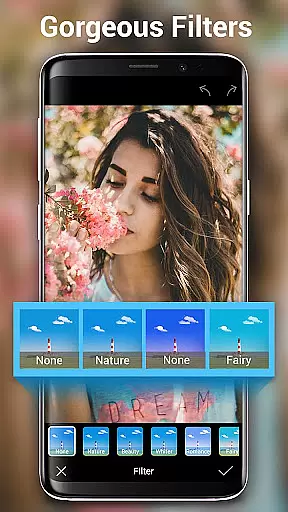
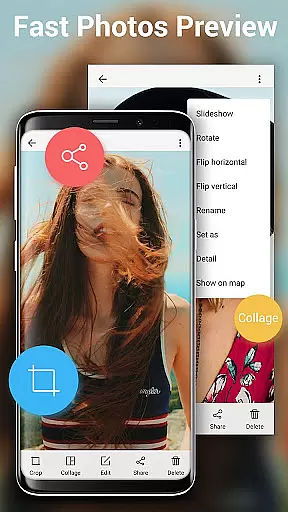
One of the standout features is the Photo Sphere mode, allowing users to capture immersive 360-degree panoramas. Additionally, the app offers various filters and beauty modes, enhancing the quality of selfies and portraits. With built-in photo editing tools such as collage creation and cropping, users can refine their images directly within the app.
Other notable features include automatic white balance settings, a self-timer for delayed shots, and specialized modes for night, sunset, and party environments. These capabilities ensure that users can adapt to any lighting condition or photographic need, delivering consistently high-quality results.
Real-time capture and preview functionality is essential for ensuring that users can accurately frame and capture their desired shots without delay. HD Camera Pro Edition excels in this area by providing a seamless experience that mimics the responsiveness of professional digital cameras.
The application leverages the full capabilities of your Android device, offering quick snap features and high-definition video recording. This ensures that every photo or video taken is of the highest quality, with crisp details and vibrant colors that truly reflect the scene as it unfolds.
With intuitive controls and real-time feedback, users can adjust settings such as white balance, focus, and exposure on the fly. This immediate responsiveness empowers photographers to experiment with different settings and compositions, enhancing their creative potential while capturing moments instantly.
By delivering a smooth and responsive photography experience, HD Camera Pro Edition not only meets but exceeds user expectations for mobile photography. The app's ability to provide instant visual feedback ensures that no moment is missed, making it an indispensable tool for both amateur and professional photographers alike.
AI beauty and enhancement features have become increasingly popular in mobile photography, allowing users to refine and beautify their images effortlessly. HD Camera Pro Edition stands out by offering advanced AI-driven enhancements that maintain a natural look while elevating photo quality.
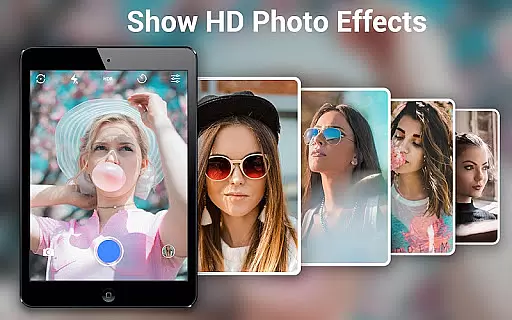
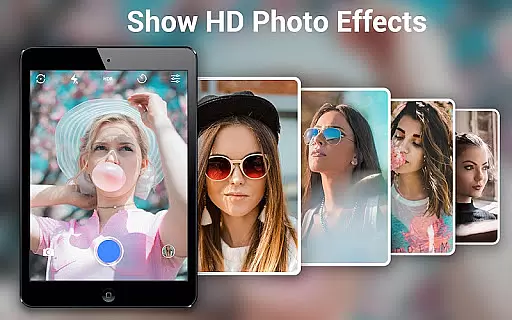
The app includes a variety of filters and beauty modes designed to enhance facial features subtly. These tools utilize sophisticated algorithms to smooth skin textures, brighten eyes, and whiten teeth without creating an artificial appearance. As a result, users can achieve polished yet authentic-looking portraits that retain their original character.
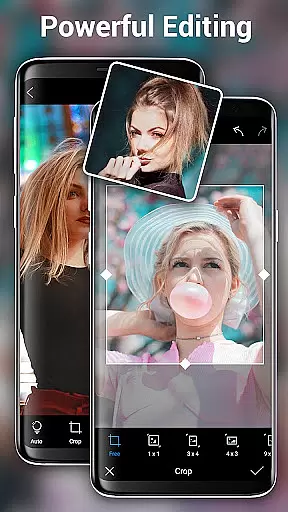
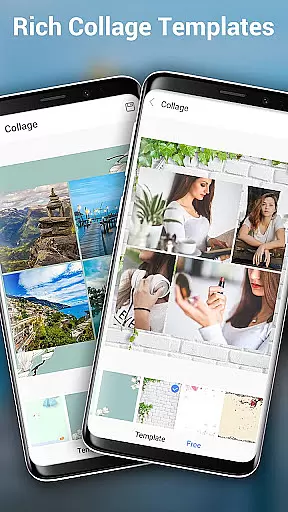
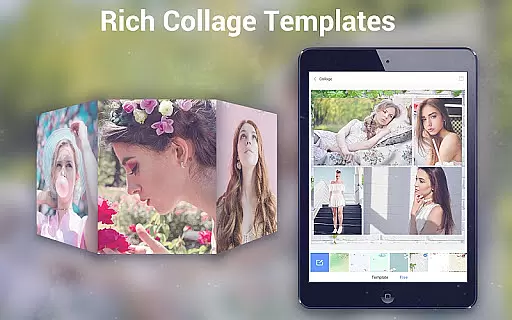
In addition to beautification, HD Camera Pro provides comprehensive editing options such as photo cropping and collage creation. These features enable users to further customize their images, adding creative touches that complement the AI enhancements. The combination of these tools results in stunning photographs that are both enhanced and true to life.
By focusing on maintaining natural aesthetics while offering powerful enhancement capabilities, HD Camera Pro Edition caters to users who value authenticity in their photography. Whether capturing selfies or professional portraits, the app ensures that every image reflects the subject's true essence while benefiting from subtle, intelligent improvements.
AD-free experience
High-definition capture
Advanced photo editing
Quick Snap functionality
Versatile shooting modes
Premium price point
Feature overload for beginners
Limited device compatibility
No cloud backup option
Occasional performance lags

Create & Edit with AI: AI Remove, Enhance, Retouch, Filter
 4.10
4.10
Photo editor: AI filters, photo enhancer, pic collage maker, AI art generator.
4.80
The #1 app for B&W film developing featuring an advanced darkroom timer.
4.10
A must-have app for landscape photographers
4.60
A reflected light meter with spot metering and incident light metering.
4.40
Pro version: AR sun/moon tracker for any date. Tool for photographers & planners
4.90
Your personal guide to the sun and moon. Plan ahead, visualize and predict!
4.70
Catch sunlight, sunrise sunset times and sun phases with the AR sun tracker.
4.10
Enhance, upscale, and transform your images — on your device, without limits
4.70
A collection of tools and reference tables for DPs, ACs, DITs and Operators.
4.70
Amazing Photo Effects - The most fun you can have with your photos!
4.70
Easily view, share, delete photos with Gallery.
4.70
Create collages easily! Nice pic collage maker & background eraser for Instagram
4.50
Use AI Video Generator to turn your words to ai generated videos.
4.50
[3DSteroid Pro] is a stereoscopic application for Android.
4.30
A light meter for true photographers.
4.20
live datamoshing
4.00
Astrophotography with your smartphone, photo live stacking and much more!
3.90
Application for remote controlling DSLR
3.00


User Reviews