
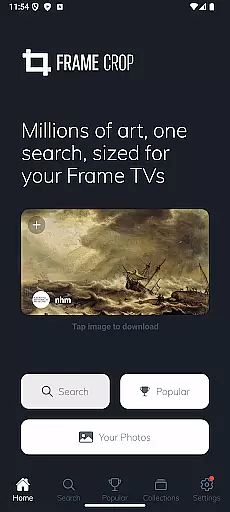
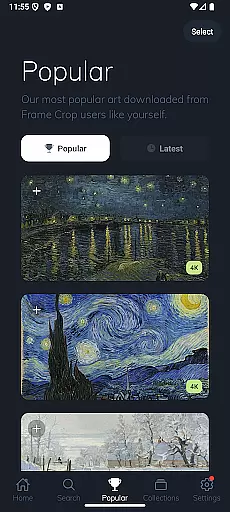
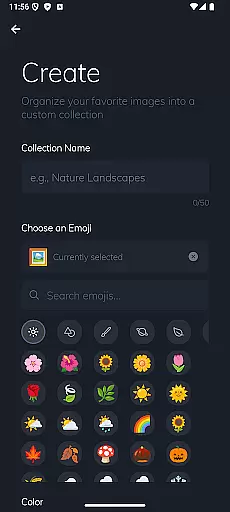
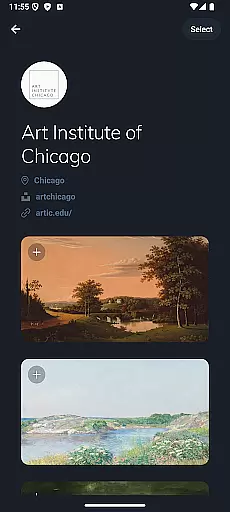
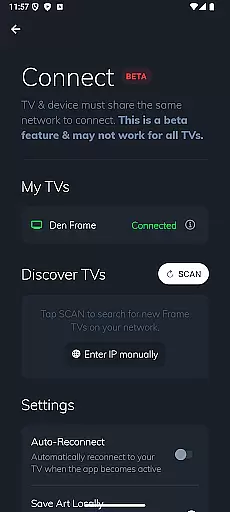
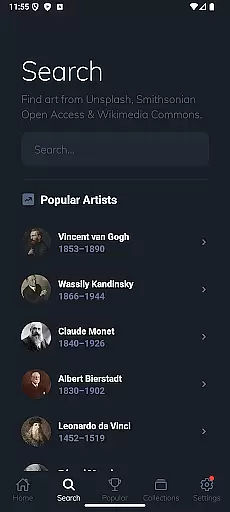
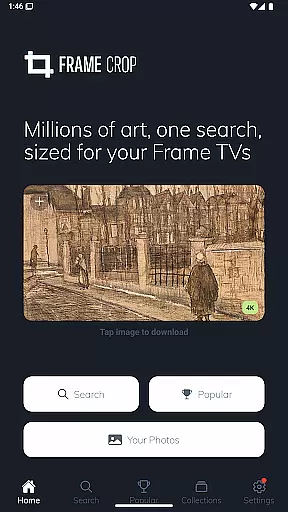
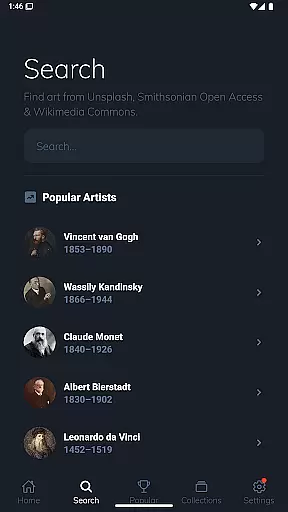
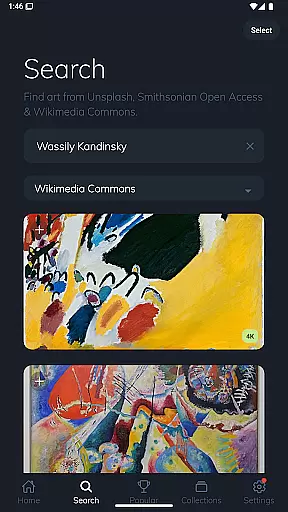
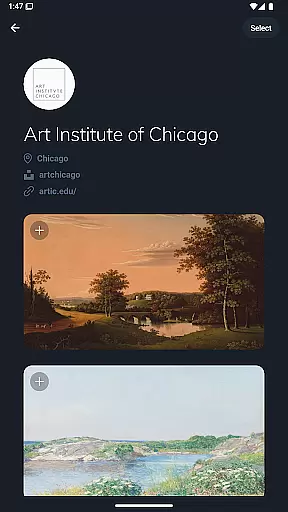
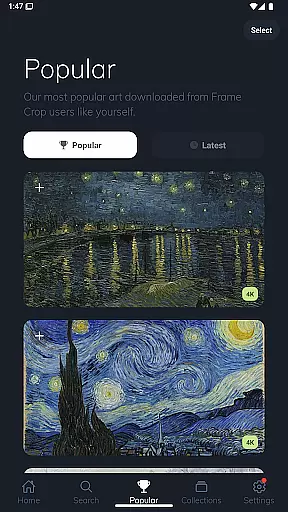
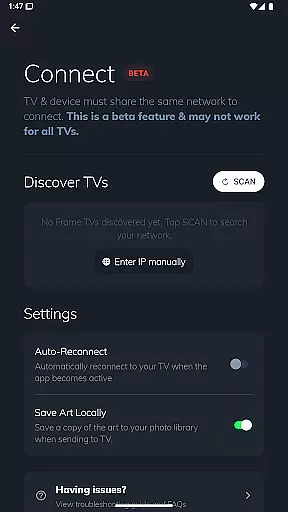
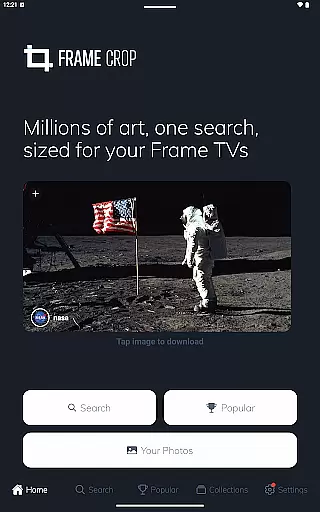
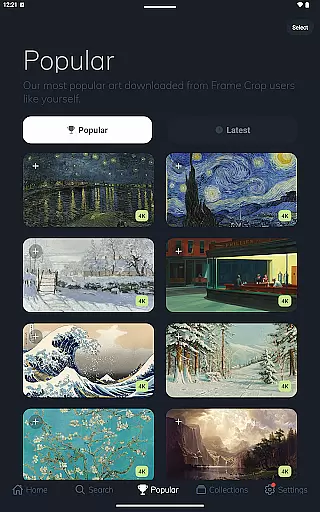
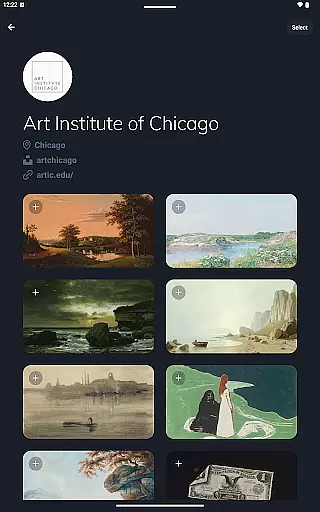
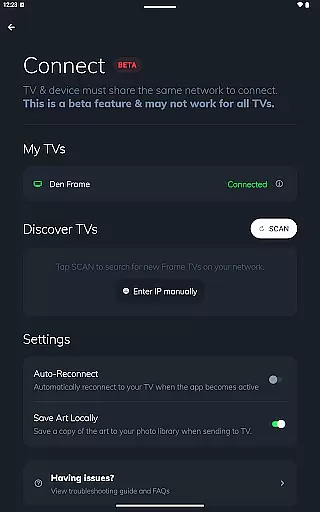
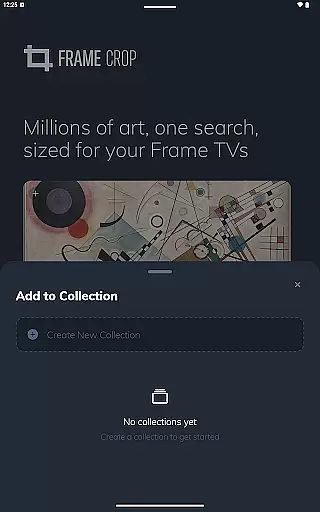
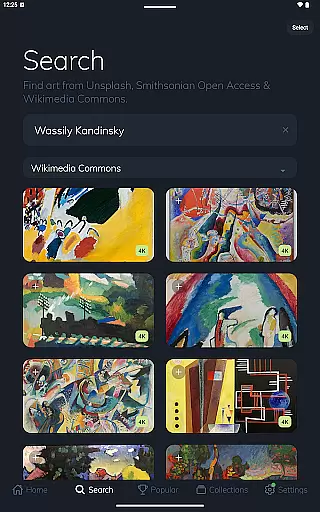
Frame Crop is a specialized photography app designed to enhance the display capabilities of Samsung Frame TVs and Hisense CanvasTVs. The app allows users to browse, crop, and download high-quality artwork, paintings, and photos from renowned libraries such as Smithsonian Open Access, Unsplash, and Wikimedia Commons. These images are optimized for the borderless displays of supported TVs, enabling users to showcase their favorite memories or professional art pieces with stunning clarity.
The app's intuitive cropping tools ensure that every image perfectly fits the TV screen, whether in landscape or portrait orientation. With access to thousands of high-resolution images, users can easily switch between different artworks to match their mood or home decor. Frame Crop transforms your TV into a dynamic art gallery, offering a unique blend of personal memories and world-class artwork right in your living room.
Frame Crop stands out with its powerful yet user-friendly features tailored specifically for Samsung Frame TV and Hisense CanvasTV owners. One of its key highlights is the advanced photo cropping tool, which allows precise adjustments to fit images seamlessly onto the borderless display. This feature supports both landscape and portrait orientations, catering to various mounting preferences and artistic styles.
In addition to its robust cropping capabilities, Frame Crop provides access to an extensive library of artwork sourced from prestigious institutions like the Smithsonian, as well as popular platforms like Unsplash and Wikimedia Commons. Users can explore categories ranging from landscapes and animals to professional paintings, ensuring there's something for every taste. The app also integrates with the SmartThings app, allowing users to effortlessly switch and manage their displayed art for a fully customized viewing experience.
Real-time capture and preview functionality is essential for ensuring that the images displayed on your Samsung Frame TV or Hisense CanvasTV are perfectly aligned with your expectations. Frame Crop offers an intuitive interface that allows users to see exactly how their chosen artwork, photos, or paintings will look on their TV screens before finalizing the selection.
The app provides advanced cropping tools that enable precise adjustments, ensuring that every image fits seamlessly within the borderless display of your smart TV. This real-time preview capability empowers users to make informed decisions about which images best match their mood or home decor.
By leveraging integrated libraries such as Smithsonian Open Access and Unsplash, Frame Crop ensures that users have access to thousands of high-resolution images. The ability to instantly preview these images means you can effortlessly switch out art using the SmartThings app, creating a dynamic and personalized viewing experience tailored to your preferences.
AI beauty and enhancement features in photography apps aim to elevate the visual appeal of images while maintaining their natural essence. Frame Crop incorporates sophisticated AI algorithms that optimize artwork and photos specifically for Samsung Frame TVs and Hisense CanvasTVs, enhancing colors, contrast, and overall image quality without compromising authenticity.
This application intelligently adjusts elements within each photo to ensure they complement the unique borderless display technology of supported TVs. Whether showcasing professional artwork from Smithsonian Open Access or personal travel landscapes, AI enhancements work subtly in the background to preserve original details while making them more vibrant and engaging.
With support for portrait-mounted Frame TVs and an extensive library including Wikimedia Commons, Frame Crop's AI-driven enhancements offer users unparalleled flexibility. By combining powerful editing capabilities with easy-to-use interfaces, this app transforms any space into a gallery-worthy exhibition, bringing memories and masterpieces to life naturally and beautifully.
User-friendly interface
Extensive art library
Precise cropping tools
Supports portrait mode
SmartThings integration
Limited to specific TVs
Requires internet connection
No offline functionality
Premium content may cost extra
Occasional loading delays

Long exposure camera with computational photography
 2.60
2.60
Natural Beauty, Selfie Retouch
4.30
Be your best in every shot! Fix, edit and retouch your face in selfies & photos.
3.70
Over 800 film simulation recipes for Fujifilm. Black Friday Offer!
4.0
GCamera allows all GCam features on all phone models! Better photos with GCamera
3.30
Astrophotography with your smartphone, photo live stacking and much more!
3.90
RAW video capture with advanced controls
4.40
Enhance, upscale, and transform your images — on your device, without limits
4.70
Photo & Video Gallery app to manage albums and save WA Status easily.
4.70
Collage your moments in one tap: 1000+ layouts, filters, stickers, and texts.
4.90
Automatically backup your photos and videos to computer, NAS and Cloud services
4.60
Photo Exif Editor allows to view, add and modify EXIF data of multiple photos
4.50
Photo editor & gallery. Crop pictures & edit photos offline, no wifi!
4.50
All-in-One Editor & AI Photo Enhancer, Collage, Cartoonify, Funny Stickers & BGS
4.10
Create & Edit with AI: AI Remove, Enhance, Retouch, Filter
4.10
Transform Photos: Edit, Beautify and Craft Memories & Make Collages!
4.10
Hair color changer, AI haircut app, fun hair editor and buzz cut filter for all!
3.80
Perfect photos with body shaping, BG changer and object remover.
3.70
Raw Image Viewer. Gallery with support of raw images (.cr3, .cr2, .nef, .raf).
2.00


User Reviews