
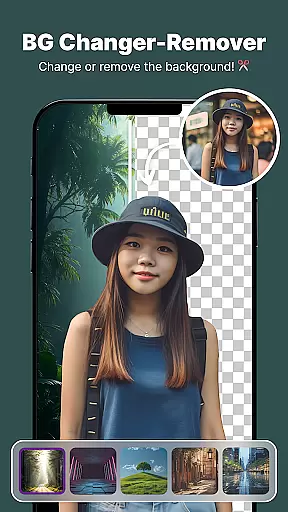
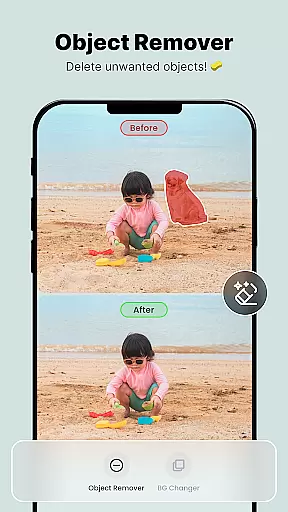
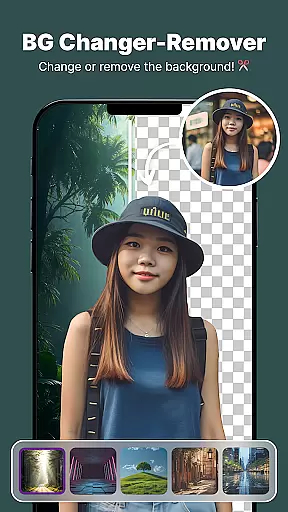
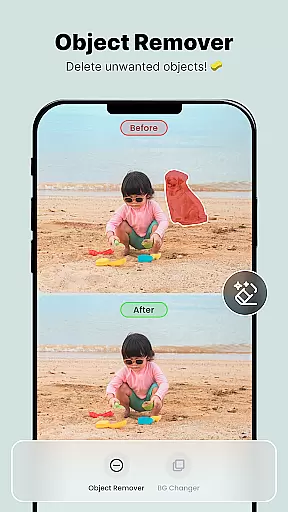
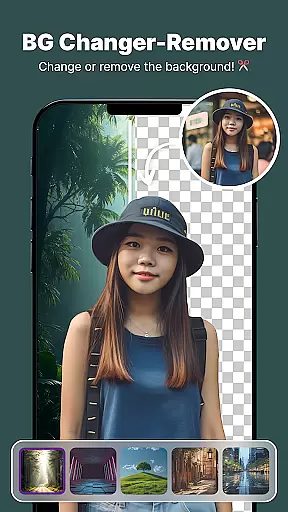
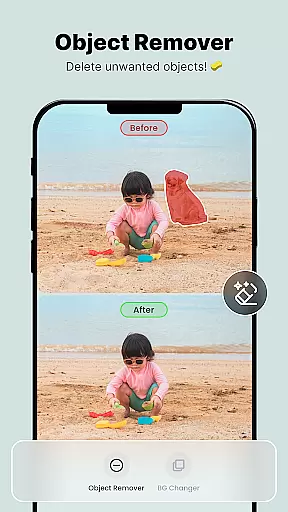
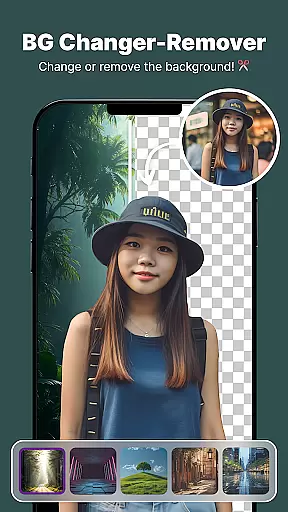
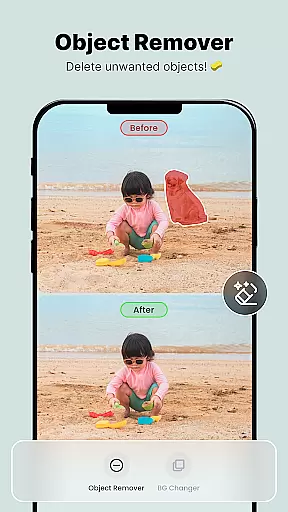
ShotCam is a comprehensive photo editing application designed to enhance your photography experience. This all-in-one editor allows users to sculpt body shapes, create eye-catching collages, and apply professional background effects with ease. Whether you're looking to blur the background for portrait photos or remove unwanted objects from your images, ShotCam provides the necessary tools to perfect every detail.
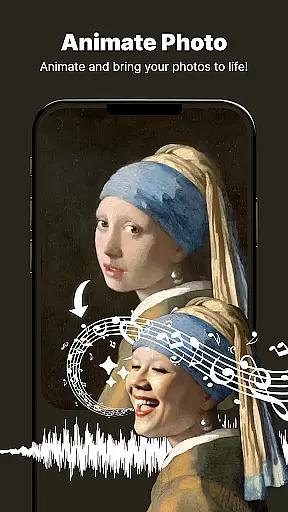
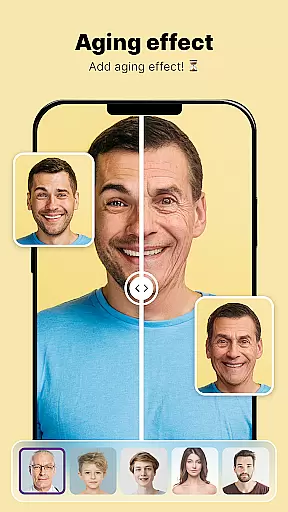
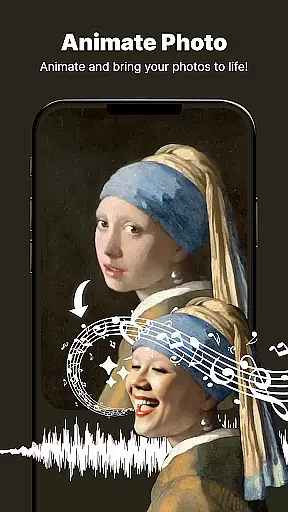
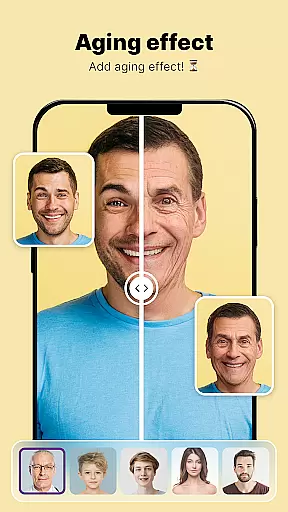
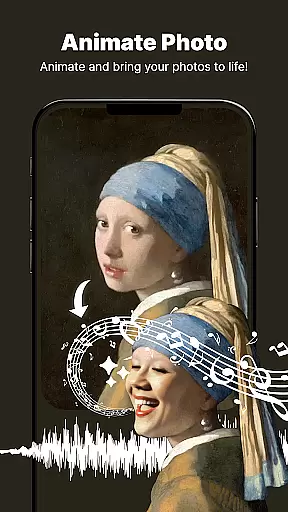
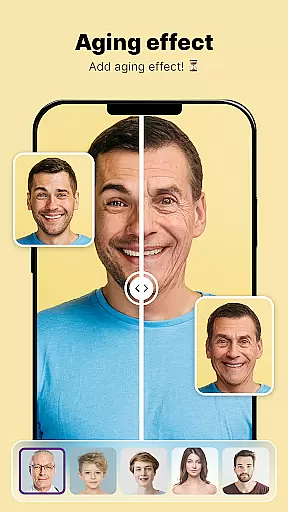
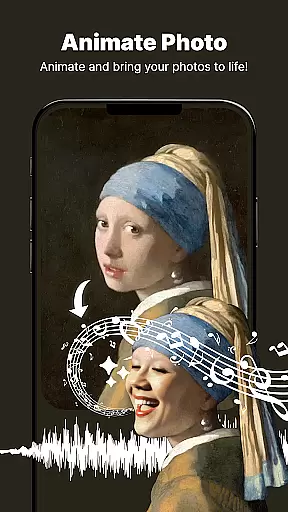
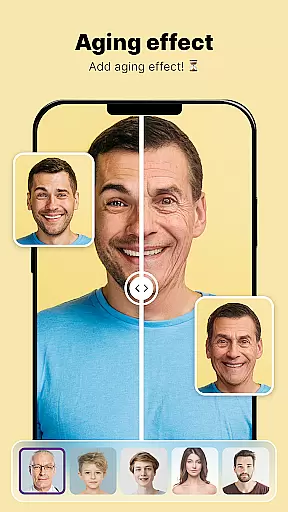
The app stands out with its unique features like Animate Photo, which transforms static images into dynamic animations, and Aging Effects that let you preview future appearances. These innovative tools make ShotCam an ideal choice for both casual users and professional photographers who seek creative freedom in their photo projects.
With its intuitive interface and powerful editing capabilities, ShotCam empowers users to produce flawless photos effortlessly. The app's versatility makes it suitable for various scenarios, from enhancing social media posts to preparing high-quality images for professional portfolios.
ShotCam offers an impressive array of features that cater to diverse photo editing needs. The Body Shaper tool enables precise figure adjustments, while the Collage Maker helps combine multiple images into stunning compositions. Users can experiment with different layouts and customize their creations for maximum visual impact.
Background editing is another strong suit of ShotCam, featuring Background Changer, Object Remover, and Background Blur tools. These functions allow users to replace backgrounds, remove distracting elements, and create professional-looking portraits with softened backdrops. The Aging Effects provide an entertaining way to explore potential future appearances.
What sets ShotCam apart is its innovative Animate Photo feature, which adds motion to still images, creating captivating animated content. This combination of traditional editing tools with creative animation capabilities makes ShotCam a versatile solution for modern photo enhancement requirements.
Real-time capture and preview functionality is essential for ensuring that users can see the results of their photo edits immediately. This feature allows photographers and casual users alike to adjust settings, apply filters, and make modifications with instant visual feedback.
ShotCam offers a dynamic real-time editing environment where each adjustment is reflected instantly on the screen. Whether it's sculpting the body, applying background blur, or creating collages, users can witness transformations as they happen, providing an intuitive editing experience.
The value of real-time capture and preview lies in its ability to enhance user engagement and satisfaction. By seeing immediate results, users can fine-tune their edits more precisely, ensuring that their final images meet their expectations without the need for trial and error.
This instant feedback loop not only saves time but also makes the editing process more interactive and enjoyable. Users can experiment with different effects and styles, fostering creativity and allowing them to produce professional-quality photos effortlessly.
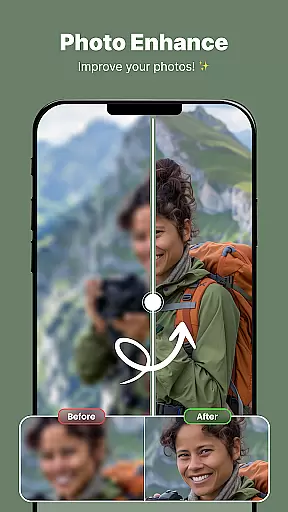
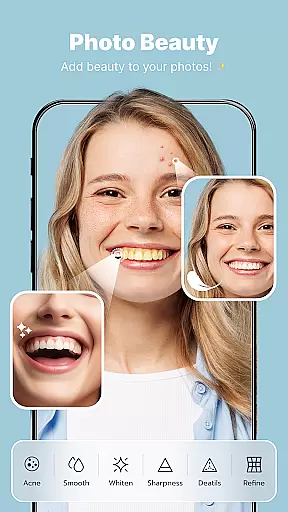
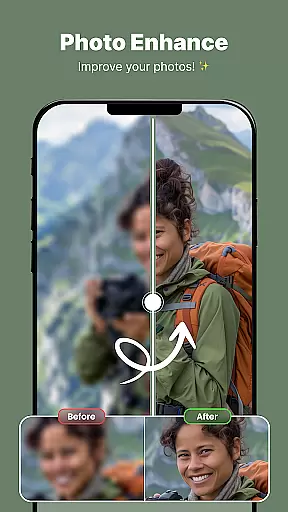
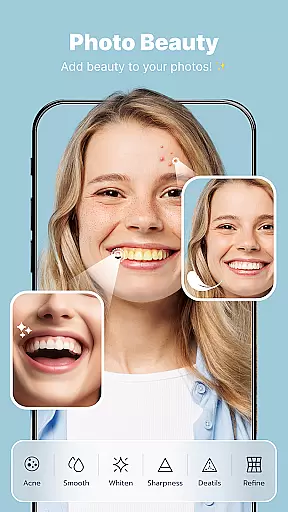
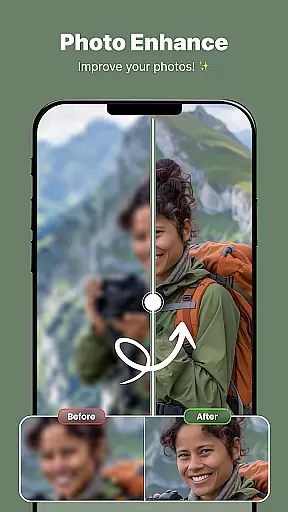
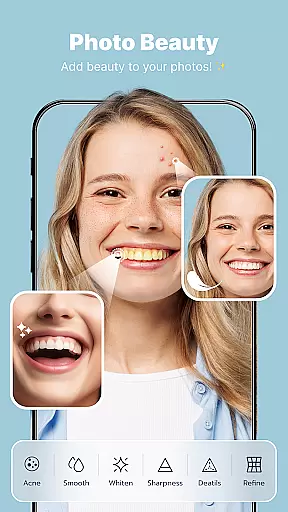
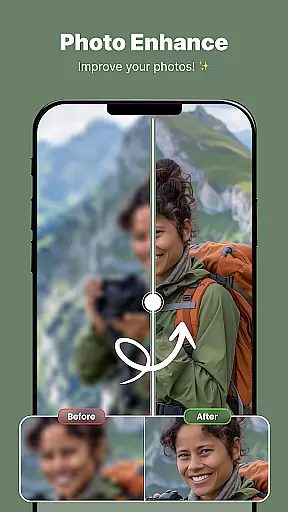
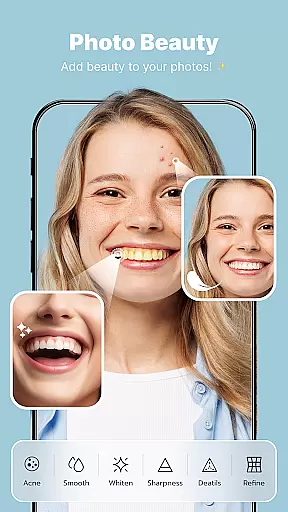
AI beauty and enhancement features are revolutionizing the way we edit photos by offering natural-looking improvements that preserve the authenticity of the original image. These tools utilize advanced algorithms to enhance facial features, skin texture, and overall appearance while maintaining a realistic look.
With ShotCam, AI-powered enhancements such as body shaping, aging effects, and object removal are designed to deliver subtle yet impactful changes. The app intelligently identifies key elements within the photo and applies enhancements that complement the subject without appearing over-processed or artificial.
Users benefit from these sophisticated AI capabilities by achieving polished results that still look genuine. Whether smoothing skin imperfections or adjusting body proportions, the edits blend seamlessly into the original photo, enhancing its quality without compromising its realism.
This approach to photo enhancement ensures that edited images retain their natural charm and character, making AI beauty tools indispensable for anyone looking to elevate their photography with authenticity and style.
User-friendly interface
Extensive editing tools
Innovative animation feature
Professional background effects
Versatile collage options
May overwhelm beginners
Advanced features locked behind paywall
Occasional performance issues
Limited free content
Subscription model required

Easily stitch panoramas from multiple photos or video.
 4.40
4.40
HD Photo gallery and photo manager to edit, hide private photos, videos & albums
4.1
Perfect body tune & face app - photo retouch, makeup, slim body & beautify face.
4.80
Photo prints, cards, & gifts at Walgreens. Easy ordering & fast local pickup !
4.80
AI photo editor with hair editor, retouch tools, hair color changer & filters!
4.50
Collage your moments in one tap: 1000+ layouts, filters, stickers, and texts.
4.90
Transform Photos: Edit, Beautify and Craft Memories & Make Collages!
4.10
Turn photos into cartoons & avatars! - Photo Editor, Cartoon Face!
3.90
PhotoSync Bundle Add-On License. Enables all features and services in PhotoSync.
4.60
The original Rarevision VHS look seen everywhere!
4.70
Android Native system HD camera app. Never been so simple and faster.
4.70
1M influencer's special filter
4.60
Unblur, enhance & restore photos with powerful AI photo enhancer tools.
4.60
Add Watermark - Sign your pictures with a text or logo. Effective, quick, easy!
4.50
Create collages easily! Nice pic collage maker & background eraser for Instagram
4.50
Effortlessly organize, view and share your photos & videos with Gallery app!
4.40
Edit like a pro with Hypic. Apply filters, AI effects, & magic touch.
4.40
Professional camera app that brings DSLR manual photography controls to Android.
4.20
Remote control the phone camera shutter from your smartwatch and take a picture
1.60


User Reviews