
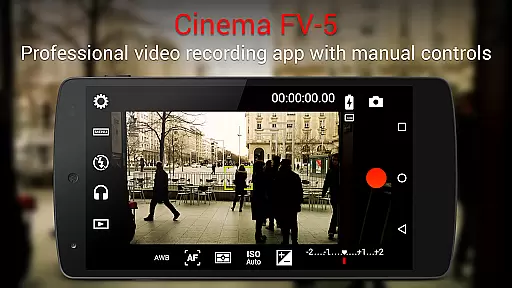
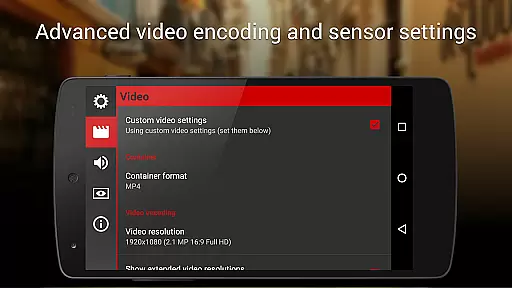
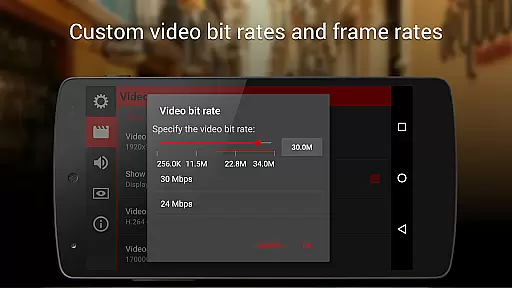
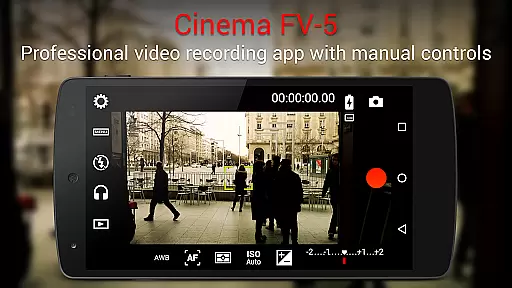
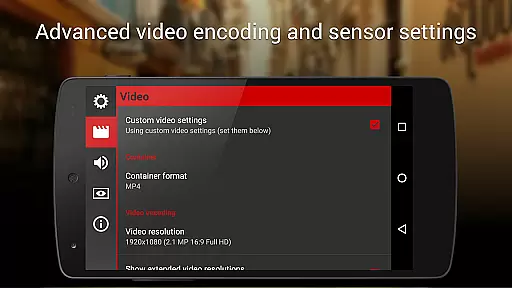
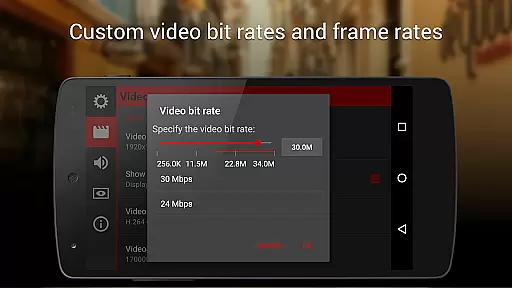
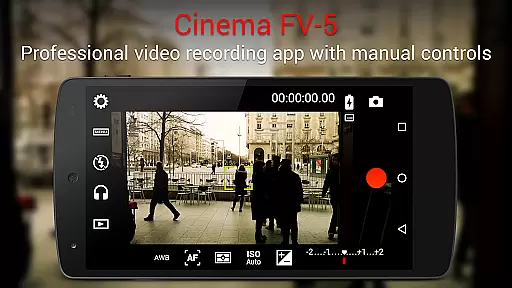
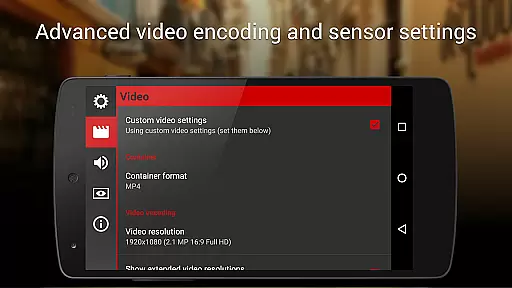
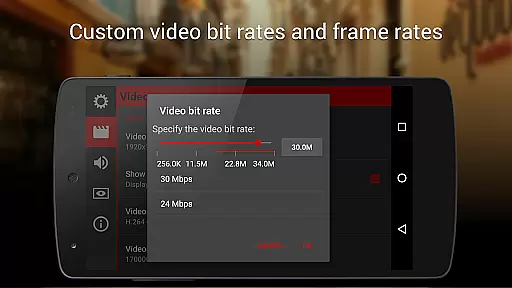
Cinema FV-5 is a professional-grade video camera application designed for mobile devices, offering advanced manual controls that empower videographers to capture high-quality footage. With its comprehensive set of features tailored for both enthusiasts and professionals, the app allows users to adjust critical image sensor parameters such as ISO, exposure compensation, focus modes, and white balance. These functionalities ensure optimal post-production results, making it an ideal tool for creative filmmakers who demand precision and flexibility in their work.
One of the standout aspects of Cinema FV-5 is its ability to provide real-time adjustments during recording. This includes modifying focus planes, exposure settings, and audio inputs, which ensures seamless control over the final output. Additionally, the app supports 4K UHD video recording on compatible devices, further enhancing its appeal for professional use. Its advanced electronic viewfinder, complete with live RGB and luminance histograms, offers users detailed insights into their recordings, ensuring every shot meets exacting standards.
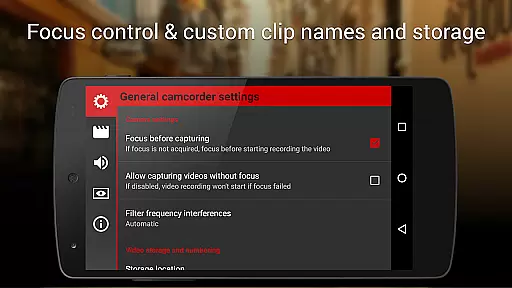
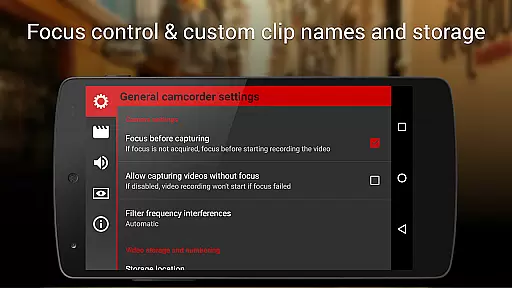
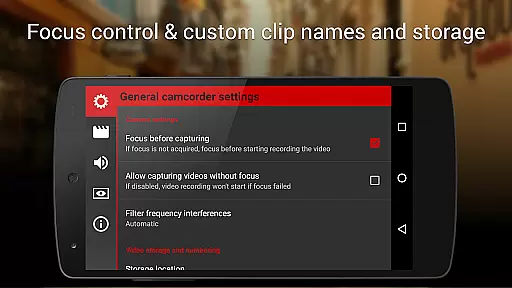
The app's versatility extends to its compatibility with various audio sources, customizable file naming conventions, and assignable camera functions via volume keys. Whether shooting a short film or capturing footage for larger projects, Cinema FV-5 provides the tools necessary to produce exceptional content. By combining powerful technical capabilities with user-friendly interfaces, this app bridges the gap between mobile videography and professional filmmaking, unlocking limitless creative possibilities.
Cinema FV-5 distinguishes itself through a robust suite of professional features designed to meet the needs of serious videographers. At its core, the app provides unparalleled control over essential camera settings, including ISO, exposure compensation, light metering modes (matrix/center/spot), focus modes, and white balance adjustments. What sets Cinema FV-5 apart is the ability to modify these parameters even while recording, giving filmmakers dynamic control over their shots without interrupting the creative process.
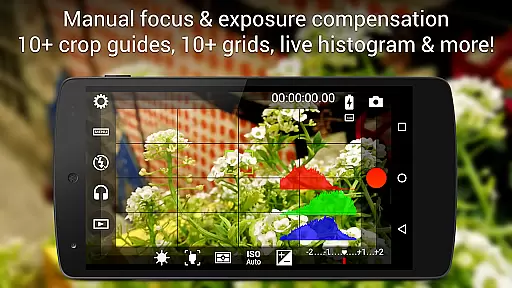
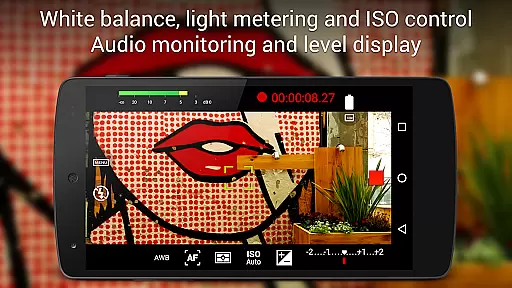
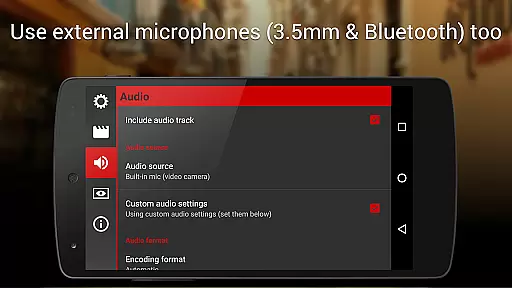
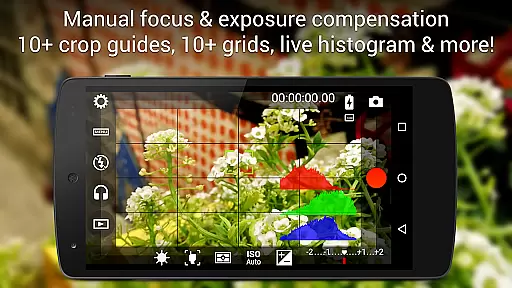
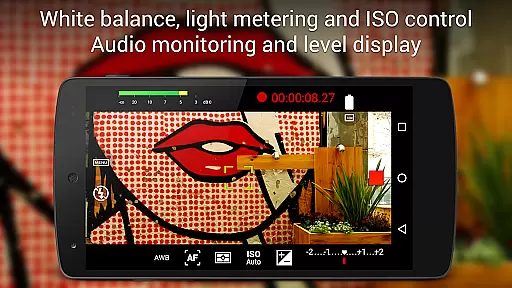
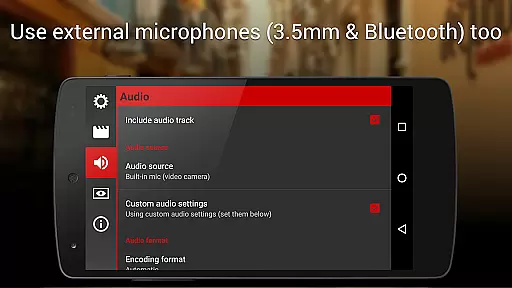
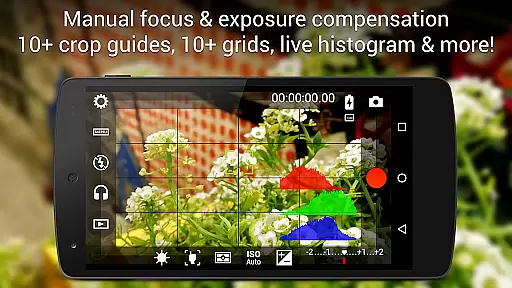
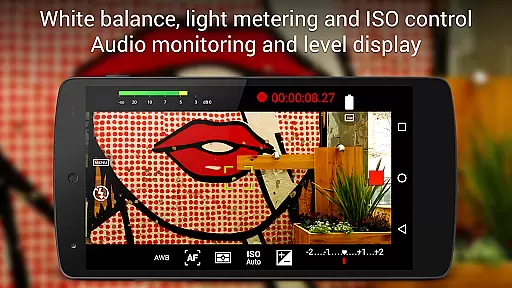
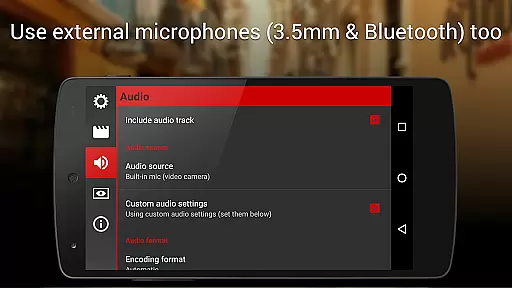
In addition to its manual controls, Cinema FV-5 boasts an advanced electronic viewfinder equipped with live RGB and luminance histograms, enabling precise monitoring of video quality in real time. The app also supports professional sound metering options, displaying audio peaks and clipping warnings to ensure optimal audio capture. Furthermore, users can choose from multiple audio input sources, such as built-in microphones, external wired microphones, or wireless Bluetooth headsets, providing flexibility for diverse shooting scenarios.
Other notable features include support for 4K UHD video recording, geotagging functionality, and extensive customization options for video clips organization. Users can assign camera functions to volume keys, utilize autofocus locks, and leverage zoom capabilities with specific focal length displays. These innovations make Cinema FV-5 a versatile tool for producing top-tier content across various devices, solidifying its position as a must-have app for professional videography.
Cinema FV-5 excels in real-time capture and preview capabilities, offering videographers precise control over their footage. The application provides professional manual controls that allow users to adjust image sensor parameters such as ISO, exposure compensation, and white balance even during recording. This ensures that the captured video accurately reflects the creator's vision without any compromise.
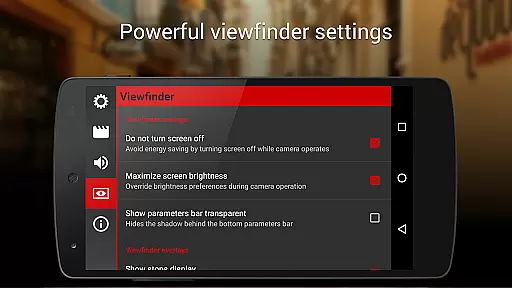
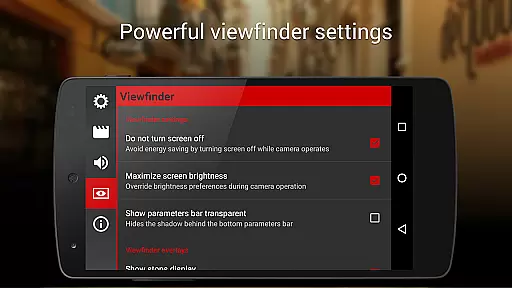
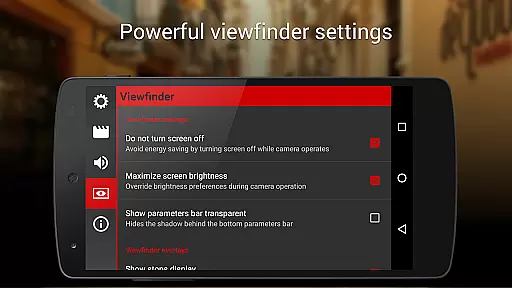
The app features an advanced electronic viewfinder with live RGB and luminance histograms, enabling users to monitor their shots' exposure and color in real time. With 10+ compositing grids and crop guides available, filmmakers can compose their scenes with precision. These professional tools ensure that every frame is perfectly aligned and exposed, which is crucial for high-quality postproduction editing.
Sound quality is equally important, and Cinema FV-5 does not disappoint. It offers professional sound metering options, displaying audio peaks and warnings for sound clipping during recording. Users can choose from various audio input sources including built-in microphones, external wired microphones, or wireless Bluetooth headsets, ensuring optimal audio capture for every scenario.
While primarily focused on professional-grade video capture, Cinema FV-5 also incorporates features that enhance the natural beauty of the footage without relying on artificial AI enhancements. The app allows videographers to manually adjust focus, exposure, and white balance, resulting in authentic and true-to-life images. This manual control ensures that the enhancements are deliberate and specific to the scene being filmed.
The ability to lock focus and adjust focus planes during recording adds a layer of depth and realism to videos. By leveraging these advanced focusing capabilities, creators can produce content that maintains its natural aesthetic while highlighting key elements within the frame. This approach avoids the overly processed look that some automated enhancement features might introduce.
Additionally, Cinema FV-5 supports recording in 4K UHD resolution on compatible devices, capturing every detail with stunning clarity. This high level of detail contributes to the overall natural appearance of the footage, making it ideal for projects where authenticity is paramount. Whether shooting a documentary or a cinematic masterpiece, users can trust Cinema FV-5 to deliver beautifully enhanced yet genuinely natural results.
Professional manual controls
Real-time parameter adjustments
Advanced electronic viewfinder
Supports 4K UHD recording
Customizable file organization
Steep learning curve
Premium price point
Limited beginner guidance
Requires high-end hardware
No automatic editing tools

Trendy TikTok time warp scan funny filter app brings you unique photos & videos.
 4.40
4.40
Easily stitch panoramas from multiple photos or video.
4.40
HD Photo gallery and photo manager to edit, hide private photos, videos & albums
4.0
Edit like a pro with Hypic. Apply filters, AI effects, & magic touch.
4.40
Pet Camera
3.70
Unblur, enhance & restore photos with powerful AI photo enhancer tools.
4.60
Catch sunlight, sunrise sunset times and sun phases with the AR sun tracker.
4.10
The original Rarevision VHS look seen everywhere!
4.70
A unique animation app. Powerful, easy to use, and lots of fun.
4.30
Gallery show photo, video, slideshow, is perfect 3D effect private photo albums.
4.80
Amazing Photo Effects - The most fun you can have with your photos!
4.70
Enhance, retouch & create your story - Share the moment with Photoshop Express.
4.60
PhotoSync Bundle Add-On License. Enables all features and services in PhotoSync.
4.60
Movie camera, supports pro recording settings for filming. Try it and be amazed!
4.50
A reflected light meter with spot metering and incident light metering.
4.40
RAW video capture with advanced controls
4.40
Create AI Photos, Improve and restore quality of blurry, old or damaged pics.
4.20
An interval timer to automate photo taking process for timelapse
2.90
Over 800 film simulation recipes for Fujifilm. Black Friday Offer!
4.5


User Reviews