
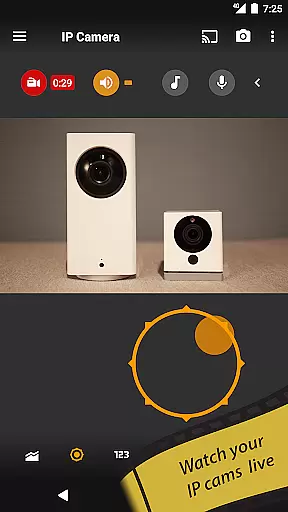
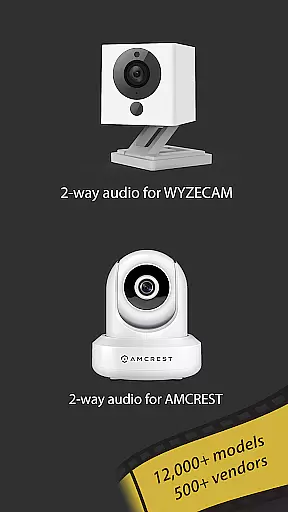
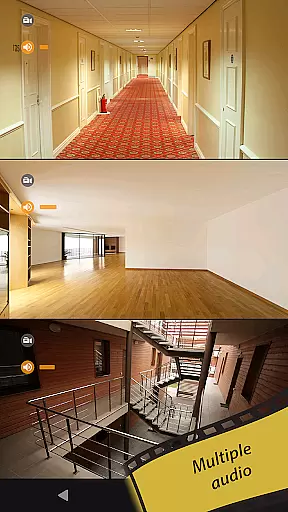
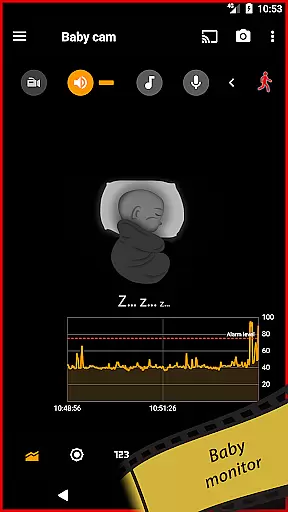
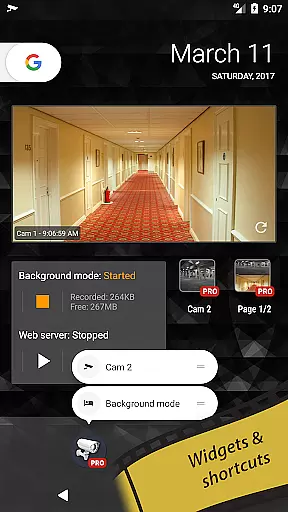
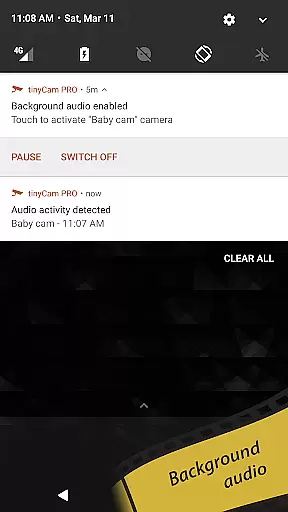
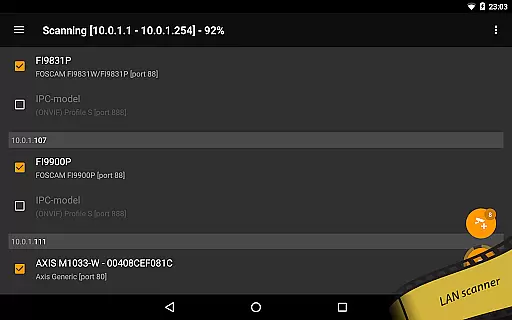
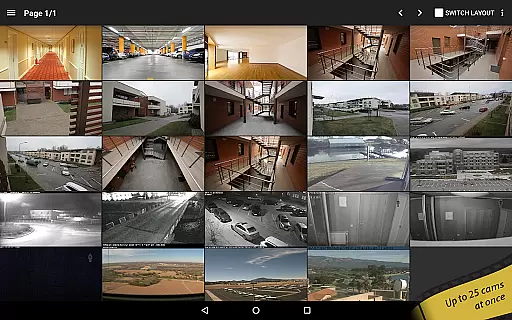
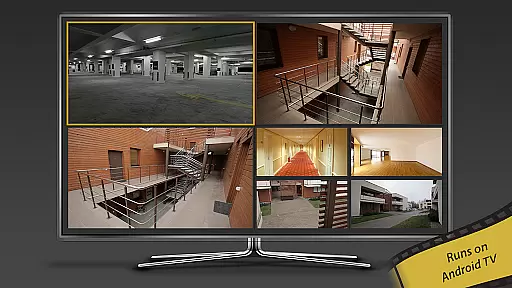
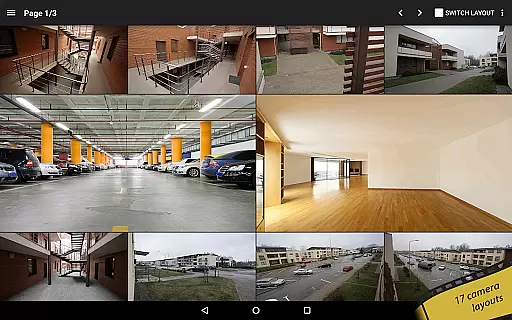
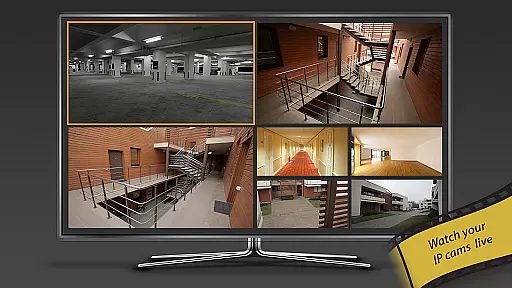
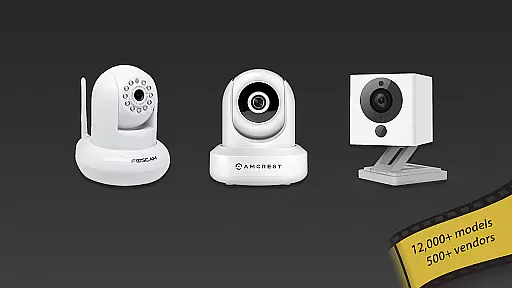
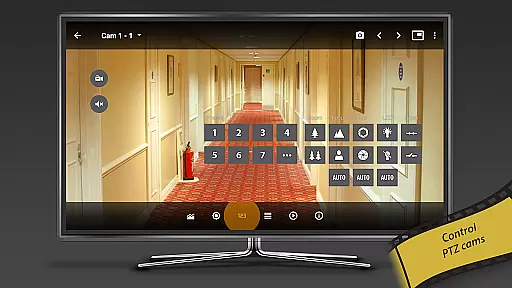
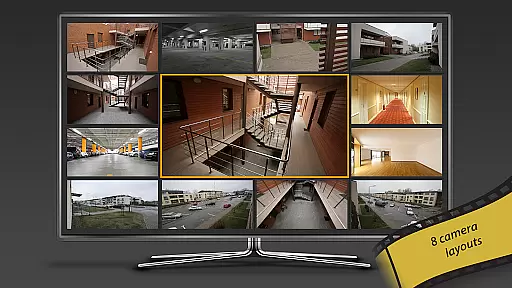
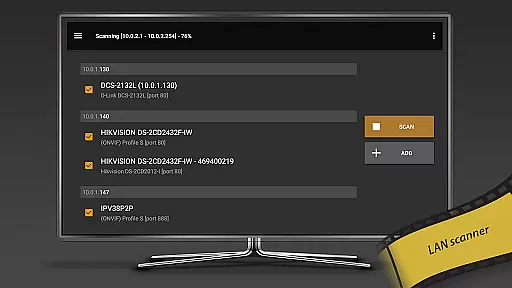
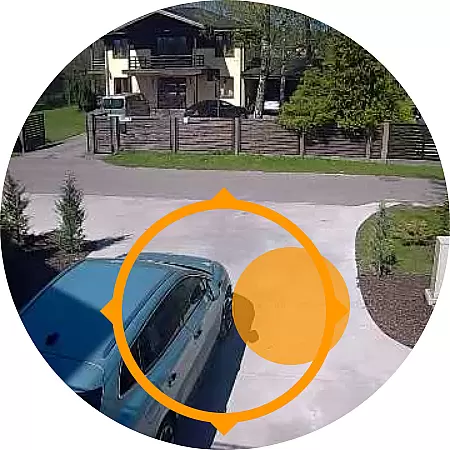
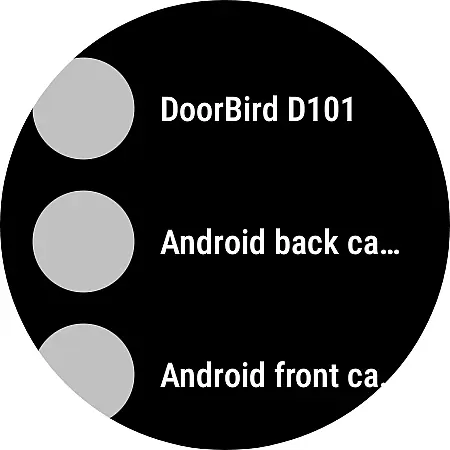
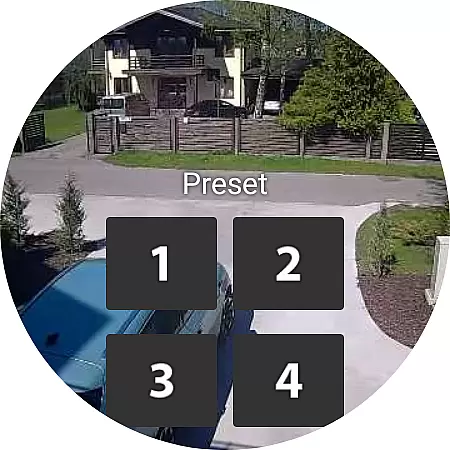
tinyCam Monitor PRO is the ultimate Android application for remote surveillance and video recording, designed specifically for both private and public network IP cameras. With support for over 12,000 camera models including popular brands like Foscam and Amcrest, this app offers an intuitive interface with advanced features such as ONVIF Profile S, smart camera compatibility, and P2P connections. Users can securely monitor their homes, businesses, or even pets using SSL encryption while enjoying functionalities like pan-tilt-zoom control and two-way audio communication.
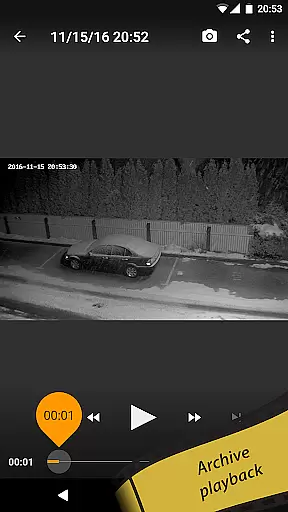
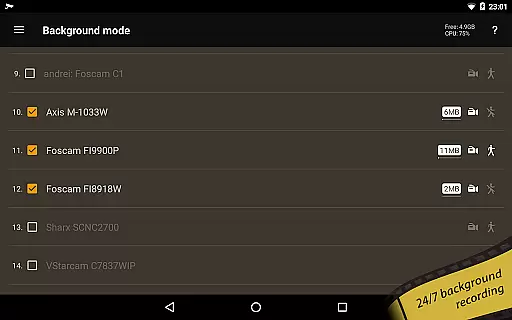
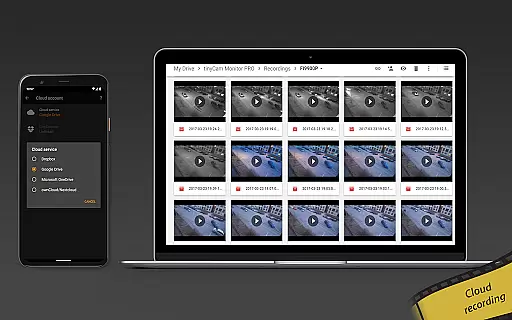
In addition to its robust security features, tinyCam Monitor PRO provides versatile recording options including 24/7 MP4 recording on local storage or cloud services like Dropbox and Google Drive. The app stands out with unique capabilities such as background recording, time-lapse functionality, and AI-based object detection that identifies persons, pets, and vehicles. Whether you need to set up a comprehensive DVR system or require simple home monitoring, tinyCam Monitor PRO delivers exceptional value with continuous updates and feature enhancements.
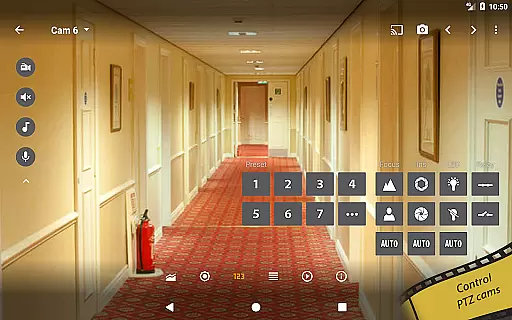
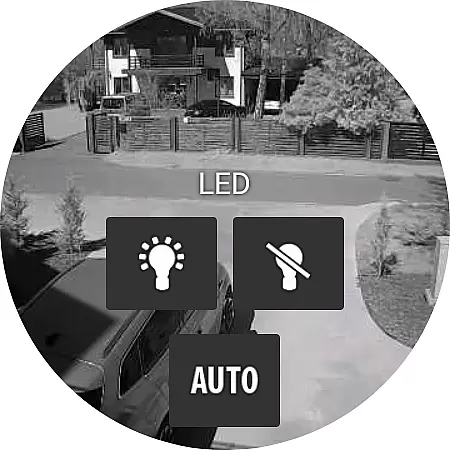
One of the standout aspects of tinyCam Monitor PRO is its extensive feature set tailored for diverse surveillance needs. The app supports multiple video formats including MJPEG, H264, and H265, ensuring compatibility with a wide range of IP cameras. It also includes ONVIF Profile S support which extends its usability to more than 12,000 different camera models, making it one of the most versatile surveillance apps available today. Advanced functionalities such as PTZ (pan-tilt-zoom) control, relay and LED management, and two-way audio support enhance user interaction with their security systems.
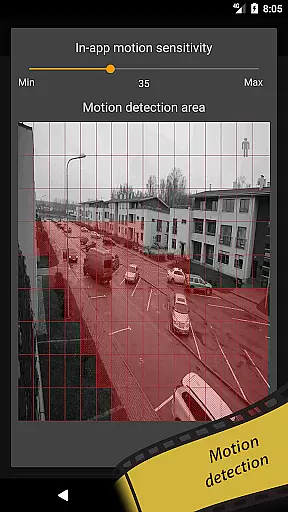
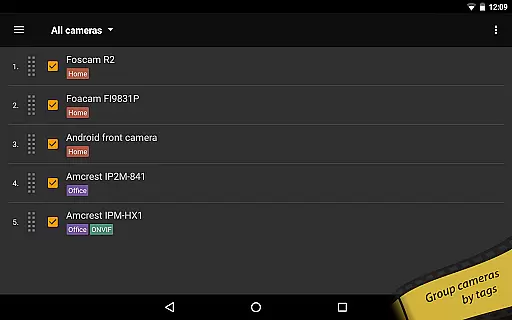
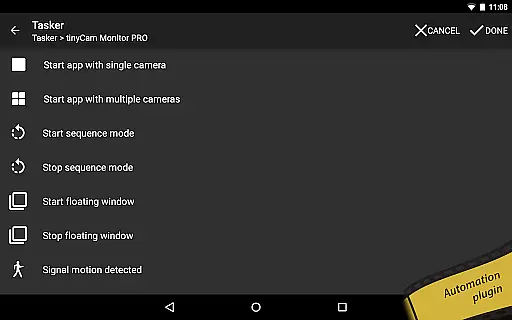
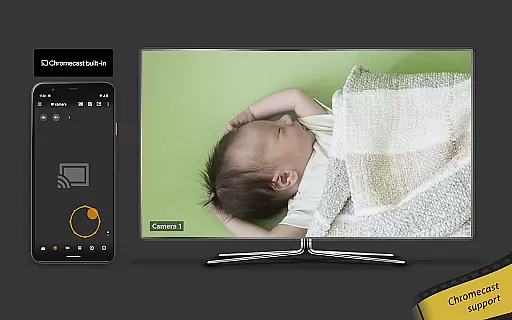
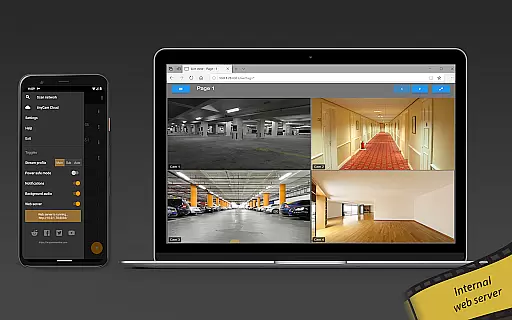
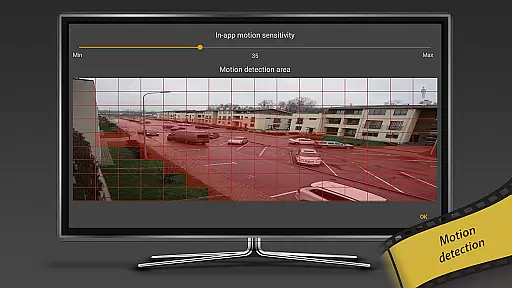
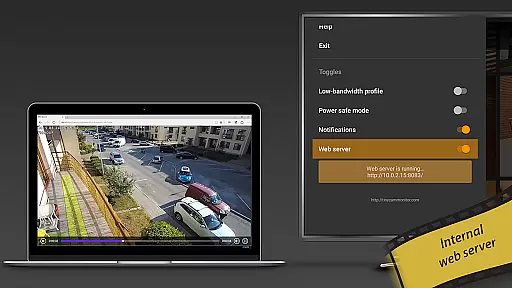
tinyCam Monitor PRO further impresses with its innovative features designed for convenience and automation. Users can benefit from automatic camera switching in sequence mode, grouping cameras by tags for organized viewing, and importing/exporting settings across devices. Unique offerings like an internal web server for remote access, motion detection via both the app and camera, and integration with smart home systems through Tasker plugins provide unparalleled flexibility. Additionally, the app's ability to cast to Wear OS and Google Cast-enabled devices ensures users can monitor their spaces from virtually anywhere at any time.
Companion app integration is essential for users who want seamless connectivity between their wearable devices and smartphones. tinyCam Monitor PRO ensures that all data captured on your smartwatch or other Wear OS devices can be effortlessly synchronized with your mobile device.
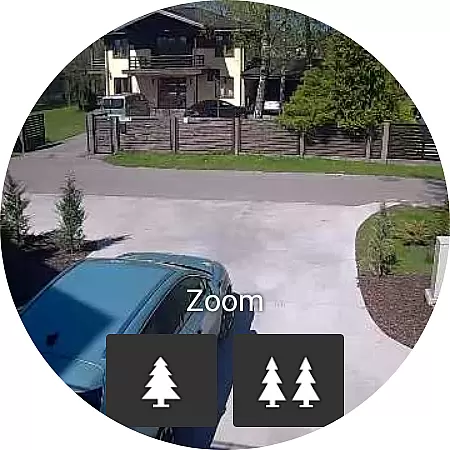
The application supports real-time streaming, allowing users to monitor live feeds directly from their wearables. This feature provides the convenience of accessing critical surveillance information without needing to take out your phone, making it ideal for scenarios where quick access to camera feeds is crucial.
In addition to live streaming, tinyCam Monitor PRO offers comprehensive control over your IP cameras right from your wrist. Users can manage multiple camera settings, receive instant notifications, and even initiate recordings, ensuring they never miss an important moment.
This level of integration enhances user experience by providing a cohesive ecosystem where data flows smoothly between devices, empowering users with greater flexibility and control over their surveillance systems.
Ensuring broad compatibility with various Wear OS devices is vital for maximizing user accessibility. tinyCam Monitor PRO is designed to work seamlessly with a wide range of smartwatches and other wearable devices running on Wear OS, offering users the flexibility to choose their preferred hardware.
The app's compatibility extends beyond just basic functionality; it includes advanced features such as two-way audio communication, motion detection alerts, and remote camera control. These capabilities ensure that users can fully leverage their wearable devices for comprehensive home or business security monitoring.
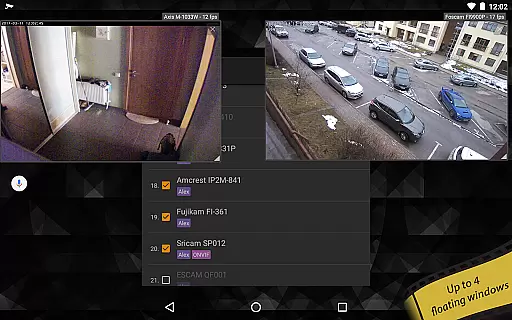
tinyCam Monitor PRO also supports casting to Wear OS, enabling users to stream video directly to their smartwatches. This feature is particularly useful for situations where users need to keep an eye on multiple locations simultaneously without being tied to a single screen.
By prioritizing extensive device compatibility, tinyCam Monitor PRO delivers a versatile and reliable solution for users seeking robust surveillance options on their wearable technology, enhancing both convenience and peace of mind.
User-friendly interface
Extensive camera support
Advanced security features
Versatile recording options
Unique AI capabilities
High cost for full features
Complex setup process
Limited free version
Occasional connectivity issues
Heavy on device resources

Christmas watch face. For Wear OS devices.
 4.30
4.30
Christmas - Festive - Christmas Village - Winter - Christmas lights
5.00
Snowflake Rose Gold Watch Face - Digital, modern, & sleek with GYRO effect.
4.10
MyNISSAN® lets you remotely control your car from your phone.*
4.50
Digital watch face with big numbers and many customization for Wear OS devices
4.40
Connect to your Bluelink equipped Hyundai vehicle from your smartphone.
4.50
The #1 source of faces for your smartwatch!
4.00
Minimalistic design modern digital watch face.
4.2
Download full tracks, listen to music offline, make unlimited playlists.
4.80
Christmas Theme Watch Face for Wear Os
5.00
The most customizable minimal watch face. For Wear OS 5.0, API 34+ and later
4.70
Real-time results, stats, schedules and player profiles for all leagues
4.60
A white realistic classic analog watch face with many customization options.
4.40
Embrace the festive spirit with our Christmas Countdown watchface for Wear OS
4.10
Wear Os Watch Face - Animated Snow Effect & Magic Spark - 6 Scenes
4.10
Want to take charge of your health? Let Google Fit help you reach your goals.
3.50
Stay in touch with your friends and family using LINE!
3.40
Precision analog watch face with 7 complications and style options
4.1
Hybrid Vibrant Health Watch Face for Wear OS
4.2


User Reviews