
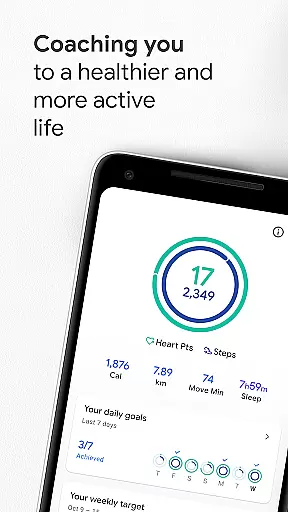
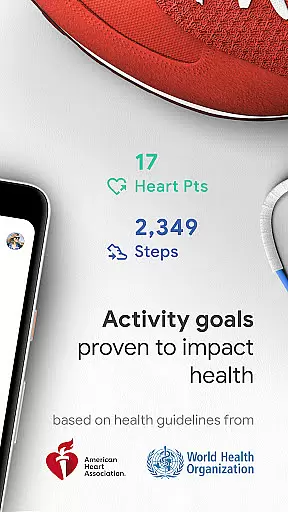
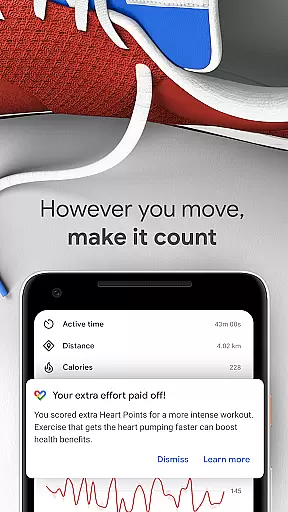
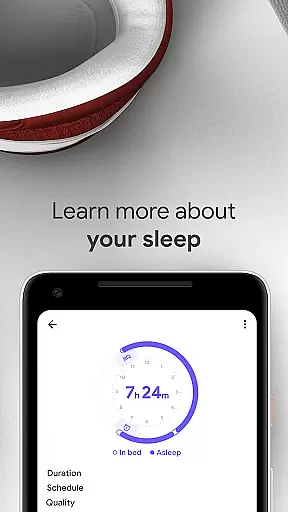
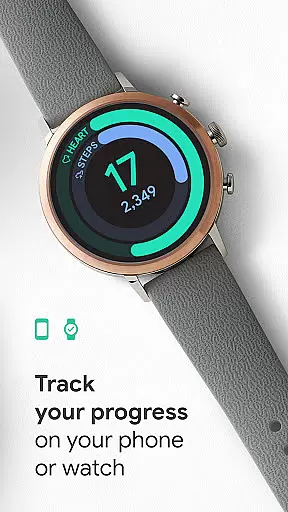
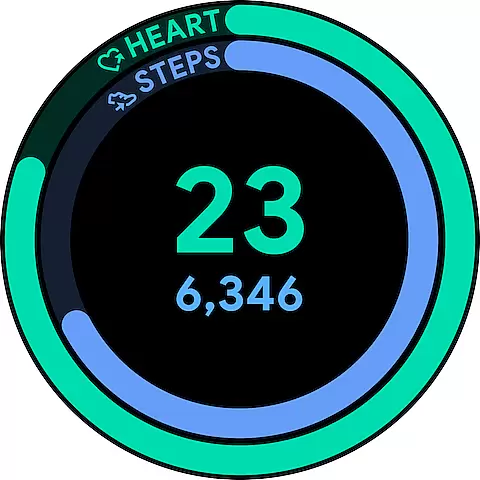
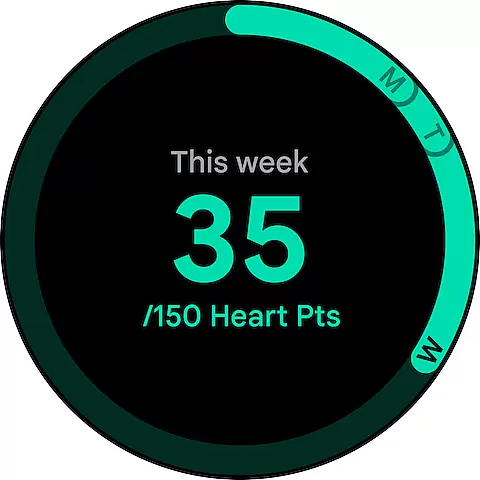
Google Fit is a comprehensive health and fitness application designed to help users lead a healthier, more active lifestyle. Developed in collaboration with the World Health Organization (WHO) and the American Heart Association (AHA), it introduces Heart Points - an innovative activity goal system that promotes heart and mental health through moderate to intense physical activities. Users earn points for each minute of exercise, with higher intensity workouts earning double points.
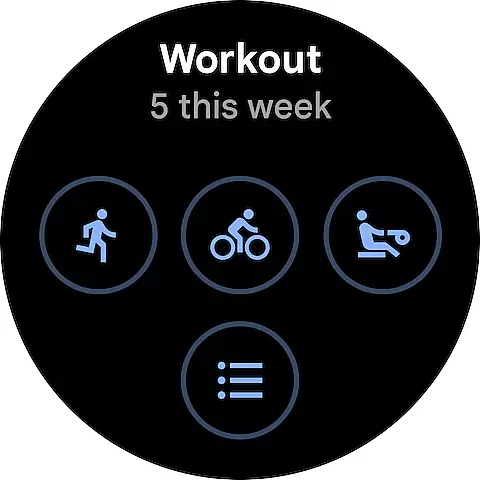
The app tracks workouts using phone or smartwatch sensors, providing real-time stats for various activities like running, walking, and cycling. It automatically detects daily movements and allows users to log different types of workouts, ensuring all physical activities are accounted for. Google Fit also integrates with multiple third-party apps and devices, offering a complete view of the user's health data in one place.
With features like respiratory rate monitoring, heart rate measurement, and an intuitive activity journal, Google Fit provides valuable insights into overall wellbeing. The app's customizable goals and instant insights make it suitable for both fitness beginners and experienced athletes looking to maintain an active lifestyle while tracking their progress effectively.
Google Fit stands out with its unique Heart Points system, which gamifies physical activity by assigning point values based on exercise intensity. This feature encourages users to engage in more vigorous activities while still valuing moderate exercise. The app's automatic activity detection utilizes Android phone sensors and Wear OS smartwatch technology to capture various forms of movement throughout the day, from walking to cycling.
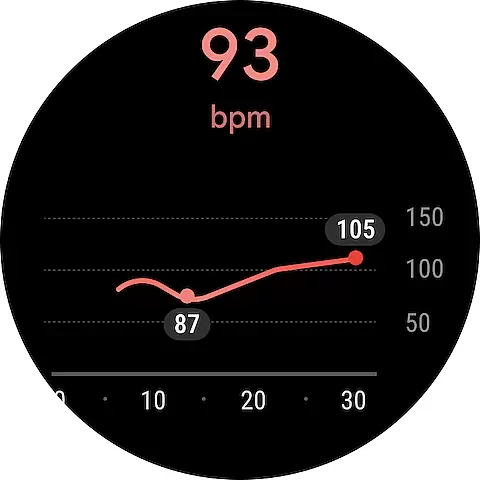
Real-time workout tracking provides users with instant feedback on their performance, including metrics like speed, pace, and route information. The integration capability with popular fitness apps and devices creates a centralized hub for all health-related data. Advanced features include respiratory rate monitoring through the phone camera and heart rate measurement, offering users deeper insights into their physiological responses to exercise.
The redesigned activity journal and browse functionality allow users to easily review their fitness history and track progress over time. With customizable home screen widgets and watch complications, users can quickly access their daily stats and maintain motivation. These features collectively create a robust platform for managing personal fitness goals and maintaining long-term health tracking.
Companion app integration is crucial for wearable devices to function seamlessly with smartphones. Google Fit excels in this area by establishing a robust connection between your Android phone and Wear OS smartwatch.
The app leverages your phone's sensors or your smartwatch's heart rate sensors to track activities accurately. This ensures that whether you're running, walking, or cycling, the data is captured in real-time and synchronized across devices.
Users benefit from instant insights during workouts, receiving stats such as speed, pace, and route directly on their wearables. This seamless integration allows for uninterrupted tracking, providing a comprehensive view of your fitness journey without needing to carry your phone everywhere.
By maintaining strong companion app integration, Google Fit ensures that users can access their health data anytime, anywhere, making it easier to stay committed to an active lifestyle.
Device compatibility is essential for ensuring that applications like Google Fit work optimally across various devices. Google Fit offers extensive support for Wear OS by Google, enhancing its usability on smartwatches.
This compatibility enables automatic detection of activities such as walking, running, or biking throughout the day. Whether using an Android phone or a Wear OS smartwatch, Google Fit records these activities and adds them to your journal, ensuring every move counts towards your fitness goals.
Moreover, Google Fit integrates with numerous third-party apps and devices, including Xiaomi Mi bands and Withings, offering a holistic view of your health. This broad compatibility ensures that no matter which device you prefer, your data remains consistent and accessible.
With Google Fit's robust Wear OS and device compatibility, users enjoy a versatile and uninterrupted fitness tracking experience, empowering them to maintain a healthier lifestyle effortlessly.
User-friendly interface
Comprehensive activity tracking
Integration with multiple devices
Real-time workout statistics
Heart Points motivation system
Limited iOS functionality
Advanced features require Wear OS
Occasional syncing issues
Battery consumption concerns
Some integrations need premium subscription

Calming & relaxing sounds for sleeping and stress relief. Stay focused all day!
 4.20
4.20
Watch the sharpness of the sky on your wrist..
3.70
A Wintery Snow Globe on Your Wrist; now celebrating Christmas!
4.3
Simple Analog-Digital Watchface For Wear OS 3.0 and Up Smartwatches
4.0
Monitor health with the stress test and pulse checker in the heart rate app.
4.60
Hyperlocal rain alerts by MyRadar using patent-pending technology, radar & more
4.80
Your second brain for organizing your life: to-do, calendar, reminder.
4.70
Reliable phone calls with spam protection, caller ID and more helpful features
4.40
Minimalistic design modern digital watch face.
4.2
To-Do List: daily schedule planner, task organizer, to do reminder app, calendar
4.60
Simple, helpful messaging by Google
4.60
Christmas watch face. For Wear OS devices.
4.30
Bold, Modern Hybrid Watch Face for Wear OS. 10 Colors, Rich Info Display.
4.30
The ultimate destination for kids ages 3-8 to explore the Marvel Universe!
4.30
sleep, alarm, snoring, stress, healing, focus, sound therapy, circadian rhythm
4.10
Viewer for Wyze/Yi/Eufy/Arlo/ONVIF/RTSP/P2P IP cams w/ adv. features & DIY DVR
4.00
Analog watch face with 8 complications and expedition styling
4.2
A heartwarming Christmas scene featuring a cute image of Santa and Rudolf
4.2
Stylish digital watch face for Wear OS devices with customizable features
4.3


User Reviews