
Cubase iC Pro is an advanced control application designed specifically for music production professionals using Cubase software. This app serves as your personal recording assistant, providing seamless integration with Cubase to enhance your workflow.
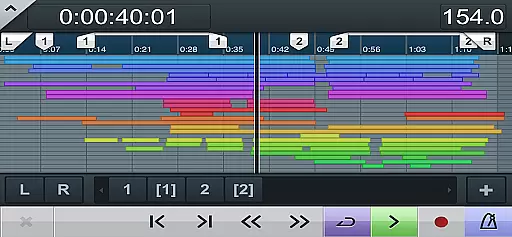
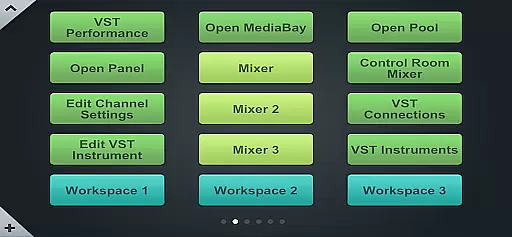
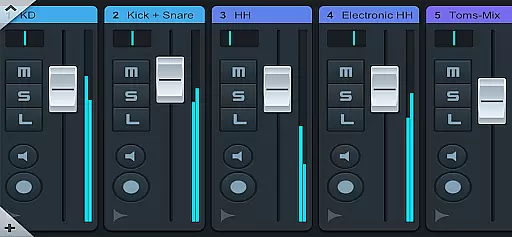
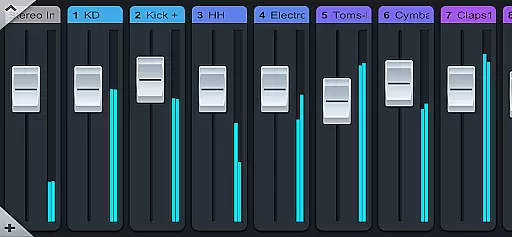
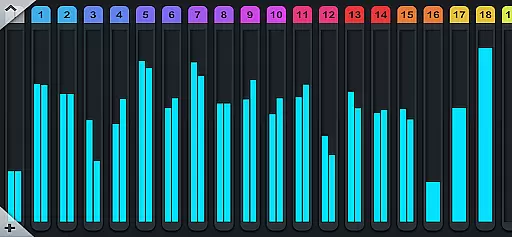
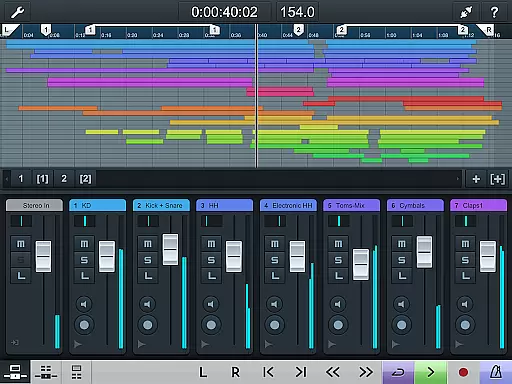
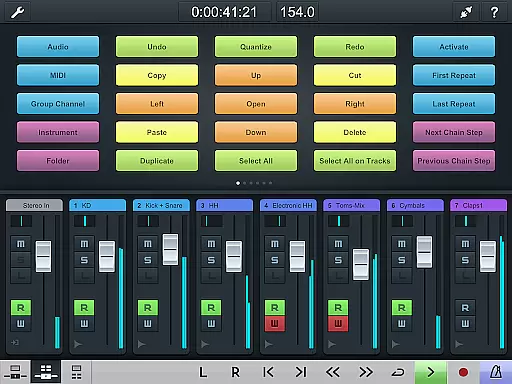
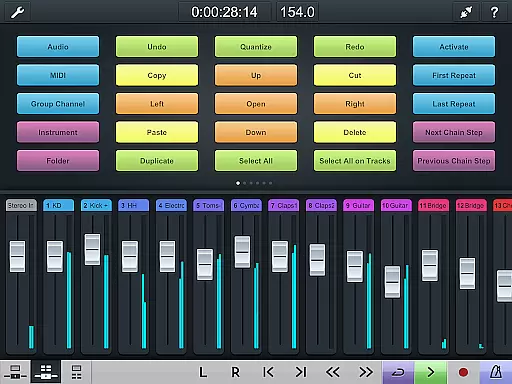
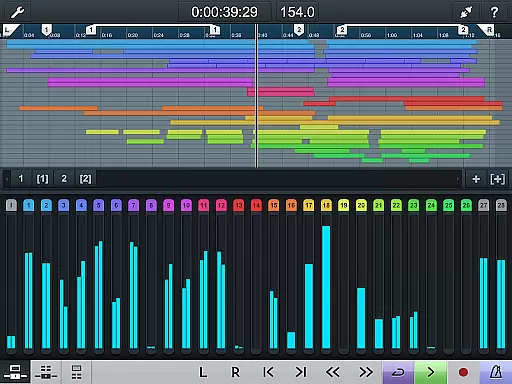
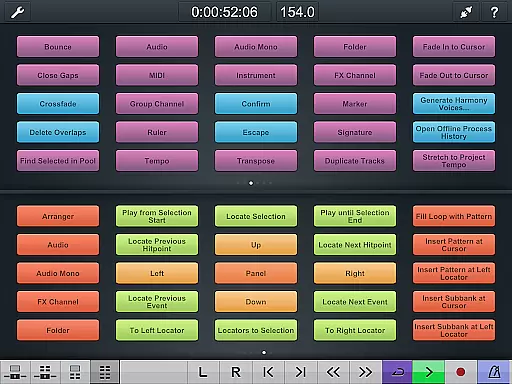
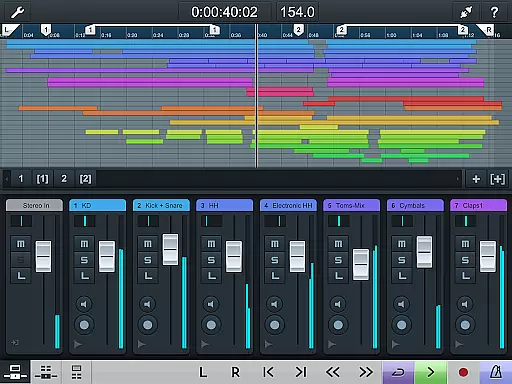
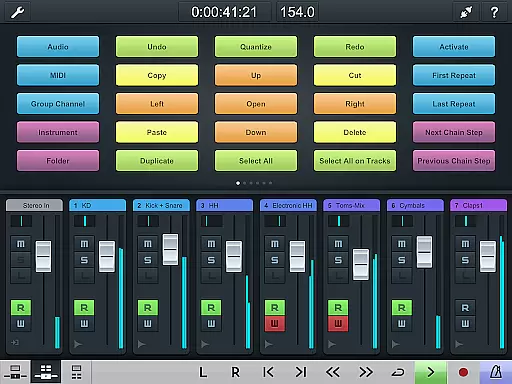
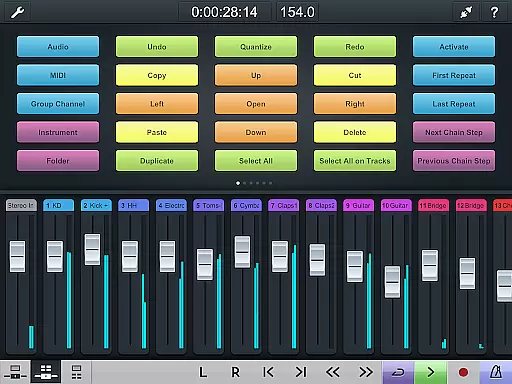
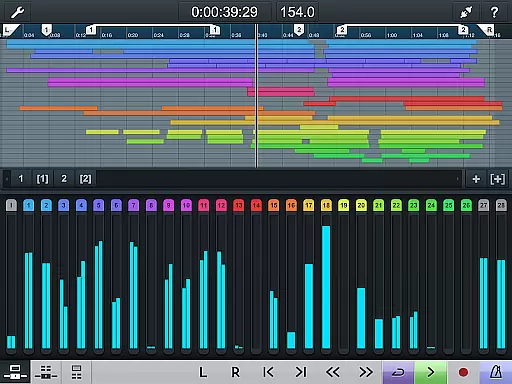
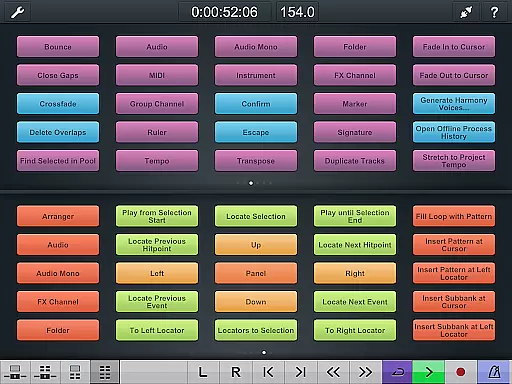
The app features a project overview page and mixer that mirrors your Cubase interface, allowing you to manage recordings with ease. Additionally, the key command page enables quick access to frequently used shortcuts and macros, making it an indispensable tool for efficient studio sessions.
Perfect for producers and engineers who need mobile control over their projects, Cubase iC Pro ensures you can manage sessions from anywhere in the studio. Please note, this app requires connection to Cubase and some features are only available with advanced versions.
Cubase iC Pro offers a comprehensive set of features tailored for professional audio production. The app's main highlight is its ability to replicate the Cubase interface on mobile devices, including the project overview and mixer pages.
With the key command functionality, users can create custom shortcut schemes for their most-used actions. This level of customization helps streamline complex tasks and boosts productivity during recording sessions.
The app maintains a clear focus on recording functions while providing essential remote control capabilities. However, full functionality requires installation of the Steinberg SKI Remote and compatibility with advanced Cubase versions, ensuring optimal performance for serious music production environments.
When it comes to music production applications like Cubase iC Pro, the size and authenticity of the music library are crucial for users. A comprehensive library provides musicians with a wide range of sounds and samples that can inspire creativity and enhance their projects.
Cubase iC Pro leverages its connection to Cubase, one of the industry-leading digital audio workstations, to offer users access to an extensive array of high-quality, copyright-authentic music content. This ensures that all the sounds and samples available through the app are legally licensed and ready for professional use.
By using Cubase iC Pro, artists can be confident in the legitimacy of the music content they utilize, allowing them to focus on their creative process without worrying about legal issues related to copyright infringement.
Audio quality is paramount in music production, and Cubase iC Pro offers various options to ensure that users can achieve the best possible sound in their recordings. The app's integration with Cubase allows for high-resolution audio processing, which is essential for capturing every nuance of a performance.
With Cubase iC Pro, users have control over different audio settings that affect the final output, such as bit depth and sample rate. These options are critical for professionals who require the highest fidelity in their work, ensuring that the audio quality matches industry standards.
Moreover, the ability to adjust these settings within the app means that musicians and producers can tailor their recording environment to their specific needs, resulting in a more personalized and precise music production experience.
Seamless Cubase Integration
Customizable Key Commands
Project Overview Display
Mobile Recording Control
Professional Workflow Enhancement
Requires Cubase Connection
Limited Standalone Functionality
Advanced Features Locked
Dependent on SKI Remote
Version Compatibility Issues

Simply convert wav to mp3. Clear. Reliable. Safe.
 4.3
4.3
Listen to live FM radio stations, sports, music and news on global radios online
4.70
The best music and audio player, with beautiful UI, music search and equalizer.
4.60
Play your hearts out on TouchTunes jukeboxes & connect with fellow music lovers.
4.80
Play KORG’s revolutionary touch-based instrument on a variety of devices.
4.40
PowerAudio is a powerful offline music player.
4.20
One-tap booster for max volume - enjoy powerful sound with this audio booster
4.50
Get alarms that fit your lifestyle and wake up to the sounds you love.
4.80
Melody Beat: Great for travel, workouts, offline vibes, play your tunes anytime.
4.10
Full-featured, High-Quality Groovebox Workstation, perfect for Live Performance!
4.80
Offline Music Player & MP3 Player.Powerful equalizer, Lyrics, Themes, Tag Editor
4.80 4.70
4.70
Record, Mix & Master with all n-Track effects, 64-bit audio and Stem Separation.
4.70
Unleash your creativity! Turn simple prompts into full fledged songs.
4.70
Super Sound Editor, Song Maker & Mixer, Vocal Remover, Voice Recorder & Changer!
4.60
Guzheng Master supports many playing techniques as an acoustic Guzheng
4.50
VB-AUDIO Software / VBAN-Receptor allows listening to any VBAN Streams
4.10
The only true audiophile music player with Hi-Fi audio rendering and DSP engine
3.90
Music Streaming suite for Ampache, Nextcloud Music and compatible backends.
4.0


User Reviews