
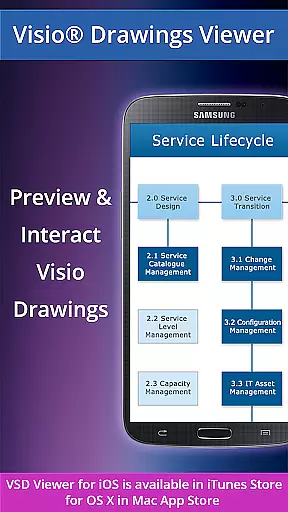
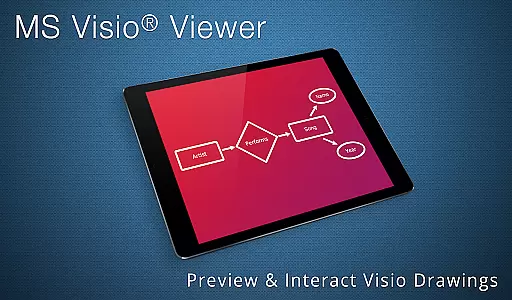
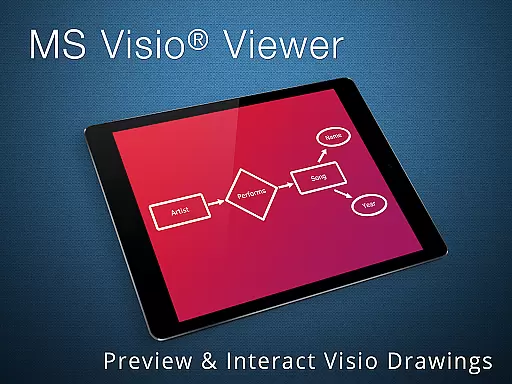
VSD Viewer is a professional-grade application designed specifically for viewing MS Visio drawings on Android devices. This app supports multiple file formats including VSD, VDX, and VSDX, making it versatile for users who need to access Visio files on the go. With its comprehensive feature set, users can open, preview, and interact with any MS Visio 2000-2013 VSD drawing.
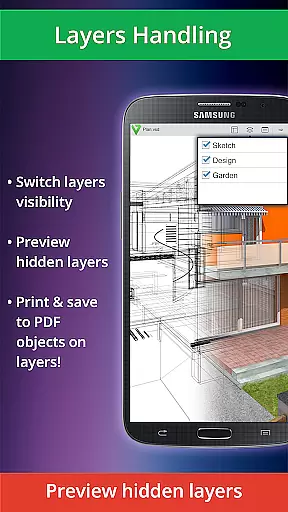
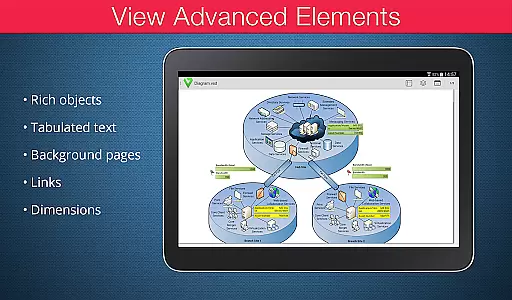
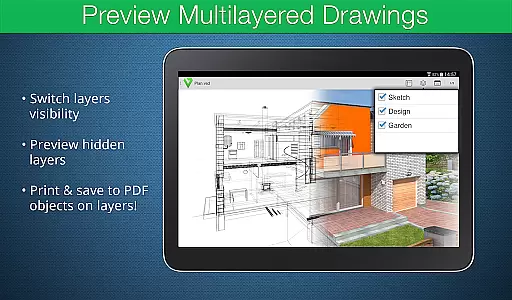
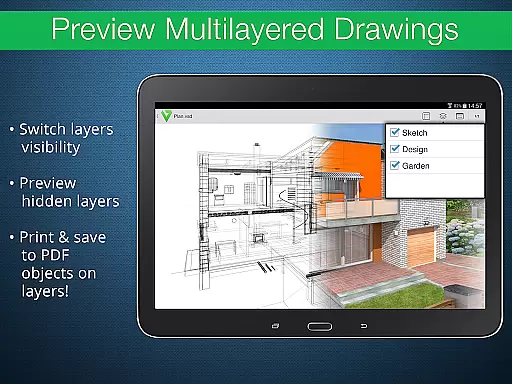
The app offers both basic and advanced options that cater to different user needs. Basic features include scrolling, zooming, and navigating multipage documents, while advanced options allow users to preview hidden layers and switch layer visibility. These capabilities ensure that even complex multilayered drawings can be effectively managed and viewed, providing significant value to business professionals who rely on Visio diagrams for their work.
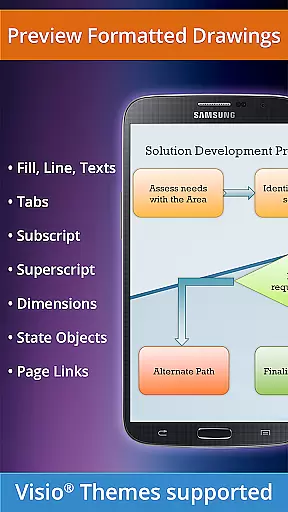
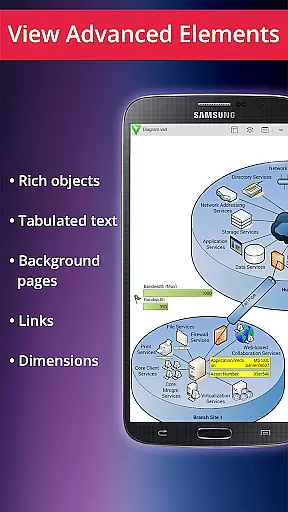
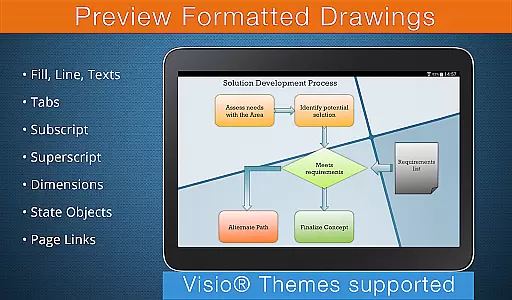
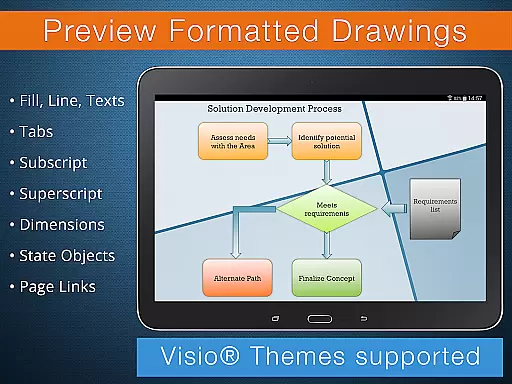
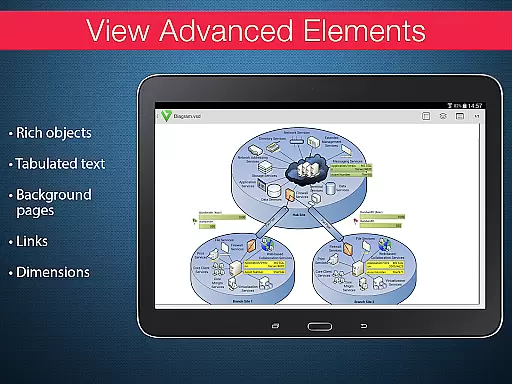
VSD Viewer stands out with its robust set of features tailored for business use. The app supports a wide range of Visio file formats such as VSD, VDX, and VSDX, including MS Visio 2013 themes. Users can copy drawing texts, view complex formatted objects like lines, fill, color, gradients, and text formatting, and toggle document guides visibility.
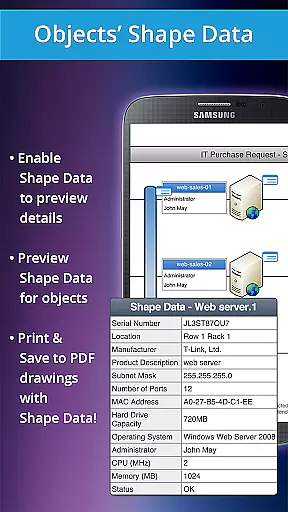
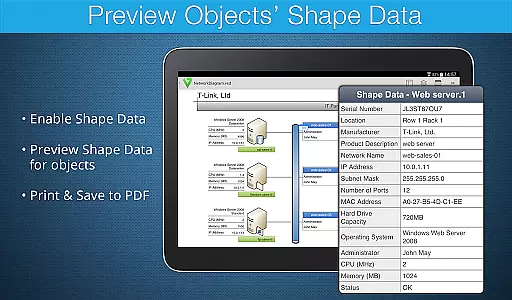
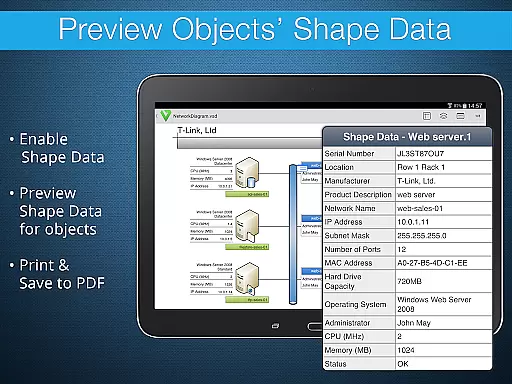
Advanced functionalities include the ability to preview hidden layers, switch layers visibility, and view object shape data. These features are particularly useful for technical diagrams and multilayered drawings. Additionally, the app supports page numbering and original dimension units, ensuring accurate representation of Visio documents. While processing large documents may take time and rendering built-in metafiles requires an internet connection, these minor limitations are outweighed by the app's comprehensive capabilities.
Collaborative work features are essential for modern business applications, enabling teams to work together efficiently regardless of location. VSD Viewer supports this by allowing users to open and preview any MS Visio 2000-2013 VSD drawing, making it a valuable tool for collaborative projects.
The app provides advanced options such as previewing hidden layers and switching layer visibility, which are crucial for teams working on complex multilayered drawings. These features ensure that all team members can view and understand every aspect of the project, enhancing overall collaboration.
Additionally, VSD Viewer enables users to copy drawing texts and view complex formatted objects like lines, fill, color, gradients, and text formatting. This functionality allows team members to extract necessary information quickly and accurately, facilitating seamless communication and cooperation.
By supporting various file formats including VDX/VSDX and offering built-in metafiles support, VSD Viewer ensures compatibility across different platforms and devices. This versatility is vital for collaborative environments where team members may use different systems, ensuring everyone has access to the same high-quality viewing experience.
Effective task management is crucial for productivity in business applications. VSD Viewer aids in this area by providing robust tools for managing and navigating multipage documents, which is particularly beneficial for organizing large projects.
The app allows users to scroll, zoom, and navigate through multipage documents effortlessly. This feature helps users manage their tasks more effectively by enabling them to locate specific sections of a document quickly, thus saving time and improving workflow efficiency.
VSD Viewer also supports page numbering and viewing original dimension units, which are important for maintaining consistency and accuracy in task documentation. These features help users keep track of their progress and ensure that all elements of a project are accounted for and correctly documented.
Furthermore, the ability to view objects placed outside page boundaries and switch document guides visibility enhances task management capabilities. Users can maintain an overview of the entire project while focusing on individual tasks, ensuring comprehensive and accurate project completion.
User-friendly interface
Wide format support
Advanced layer management
Accurate rendering
Comprehensive feature set
Large files slow
Internet needed
No editing tools
Limited free version
Occasional bugs

 4.70
4.70
Measure distances, surfaces and draw plans in seconds with CamToPlan!
4.40
Earn crypto with secure cloud mining. Monitor, track & withdraw easily
4.40
Use Generative Summary to understand your rental or insurance docs in seconds.
4.70
Delivery Track App - Tracking with Fedex, USPS, UPS, DHL. Monitor your Orders.
3.20
Find jobs near you and temp work in minutes, from your phone.
4.50
Ship, Track, Find a Location or Get a Quote with UPS. Anytime. Anywhere.
4.60
Earn money with the driver & delivery partner app for Uber, UberEats & Postmates
4.60
Work happy with AI Companion
4.10
USPS Mobile®Access USPS.com’s most popular tools on-the-go.
4.70
Find the right fit, faster.
4.70
AI-powered document scanner with auto enhance for perfect PDFs.
4.60
Amazon A to Z is the place to manage your work-life at Amazon.
4.50
The app that lets you deliver with Amazon.
4.50
Find work, shifts and gigs near you. Jobs lasting a few hours to a few months.
4.30
Say hello to the mobile work experience built to help you thrive at work.
4.30
Build a store in minutes with our full suite of AI tools. Start for free!
4.20
Shop, deliver, and earn with the Spark Driver™ App
4.10
enjoy effortless PDF reading anytime, anywhere
3.90


User Reviews