
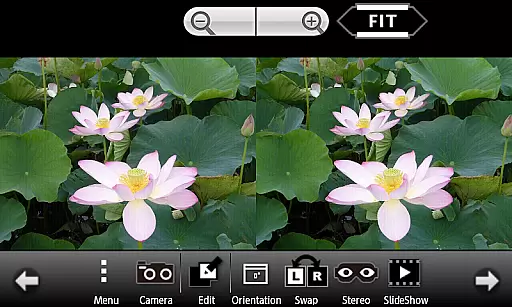
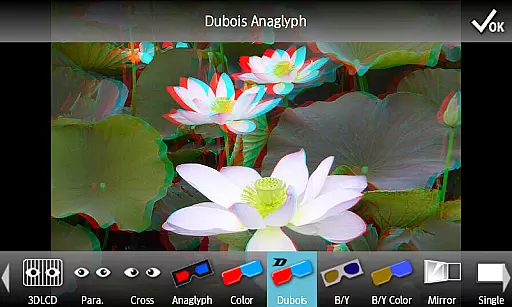
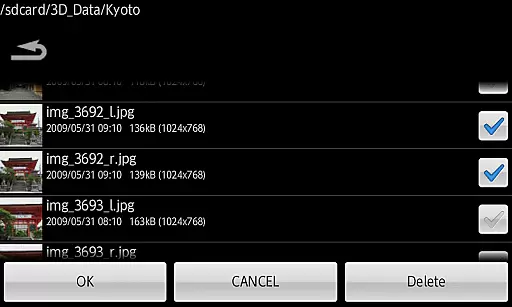
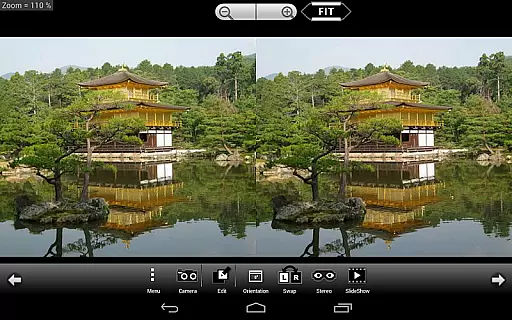
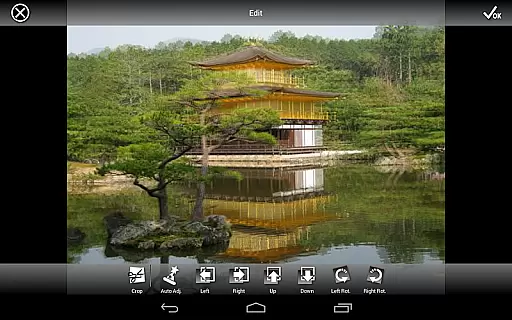
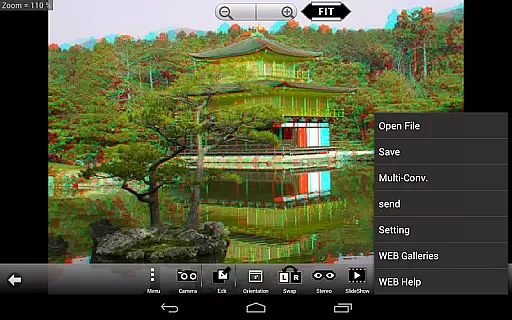
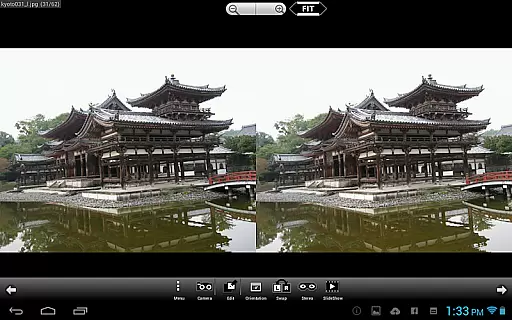
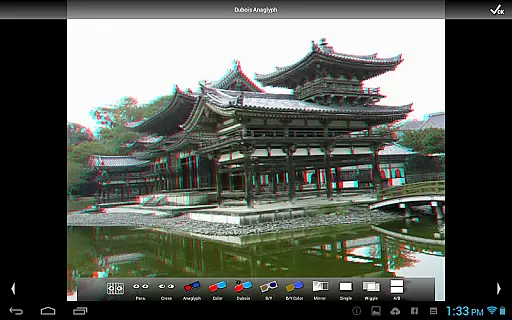
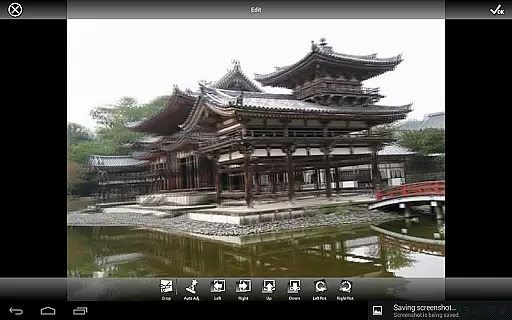
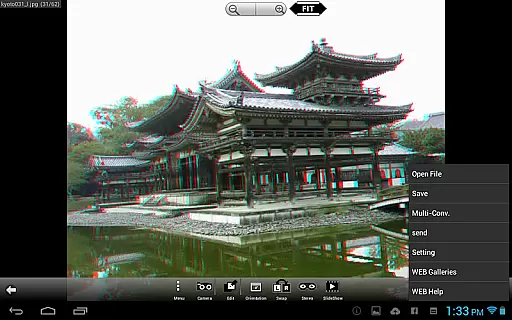
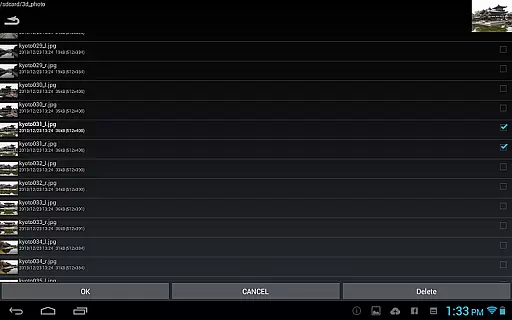
3DSteroid Pro is a premium stereoscopic application designed for Android devices, specializing in 3D image viewing and editing. The app supports various input formats including L/R independent, SBS (Side-by-Side), and MPO files, making it versatile for different types of 3D content. With the capability to adjust L/R image positions, rotation error, and size error, users can achieve precise alignment of their 3D images. Additionally, the app offers multiple display methods such as 3D LCD, SBS, Mirror, Wiggle, 2D, and Anaglyph, catering to diverse viewing preferences.
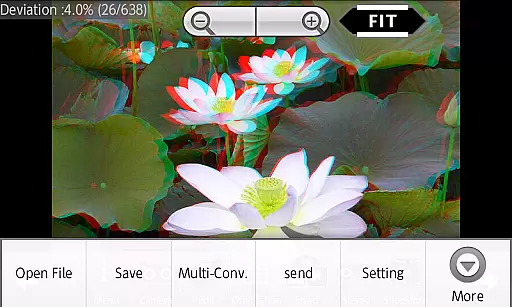
This app is particularly useful for photography enthusiasts who work with 3D images and need a reliable tool for editing and viewing their creations. Users can save edited images, perform batch conversions, and even take L/R pictures using the internal camera. Despite some limitations on older device models and changes in specifications for Android 11 and later, 3DSteroid Pro remains a powerful tool for creating and managing stereoscopic content.
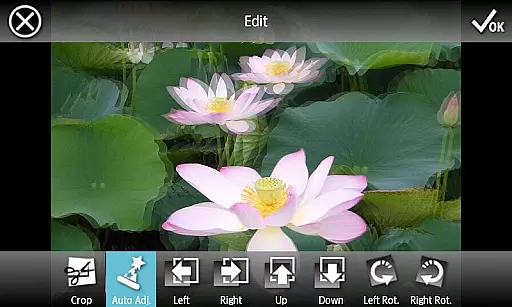
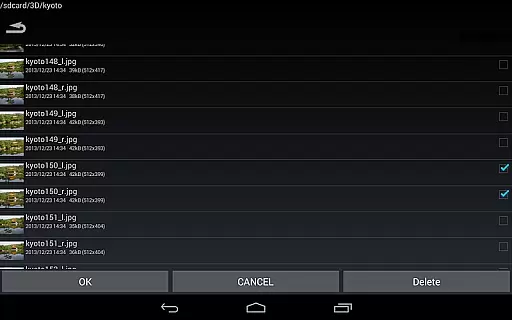
3DSteroid Pro stands out with its advanced features tailored for 3D image processing. One of the key functionalities is the auto-alignment of L/R images, which simplifies the process of preparing 3D content for viewing. The app also allows users to save edited images and perform batch conversions, streamlining workflows for photographers and content creators. With support for over 1000 images in its WEB Gallery, users have access to a vast library of stereoscopic content.
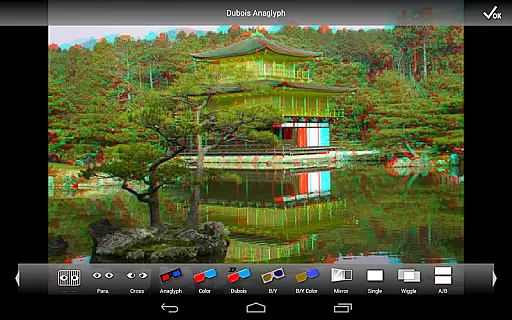
In addition to its robust editing capabilities, 3DSteroid Pro offers several display options including 3D LCD, SBS, Mirror, Wiggle, 2D, and Anaglyph modes. This versatility ensures that users can view their 3D images on a variety of devices and setups. The app also includes a slideshow feature and the ability to adjust image positions, rotation, and size errors, providing comprehensive control over the final output. These features collectively enhance the user experience by offering both creative freedom and technical precision.
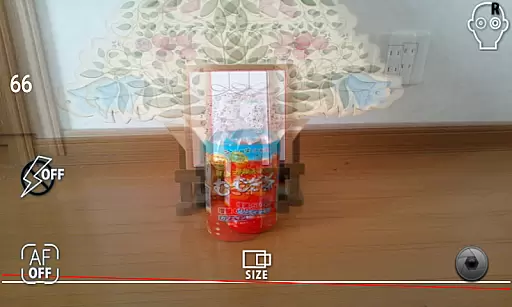
Real-time capture and preview functionality is essential for ensuring that users can take stereoscopic 3D images with precision and confidence. In the case of 3DSteroid Pro, this feature allows photographers to instantly view their captured L/R images on supported devices, providing immediate feedback on the quality and alignment of the shot.
The application supports taking L/R pictures using the internal camera of the device. This means that as soon as an image is captured, it appears on the screen, allowing the user to make necessary adjustments. The ability to adjust L/R image positions, rotation error, and size error in real-time ensures that the final output meets the desired specifications for 3D imagery.
For users, this translates into a seamless photography experience where they can fine-tune settings such as alignment and error correction before saving the final image. This not only saves time but also enhances the overall quality of the 3D content produced, making 3DSteroid Pro a valuable tool for both amateur and professional stereoscopic photographers.
While 3DSteroid Pro does not explicitly market itself as having AI beauty and enhancement features, its robust set of editing tools provides users with the ability to enhance their stereoscopic images naturally and effectively. The app includes auto-alignment of L/R images, which plays a critical role in ensuring that enhancements look genuine and do not distort the original image.
Users can adjust various parameters such as L/R image positions, rotation error, and size error, which contribute to the natural enhancement of 3D images. These adjustments ensure that any modifications made to the images are consistent with the original scene, preserving the authenticity of the stereoscopic effect.
By offering functionalities like displaying methods that include 3D LCD, SBS, Mirror, Wiggle, 2D, and Anaglyph, the app ensures that enhancements are viewed as intended across different mediums. This comprehensive approach to image enhancement allows users to produce high-quality, natural-looking 3D images, thus elevating their creative projects without compromising on the realism that is crucial for immersive experiences.
Advanced 3D image editing
Supports multiple file formats
Versatile display options
Batch conversion capability
Comprehensive image adjustments
No MPO support on Android 11+
Limited to Picture folder saving
Old 3D LCDs not supported
Higher cost than basic version
Complex for beginners

Photo Album Watch Face shows your favorite pictures as a Watchface.
 1.90
1.90
Easily stitch panoramas from multiple photos or video.
4.40
Cut and paste photo editor & eraser to customize photos easy and swap faces fun
4.50
Create collages easily! Nice pic collage maker & background eraser for Instagram
4.50
Turn your phone into a professional camera - full DSLR manual photography
4.30
Easily view, share, delete photos with Gallery.
4.70
Hair color changer, AI haircut app, fun hair editor and buzz cut filter for all!
3.80
Catch sunlight, sunrise sunset times and sun phases with the AR sun tracker.
4.10
Discover How to Plan any Sun, Moon and Milky Way Photo You Imagine in Seconds
4.70
Photo editor: AI filters, photo enhancer, pic collage maker, AI art generator.
4.80
A collection of tools and reference tables for DPs, ACs, DITs and Operators.
4.70
Amazing Photo Effects - The most fun you can have with your photos!
4.70
1M influencer's special filter
4.60
Light-weight Media Gallery app for Android made with Jetpack Compose
4.60
AI photo enhancer with Sora 2! Enhance, descratch, and colorize your old photos.
4.50
Trendy TikTok time warp scan funny filter app brings you unique photos & videos.
4.40
All-in-One Editor & AI Photo Enhancer, Beautify & Retouch, Collage, Cartoonify
4.20
Remote control the phone camera shutter from your smartwatch and take a picture
1.60
Over 800 film simulation recipes for Fujifilm. Black Friday Offer!
4.0


User Reviews