
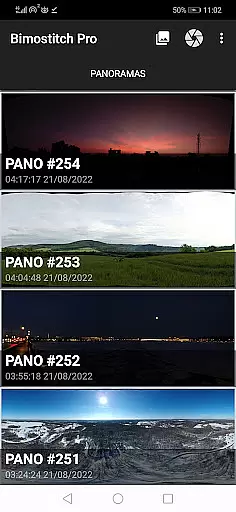
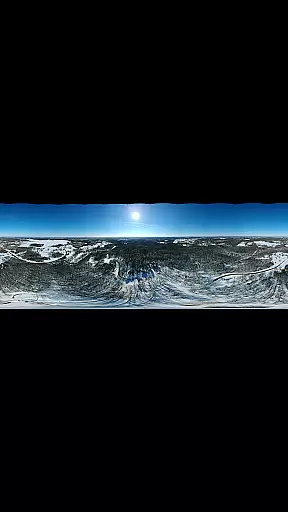
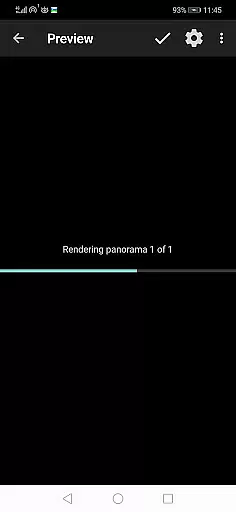
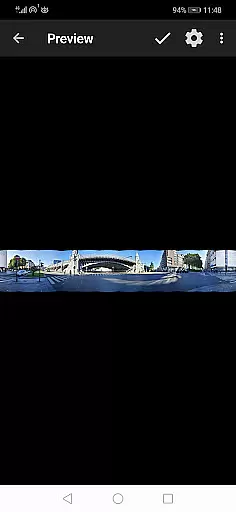
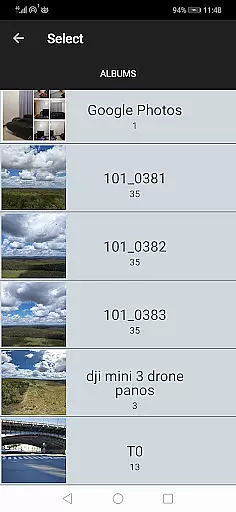
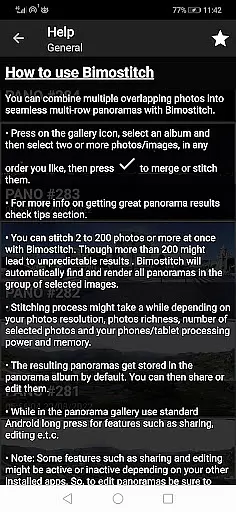
Bimostitch Panorama Pro is a powerful photography application designed to automatically stitch high-resolution panoramas directly on your mobile device. The app supports various panorama types including single-row, multi-row, vertical, horizontal, 360°, and photospheres, allowing users to create impressive wide-view images from 2 to 200+ overlapping photos. Its advanced algorithms ensure minimal resolution loss during automatic cropping, exposure balancing, and straightening of panoramas.
One of the standout features of Bimostitch Panorama Pro is its ability to produce ultra-high-resolution outputs of up to 1 Gigapixel, making it ideal for professional photographers or enthusiasts who demand top-tier image quality. The app also offers pro-level tools such as auto-lens calibration, seam detection modes, and adjustable blending intensity. Whether you're stitching images captured by DSLR cameras, drones, or even videos of panning motion, this app provides an intuitive and seamless experience that works offline without requiring any special sensors.
Bimostitch Panorama Pro stands out with its comprehensive feature set tailored for both amateur and professional panoramic photographers. The app includes fast stitching capabilities, maintaining the original quality of source photos while offering multiple output formats like JPEG or PNG. Advanced functionalities such as video-to-panorama conversion allow users to transform videos with panning motions into stunning panoramic images, broadening creative possibilities.
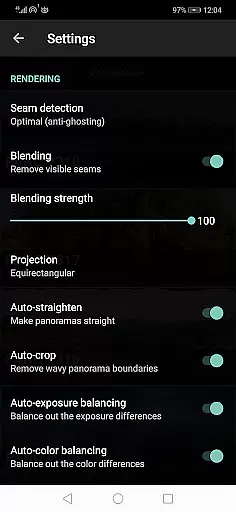
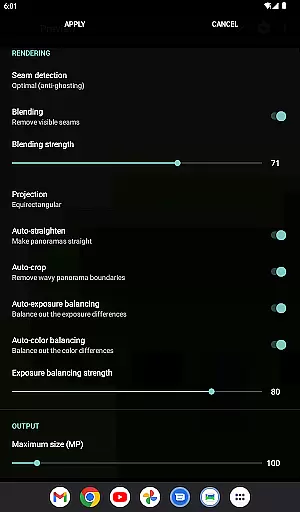
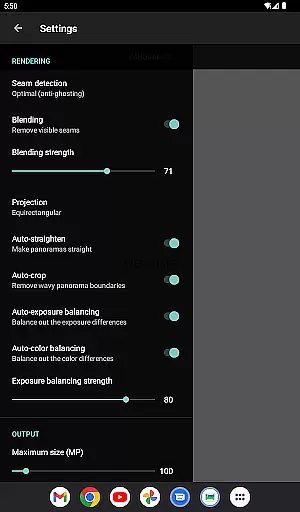
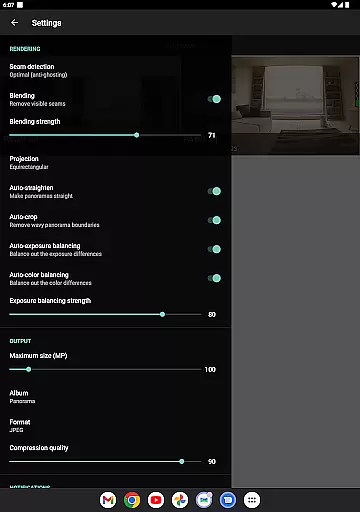
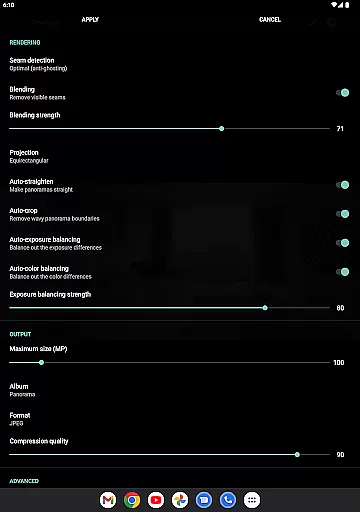
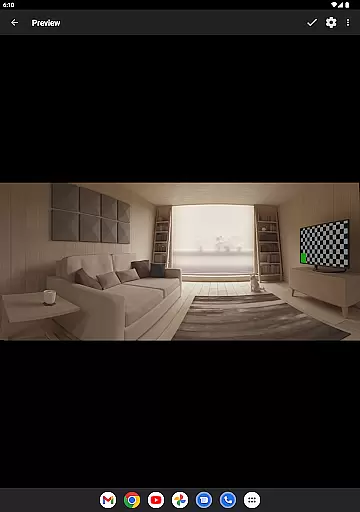
Additional features include automatic color balancing, adjustable auto-exposure settings, and the ability to save previews for later use. Users can also control blending intensity and view source images in preview mode, ensuring precise editing. With support for ultra-wide-angle and fisheye lenses, the app compensates for lens distortion, delivering consistently high-quality results. These robust features make Bimostitch Panorama Pro a versatile tool for creating detailed, professional-grade panoramas right from your smartphone.
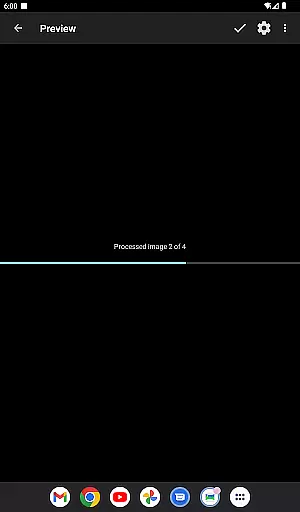
Real-time capture and preview functionality is essential for ensuring that every moment is captured accurately. Bimostitch Panorama Pro offers users the ability to stitch high-resolution panoramas directly on their device, providing immediate visual feedback. This feature allows photographers to see the results of their work instantly, making necessary adjustments on the spot.
The app supports stitching of single-row, multi-row, vertical, horizontal, 360u00b0 panoramas, or photospheres, accommodating a wide range of photographic needs. By enabling real-time previews, users can ensure that all elements of their panoramic shots are aligned perfectly before finalizing the image. This capability significantly enhances the creative process, allowing for more precise and stunning compositions.
Moreover, the automatic exposure balancing and straightening features further refine the real-time capture experience. These tools help maintain consistent lighting and alignment across the panorama, resulting in professional-quality images without the need for post-processing. The intuitive interface ensures that even beginners can achieve excellent results, while advanced users will appreciate the control and flexibility offered by the app.
AI beauty and enhancement features have become increasingly popular in photography apps, offering users the ability to enhance their images with natural-looking effects. Bimostitch Panorama Pro leverages advanced AI algorithms to provide automatic color balancing, seam detection, and blending intensity controls. These enhancements ensure that the final panorama maintains the quality and authenticity of the source photos.
The app's AI-driven auto-lens calibration compensates for lens distortion, particularly useful when stitching images captured with wide-angle, ultra-wide angle, and fisheye lenses. This feature ensures that the final panorama is free from distortions, providing a true-to-life representation of the scene. Additionally, the app offers various output formats, including JPEG and PNG, allowing users to choose the best option for their specific needs.
Bimostitch Panorama Pro also includes pro features such as ultra-high resolution output of up to 1 Gigapixel and video-to-panorama conversion. These capabilities, combined with the app's seamless integration of AI enhancements, make it a powerful tool for both amateur and professional photographers. Users can create breathtaking panoramas with minimal effort, enjoying the benefits of AI technology without compromising on quality or authenticity.
High-quality stitching
Intuitive interface
Offline functionality
Wide compatibility
Advanced editing tools
Requires 4GB RAM
Paid pro features
Complex for beginners
Large file sizes
Limited free options

Shooting photos and records video easily and efficient with professional Camera
 4.30
4.30
What celebrity do you look like? Celebs will find your celebrity match!
4.10
Create AI Photos, Improve and restore quality of blurry, old or damaged pics.
4.20
Light-weight Media Gallery app for Android made with Jetpack Compose
4.60
Add a dreamy vibe to your selfies and videos with soft style filters
4.2
USB Storage Access for Photos, Videos, Music and Documents
3.80
Luminar: Photo Editor - easy picture editing with AI
4.20
Fit multiple photos on one post. Create carousels & scroll layouts for Instagram
4.50
Pro version: AR sun/moon tracker for any date. Tool for photographers & planners
4.90
Photo editor: AI filters, photo enhancer, pic collage maker, AI art generator.
4.80
Android Native system HD camera app. Never been so simple and faster.
4.70
Discover & download millions of art for The Frame TV or Hisense CanvasTV
4.60
Cut and paste photo editor & eraser to customize photos easy and swap faces fun
4.50
A reflected light meter with spot metering and incident light metering.
4.40
RAW video capture with advanced controls
4.40
[3DSteroid Pro] is a stereoscopic application for Android.
4.30
AI-powered video creator by MiniMax - Where ideas meet cinema
4.20
Hair color changer, AI haircut app, fun hair editor and buzz cut filter for all!
3.80
Raw Image Viewer. Gallery with support of raw images (.cr3, .cr2, .nef, .raf).
2.00


User Reviews