
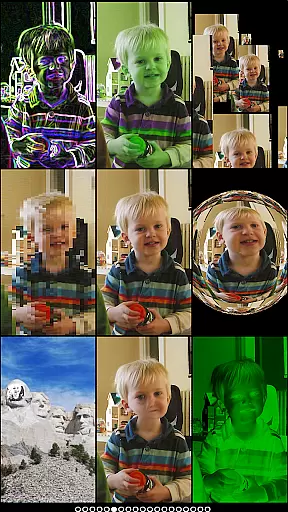
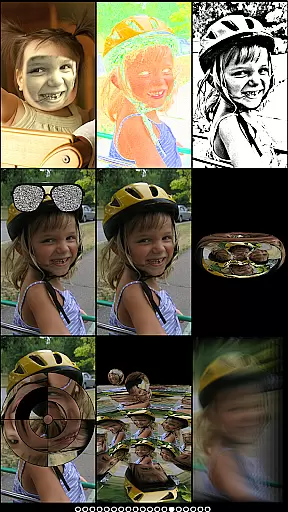
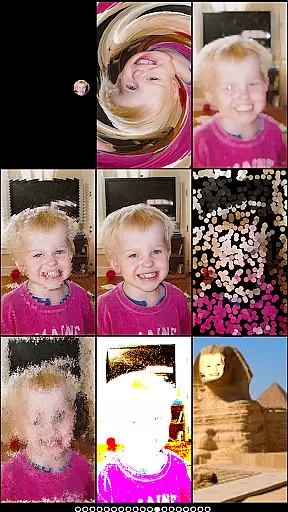
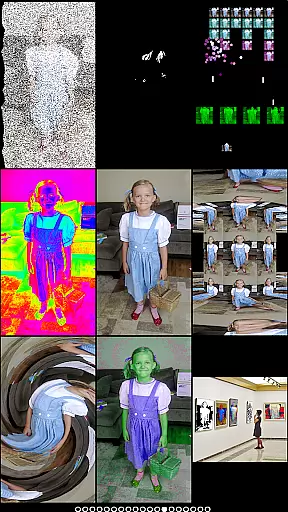
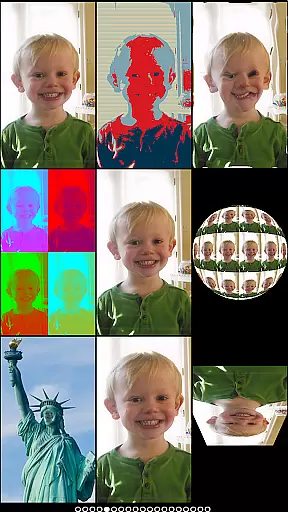
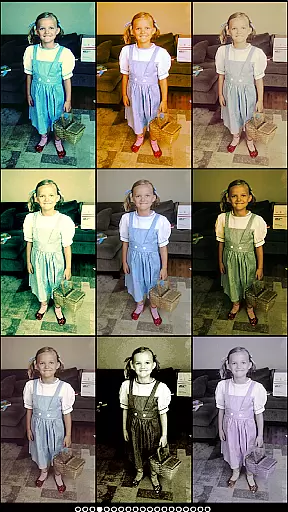
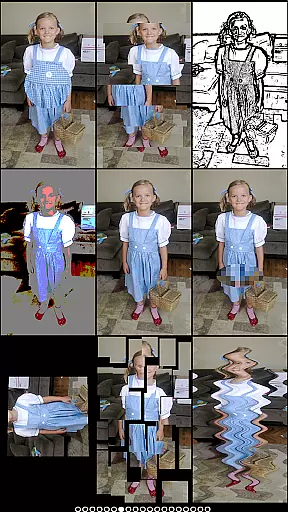
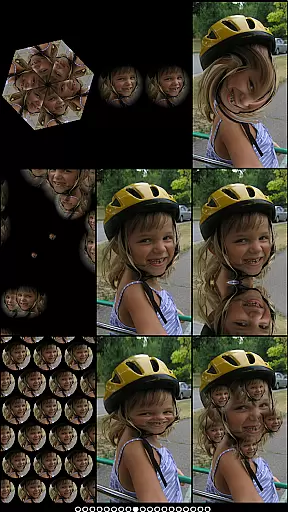
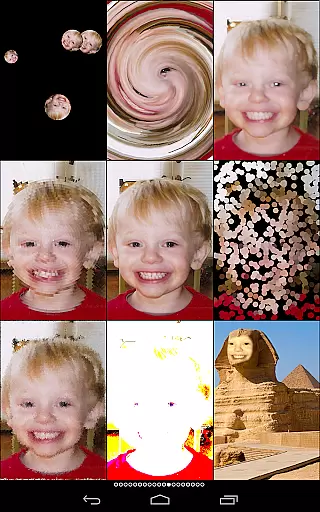
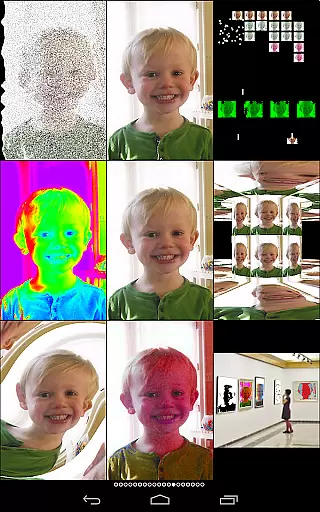
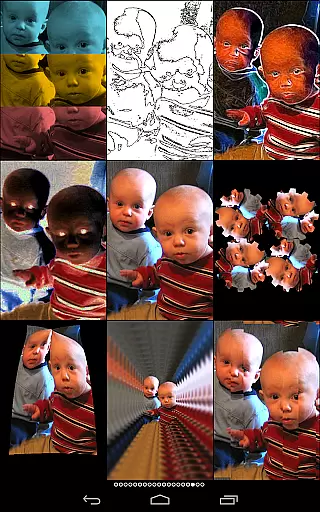
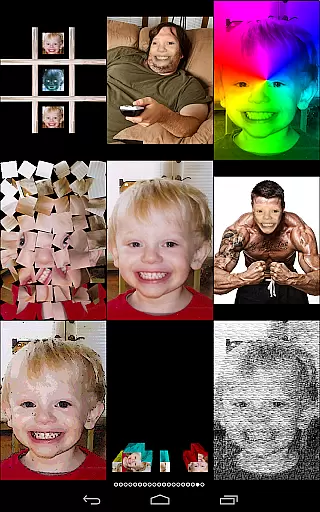
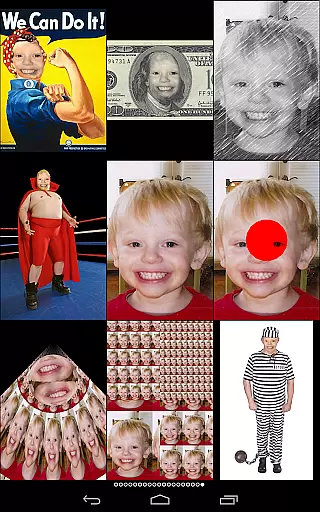
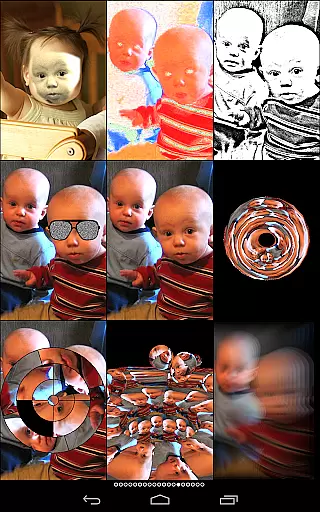
Mega Photo Pro is a feature-rich photography app that allows users to transform their photos and videos with over 200 real-time effects. The app offers interactive photo effects, including morphing, warping, and vintage camera filters, enabling creative personalization of images. Additionally, it includes mini-games like brick breaker and tile puzzles, which can be played using your photos.
One standout feature is the ability to switch between front and rear cameras seamlessly, providing flexibility in capturing images. Users can either use live camera feeds or select pictures from their library to apply effects. Whether you want to create a retro feel with vintage filters or explore a 3-D maze of your photos, Mega Photo Pro caters to those looking to add an artistic and playful touch to their photography.
This app is perfect for photography enthusiasts who enjoy experimenting with visual effects and interactive features. By offering unique effects not commonly found in other apps, Mega Photo Pro adds a new dimension to digital photography, making it both fun and engaging.
Mega Photo Pro stands out with its extensive range of features designed to enhance user experience. The app provides over 200 real-time photo effects, such as morphing, warping, and vintage filters, allowing users to experiment with different styles. These effects are interactive; users can tap, drag, zoom, and rotate images to personalize them before capturing.
In addition to photo effects, the app includes several mini-games like brick breaker, ninja slicer, and tile puzzles. These games utilize your photos, adding an element of fun and engagement. The app also supports switching between front and rear cameras effortlessly, ensuring users can capture images from any angle.
Mega Photo Pro's ability to work with both live camera feeds and stored images makes it versatile. Users can choose pictures from their library or take new ones directly within the app. This flexibility, combined with the wide array of effects and interactive features, positions Mega Photo Pro as a top choice for creative and dynamic photography.
Real-time capture and preview functionality is essential for photography apps as it allows users to see effects applied instantly. Mega Photo Pro excels in this area by providing over 200 real-time effects that transform your photos in unique ways.
The app offers interactive photo effects where users can personalize images before capturing. With simple gestures such as tap, drag, zoom, and rotate, you have the creative freedom to adjust effects to your liking.
Switching between front and rear cameras is seamless with just a button touch. Whether using the live camera feed or selecting an image from your library, Mega Photo Pro ensures that the preview is accurate and responsive.
AI beauty and enhancement features are increasingly important in photography apps. Mega Photo Pro stands out by offering 40 vintage camera effects that provide a retro feel while maintaining naturalness.
The app includes various beauty-enhancing effects like engraving, mosaic, and hue shift. These effects are designed to enhance your photos without making them look overly processed or artificial.
With Mega Photo Pro, you can apply effects such as light tunnel, x-ray, and night vision, which add a layer of creativity while ensuring the enhancements look genuine. This balance makes your photos stand out with a professional touch.
User-friendly interface
Over 200 real-time effects
Interactive photo editing
Versatile camera options
Engaging mini-games
Some features may overwhelm new users
High resource consumption
Limited free content
Occasional performance lags
Ads can disrupt experience

HD Photo gallery and photo manager to edit, hide private photos, videos & albums
 4.0
4.0
Natural Beauty, Selfie Retouch
4.30
Photo editor: AI filters, photo enhancer, pic collage maker, AI art generator.
4.80
Take videos and pictures with the popular TikTok TIME WARP SCAN filter.
4.60
Light-weight Media Gallery app for Android made with Jetpack Compose
4.60
HD Camera Pro with HD Video shooting, Panorama, Photo editor , Beauty Camera.
4.50
Remote control the phone camera shutter from your smartwatch and take a picture
1.60
Effortlessly make high-quality GIFs from images & videos without any watermarks.
4.70
Welcome to ProShot, the most powerful camera app on Android.
4.20
Find time and duration of different sunlight phases at any location
4.90
Pro version: AR sun/moon tracker for any date. Tool for photographers & planners
4.90
Cartoon and artistic effects for your photos and videos
4.70
Fit multiple photos on one post. Create carousels & scroll layouts for Instagram
4.50
Edit like a pro with Hypic. Apply filters, AI effects, & magic touch.
4.40
Turn your phone into a professional camera - full DSLR manual photography
4.30
Photo editor: face & body editor, beauty cam, filters and quality enhancer.
4.00
Gallery Slideshow is slideshow maker app for slideshow from your gallery photos.
3.90
Perfect photos with body shaping, BG changer and object remover.
3.70
Professional video recording application with manual controls for filmmakers!
2.80


User Reviews