
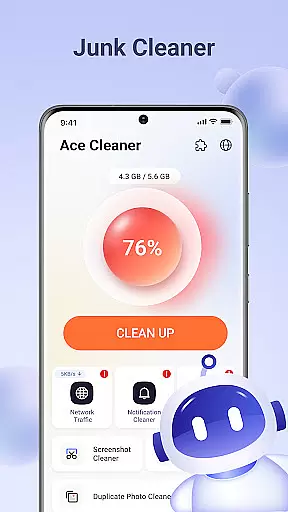
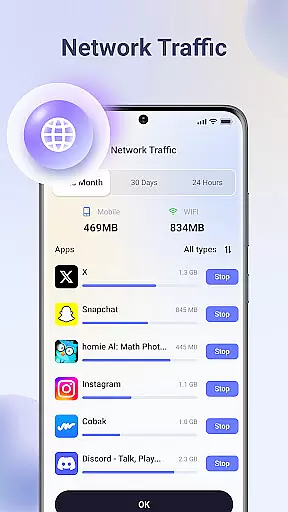
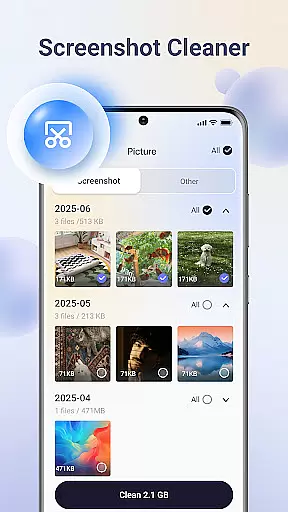
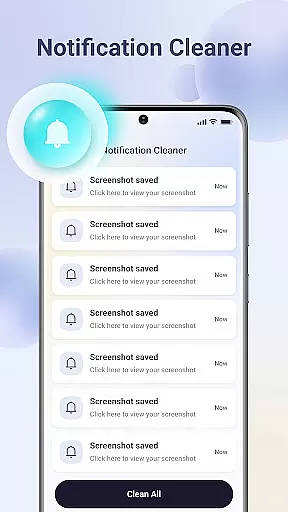
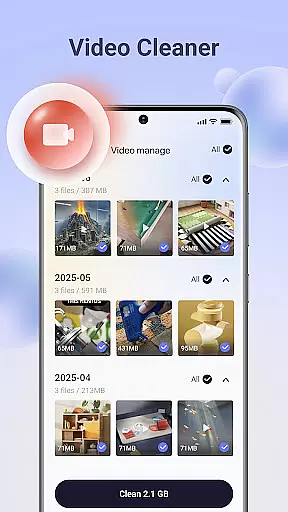
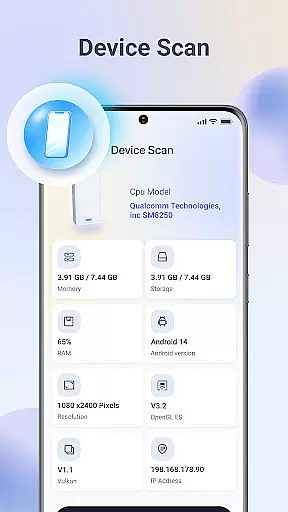
Ace Cleaner is a comprehensive file management and device optimization tool designed to help users efficiently manage their phone's storage. The app focuses on cleaning junk files, organizing apps, and managing multimedia content while ensuring complete user control over personal data.
Key features include junk file cleaning, app management, photo and video organization, and large file identification. These tools work together to free up valuable storage space without compromising user privacy. All operations are performed locally on the device, making it a secure solution for maintaining an organized smartphone.
Ideal for users who want to maintain optimal device performance, Ace Cleaner provides a simple yet powerful way to keep your phone running smoothly while protecting your personal information.
Ace Cleaner stands out with its multi-functional approach to device management. The app performs thorough junk file and cache cleaning, allowing users to review and remove unnecessary temporary files that accumulate over time. This feature alone can significantly improve device performance.
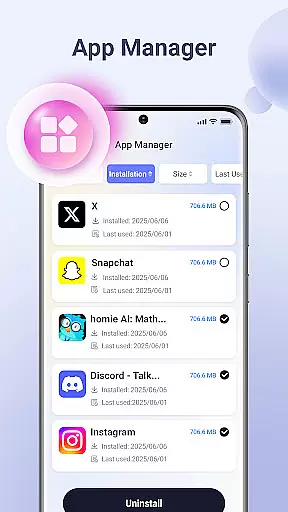
The App Organizer provides detailed insights into installed applications, showing storage usage and enabling easy uninstallation of unwanted apps. For multimedia management, the Photo & Video Tidy-Up feature helps users review and organize their media files, identifying duplicates and unnecessary content while preserving important memories.
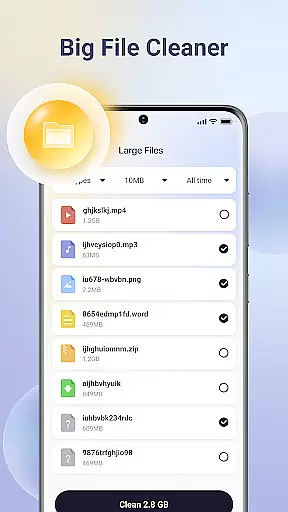
Additionally, the Large File Finder helps users identify space-consuming files. The app's commitment to privacy is evident in its local-only processing policy, ensuring that all scanning and cleaning operations remain completely private and secure.
Ace Cleaner excels in providing accurate and effective core functions that address the essential needs of device management. The app meticulously scans for junk files, cache data, and temporary files that accumulate over time, ensuring that only the unnecessary data is identified for removal. This precision in detecting non-essential files helps users free up valuable storage space without affecting important data.
The App Organizer feature further demonstrates the app's commitment to functionality by allowing users to view all installed apps, assess their storage consumption, and manage them efficiently. With clear insights into app usage and impact on device storage, users can make informed decisions about uninstalling apps they no longer need. This targeted approach ensures optimal use of device resources while maintaining system stability.
Additionally, Ace Cleaner's Large File Finder empowers users to locate and evaluate sizable files that may be occupying significant space. By identifying these large files, users can decide whether to keep or delete them, thus creating room for more critical content. This thoughtful combination of features highlights Ace Cleaner's dedication to delivering a tool that not only cleans but also enhances overall device performance.
Ace Cleaner stands out with its simple and intuitive interface, making file management accessible even for those who aren't tech-savvy. The design emphasizes ease of use, offering an intuitive layout where users can easily navigate through different sections such as junk cleaning, app organization, and photo tidying. This user-friendly approach ensures that managing your deviceu2019s storage doesnu2019t have to be a daunting task.
The app provides transparent actions and clear choices, keeping the user informed at every step. Whether reviewing photos, videos, and documents or deciding what to keep or remove, Ace Cleaner maintains clarity and control. Users are always in charge, with nothing being deleted automatically, reinforcing trust and confidence in using the app regularly.
Moreover, Ace Cleaner combines multiple functionalitiesu2014junk cleaning, app organization, and file managementu2014into one cohesive tool. This consolidation simplifies the user experience by reducing the need for separate applications for each task. Designed with privacy and security in mind, Ace Cleaner offers a seamless way to manage storage effectively while safeguarding personal data, ensuring peace of mind for its users.
User-friendly interface
Comprehensive cleaning tools
Local data processing
Multimedia management
Transparent actions
Limited cloud features
No automatic cleaning
Basic design
Few customization options
Manual operation required

Quickly switch to an encrypted DNS server on Android TV
 4.50
4.50
Head tracking for PC sim games such as MSFS 2024 or Elite:Dangerous. No headset!
4.50
Use your phone as a webcam on your computer over WiFi or USB.
4.40
Amateur Radio app for APRS: Track friends, exchange messages, get tactical info.
3.90
View detailed information about your Nissan Leaf the dealer never shows you.
4.10
Support Fossify apps with a warm thank you!
5.00
Planner and Tracker for Stardew Valley
4.60
Fast Video Downloader, Movie Downloader, Torrent Downloader & Adblock Browser
4.70
Automate everything from settings to photos, SMS to speech. ADC2 prize winner.
4.10
Navigate with Ease and Style
4.90
Easily install aab(Android App Bundle) files on your Android device with our app
4.80
Connect instantly to a fast, encrypted VPN with one tap
4.60
HD Video player and downloader for all formats, fast & smooth 4K video playback.
4.60
Canon PRINT is a companion app for your Canon printer.
4.60
Play your X-Box games remotely in 1080p with any controller and zero latency
4.60
Pro Emulator is an easy to use game console emulator for a range of consoles.
4.40
Unleash gamepad precision for ultimate mobile gaming dominance.
3.90
Create your own custom widget with endless possibilities
3.90
Save any video in HD - paste the link, download fast and watch offline.
4.2


User Reviews