
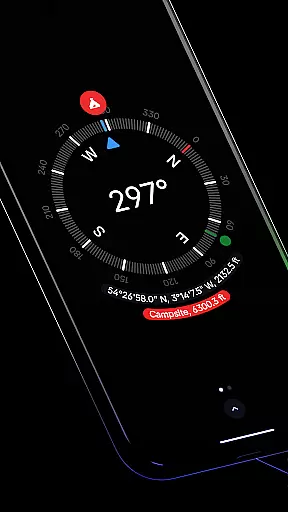
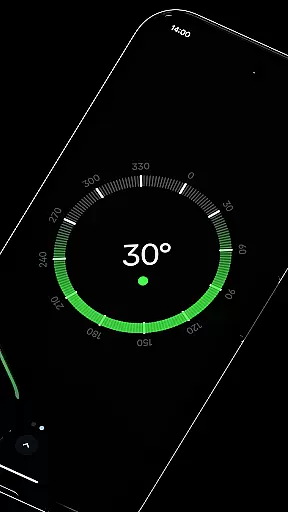
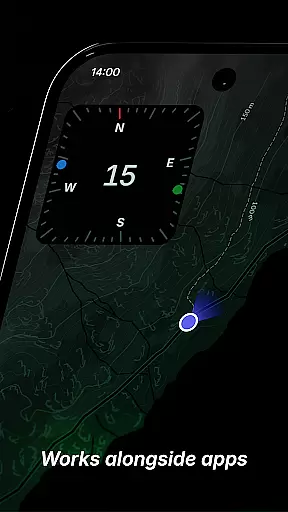
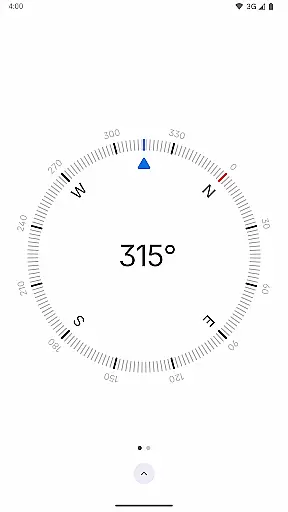
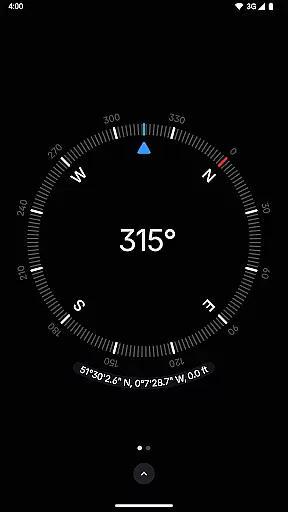
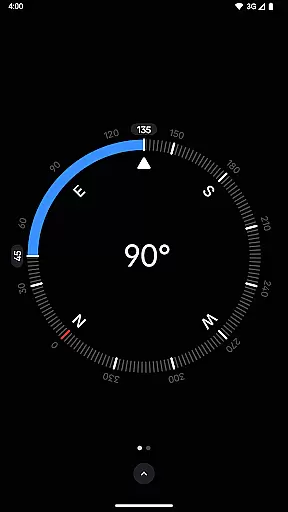
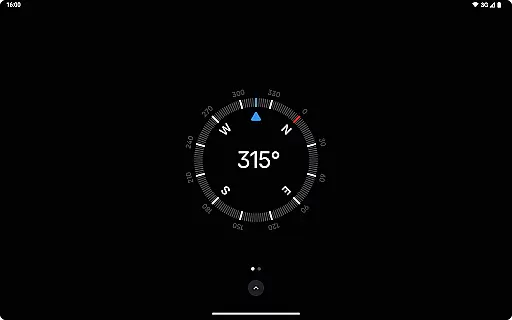
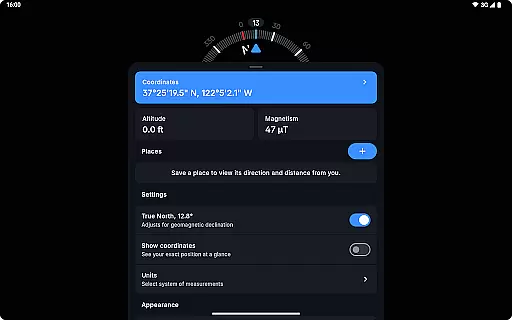
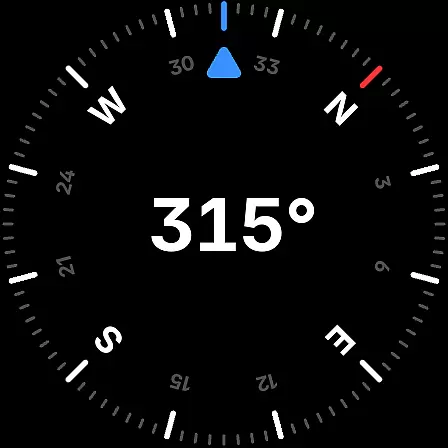
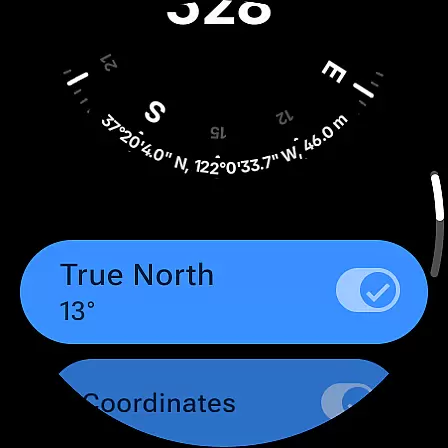
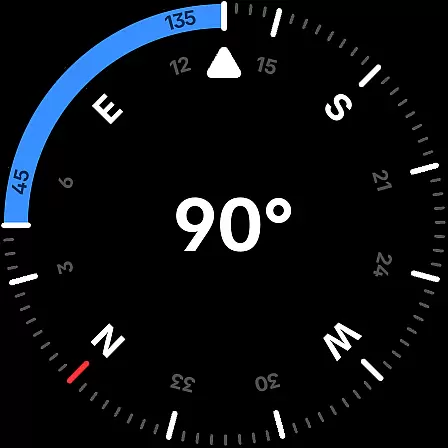
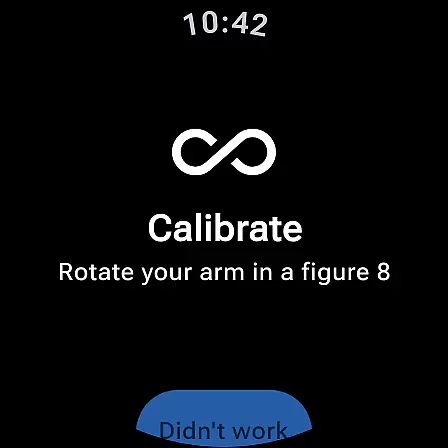
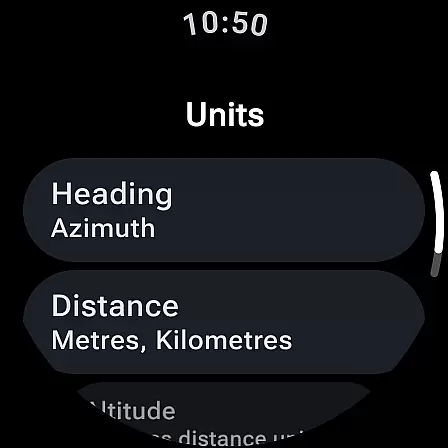
Compass is a sleek navigation tool designed for both Android phones and Wear OS smartwatches. This app combines elegant minimalistic design with essential functionalities, making it an ideal choice for users seeking precise direction and location services. The dark-themed interface provides a modern look while ensuring optimal readability.
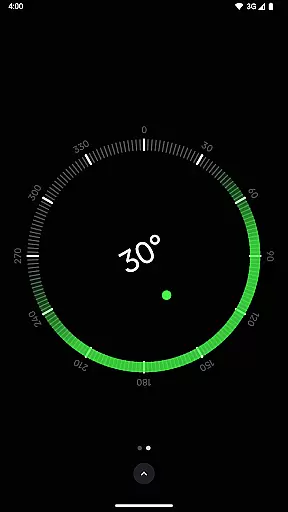
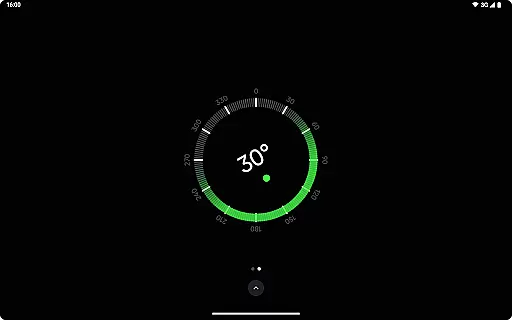
The app offers advanced features such as displaying exact coordinates in multiple formats, saving places for quick reference, and adjusting for geomagnetic declination to ensure accurate readings. With additional tools like bubble level, angle measurement, and magnetic field detection, Compass caters to various professional needs including hiking, carpentry, and DIY projects.
Whether you're exploring the outdoors or working on a home improvement project, Compass delivers reliable performance without compromising privacy. The app works offline, contains no ads, and avoids unnecessary trackers, providing a seamless user experience that respects your personal data.
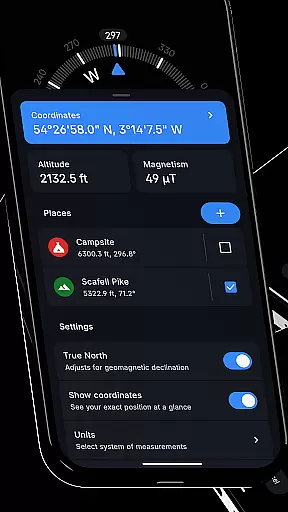
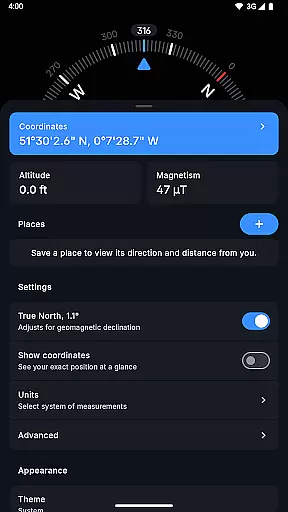
Compass stands out with its comprehensive feature set tailored for navigation enthusiasts. The app displays coordinates in various formats (DMS, DDM, DD, UTM, MGRS, OLC) and includes altitude information, catering to users who require detailed location data. Its ability to save favorite places allows for quick access to frequently referenced locations.
One of the key highlights is the true north alignment feature, which adjusts for geomagnetic declination, ensuring pinpoint accuracy during navigation. The integrated bubble level and angle difference measurement tools make it invaluable for professionals in construction and design fields. Users can customize display units and switch between dark and light themes based on their preferences.
Additional features include dynamic color options, red screen filter for night use, and rich haptic feedback for tactile navigation cues. The high contrast display and magnetic anomaly detector further enhance usability in different environments. Most importantly, Compass guarantees privacy with its offline functionality and absence of trackers or analytics.
Compass stands out for its precision and reliability in delivering navigation data. The app provides users with exact location coordinates, including altitude, in multiple formats such as DMS, DDM, DD, UTM, MGRS, and OLC (Plus Codes). This versatility ensures that users can access geographical information in the format most useful to them, whether they are hikers, travelers, or professionals requiring specific data representations.
The application's ability to adjust for geomagnetic declination by aligning with true north enhances its navigational accuracy. This feature is crucial for explorers who depend on precise bearings in their journeys. Additionally, Compass offers a bubble level tool and an angle difference measurement feature, both of which contribute to the overall utility and effectiveness of the app in various practical scenarios.
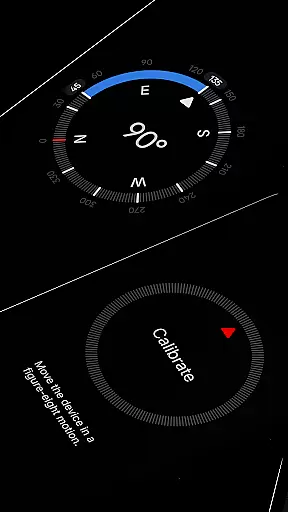
Users benefit from the app's comprehensive calibration guide, ensuring accurate readings every time they use the compass. With rich haptic feedback and a high contrast display option, Compass not only guides but also enriches the user experience through tactile responses and improved visibility in different lighting conditions.
The interface design of Compass emphasizes simplicity and ease of use without compromising functionality. Featuring a modern, dark-themed layout, the app presents a clear and intuitive display that makes navigation effortless. Users can switch between dark and light themes, adapting the visual experience to their preferences or environmental lighting, thus maintaining comfort and readability at all times.
Customization options further enhance the app's intuitiveness. Android 12's dynamic colours feature allows users to personalize the appearance of Compass, matching the app's colours with their device's wallpaper. This personal touch not only beautifies the interface but also creates a more engaging and cohesive user experience.
Moreover, Compass includes practical features like the red screen filter, which improves night vision by reducing screen brightness and minimizing light pollution. Such thoughtful additions demonstrate the app's commitment to providing an interface that is both simple to navigate and considerate of various user needs, making it an essential tool for anyone valuing aesthetics, functionality, and privacy.
User-friendly interface
Accurate navigation tools
Customizable display options
Privacy-focused design
Versatile usage scenarios
Limited Wear OS compatibility
No voice guidance feature
Advanced features may overwhelm beginners
Occasional calibration needed
Redundant for urban navigation

 4.50
4.50
Fluid navigation gestures for all of us!
4.30
An open-source APK explorer for Android!
4.10
App to pay for FUTO Keyboard
4.60
Smart and comfortable browsing experience.
3.80
View detailed information about your Nissan Leaf the dealer never shows you.
4.10
Making emulation easy for everyone!
4.30
Powerful collection of electronics tools and reference.A must for any enthusiast
4.90
NFC Tools can read and write NFC tags.
4.70
Protect your device with antivirus, storage cleanup, and system monitoring
4.70
Planner and Tracker for Stardew Valley
4.60
Button mapper, mouse toggle, sleep timer and a lot of another features
4.50
Just swipe the edge to do something!
4.40
Quickly check the frequency of the Earth
4.30
pdf merge, word to pdf, jpg to pdf, edit pdf, convert to pdf and much more!
4.20
Carry a FTP server in your pocket and avoid USB cables for file transfer
4.20
Family Locator, Share location, StayConnect with your family in real time
3.90
Amateur Radio app for APRS: Track friends, exchange messages, get tactical info.
3.90
Unlock your Essential Key. Create custom shortcuts to your favorite apps!
4.5


User Reviews