
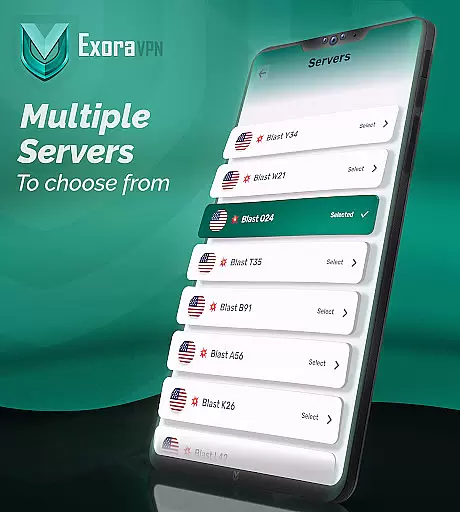
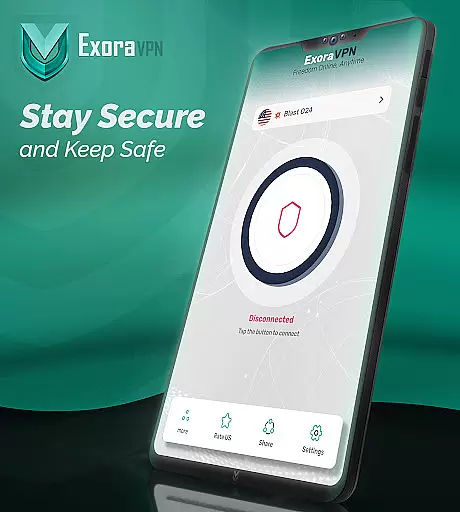
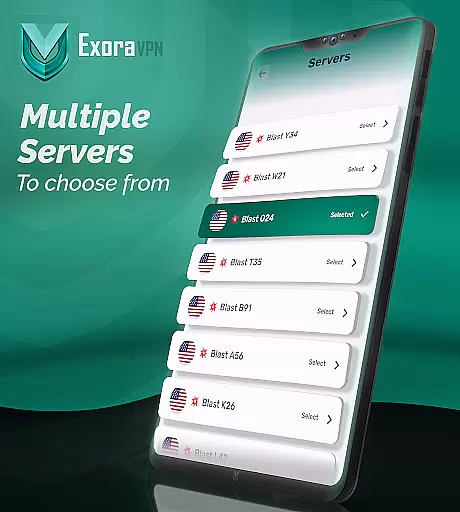
Exora VPN is a powerful virtual private network tool that provides users with secure, fast, and unrestricted internet access. Designed for those who value privacy and speed, this app allows seamless browsing without geographical limitations or data tracking.
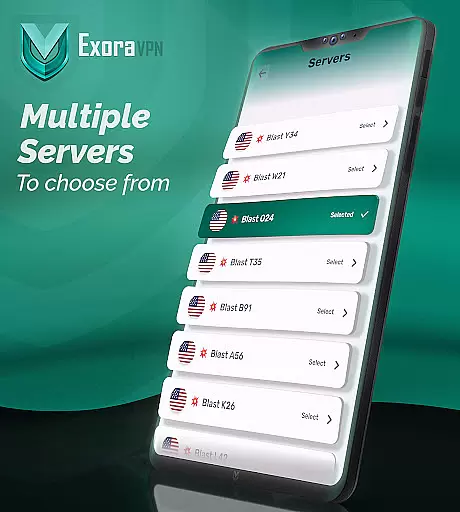
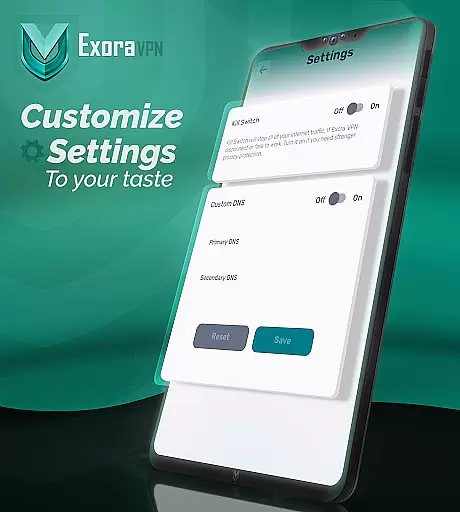
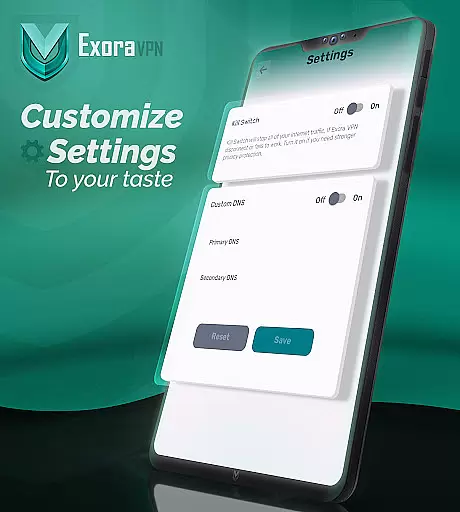
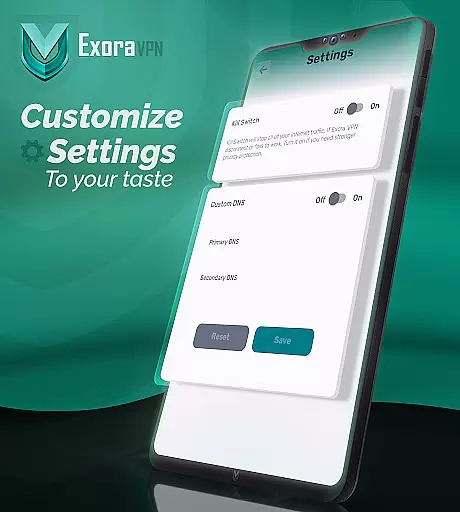
The app features lightning-fast global servers optimized for streaming, gaming, and general browsing. With an automatic kill switch and custom DNS settings, Exora ensures your online activities remain private while delivering a customizable experience tailored to your needs.
Whether you're traveling, accessing geo-blocked content, or simply looking for enhanced security, Exora VPN offers a reliable solution. Its zero-logs policy and modern V2Ray technology make it a top choice for users seeking true online freedom.
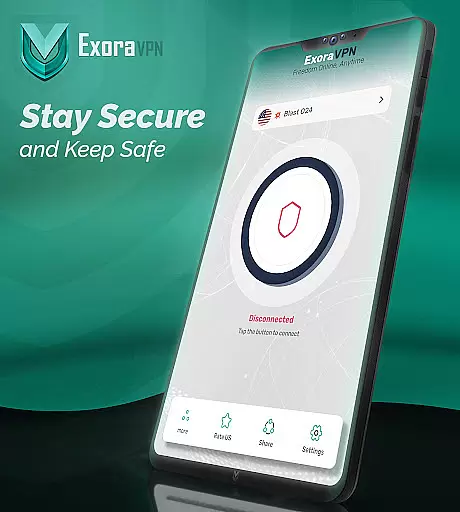
Exora VPN stands out with its advanced feature set designed to enhance user privacy and performance. One of its key highlights is the automatic kill switch, which immediately blocks unsecured traffic if the VPN connection drops, ensuring no data leaks occur.
Another notable feature is the custom DNS settings, allowing users to tweak their browsing experience by configuring advanced options directly within the app. This flexibility caters to both casual users and tech-savvy individuals who demand control over their network settings.
Additionally, Exora leverages modern V2Ray technology to deliver high-speed connections optimized for low-latency activities like gaming and streaming. The app also provides real-time connection stats, giving users full visibility into their network performance at all times.
When it comes to virtual private networks, core function accuracy and effectiveness are paramount for ensuring a seamless user experience. Exora VPN excels in this area by providing fast and reliable connections through its global server network.
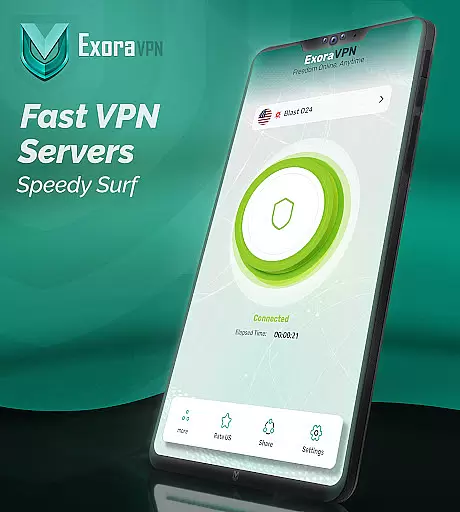
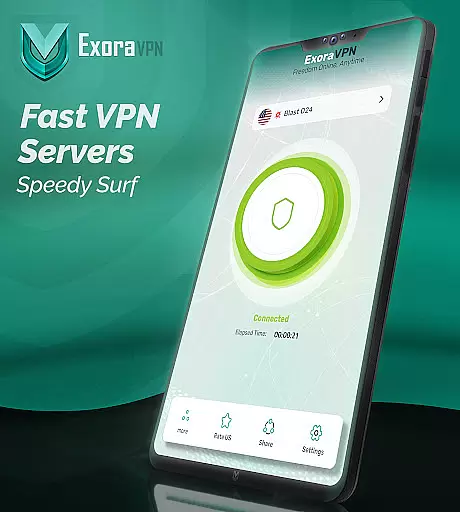
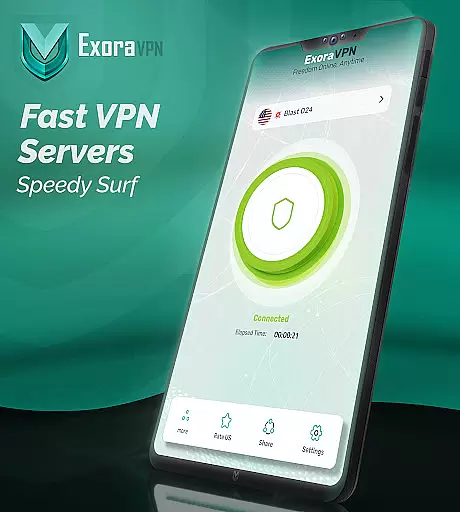
The application leverages modern V2Ray technology, which is known for its speed and security. This ensures that users can browse, stream, and game without the hindrance of slow connections or constant blocks. The app's ability to connect instantly to the nearest high-speed server with just one tap demonstrates its commitment to efficiency and performance.
Moreover, Exora VPN offers advanced features such as an automatic kill switch and custom DNS settings. These functionalities not only enhance the browsing experience but also fortify the user's online privacy and security. With these tools at their disposal, users gain full control over their internet access and protection.
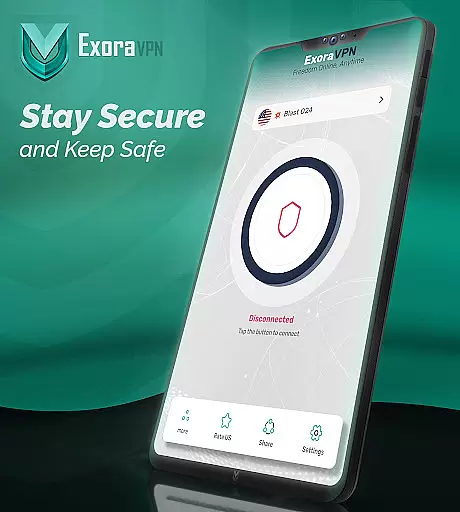
A straightforward and intuitive interface is crucial for any tool-based application, and Exora VPN meets this need by simplifying the process of securing an internet connection. Its design emphasizes ease of use, allowing even those unfamiliar with VPNs to connect with a single tap.
Exora eliminates the complications often associated with VPN services by removing the need for signups or registrations. Users can enjoy private, borderless browsing without any barriers to entry, making the app accessible to a wider audience.
In addition to its user-friendly approach, Exora provides real-time connection stats and around-the-clock reliable support. These features contribute to a hassle-free experience, assuring users that they have all the information needed to maintain their connection and resolve any issues swiftly.
Fast server speeds
Zero-log guarantee
Automatic kill switch
Custom DNS support
User-friendly interface
Limited free tier
No live chat support
Occasional connectivity issues
Ads in free version
Advanced features require paid plan

App that Recover your pictures, videos or files after you delete them.
 4.20
4.20
Quickly & easily calculate the spacing of handrail balusters
4.20
An easy-to-use calculator designed to save time calculating and bending conduit
4.30
Best leveling tool for your Android device. Hang paintings like a pro.
4.90
Smart and comfortable browsing experience.
3.80
Mirror your screen to Chromecast and Android TV - Super fast and simple
4.60
A simple app to back up and restore SMS & MMS messages and call logs.
4.10
Fun lie-detection pranks for friends and parties.
3.80
A clean app.
4.50
Remote Play with FSR upscaling, low latency & full controller support
4.80
Small and simple app to Verify Root Access and BusyBox Install!
4.70
Protect your device with antivirus, storage cleanup, and system monitoring
4.70 4.50
4.50
With videos, electrical calculators, and built-in ebook, Ugly’s has your answer.
4.50
Just swipe the edge to do something!
4.40
Quickly check the frequency of the Earth
4.30
Remote for Roku, Fire TV, Samsung TV, LG TV, Android TV, Chromecast and VIZIO TV
4.20
A convenient photo, video, and file recovery tool.
4.00
Create your own live wallpaper or check out thousands already made presets
3.90


User Reviews