
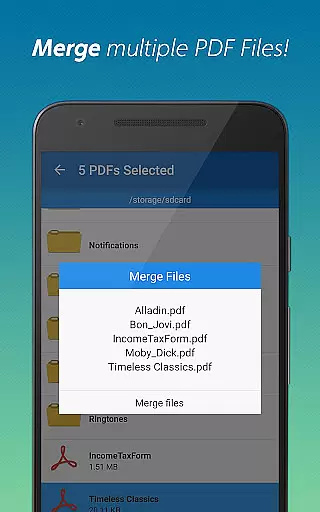
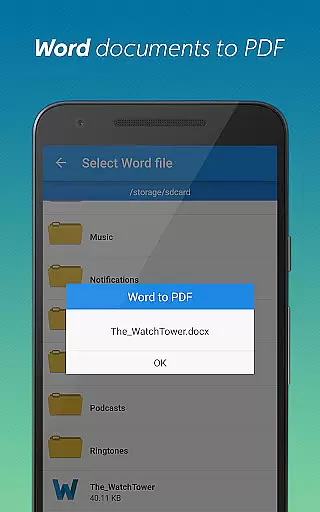
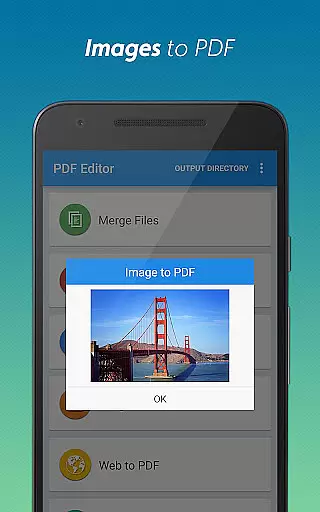
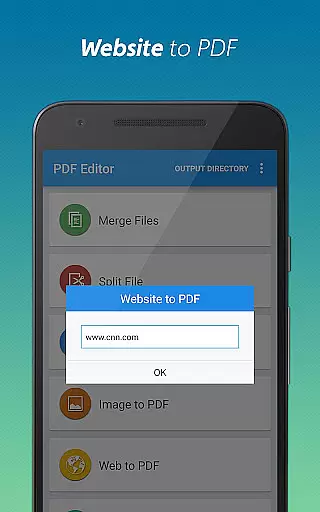
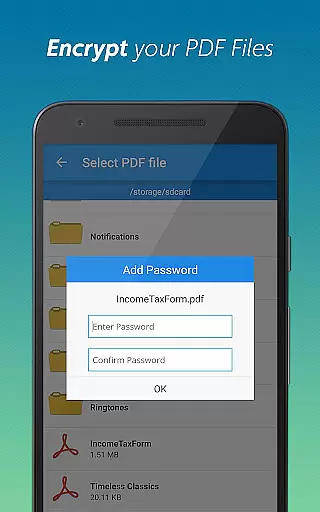
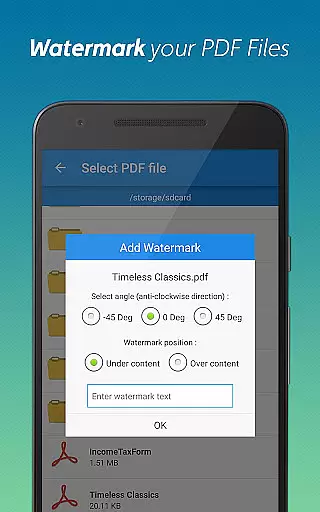
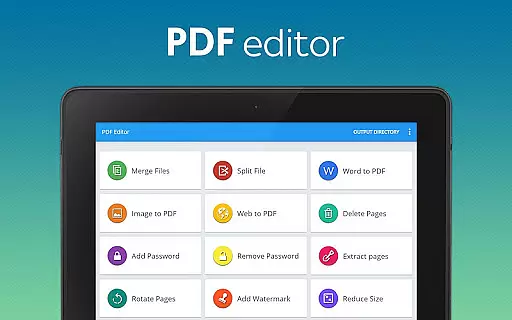
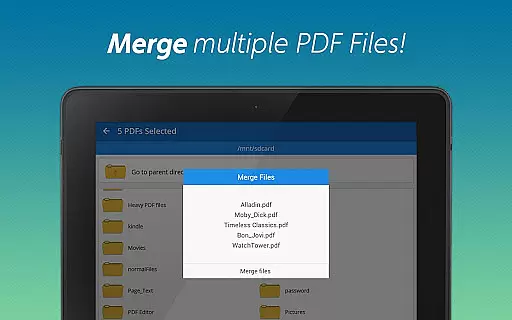
PDF Editor & PDF Converter Pro is a comprehensive document management tool designed to streamline your workflow. This all-in-one solution allows users to convert various file formats into PDFs, including Word documents and images, with just a few taps. The app also offers advanced features like merging multiple PDFs, splitting large files, and adding password protection for enhanced security.
In addition to its conversion capabilities, the app provides essential editing tools. Users can add watermarks, rotate pages, delete unnecessary sections, and extract specific pages as needed. With its intuitive interface and powerful functionality, this app is perfect for professionals who need to manage documents on the go. Whether you're working on business reports or personal projects, PDF Editor & PDF Converter Pro ensures your files are organized, secure, and presentation-ready.
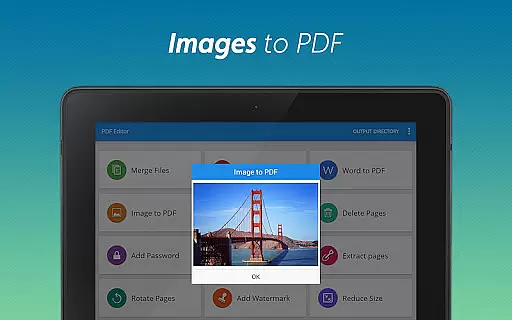
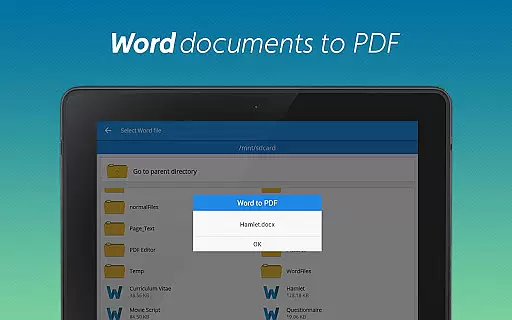
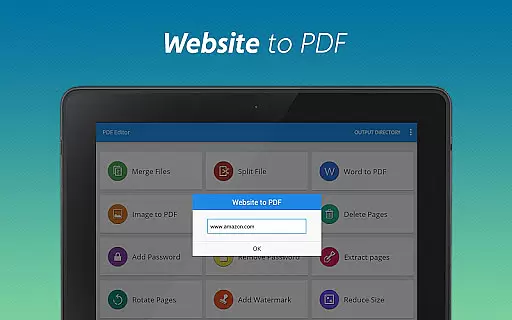
One of the standout features of PDF Editor & PDF Converter Pro is its versatility in handling different file types. The app supports converting Word documents (DOC) to PDF, transforming JPG images into PDF format, and even saving entire webpages as PDF files for offline access. These conversion options make it easy to standardize your documents regardless of their original format.
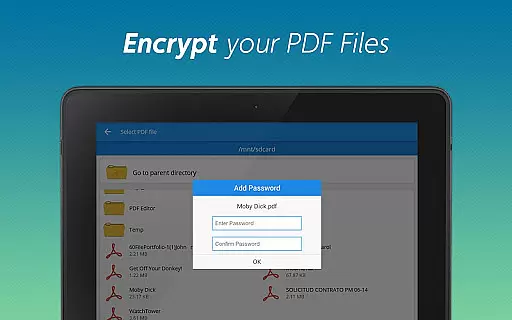
The app also includes robust editing capabilities. Users can merge multiple PDFs into a single file, split documents into smaller units, and customize content by deleting or extracting specific pages. Additional security features allow you to add or remove password protection, while optimization tools help compress file sizes without sacrificing quality. With these comprehensive tools at your disposal, managing professional-grade PDFs has never been easier or more efficient.
When it comes to document management applications, the precision and effectiveness of core functions are paramount. PDF Editor & PDF Converter Pro offers an extensive suite of tools that ensure your documents are processed with utmost accuracy.
This application allows you to convert various file types such as Word and Image files to PDFs seamlessly. The conversion retains the original formatting and quality, which is crucial for professional and personal use alike.
Merging multiple PDFs into one organized file simplifies document handling significantly. Additionally, features like splitting documents, adding or removing passwords, deleting pages, extracting specific pages, adding watermarks, rotating pages, and compressing files are executed with high precision.
The true value lies in the ability to manage PDFs efficiently without compromising on quality or security. Users can optimize their workflow with reliable and powerful tools designed to handle documents with care and accuracy.
A user-friendly interface is essential for productivity tools, and PDF Editor & PDF Converter Pro excels in providing an intuitive experience. The design focuses on ease of use, ensuring that users can navigate through the app effortlessly.
Converting files, managing PDF pages, and applying security measures are performed through straightforward controls. This simplicity reduces the learning curve, making it accessible even for those who aren't tech-savvy.
Each feature, from converting webpages to PDFs for offline reading to customizing PDFs by adding watermarks or adjusting page orientation, is easily accessible. The layout is crafted to guide users naturally through their document editing journey.
Ultimately, this app enhances user engagement by offering a seamless interaction model. Its intuitive nature ensures that tasks such as compressing files for easy sharing or enhancing document security with password protection are completed swiftly and efficiently.
User-friendly interface
Wide range of features
High-quality conversions
Advanced security options
Efficient file management
Paid premium version
Occasional bugs
Limited free features
Requires internet
Ads in free version

Clean the junk files on your device
 3.40
3.40
Smart and comfortable browsing experience.
3.80
Bedrock Together: Join any bedrock server on Xbox/PS
4.80
Quickly check the frequency of the Earth
4.30
Mirror your screen to Fire TV - Super fast and simple
4.40
Play your X-Box games remotely in 1080p with any controller and zero latency
4.60
Creation, Learning, Entertainment & More — The All-in-One AI Search Engine
4.70
Clean up large files and similar photos, fast and easy to use
4.40
fast and easy mp3 music downloader
4.80
Excellent scientific calculator with symbolic algebra, integrals, derivatives
4.80
Fast Video Downloader, Movie Downloader, Torrent Downloader & Adblock Browser
4.70
Head tracking for PC sim games such as MSFS 2024 or Elite:Dangerous. No headset!
4.50
eXtended Permission Manager - a small app to manage permissions and AppOps
4.50
With videos, electrical calculators, and built-in ebook, Ugly’s has your answer.
4.50
Game Booster, GFX Tool is now compatible with newer game update
4.50
Just one-tap to easy translate in any language after calls within seconds.
4.20
Quickly & easily calculate the spacing of handrail balusters
4.20
Introducing Smart Printer, your ultimate destination for printing solutions!
4.00
Transfer Files, APK from Phone to Watch & Install.
4.3


User Reviews