
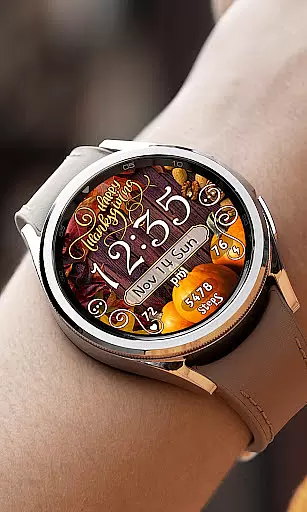
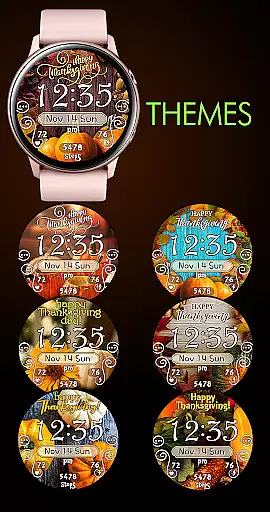

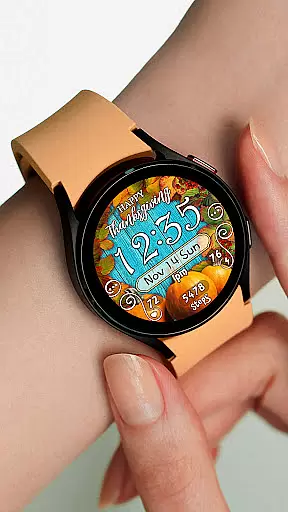
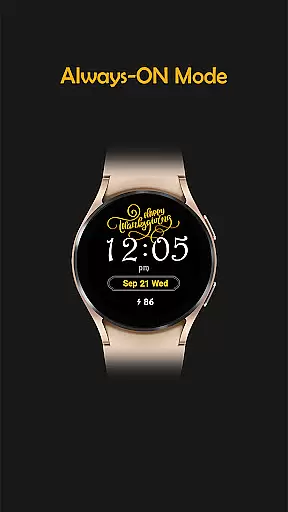
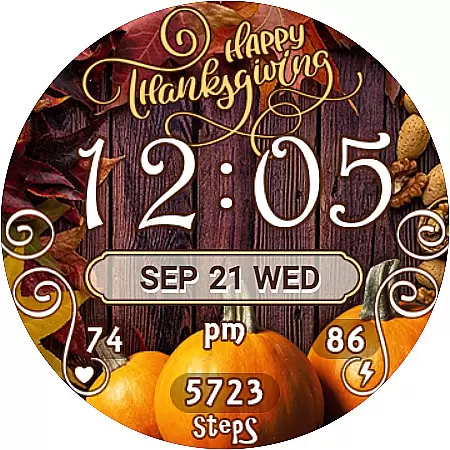
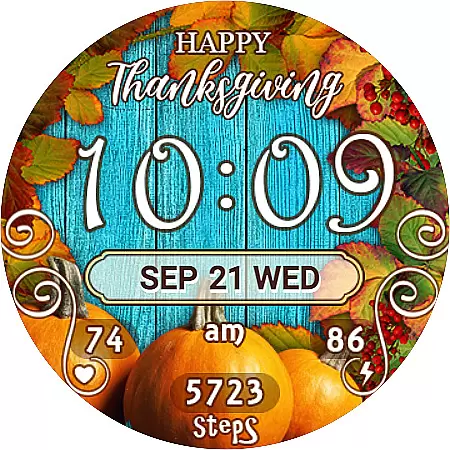
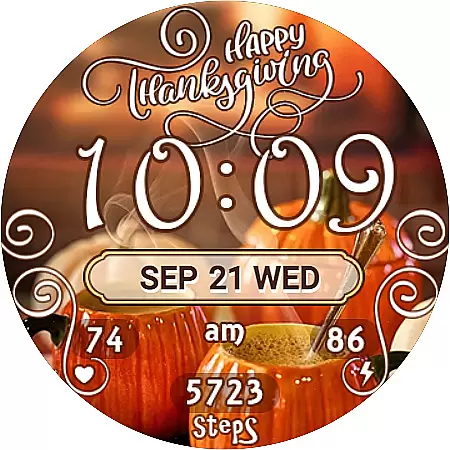
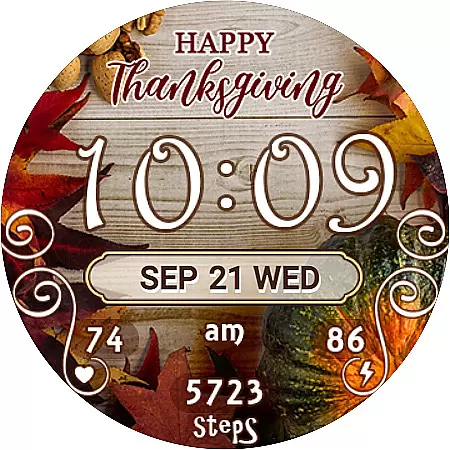
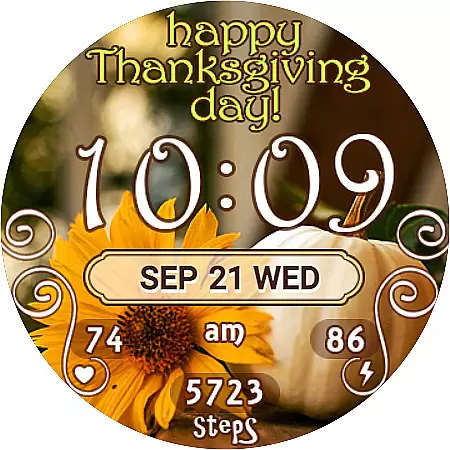
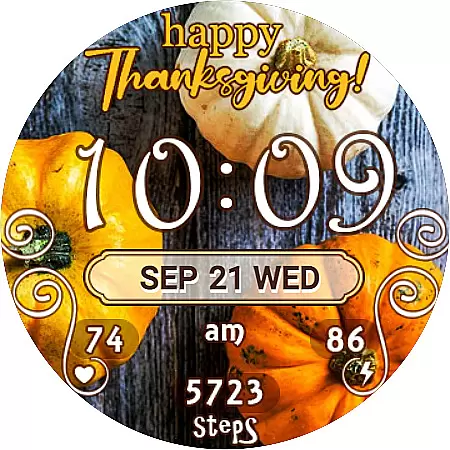
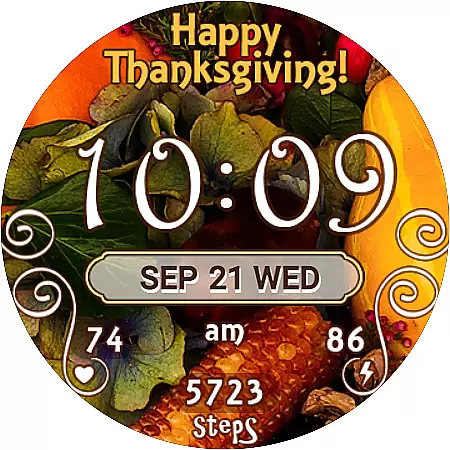
Thanksgiving Day Watch Face is a specially designed Wear OS watch face that celebrates the festive spirit of Thanksgiving. This digital watch face offers both 12-hour and 24-hour time display, automatically syncing with your phone's time settings. With seven unique background themes to choose from, users can easily customize their watch face to match their personal style.
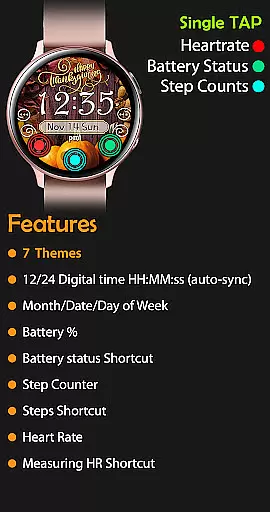
In active mode, the watch face displays essential information such as the day of the week, date, month, battery percentage, step counter, and even includes shortcuts to health apps. The always-on feature ensures that key details like time, date, and battery level remain visible at a glance, making it both practical and visually appealing for daily use.
One of the standout features of the Thanksgiving Day Watch Face is its versatility and customization options. Users can choose from seven different background themes, ensuring their watch face remains fresh and personalized. The inclusion of useful widgets such as a step counter, heart rate monitor, and Samsung Health shortcuts make it more than just a stylish accessory but also a functional tool for health enthusiasts.
The watch face supports both 12-hour and 24-hour time formats, automatically adjusting based on the user's phone settings. It thoughtfully removes the leading zero in 12-hour format for a cleaner look. Additionally, the always-on display functionality provides continuous access to crucial information without needing to wake the watch, striking a perfect balance between usability and battery efficiency.
For the Thanksgiving Day Watch Face, seamless companion app integration is crucial for an optimal user experience. This watch face is designed to sync automatically with your phone's time settings, ensuring that the displayed time is always accurate without any manual adjustments.
The synchronization process between the Google Play Store and your watch device is streamlined for efficiency. After purchasing, users should allow approximately 10-15 minutes for the new watch face to appear on their device. This ensures that all features, including time, date, and various widgets, are perfectly in sync with the paired smartphone.
Should the watch face not appear automatically, users can manually locate it by navigating through their existing watch faces and tapping the '+' icon to reveal newly acquired options. This method guarantees that the Thanksgiving Day Watch Face is readily accessible for immediate use.
By prioritizing robust companion app integration, this watch face offers a hassle-free setup process, enabling users to enjoy its full range of features without unnecessary delays or complications.
Compatibility with Wear OS and a variety of devices is a cornerstone of the Thanksgiving Day Watch Face's design. Engineered specifically for Wear OS, this watch face brings festive charm to your smartwatch while maintaining essential functionality.
Users can choose from seven unique background themes, allowing for personalization according to individual preferences. The digital time display automatically adjusts between 12-hour and 24-hour formats based on the connected phone's settings, providing both convenience and accuracy.
In addition to visual customization, the watch face includes practical widgets such as battery percentage, step counter, and heart rate monitoring. These features are optimized to work across different devices within the Wear OS ecosystem, ensuring consistent performance regardless of the specific hardware being used.
The Always-On display functionality maintains access to crucial information even when the watch is in low-power mode. This comprehensive approach to compatibility demonstrates the watch face's versatility and commitment to delivering a reliable user experience across various Wear OS devices.
Customizable themes
Syncs with phone time
Health widgets included
Always-On functionality
Festive design
Limited to Wear OS
No leading zero option
Installation delay
Manual theme selection
Basic time display

Watch the sharpness of the sky on your wrist..
 3.70
3.70
Animated Watch Face and Customizable with 24 Backgrounds. Perfect for Christmas!
3.90
Rose gold watch face with festive lights & customizable features.
4.60
Contemporary digital watch face with five complications
4.0
A modern premium sporty hybrid watch face for Wear OS by Ballozi
4.70
Digital, flexibly customizable watch face. For Wear OS 5.0, API 34+ and later.
5.00
Hyperlocal rain alerts by MyRadar using patent-pending technology, radar & more
4.80
Real-time results, stats, schedules and player profiles for all leagues
4.60
Bold weather Digital watchface with forecast & optional animated background
4.40
Period, ovulation & pregnancy tracker. Fertility insights & menstrual calendar.
4.90
Diet tracker for weight loss - track calories, food and macros. Simple and easy!
4.70
The most customizable minimal watch face. For Wear OS 5.0, API 34+ and later
4.70
Kia Access makes getting your vehicle information easier than ever
4.60
Monitor health with the stress test and pulse checker in the heart rate app.
4.60
Gym & home workout plans with strength training, exercise tracking, HIIT & more.
4.60
Beautiful artistic animated digital watch face, with a customizable layout!
4.40
The ultimate destination for kids ages 3-8 to explore the Marvel Universe!
4.30
Artistic Digital Watchface
4.0
Fitness interactive virtual pet super fighter boy watch face
4.0


User Reviews