
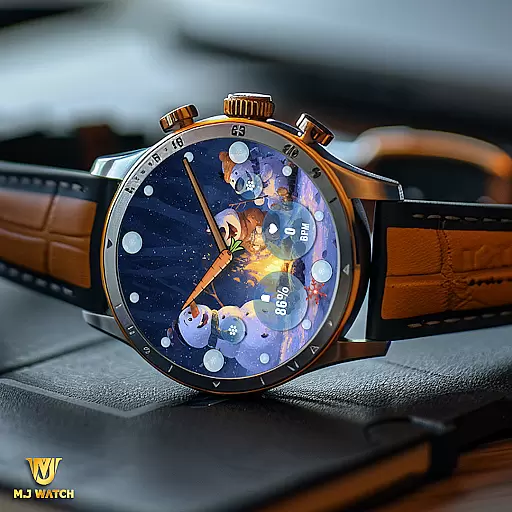
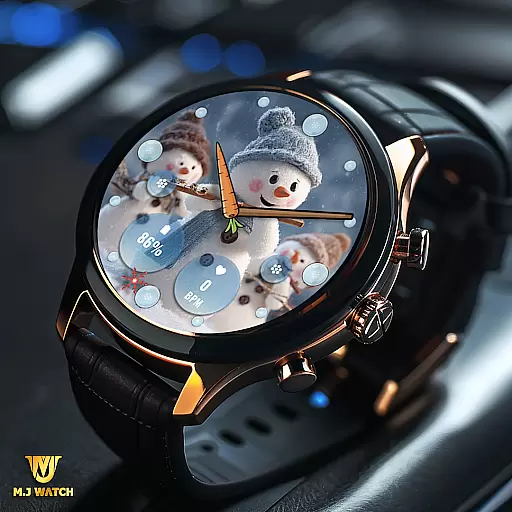
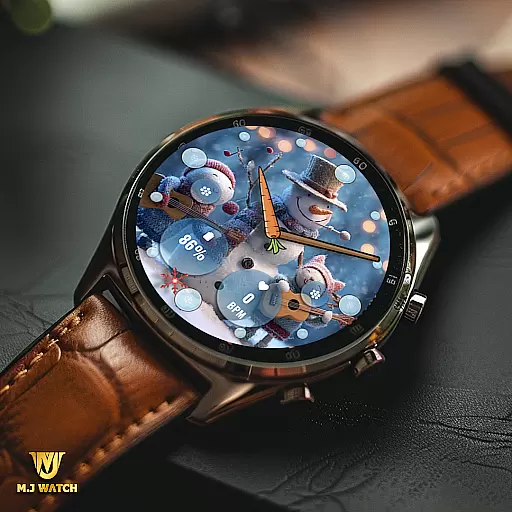
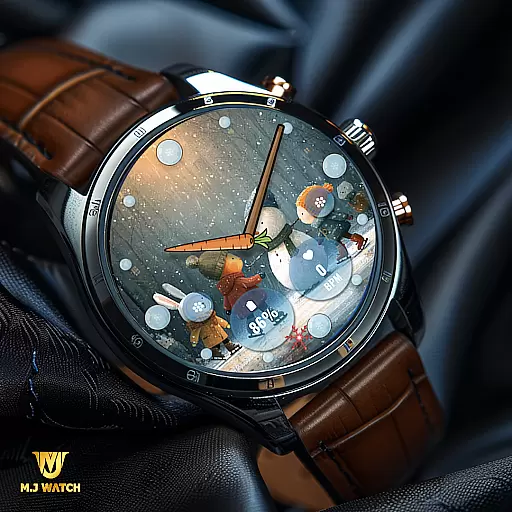
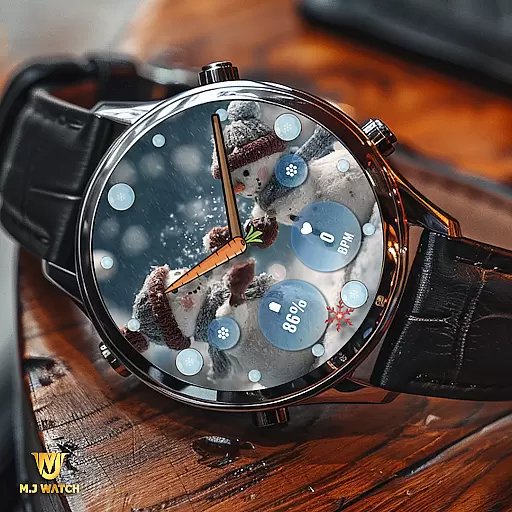
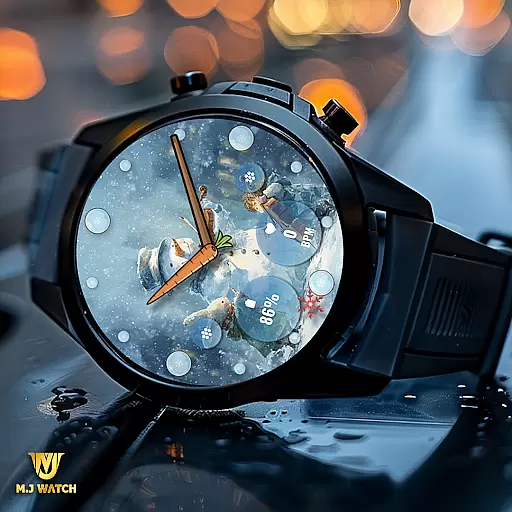
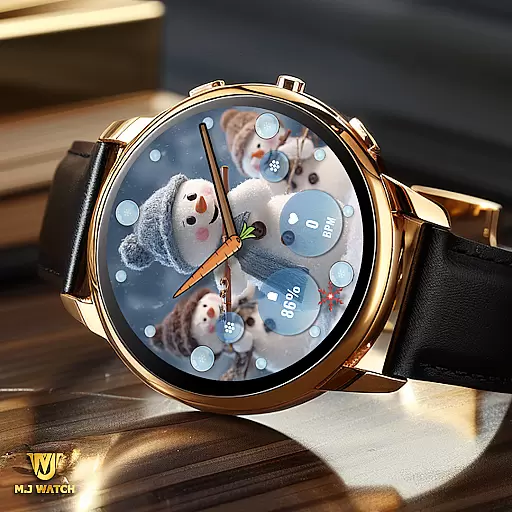
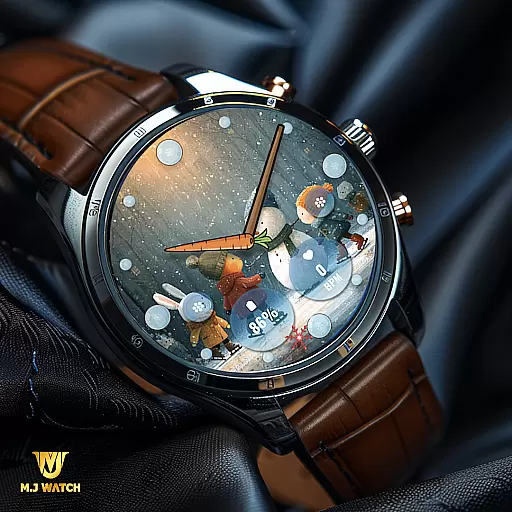
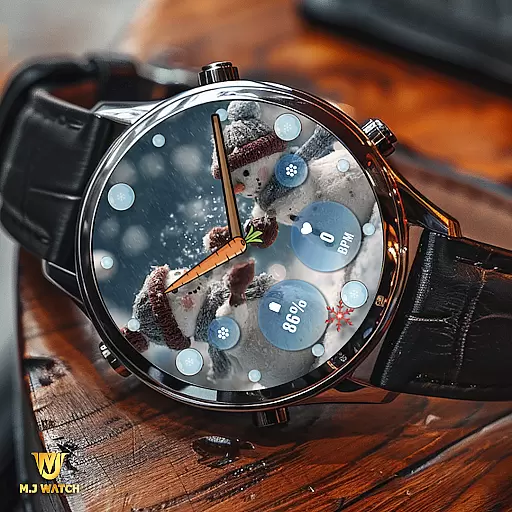
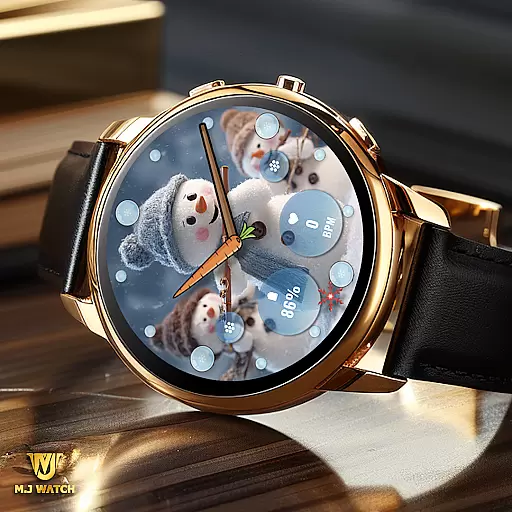
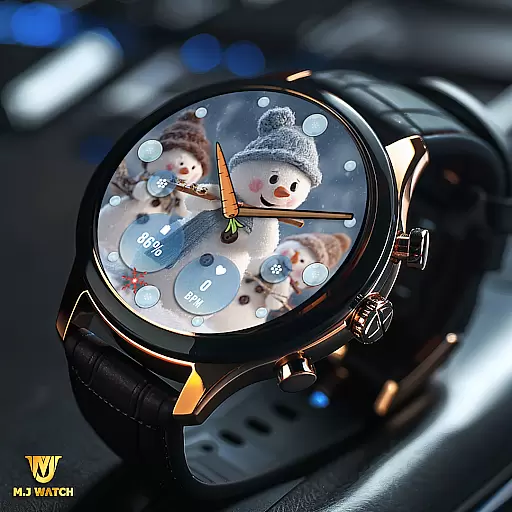
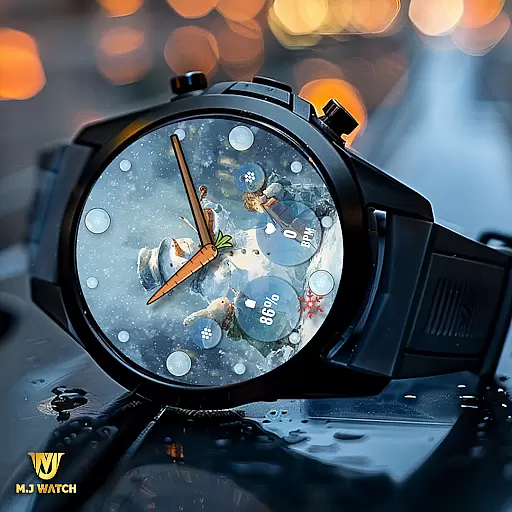
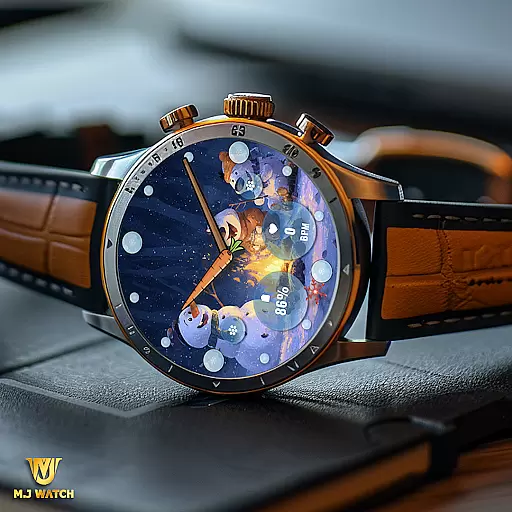
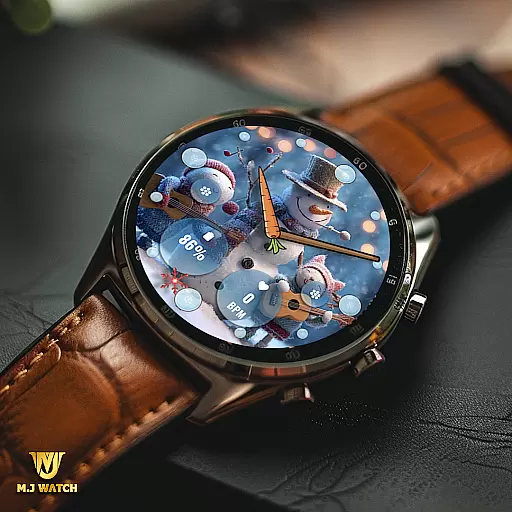
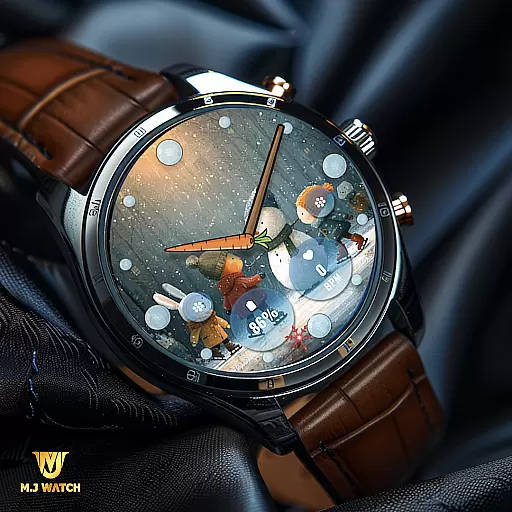
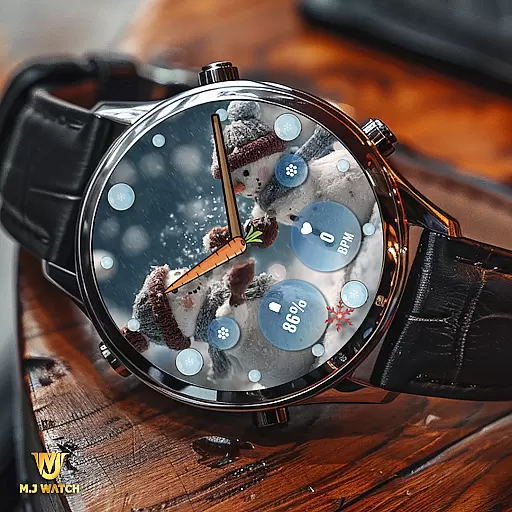
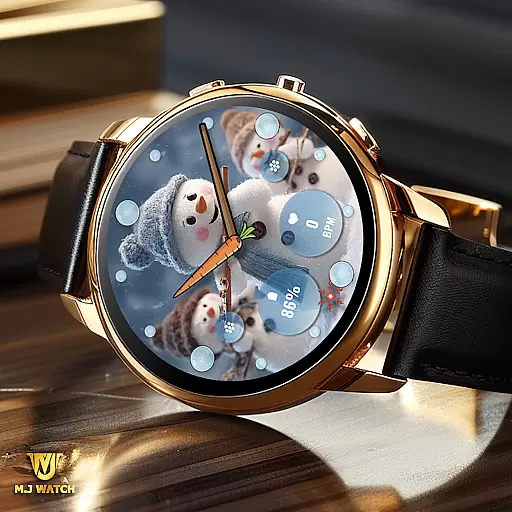
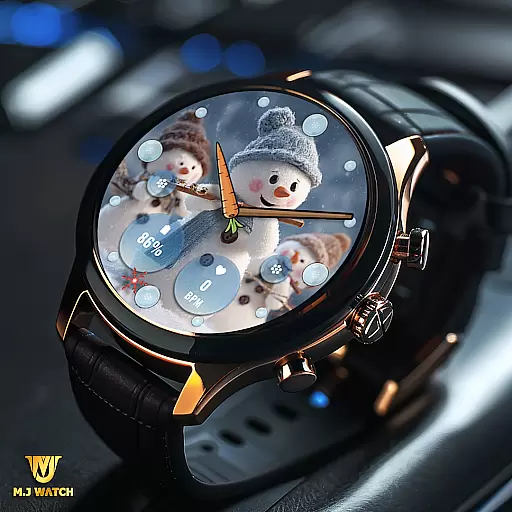
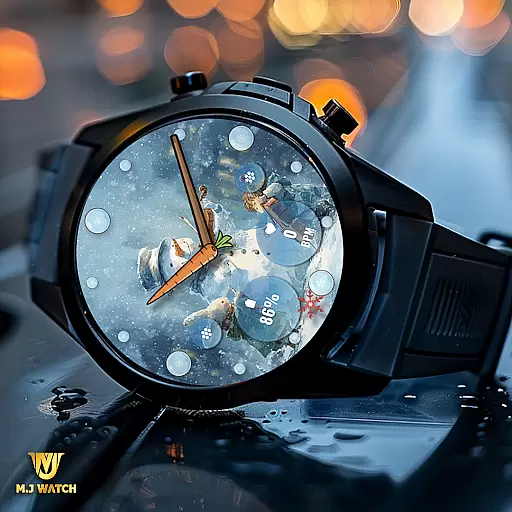
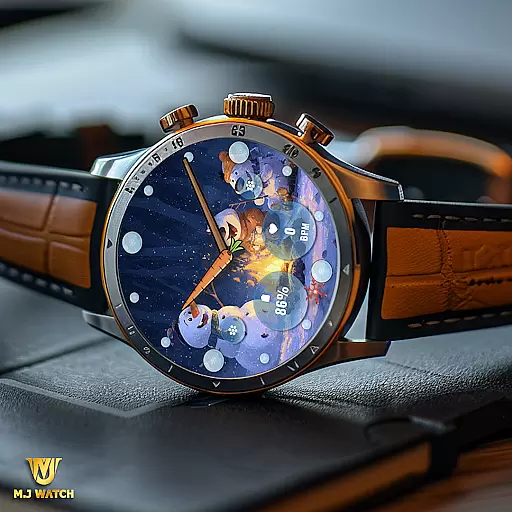
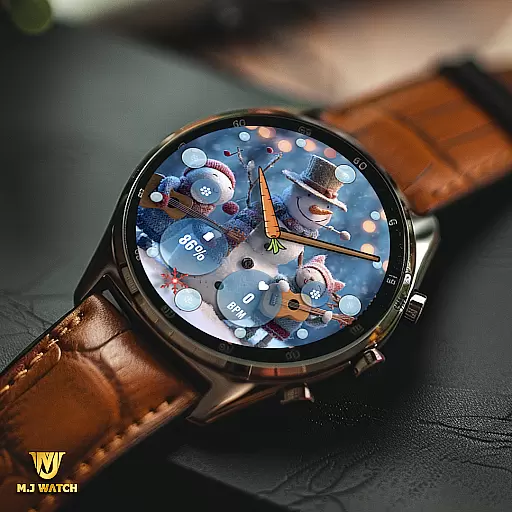
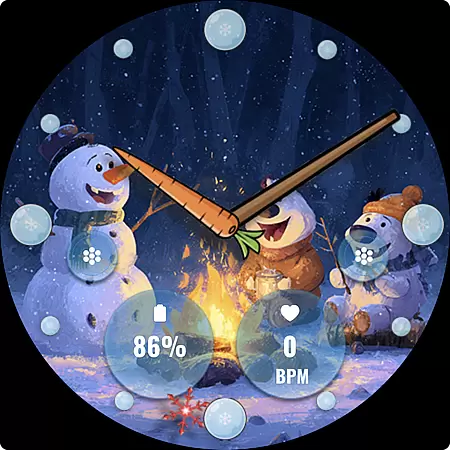
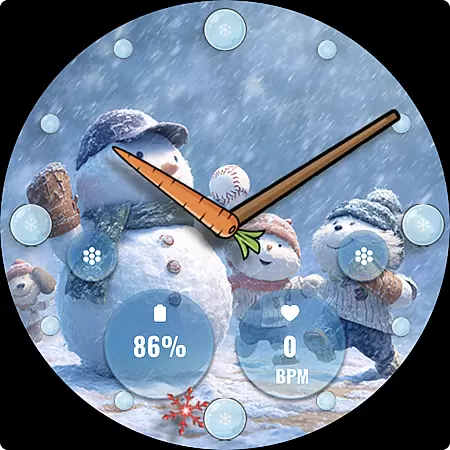
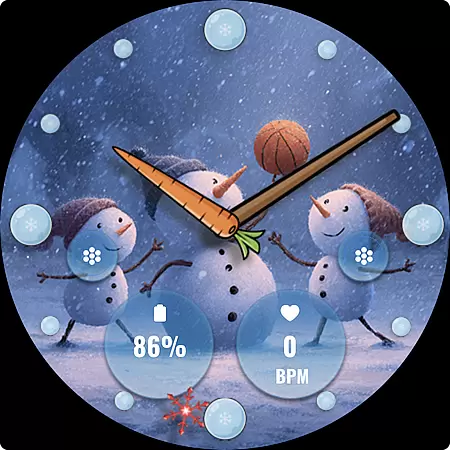
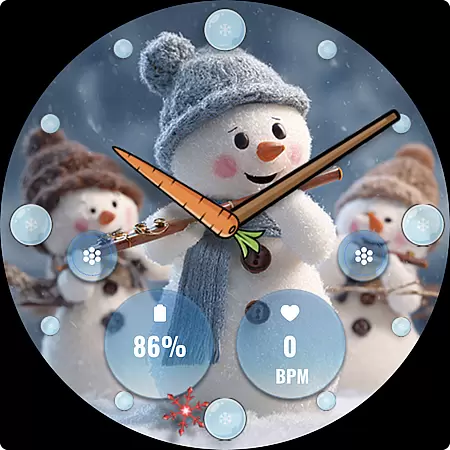
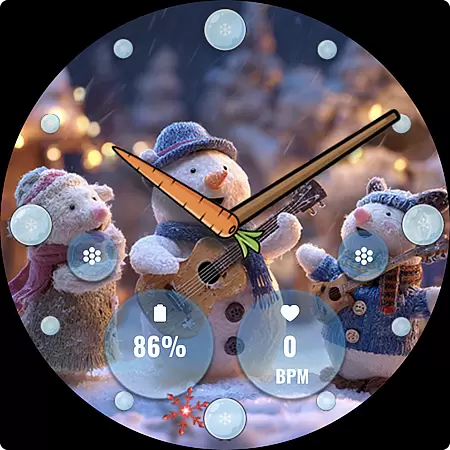
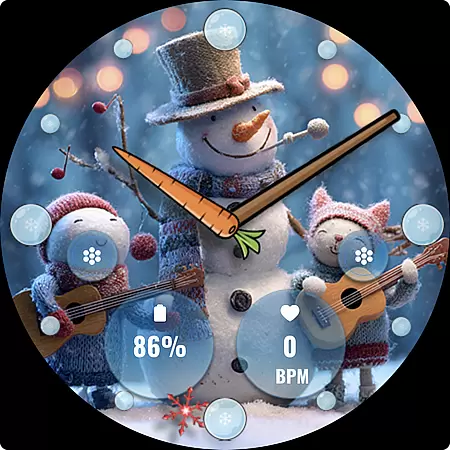
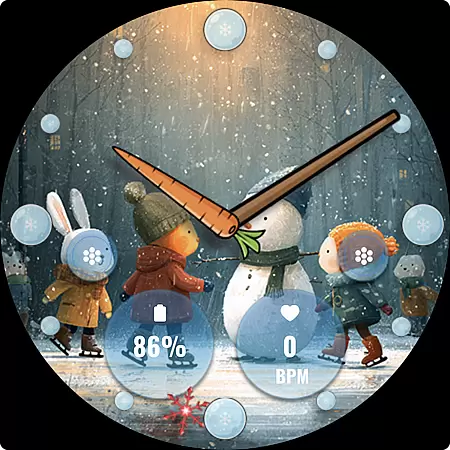
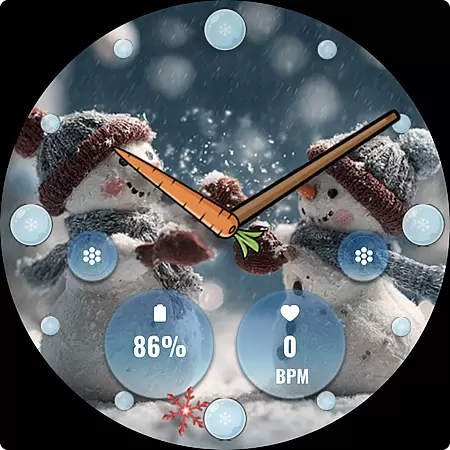
FLW105 Snowman Freeze Winter is a specially designed analog watch face for Wear OS devices, offering users a unique winter-themed experience. Featuring a stunning freeze ice background, this watch face brings the chill of the season right to your wrist.
The watch face includes an analog display with hour, minute, and second hands, along with two customizable complications that allow users to choose what information is displayed. Additionally, it offers two custom shortcuts for personalized quick access to frequently used functions. With 10 captivating winter scenes featuring snowmen, FLW105 provides both functionality and festive charm.
This app is perfect for those who wish to combine utility with seasonal aesthetics on their smartwatches during the winter months.
FLW105 Snowman Freeze Winter stands out with its array of features tailored for Wear OS users. The analog watch hands provide a classic time-telling experience while the customizable complications offer flexibility in displaying various types of information such as weather updates or fitness stats.
Users can also personalize their experience further by setting up two custom shortcuts, allowing them to quickly access their most-used apps or settings. The selection of 10 different freeze winter images with charming snowmen adds a delightful visual element to the watch face.
Customization is made easy through a simple interface; users can change images or complications by pressing and holding then selecting 'Customize'. This intuitive design ensures that personalizing your watch face is both straightforward and enjoyable.
For FLW105 Snowman Freeze Winter, seamless companion app integration is a key feature that enhances user experience. This Wear OS watch face is designed to work in harmony with its companion app on your mobile device.
The companion app allows users to customize various aspects of the watch face. You can change displayed information through custom complications and set preferred shortcuts for quick access to frequently used functions.
This level of integration provides practical benefits for users. The ability to control and personalize the watch face from your phone makes the customization process more accessible and convenient.
Furthermore, the companion app ensures that all features are easily manageable. Users can switch between 10 different winter-themed images or adjust complications simply by holding and pressing 'Customize' within the app interface.
FLW105 Snowman Freeze Winter boasts extensive compatibility with Wear OS devices, making it accessible to a wide range of users. This watch face is designed to function smoothly across various smartwatch models that operate on the Wear OS platform.
The application supports fundamental features like analog watch hands for hour, minute, and second. Additionally, it offers two custom complications and shortcuts, which are compatible with the settings available on Wear OS devices.
Users benefit from this broad compatibility as they can enjoy consistent performance regardless of their specific Wear OS device model. Whether you have a newer or older version of Wear OS, this watch face maintains its functionality and aesthetic appeal.
Moreover, the availability of ten distinctive freeze winter images with snowman motifs ensures that all users can find a visual style that suits their taste while enjoying full technical compatibility with their devices.
Unique winter theme
Customizable complications
Two custom shortcuts
Visually appealing design
User-friendly customization
Limited to Wear OS
No digital time option
Seasonal appeal only
Fixed set of images
Potential battery drain

A Wintery Snow Globe on Your Wrist; now celebrating Christmas!
 4.4
4.4
A watch face that fuses motorsport precision with contemporary smartwatch design
4.0
Sleek, highly customizable watch face inspired by Galaxy Watch Circle Dashboard.
4.1
Gym & home workout plans with strength training, exercise tracking, HIIT & more.
4.60
The #1 source of faces for your smartwatch!
4.00
Get helpful reminders, take progress photos and find answers to your questions.
3.90
A realistic hybrid watch face with many customization options.
4.60
Daily Weather forecast with 15 weather images for Day & Night plus Big Bold time
4.10
Spam call blocker and caller ID for automatic call protection!
4.40
The Chevron App allows you to pay for fuel from the comfort of your car!
4.80
Rose gold watch face with festive lights & customizable features.
4.60
Kia Access makes getting your vehicle information easier than ever
4.60
Real-time results, stats, schedules and player profiles for all leagues
4.60
Deck out your Wear OS Watch face with a beautifully decorated pine wreath!
4.50
Embrace the holiday spirit with this magical animated watch face!
4.40
Let's celebrate Thanksgiving - Wear Os watch face
4.20
Watch the sharpness of the sky on your wrist..
3.70
Christmas and New Year - Themed Watchface
4.1
Contemporary digital watch face with five complications
4.5


User Reviews