
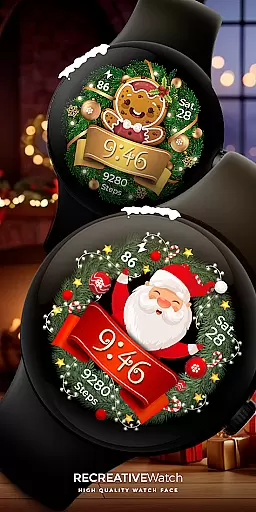
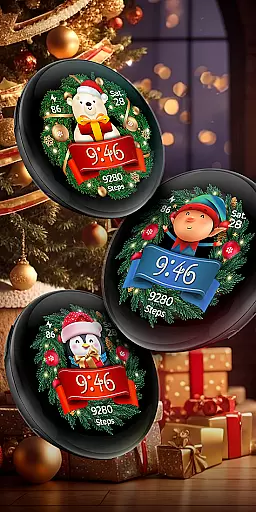
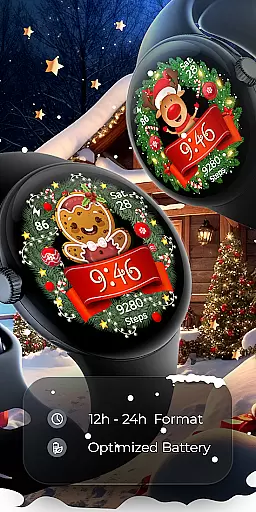

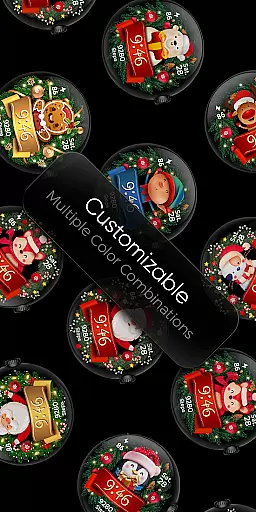
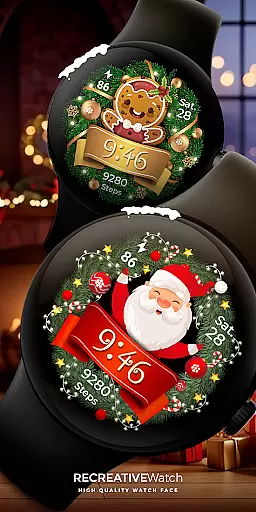
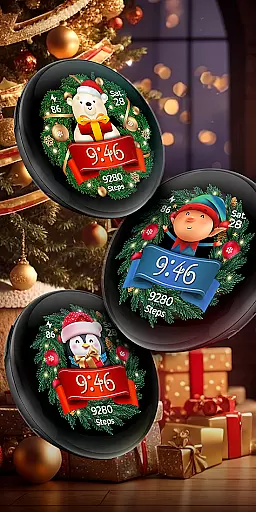
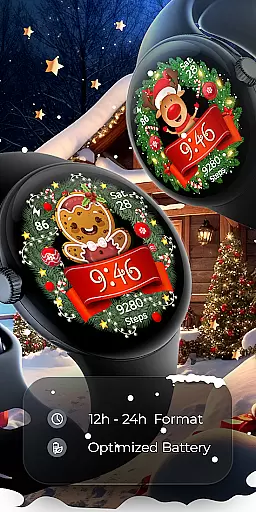

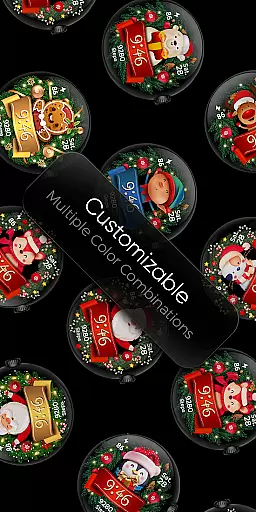
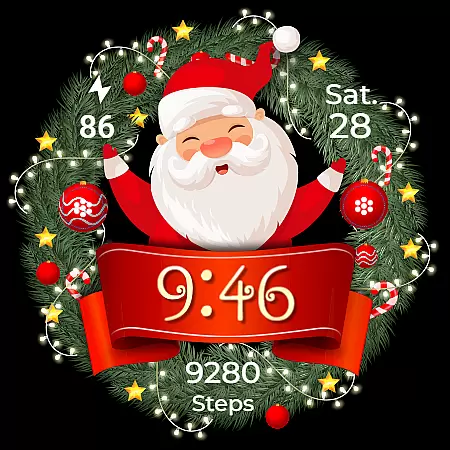
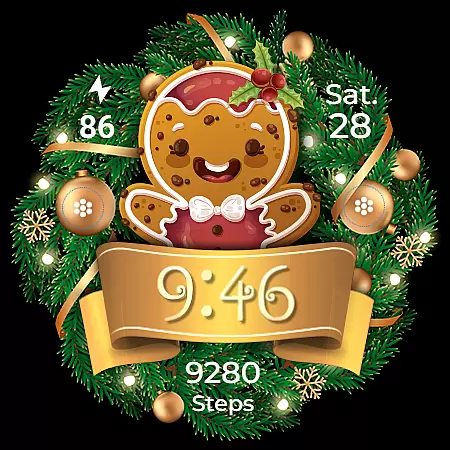
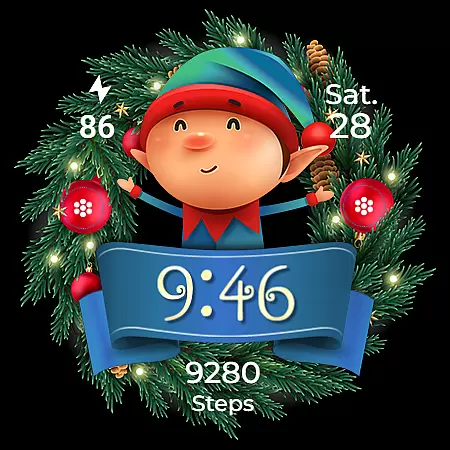
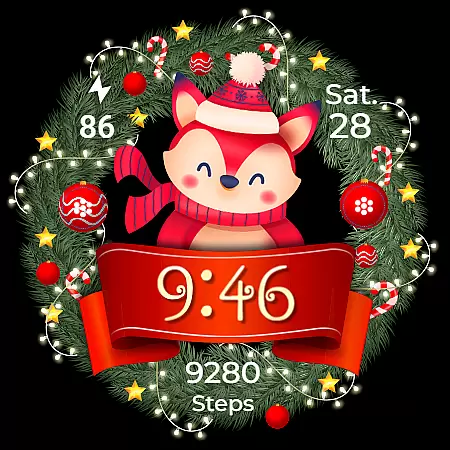
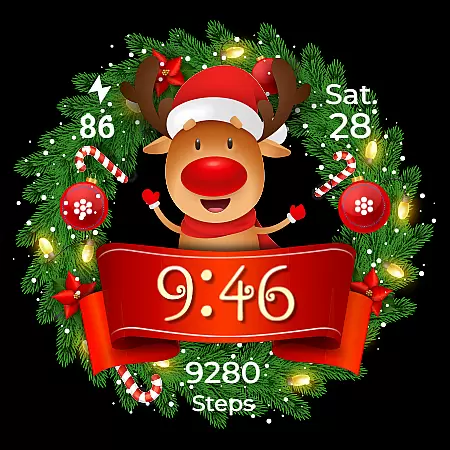
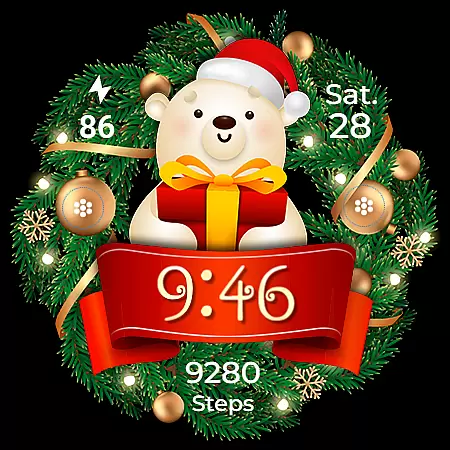
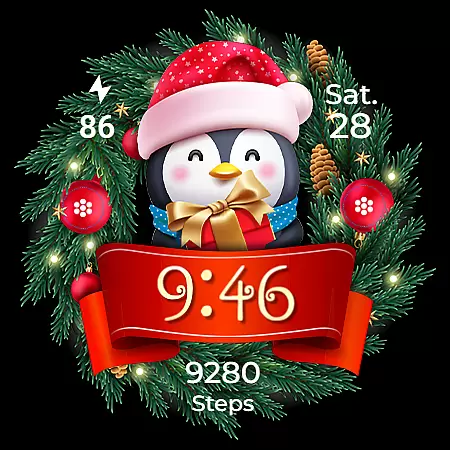
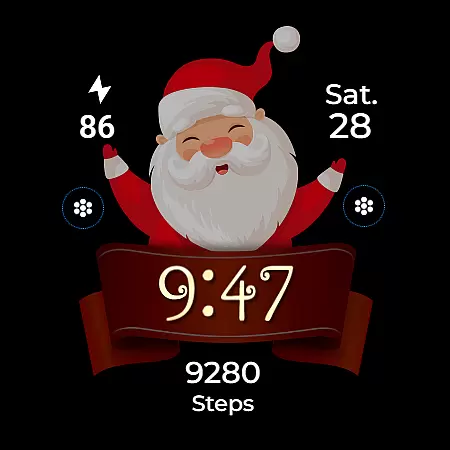
Christmas Frame is a festive-themed watch face app designed specifically for Wear OS devices. This application allows users to customize their smartwatch display with holiday-inspired designs, featuring various characters such as Santa, a reindeer, snowman, or an elf, all set within a decorative pine circle.
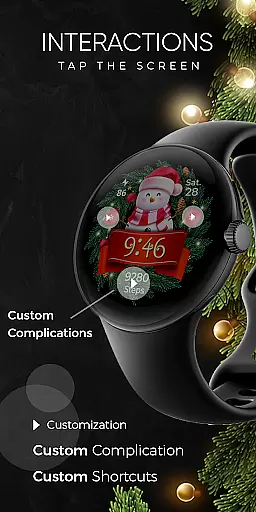
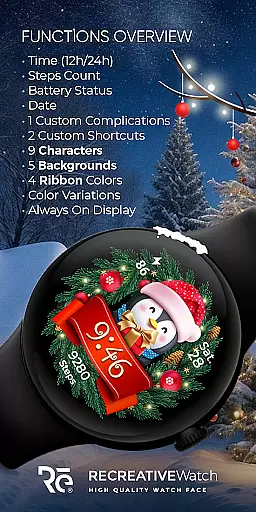
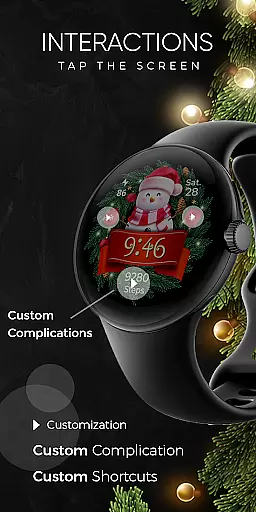
In addition to its thematic visuals, Christmas Frame offers practical functionalities including digital time display in 12/24h formats, date, battery status, and step count. Users can further personalize their watch face with customizable complications and shortcuts, multiple background options, and different ribbon colors. The app supports Always ON Display with changeable colors and modes, enhancing both aesthetics and usability.
This app is perfect for the holiday season, allowing users to showcase their festive spirit while enjoying essential smartwatch features. Compatible with API level 33+ devices, it ensures broad device support across popular models like Google Pixel and Galaxy Watches.
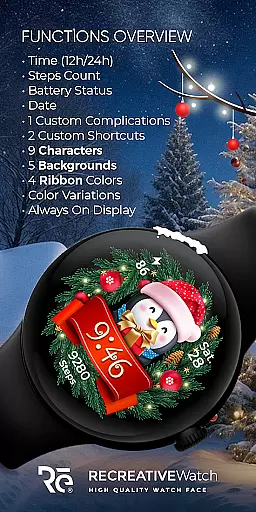
Christmas Frame stands out with its rich feature set tailored for the holiday season. The app provides multiple customization options, allowing users to choose from five different backgrounds, nine unique characters, and four ribbon colors. These choices enable a personalized and festive appearance on your Wear OS device.
Functionality-wise, the app includes essential features such as 12/24h digital time display, date, battery indicator, and step counter. It also supports one customizable complication and one customizable shortcut, giving users control over the data displayed on their watch face. The Always ON Display feature is supported with adjustable colors and modes, ensuring visibility and energy efficiency.
The companion mobile app facilitates easy installation and management of the watch face, although it contains ads. For optimal battery performance, users are advised to disable the Always ON Display mode when not needed. With compatibility across various Wear OS devices, Christmas Frame delivers both style and utility during the holiday season.
Companion app integration is essential for a seamless wearable experience. Christmas Frame offers a dedicated mobile application that simplifies the installation process and helps users locate the watch face on their Wear OS devices.
The phone app acts as a facilitator, ensuring that users can effortlessly set up and manage their festive watch face. This streamlined process allows for quick access to features and settings that enhance the overall utility of the watch face.
While the mobile app contains ads, it ensures that the core functionality remains unaffected. Users can enjoy an ad-free experience directly on their smartwatch while benefiting from the convenient setup options provided by the companion app.
Ensuring compatibility with a wide range of devices is crucial for any Wear OS application. Christmas Frame is designed to work seamlessly with API level 33+ devices, including popular models like Google Pixel and Galaxy Watch series.
This compatibility extends to various functionalities such as digital time display, date, battery status, step count, complications, shortcuts, backgrounds, characters, and ribbon colors. The extensive device support guarantees that users can enjoy a fully-featured experience regardless of their specific Wear OS model.
For optimal performance, especially concerning battery life, it's recommended to disable the Always ON Display mode. This feature, while visually appealing, can impact battery longevity if left enabled continuously.
Festive designs
Customizable features
Broad device support
User-friendly interface
Practical functionalities
Mobile app has ads
Limited to Wear OS
Seasonal appeal only
Basic complications
Battery concerns

Christmas watch face. For Wear OS devices.
 4.30
4.30
Snowflake Rose Gold Watch Face - Digital, modern, & sleek with GYRO effect.
4.10
3 Complications. All shadow on/off. 30 Themes color palette...
4.1
The most customizable minimal watch face. For Wear OS 5.0, API 34+ and later
4.70
The Chevron App allows you to pay for fuel from the comfort of your car!
4.80
Minimalistic design modern digital watch face.
4.3
The most customizable hybrid watch face. For Wear OS 5.0, API 34+ and later
4.70
Viewer for Wyze/Yi/Eufy/Arlo/ONVIF/RTSP/P2P IP cams w/ adv. features & DIY DVR
4.00
Fitbit is dedicated to helping people lead healthier, more active lives.
4.10
Real-time weather radar with temperatures, warnings, hurricanes, and widgets
4.80
Diet tracker for weight loss - track calories, food and macros. Simple and easy!
4.70
Rose gold watch face with festive lights & customizable features.
4.60
Real-time results, stats, schedules and player profiles for all leagues
4.60
Locate your family members by GPS phone location tracker everywhere and anytime
4.30
Professional weather radar and more
3.90
Watch the sharpness of the sky on your wrist..
3.70
an Analog Watch Face for winter season with freeze winter background for Wear OS
4.0
Wear Os Watch Face - Animated Snow - Sesonal for Christmas & Winter
4.1
Stunning modern digital watch face with 7 complications and strong contrast
4.3


User Reviews