

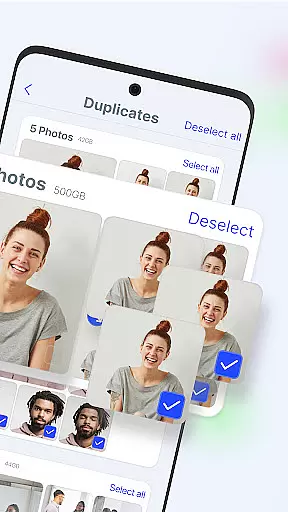
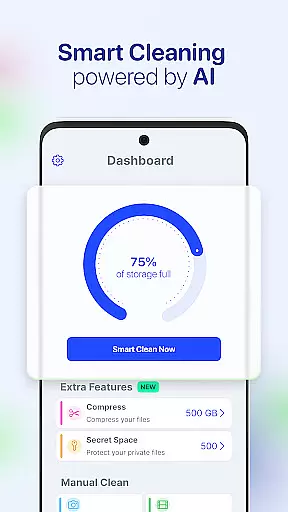
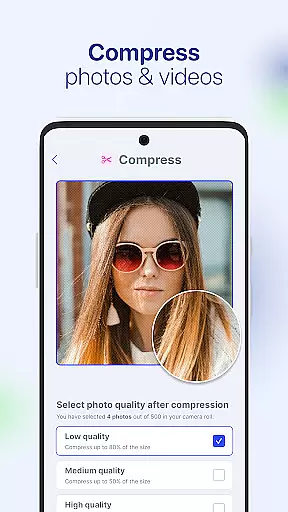
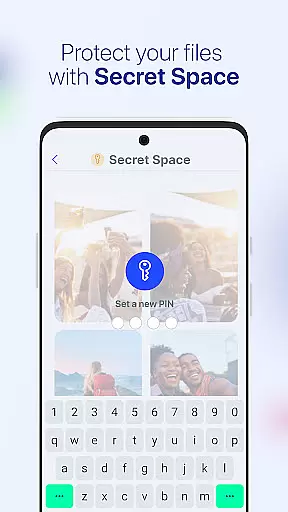



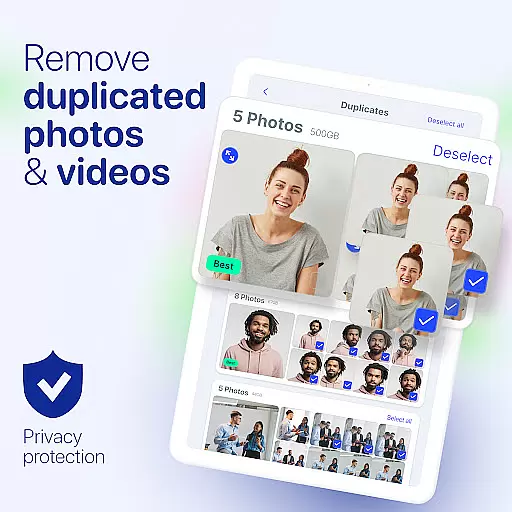
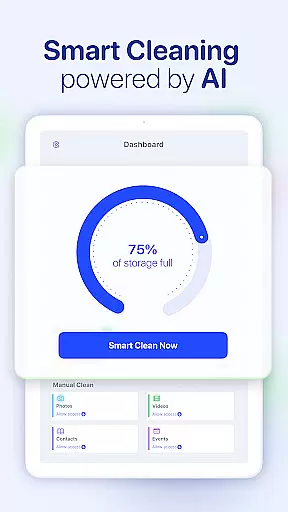


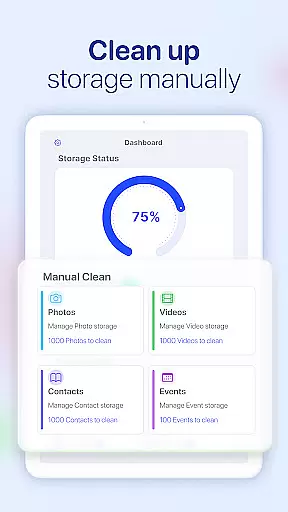
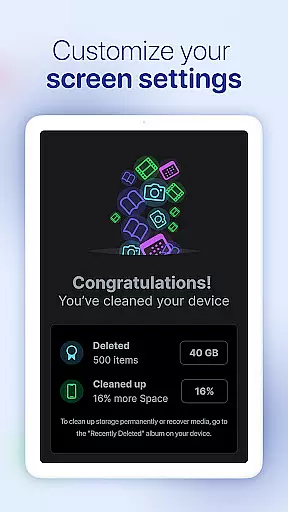
AI Cleaner is an advanced Android application designed to optimize phone storage through its AI-powered cleaning capabilities. The app specializes in removing duplicate photos, compressing media files, and organizing contacts and calendars, making it an essential tool for users seeking to maximize their device's memory.
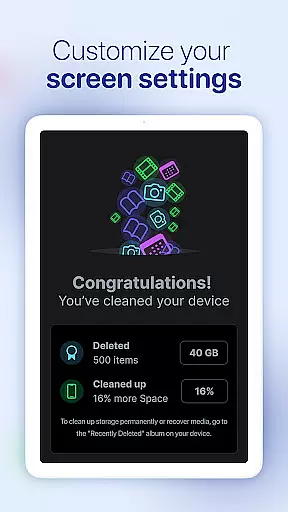
This all-in-one phone cleaner offers multiple features including a smart storage cleaner, camera roll organizer, secure vault, and tools for compressing photos and videos. These functions work together to not only free up space but also maintain the quality of your media and ensure privacy for sensitive files.
Whether you're looking to declutter your phone or protect private data, AI Cleaner provides practical solutions that enhance both storage efficiency and device security, ensuring your phone remains organized and ready for new content.
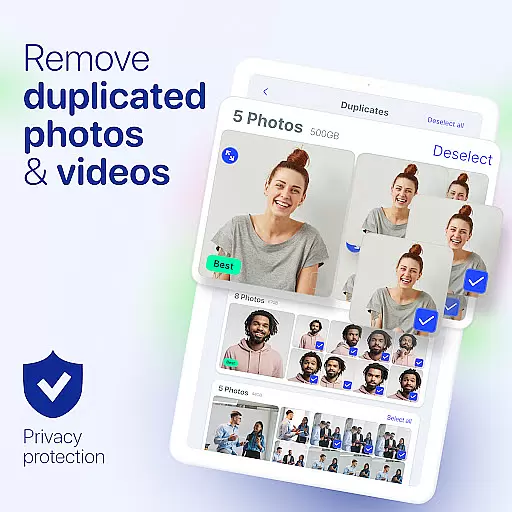
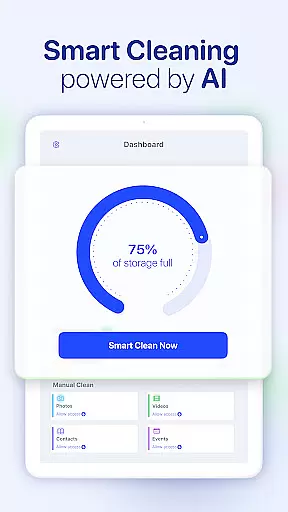
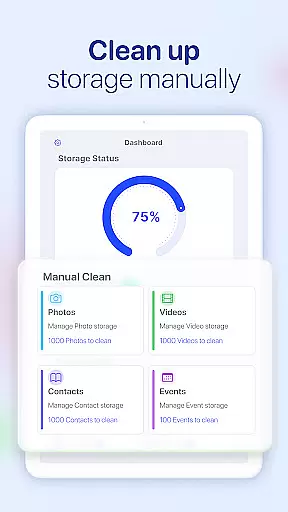
AI Cleaner stands out with its comprehensive suite of tools tailored for device optimization. Its Smart Storage Cleaner automatically detects and removes unnecessary files, while the Camera Roll Cleaner identifies and deletes duplicate or low-quality photos with minimal user input.
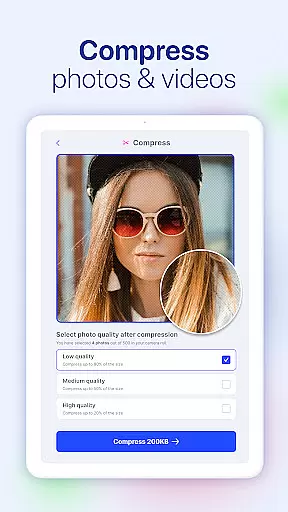
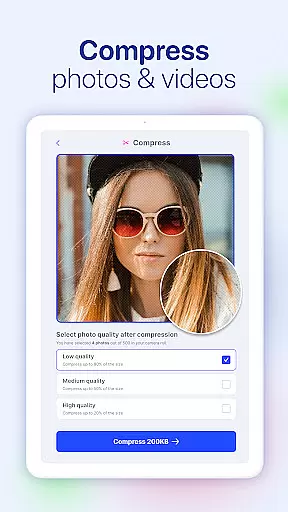
The app includes a Secure Vault feature, allowing users to hide sensitive photos, videos, and contacts behind advanced encryption. Additionally, its Photo and Video Compressor reduces file sizes without compromising quality, enabling users to save valuable storage space.
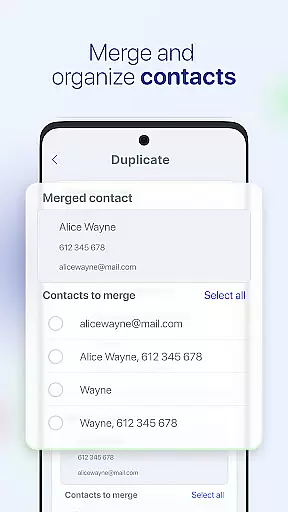
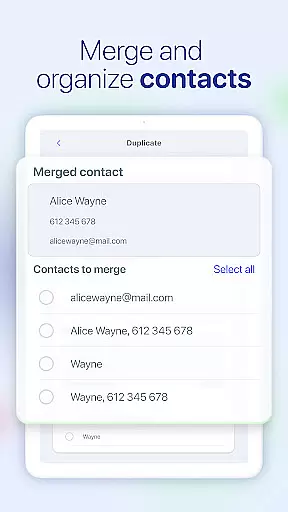
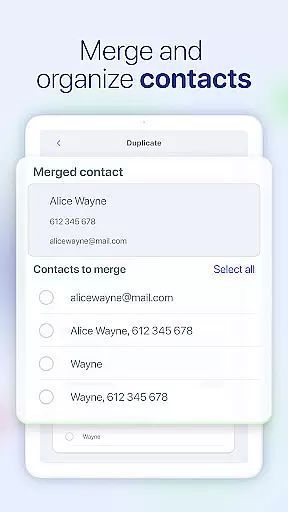
Other notable features include the Duplicate Contacts Remover and Past Events Remover, which streamline address books and calendars. With these innovative tools, AI Cleaner ensures your device remains clutter-free and efficient, offering a seamless experience for managing personal data.
AI Cleaner is designed to provide users with a comprehensive suite of tools that ensure the utmost accuracy and effectiveness in managing their device's storage. The app employs advanced algorithms to detect and remove unnecessary files, optimize space, and maintain an organized digital environment.
The Smart Storage Cleaner feature intelligently identifies redundant data, such as duplicate photos and obsolete calendar entries, allowing for efficient cleanup without compromising important information. With its intuitive interface, users can easily navigate through options to delete duplicates or compress images and videos, thus reclaiming valuable memory while preserving quality.
Moreover, AI Cleaner offers a secure vault where sensitive content can be stored away from prying eyes, ensuring privacy alongside decluttering capabilities. This dual functionality not only enhances device performance but also provides peace of mind knowing personal data remains protected.
By integrating these core functions into one application, AI Cleaner stands out by delivering precise control over your phoneu2019s resources, empowering you to keep it running smoothly and efficiently.
The hallmark of any effective tool is an interface that combines simplicity with intuitiveness, enabling users to accomplish tasks effortlessly. AI Cleaner excels in this aspect by presenting a clean and straightforward user experience that makes phone maintenance accessible even to those who may not consider themselves tech-savvy.
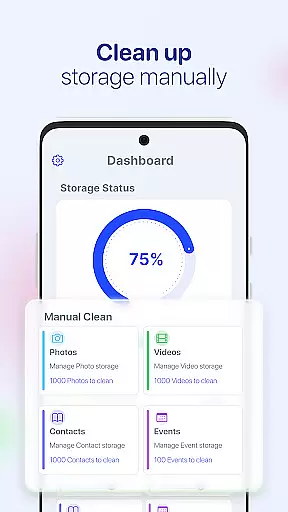
Upon launching the app, individuals are greeted with clearly labeled sections corresponding to different cleaning utilities like Camera Roll Cleaner, Contacts Cleaner, and more. Each section guides the user through necessary steps using concise instructions, eliminating guesswork and potential confusion during use.
Furthermore, actions within AI Cleaneru2014be it merging contacts or compressing mediau2014are streamlined into single-tap operations, significantly reducing the time required for routine upkeep. Such thoughtful design choices contribute towards creating a seamless interaction between human and technology.
This commitment to ease-of-use ensures that whether you're freeing up space or securing private files, every task feels less like work and more like second nature, thanks to AI Cleaner's dedication to maintaining an uncluttered yet powerful interface throughout all aspects of its service offerings.
Efficient storage cleanup
User-friendly interface
Advanced privacy protection
High-quality compression
All-in-one functionality
Premium features locked
Occasional slow performance
Limited customization options
Ads in free version
Requires constant updates

Change your GPS location instantly. Simulate routes anywhere in the world.
 4.90
4.90
A powerful, easy-to-use flight computer on your phone or tablet!
3.80
Save any video in HD - paste the link, download fast and watch offline.
4.5
Effortlessly run ADB commands directly on your device without a PC.
4.20
Making emulation easy for everyone!
4.30
Play your X-Box games remotely in 1080p with any controller and zero latency
4.60
The Ultimate Flex Drivers Utility App - Convenient Tapping & Block Filters
4.70
A clean app.
4.50
Fast VPN USA for any country. Super secure VPN for calls, streaming, games, TV.
4.40
Enjoy smooth gameplay with Game Booster
4.90
Optimize your WiFi network, turn your phone into Wifi Analyzer
4.70
The one-and-only remote control for PC, Mac, and Linux
4.70
Creation, Learning, Entertainment & More — The All-in-One AI Search Engine
4.70
eXtended Permission Manager - a small app to manage permissions and AppOps
4.50
Just swipe the edge to do something!
4.40
View detailed information about your Nissan Leaf the dealer never shows you.
4.10
Detect hidden spy camera with advanced scanning {{ Premium version }}
4.00
Family Locator, Share location, StayConnect with your family in real time
3.90
Create your own live wallpaper or check out thousands already made presets
3.90


User Reviews