
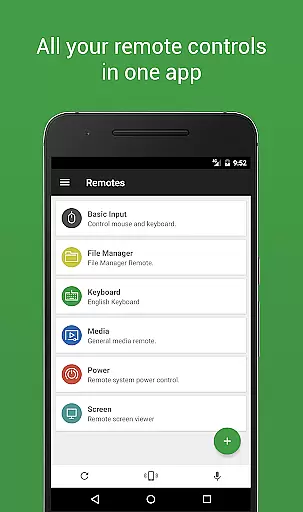
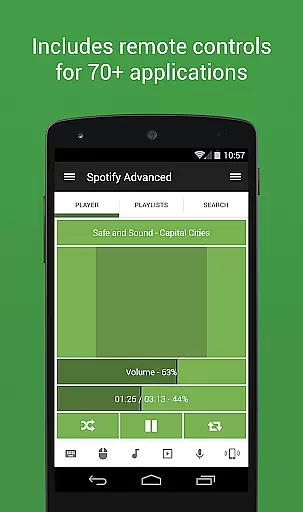

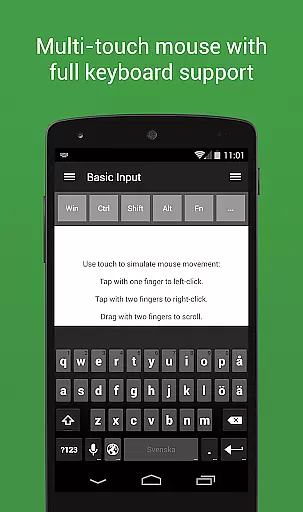
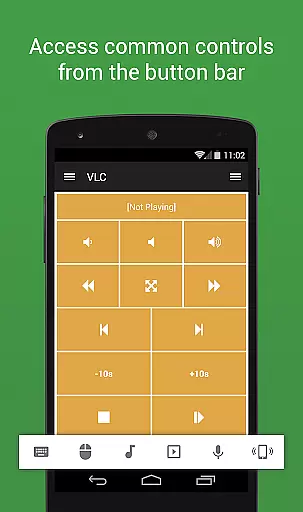
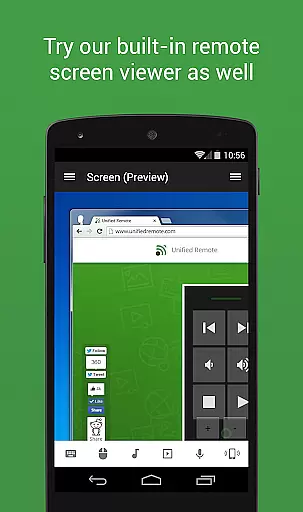
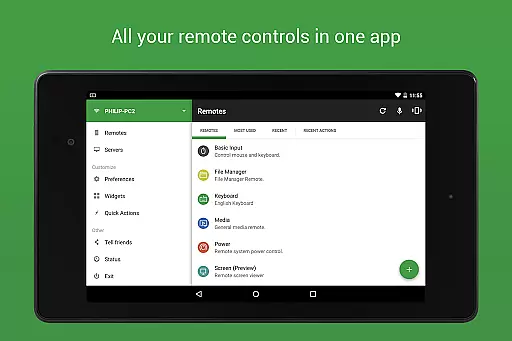
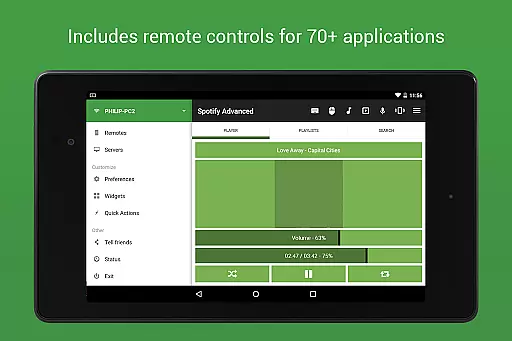
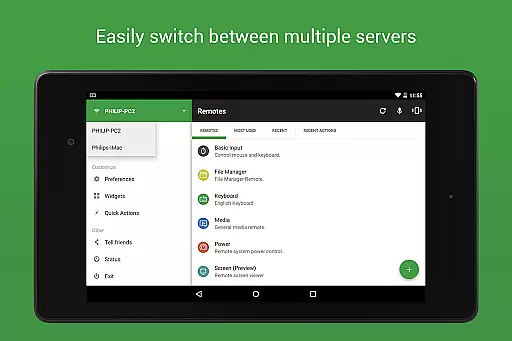
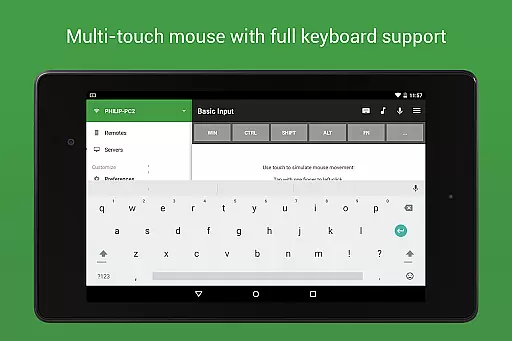
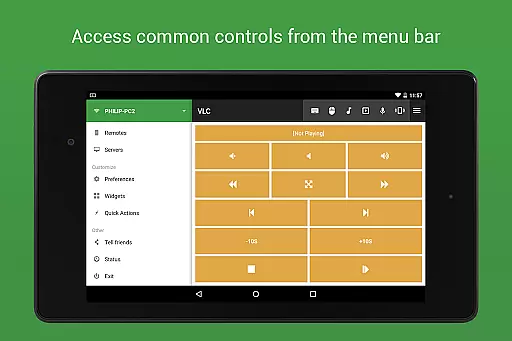
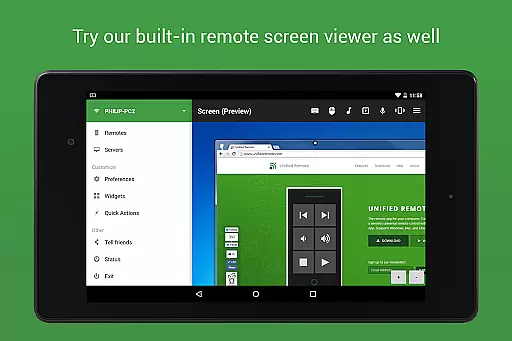
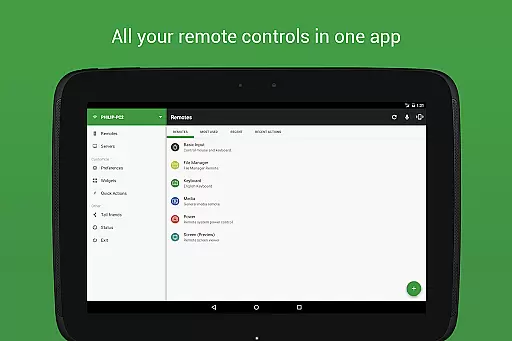
Unified Remote Full is the ultimate remote control solution for your computer, turning your mobile device into a versatile WiFi or Bluetooth universal remote. Compatible with Windows PC, Mac, and Linux systems, this app offers an impressive range of functionalities that cater to various user needs. With support for over 90 programs, it includes essential features like mouse and keyboard control, media player management, presentation handling, screen mirroring, power control, file manager access, terminal operations, and much more.
The app stands out through its intuitive server and app setup process, automatic server detection, and enhanced security measures such as server password protection and encryption. Whether you're looking to control your computer from the comfort of your couch or need to manage presentations in a professional setting, Unified Remote Full provides a seamless and efficient experience. Its versatility makes it an invaluable tool for both home entertainment and productivity enhancement.
Unified Remote Full boasts an extensive array of features designed to maximize convenience and control. The app supports single and multi-touch mouse control, Wake On LAN functionality for easy server startup, and includes both light and dark color themes for user comfort. It extends its compatibility beyond computers to other devices like Raspberry Pi and Arduino Yún, offering users unparalleled flexibility.
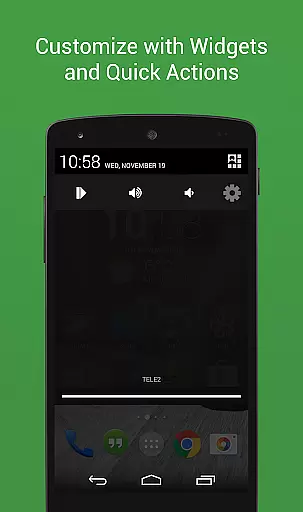
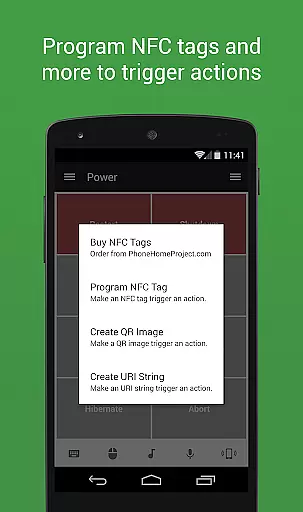
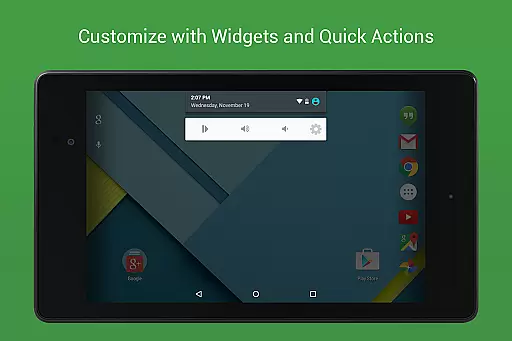
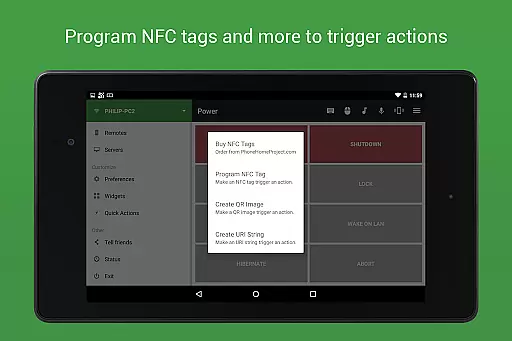
Among its standout features are Floating Remotes that allow usage over other apps, Custom Remotes for personalized configurations, Widgets & Quick Actions for streamlined access, Voice commands for hands-free operation, IR actions for infrared device control, NFC actions for near-field communication tasks, and Android Wear support for wearable devices. These capabilities ensure that users can tailor their remote control experience to fit specific preferences and requirements while maintaining ease of use and efficiency.
Unified Remote Full excels in delivering precise and effective core functionalities that transform your device into a universal remote control for computers. The app supports over 90 programs, including essential tools like mouse and keyboard controls, media players, and advanced features such as screen mirroring and power control.
The app's automatic server detection simplifies the process of connecting to servers on your network, ensuring a seamless setup experience. With support for both WiFi and Bluetooth connections, Unified Remote Full guarantees reliable control over your devices regardless of the operating system, be it Windows, Mac, or Linux.
Security is also a top priority, with server password protection and encryption providing peace of mind. Users can enjoy added features like Wake On LAN for effortless server startups, light and dark color themes for personalized aesthetics, and compatibility with devices like Raspberry Pi and Arduino Yu00fan.
Ultimately, Unified Remote Full empowers users to interact with their computers conveniently and securely, enhancing productivity and leisure activities alike through its comprehensive suite of remotes and customizable options.
A standout feature of Unified Remote Full is its commitment to interface simplicity and intuitiveness, making it accessible even to those who may not be tech-savvy. The app offers an easy server and app setup process designed to work seamlessly right out of the box, removing any barriers to entry for new users.
With preloaded support for 18 free remotes and up to 90+ remotes in the full version, navigation within the app remains straightforward despite the extensive functionality. Features like floating remotes allow users to overlay controls on other apps, maintaining an unobstructed view while retaining control.
Customization options further enhance user experience by allowing tailored shortcuts, widgets, and quick actions. Voice commands and NFC actions provide alternative input methods, catering to different user preferences and scenarios.
Overall, Unified Remote Full ensures that while the range of functions is vast, they remain approachable and manageable, offering an intuitive user interface that facilitates effortless interaction with multiple devices.
User-friendly interface
Wide device compatibility
Comprehensive feature set
Enhanced security options
Versatile customization possibilities
Premium version cost
Complex setup for beginners
Limited free remotes
Occasional connectivity issues
Advanced features require technical knowledge

Just one-tap to easy translate in any language after calls within seconds.
 4.20
4.20
Head tracking for PC sim games such as MSFS 2024 or Elite:Dangerous. No headset!
4.50
Remote for Roku, Fire TV, Samsung TV, LG TV, Android TV, Chromecast and VIZIO TV
4.20
Optimize your WiFi network, turn your phone into Wifi Analyzer
4.70
WiFi Signal Strength Meter help you detect WiFi Signal Strength in real time.
4.80
Planner and Tracker for Stardew Valley
4.60
Powerful collection of electronics tools and reference.A must for any enthusiast
4.90
Remote Play with FSR upscaling, low latency & full controller support
4.80
A clean app.
4.50
Best leveling tool for your Android device. Hang paintings like a pro.
4.90
Enjoy smooth gameplay with Game Booster
4.90
Game Booster, GFX Tool is now compatible with newer game update
4.50
Universal TV remote control all TVs, Roku, LG, Samsung, Fire, Vizio, Sony, TCL.
4.40
Pro Emulator is an easy to use game console emulator for a range of consoles.
4.40
Clean up large files and similar photos, fast and easy to use
4.40
App that Recover your pictures, videos or files after you delete them.
4.20
An open-source APK explorer for Android!
4.10
This app unlocks the Pro features of the Central for DayZ app
3.60
Save any video in HD - paste the link, download fast and watch offline.
4.4


User Reviews