
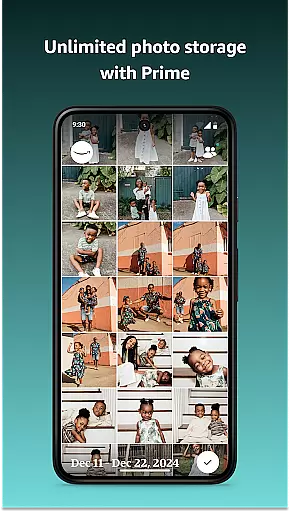
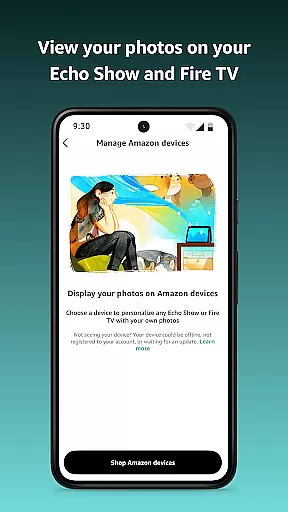
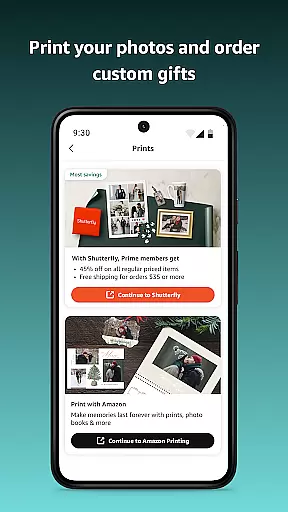
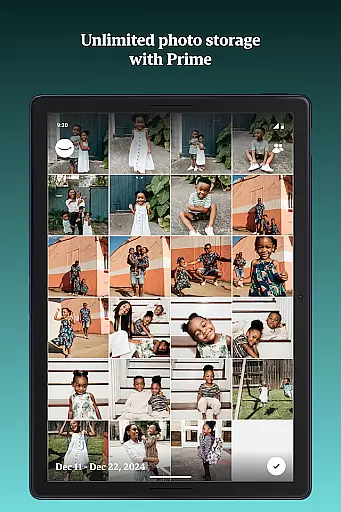




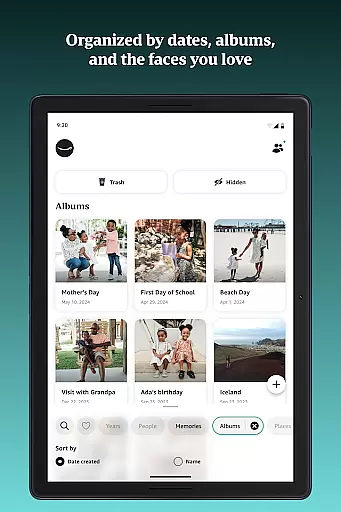
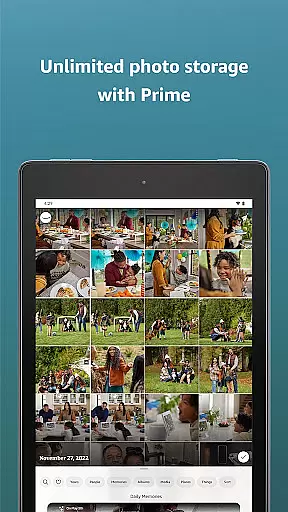




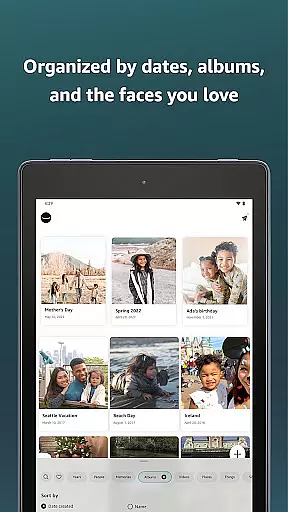
Amazon Photos is a cloud-based photography app that allows users to store, manage, and share their full-resolution photos and videos securely. The app offers 5 GB of free storage for all Amazon customers, while Prime members enjoy unlimited photo storage and additional perks like free print deliveries (US only). With features such as Auto-Save, Alexa voice commands, and private group sharing, Amazon Photos ensures your memories are both safe and easily accessible across devices like Echo Show, Fire TV, and mobile phones.
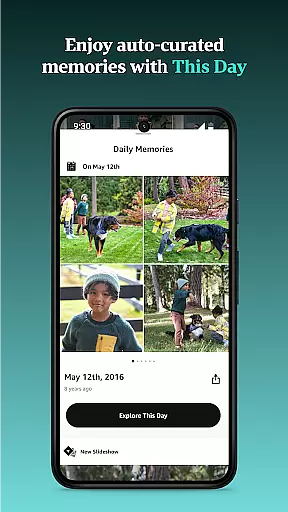
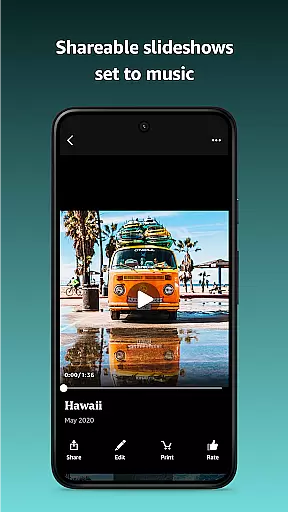
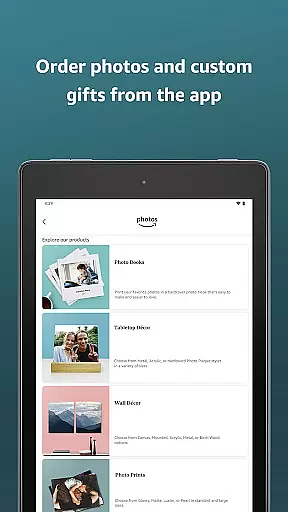
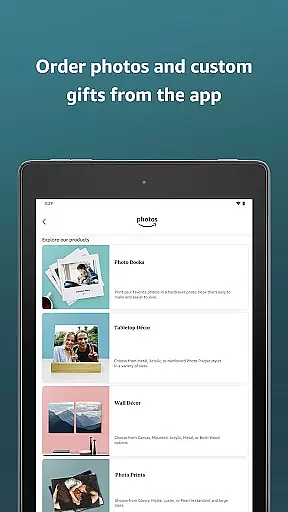
The app also provides creative ways to relive memories through curated slideshows and enables users to order prints or custom gifts directly from the app. Whether you're backing up precious moments or freeing up device space, Amazon Photos combines functionality with convenience, making it an ideal solution for managing your digital memories.
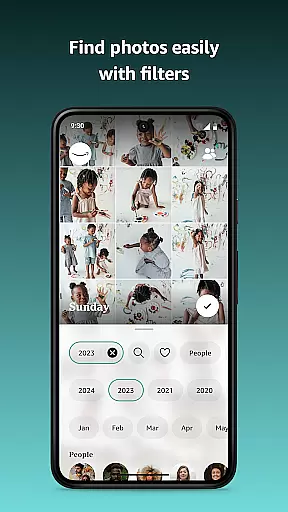
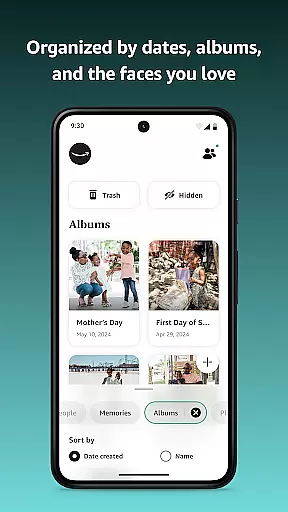
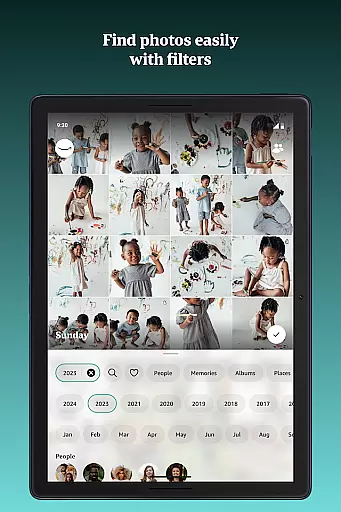
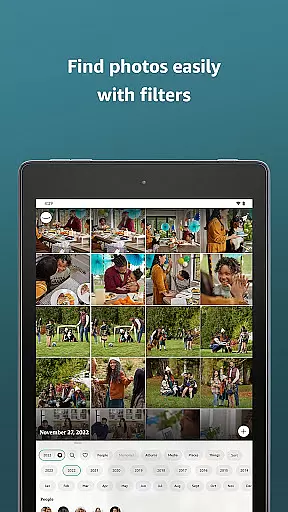
Amazon Photos stands out with its robust feature set tailored for both casual users and Prime members. Key functionalities include automatic backup via Auto-Save, which ensures every photo and video is securely stored in the cloud. Users can access their media library across multiple devices, including Fire TV and Echo Show, allowing them to display cherished memories on larger screens. Additionally, advanced search options enable easy retrieval of photos by date or location.
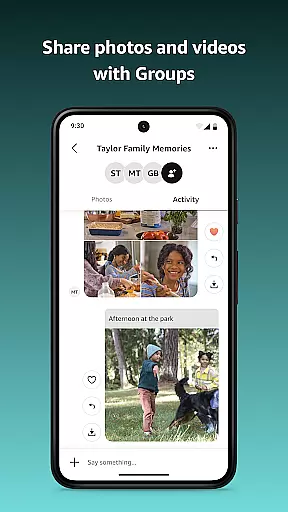
For Prime members, the app offers unlimited photo storage and refined search filters, enhancing the overall user experience. Integration with Alexa allows hands-free interaction, enabling users to retrieve specific photos using voice commands. Private group sharing facilitates collaboration with friends and family, while customizable plans provide flexible storage expansion options starting at $1.99 per month. These features collectively make Amazon Photos a versatile tool for preserving and enjoying life's special moments.
Real-time capture and preview functionality is essential for ensuring that every photo taken meets the user's expectations. Amazon Photos offers a seamless experience by allowing users to view their images in full resolution immediately after capture. This feature ensures that photos are not compressed or altered, maintaining their original quality.
The app provides instant feedback on your photos, allowing you to see exactly how they will look when stored in the cloud. With real-time previews, users can quickly assess their photos and decide whether to keep or retake them. This immediate validation helps in capturing the perfect moment without any compromise on quality.
For those who value precision in photography, this feature is particularly beneficial. It allows photographers to fine-tune their shots based on accurate previews, thus enhancing the overall quality of their photo collections. Whether you're snapping casual shots or professional-grade images, having a reliable preview system ensures that your memories are preserved exactly as intended.
Moreover, the ability to instantly share these high-quality previews with others adds a social dimension to photography. Users can confidently share their best moments knowing that the recipients will view them in the highest possible resolution. This makes Amazon Photos an ideal choice for anyone looking to capture, store, and share their life's most precious moments with clarity and authenticity.
AI beauty and enhancement features have become increasingly popular in photography apps, offering users the ability to enhance their photos with natural-looking effects. Amazon Photos leverages advanced AI algorithms to provide enhancements that maintain the authenticity of the original image while subtly improving its aesthetic appeal.
These AI-driven enhancements include skin smoothing, blemish removal, and color correction, all designed to make your photos look their best without appearing overly processed. The result is a collection of images that retain their genuine character while benefiting from subtle improvements that highlight the subject's natural beauty.
One of the standout benefits of using AI for photo enhancement is the consistency it provides. Unlike manual editing, which can be time-consuming and inconsistent, AI enhancements ensure that every photo receives the same level of attention and care. This uniformity is particularly valuable for users who want their photo albums to have a cohesive look and feel.
Furthermore, Amazon Photos' AI enhancements are customizable, allowing users to adjust the intensity of the effects to suit their personal preferences. This flexibility ensures that everyone can achieve the desired outcome, whether they prefer a more polished look or a natural, untouched appearance. By integrating AI beauty and enhancement features, Amazon Photos empowers users to create stunning, authentic images that truly reflect their unique style and vision.
User-friendly interface
Unlimited photo storage for Prime
Secure cloud backup
Voice command integration
Private group sharing
Limited free storage
Prints US-only
Paid subscriptions
Video storage limits
Regional restrictions

Gallery show photo, video, slideshow, is perfect 3D effect private photo albums.
 4.80
4.80
1M influencer's special filter
4.60
Virtual makeup, hair filters & body tuner—edit from face to full body!
4.20
HD Camera Pro with HD Video shooting, Panorama, Photo editor , Beauty Camera.
4.50
Create AI photos & videos with Enhancer; restore, fix, beautify, enhance photos
4.50
See your baby AI baby face generator AI baby maker Face generator babymaker fun!
4.70
Use AI Video Generator to turn your words to ai generated videos.
4.50
Catch sunlight, sunrise sunset times and sun phases with the AR sun tracker.
4.10
The original Rarevision VHS look seen everywhere!
4.70
A collection of tools and reference tables for DPs, ACs, DITs and Operators.
4.70
Enhance, upscale, and transform your images — on your device, without limits
4.70
PhotoSync Bundle Add-On License. Enables all features and services in PhotoSync.
4.60
AI photo editor with hair editor, retouch tools, hair color changer & filters!
4.50
Fit multiple photos on one post. Create carousels & scroll layouts for Instagram
4.50
Search, tag and rate your way to an organized image gallery
4.40
Future baby face generator: AI kids generator, kid face! What my baby look like?
4.40
AI portrait generator and polaroid AI selfie, fun AI generated AI photo creator!
4.30
Transform Photos: Edit, Beautify and Craft Memories & Make Collages!
4.10
Be your best in every shot! Fix, edit and retouch your face in selfies & photos.
3.70


User Reviews