
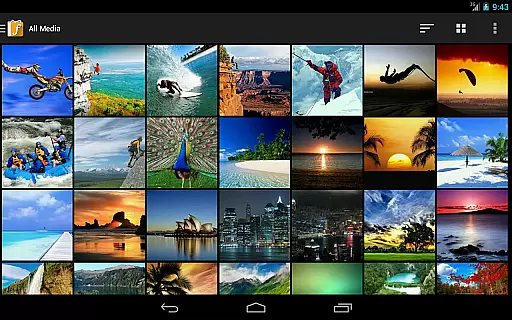
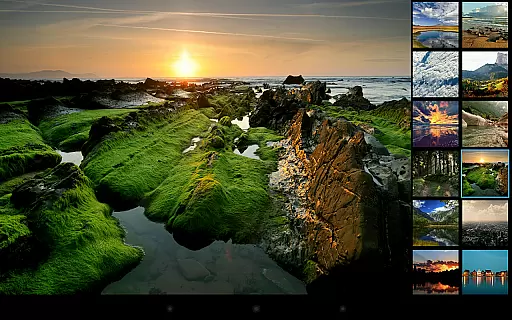
F-Stop Pro is a premium upgrade for the F-Stop Media Gallery app, designed to enhance photo management with advanced features. This Photography app unlocks functionalities like Places, Search, and Write Metadata, allowing users to organize and edit media efficiently.
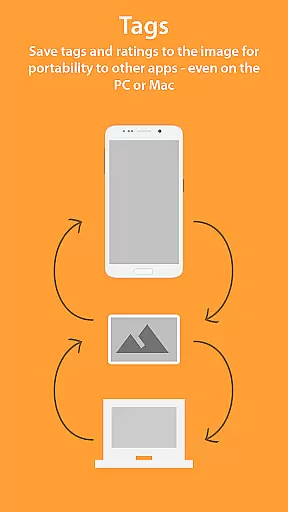
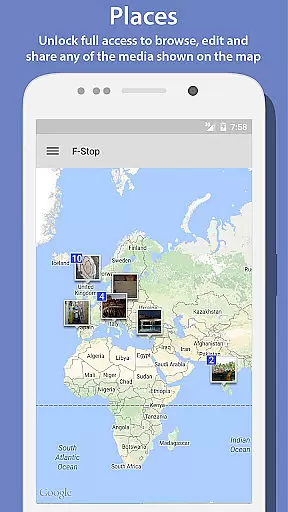
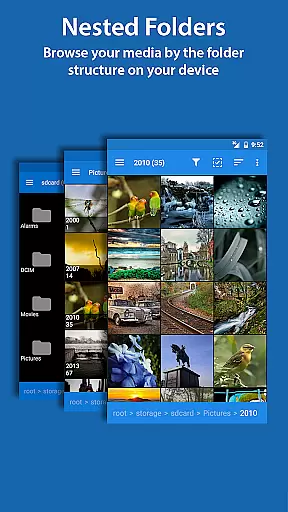
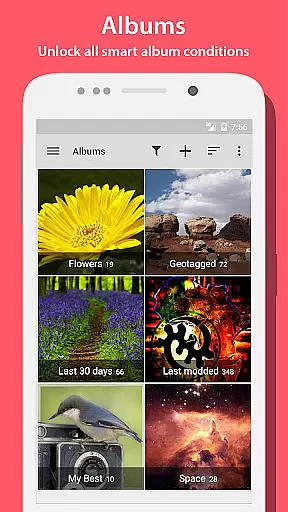
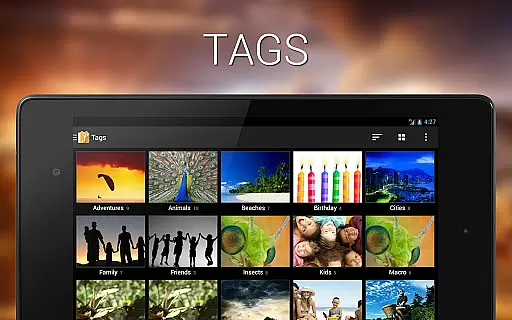
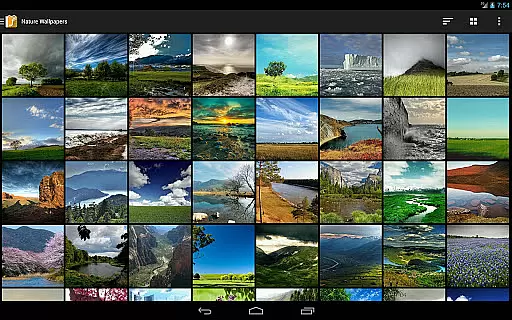
With PRO features, users can browse media on Google Maps, perform unlimited searches, and save metadata directly into JPGs or sidecar files. The app also offers Custom Sorting, Nested Folders, and Smart Albums, providing versatile organization options tailored to user preferences.
Ideal for photographers and media enthusiasts, F-Stop Pro transforms how you manage digital assets on your device. Its intuitive interface and powerful tools make it an essential utility for anyone seeking professional-grade photo management capabilities.
F-Stop Pro boasts an array of sophisticated features that elevate photo management to new levels. The Places functionality leverages Google Maps to display media geographically, enabling users to browse, edit, and share map-based content seamlessly.
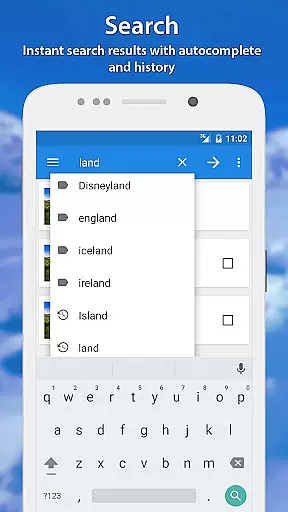
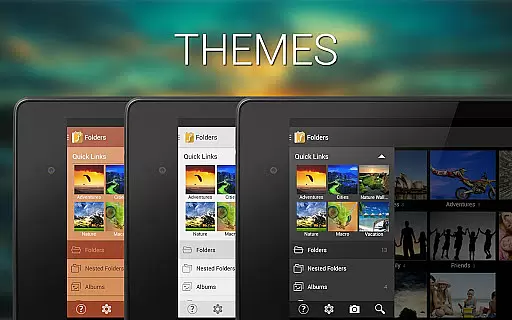
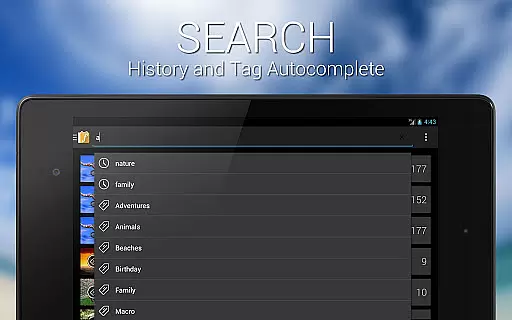
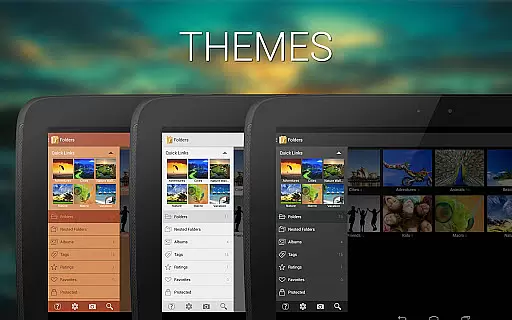
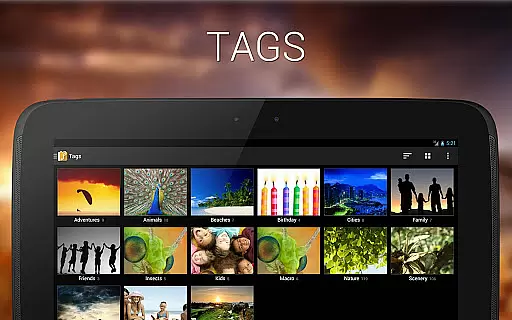
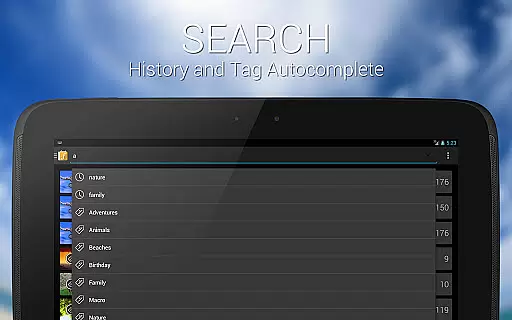
The app's enhanced Search capability returns complete results matching criteria, while Write Metadata allows embedding tags and ratings into JPGs using XMP standards. Custom Navigation Drawer and Themes provide personalized UI experiences, adapting the app's look to individual tastes.
Additional features include Custom Sorting through drag-and-drop, Nested Albums for hierarchical organization, and Smart Albums with multiple conditions. These tools collectively offer unparalleled flexibility in managing extensive media collections across various devices.
Real-time capture and preview functionality is essential for ensuring that users can instantly see the results of their photography efforts. In Photo Album F-Stop Pro, this feature allows photographers to view their images exactly as they will appear, without any delay.
The application leverages advanced processing capabilities to provide a seamless experience when capturing photos. This ensures that every snapshot reflects the true colors, lighting, and details present at the moment of capture.
Users benefit from this immediate feedback by being able to make quick adjustments to their settings or composition. This real-time interaction enhances the overall photography workflow, making it more efficient and enjoyable.
With this feature, Photo Album F-Stop Pro empowers photographers to take full control of their creative process, resulting in higher quality images and a more satisfying user experience.
AI beauty and enhancement features are designed to improve the aesthetic quality of photographs while maintaining a natural look. Photo Album F-Stop Pro incorporates sophisticated algorithms that intelligently enhance facial features and skin tones without creating an artificial appearance.
This app uses machine learning techniques to analyze each photo and apply enhancements that complement the subject's natural beauty. The AI considers various factors such as lighting conditions, facial expressions, and individual characteristics to deliver personalized improvements.
Photographers using Photo Album F-Stop Pro can expect their portraits to retain authenticity while benefiting from subtle refinements that elevate the overall image quality. This approach ensures that edited photos remain true to life, preserving the essence of the original shot.
By prioritizing naturalness in its AI enhancements, Photo Album F-Stop Pro provides users with professional-grade editing tools that are both powerful and easy to use, enhancing their photographic projects with confidence.
Advanced photo management
Google Maps integration
Unlimited search results
Metadata writing support
Customizable interface
Requires free version
Separate purchase
Device reboot needed
KitKat limitations
SD card restrictions

An interval timer to automate photo taking process for timelapse
 2.90
2.90
Be your best in every shot! Fix, edit and retouch your face in selfies & photos.
3.70
Movie camera, supports pro recording settings for filming. Try it and be amazed!
4.50
Create amazing frames with up to five photos. Rounded corners, effects and more!
3.60
Future baby face generator: AI kids generator, kid face! What my baby look like?
4.40
Easily create custom gifts, cards, photo books & more on the Shutterfly app!
4.60
Your personal guide to the sun and moon. Plan ahead, visualize and predict!
4.70
PhotoSync Bundle Add-On License. Enables all features and services in PhotoSync.
4.60
The original Rarevision VHS look seen everywhere!
4.70
Find time and duration of different sunlight phases at any location
4.90
Photo editor: AI filters, photo enhancer, pic collage maker, AI art generator.
4.80
AI Photo Editor with 100+ Filters, Effects! Remove BG, Retouch & Photo Enhancer.
4.80
Add Watermark - Sign your pictures with a text or logo. Effective, quick, easy!
4.50
Easily stitch panoramas from multiple photos or video.
4.40
Shooting photos and records video easily and efficient with professional Camera
4.30
Create & Edit with AI: AI Remove, Enhance, Retouch, Filter
4.10
Remote control of the phone camera from your Wear OS smartwatch
3.70
Long exposure camera with computational photography
2.60
Remote control the phone camera shutter from your smartwatch and take a picture
1.60


User Reviews