
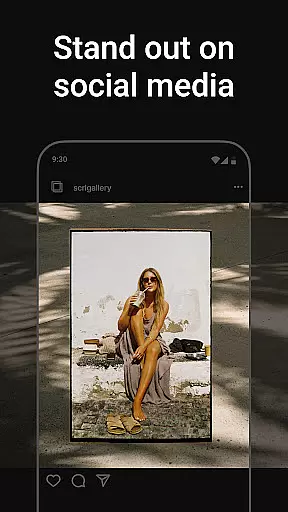
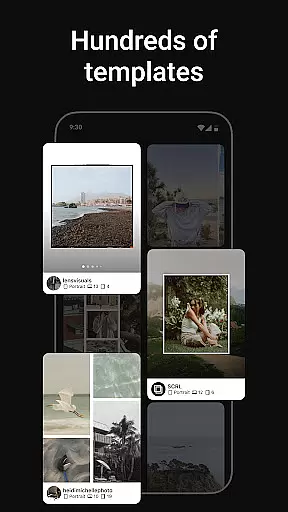
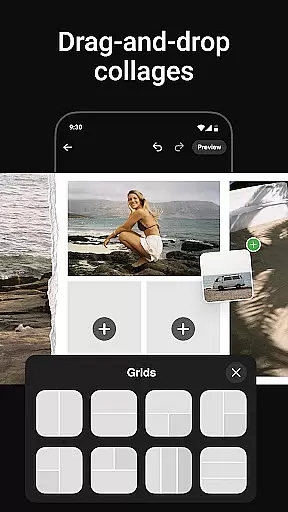
Photo Collage Maker by SCRL is the ultimate app for creating visually stunning photo collages and Instagram carousel posts. With a vast selection of hand-picked templates, users can choose from minimalist to extravagant styles, ensuring high-quality designs for every occasion. The app allows seamless creation of swipe-through carousels that captivate audiences, breaking traditional posting limits by enabling more than 10 photos in a single post.
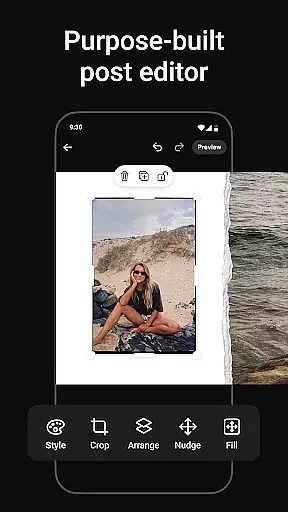
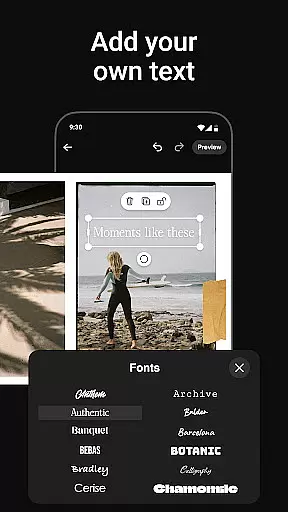
The freeform canvas offers ultimate creative freedom, allowing users to zoom in and out while combining images, stickers, overlays, and text. An extensive library of design elements enhances projects, making them polished and professional. Additionally, instant posting to Instagram streamlines sharing. Trusted by Grammy Award-winning artists and industry leaders, SCRL is the go-to tool for influencers, artists, and creatives looking to make their social media presence stand out.
Photo Collage Maker stands out with its intuitive design tools and versatile features tailored for creative expression. The app provides hundreds of professionally designed collage templates catering to various styles and occasions, updated regularly to keep content fresh. Its standout feature is the ability to create seamless Instagram carousel posts, where users can merge multiple photos into captivating scroll-through layouts.
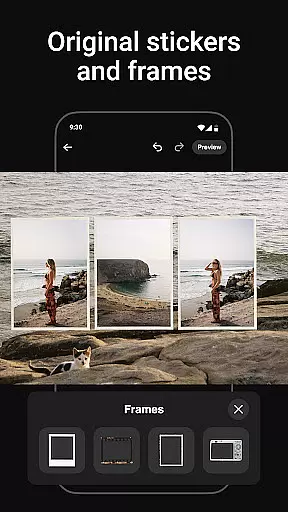
With the freeform canvas, users gain complete control over their designs, allowing detailed customization through zooming and arranging elements. The inclusion of hundreds of stickers and overlays adds fun and personality to each project. SCRL Premium unlocks advanced capabilities like video integration and gradient backgrounds, empowering users to craft truly unique visuals. Instant posting to Instagram completes the workflow, making it easy to share creations directly from the app.
Real-time capture and preview functionality is essential for ensuring that every photo collage or carousel post created with Photo Collage Maker meets your expectations before sharing. This feature allows users to see exactly how their designs will look when posted on platforms like Instagram.
The app provides an intuitive interface where you can instantly view changes as you add photos, apply templates, or include stickers and overlays. This immediate feedback loop empowers creators to fine-tune their work without any guesswork, ensuring the final output aligns perfectly with their vision.
With real-time previews, users gain confidence in their creative decisions. Whether adjusting layouts on the freeform canvas or experimenting with different design elements, seeing these modifications live streamlines the editing process and enhances productivity.
This capability not only saves time but also elevates the quality of content shared by influencers, artists, and casual users alike. By offering precise control over the appearance of collages and carousels, Photo Collage Maker ensures professional-grade results every time.
AI beauty and enhancement features in Photo Collage Maker bring a new level of polish to your creations while maintaining natural aesthetics. These intelligent tools automatically adjust image qualities such as brightness, contrast, and color balance, ensuring each photo looks its best without appearing overly processed.
Beyond basic enhancements, the app includes advanced AI-driven effects that intelligently smooth skin tones, enhance facial features, and refine details within photos. Users can choose from various intensity levels to achieve desired outcomesu2014from subtle touch-ups to more pronounced editsu2014all while preserving authenticity.
What sets this tool apart is its ability to adapt enhancements based on individual images rather than applying generic filters. This personalized approach guarantees that every element within a collage retains its unique character while contributing harmoniously to the overall composition.
By leveraging cutting-edge AI technology, Photo Collage Maker enables both novice and experienced designers to produce visually stunning posts effortlessly. The result is consistently high-quality visuals that captivate audiences across social media platforms.
User-friendly interface
Extensive template library
Freeform canvas flexibility
Premium design options
Trusted by professionals
Premium subscription required
Limited free features
Instagram-focused only
Advanced tools may overwhelm beginners
Occasional bugs reported

Photo Album Watch Face shows your favorite pictures as a Watchface.
 1.90
1.90
Safe & smart flight with Go Fly drone controller for 40+ drone camera, zone map
4.50
The #1 app for B&W film developing featuring an advanced darkroom timer.
4.10
Create amazing frames with up to five photos. Rounded corners, effects and more!
3.60
AI Photo Editor with 100+ Filters, Effects! Remove BG, Retouch & Photo Enhancer.
4.80
Smart, light, and fast photo and video gallery
4.30
Professional camera app that brings DSLR manual photography controls to Android.
4.20
Remote control the phone camera shutter from your smartwatch and take a picture
1.60
Discover How to Plan any Sun, Moon and Milky Way Photo You Imagine in Seconds
4.70
See your baby AI baby face generator AI baby maker Face generator babymaker fun!
4.70
Take videos and pictures with the popular TikTok TIME WARP SCAN filter.
4.60
Light-weight Media Gallery app for Android made with Jetpack Compose
4.60
All-in-One Editor & AI Photo Enhancer, Beautify & Retouch, Collage, Cartoonify
4.20
What celebrity do you look like? Celebs will find your celebrity match!
4.10
All-in-One Editor & AI Photo Enhancer, Collage, Cartoonify, Funny Stickers & BGS
4.10
Create & Edit with AI: AI Remove, Enhance, Retouch, Filter
4.10
Catch sunlight, sunrise sunset times and sun phases with the AR sun tracker.
4.10
How old age camera Gender Swap App Face Shape Hairstyle App Hair Styler App fun!
4.00
Superimpose one photo on top of another using the original Superimpose app!
3.20


User Reviews