
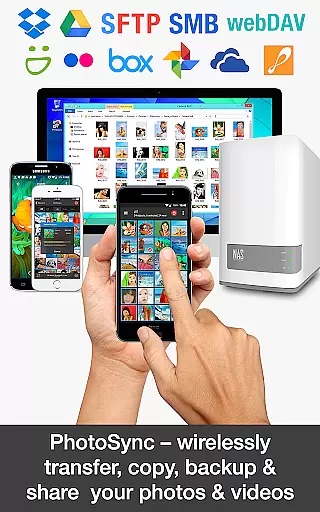
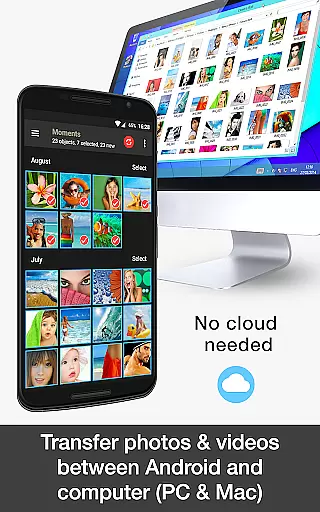
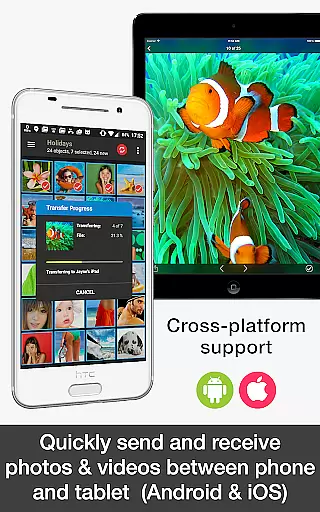
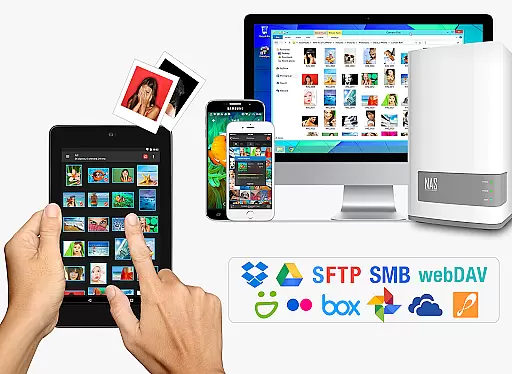
PhotoSync Bundle Add-On is an advanced activation license that unlocks the full potential of PhotoSync, a leading cross-platform solution for wireless photo and video management. This add-on enables users to seamlessly transfer, backup, and share multimedia content between Android devices, iOS, Windows, Mac, NAS systems, cloud storage, and photo services.
The bundle includes all essential add-ons: Autotransfer, NAS, and Cloud capabilities, while also removing ads from the free version. With over 10,000 positive reviews and millions of successful transfers, PhotoSync stands out as a reliable and secure software with ten years of market presence. The bundle saves users 20% compared to purchasing individual add-ons and ensures access to future updates for free.
Ideal for photographers, content creators, and anyone needing efficient media management, PhotoSync Bundle Add-On provides total user control and customization options, making it the ultimate tool for managing digital assets across multiple platforms.
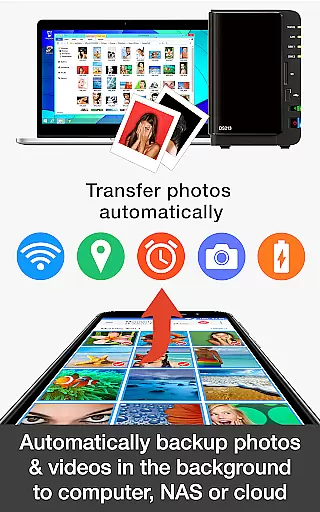
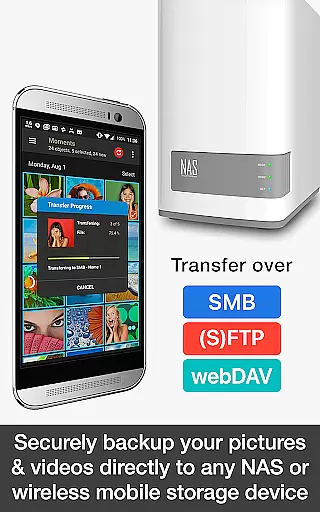
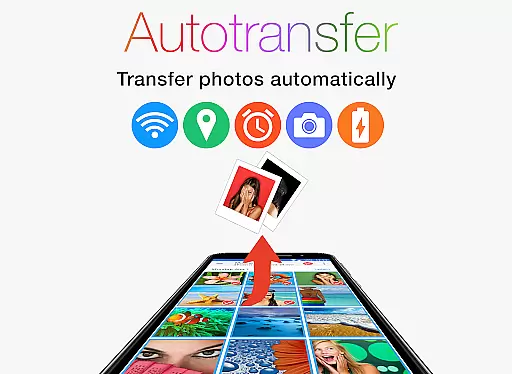
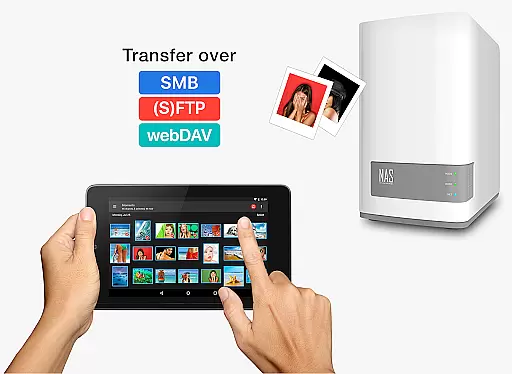
PhotoSync Bundle Add-On offers a comprehensive suite of features designed to enhance photo and video management. The Autotransfer Add-On allows automatic backups and sharing of multimedia files directly from Android devices to computers, NAS systems, or cloud services via WiFi, SMB, (S)FTP, and WebDAV protocols.
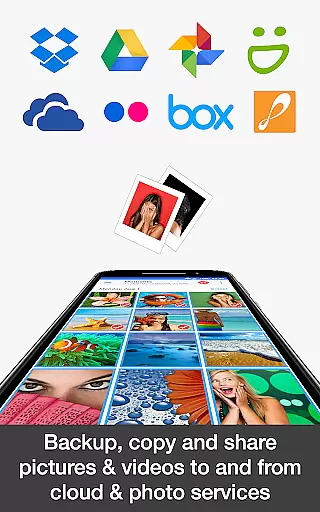
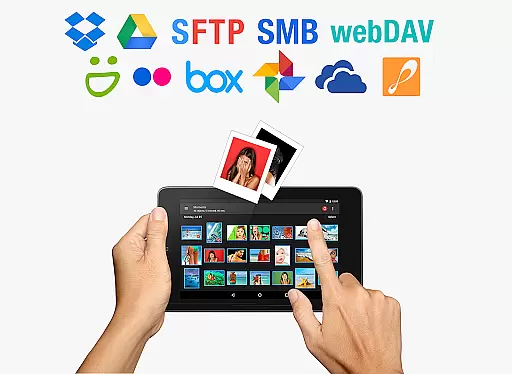
The NAS Add-On facilitates secure backups to network-attached storage, remote servers, or personal clouds, supporting major brands like Synology, QNAP, and Western Digital. It also enables on-the-go uploads to portable storage solutions. The Cloud Add-On extends functionality by integrating with popular services such as Dropbox, Google Drive, and OneDrive, allowing users to upload, import, and share content over WiFi or mobile networks.
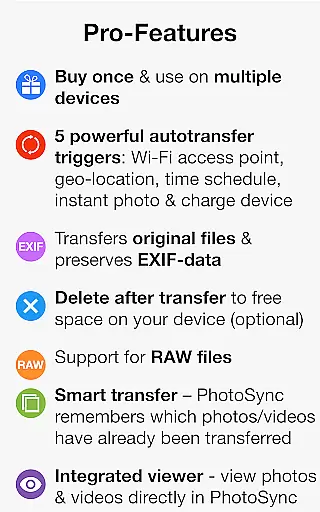
With customizable triggers including instant transfer upon capture, location-based transfers, and scheduled operations, PhotoSync provides unparalleled flexibility. Its ability to work across various platforms and integrate with numerous devices makes it an indispensable tool for modern digital workflows.
Real-time capture and preview functionality is essential for photography applications as it allows users to see exactly what the camera is capturing before taking a shot. This ensures that the framing, lighting, and focus are all correct, leading to higher quality photos.
PhotoSync Bundle Add-On enhances this experience by providing seamless integration with your device's camera capabilities. It supports instant photo and video transfers, ensuring that every captured moment is quickly available across all your linked devices without any loss in quality.
Users benefit from real-time previews when setting up automatic transfers based on triggers like location or time schedules. This feature helps them make informed decisions about when and where their media should be backed up or shared, enhancing both convenience and security.
The application's robust support for various transfer protocolsu2014including SMB, (S)FTP, and WebDAVu2014ensures that real-time data handling remains smooth and reliable. Whether you're backing up to a NAS or sharing directly to cloud services, PhotoSync guarantees that your captures are transferred accurately and efficiently.
AI beauty and enhancement features have become increasingly popular in photography apps, allowing users to improve their photos with natural-looking effects. These tools can automatically adjust skin tones, remove blemishes, and enhance facial features while maintaining an authentic appearance.
PhotoSync Bundle Add-On leverages advanced AI algorithms to offer these enhancements seamlessly within its platform. By integrating with cloud services such as Google Photos and Dropbox, it ensures that every photo you take can be instantly enhanced and then shared or stored without manual intervention.
This add-on provides customizable options so users can choose how much enhancement they want, ensuring results look genuine rather than overly processed. The ability to apply these enhancements during automatic uploads means your photos are always ready to share at their best.
Furthermore, PhotoSyncu2019s continuous updates ensure that its AI capabilities stay cutting-edge, offering users the latest advancements in image processing technology. With this tool, photographers of all skill levels can achieve professional-grade edits effortlessly, making their memories stand out beautifully.
Comprehensive feature set
Secure and reliable
Customizable automation
Cross-platform compatibility
Cost-effective bundle
Requires base app
Initial setup complexity
Premium pricing
Limited standalone use
Dependent on network

Android Native system HD camera app. Never been so simple and faster.
 4.70
4.70
Be your best in every shot! Fix, edit and retouch your face in selfies & photos.
3.70
Cartoon and artistic effects for your photos and videos
4.70
Light-weight Media Gallery app for Android made with Jetpack Compose
4.60
A must-have app for landscape photographers
4.60
A reflected light meter with spot metering and incident light metering.
4.40
Snap photos remotely using your Garmin watch as the camera trigger
4.3
Discover & download millions of art for The Frame TV or Hisense CanvasTV
4.60
Photo & Video Gallery app to manage albums and save WA Status easily.
4.70
AI Photo Editor with 100+ Filters, Effects! Remove BG, Retouch & Photo Enhancer.
4.80
The original Rarevision VHS look seen everywhere!
4.70
Automatically backup your photos and videos to computer, NAS and Cloud services
4.60
AI photo editor with hair editor, retouch tools, hair color changer & filters!
4.50
Natural Beauty, Selfie Retouch
4.30
Turn your phone into a professional camera - full DSLR manual photography
4.30
All-in-One Editor & AI Photo Enhancer, Collage, Cartoonify, Funny Stickers & BGS
4.10
Astrophotography with your smartphone, photo live stacking and much more!
3.90
Perfect photos with body shaping, BG changer and object remover.
3.70
Over 800 film simulation recipes for Fujifilm. Black Friday Offer!
4.4


User Reviews