
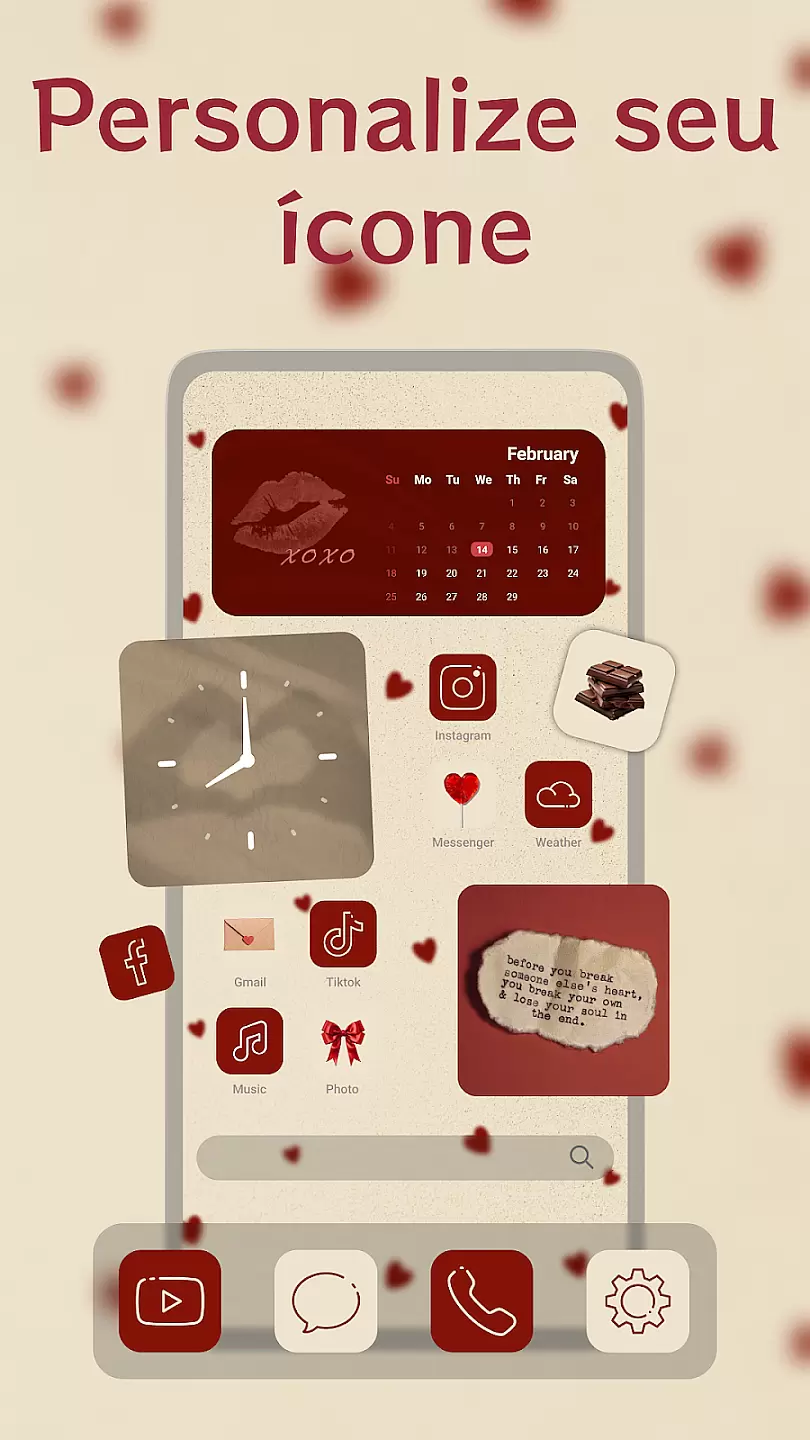
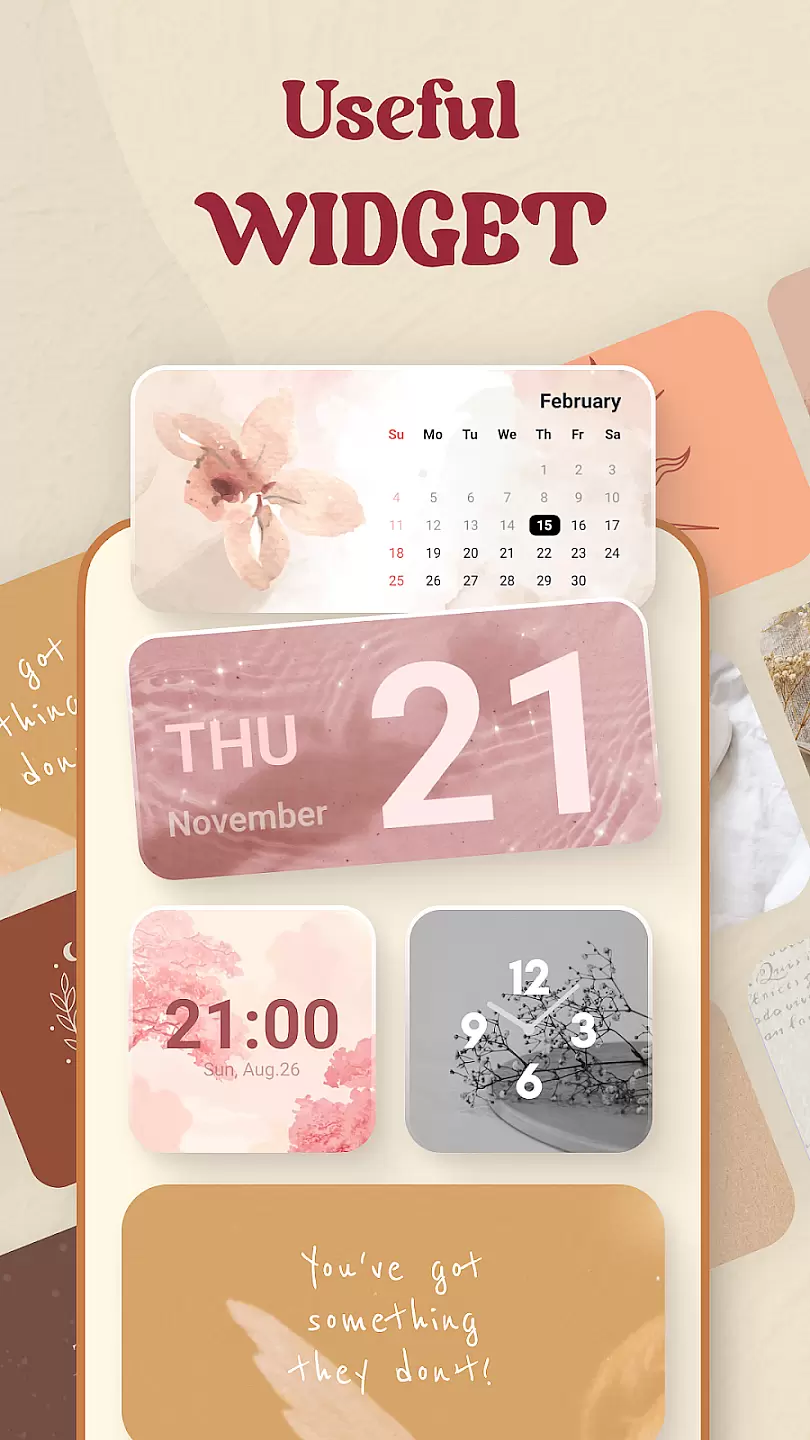
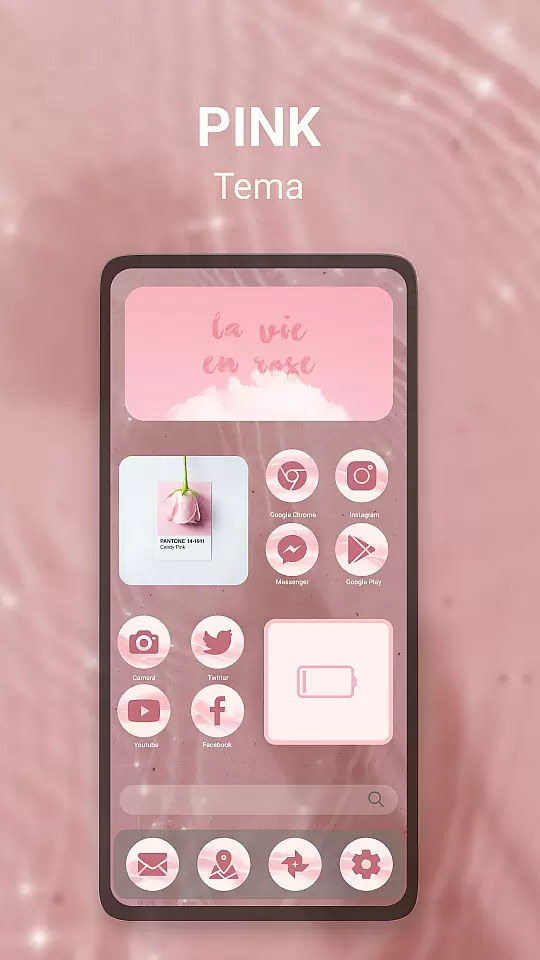
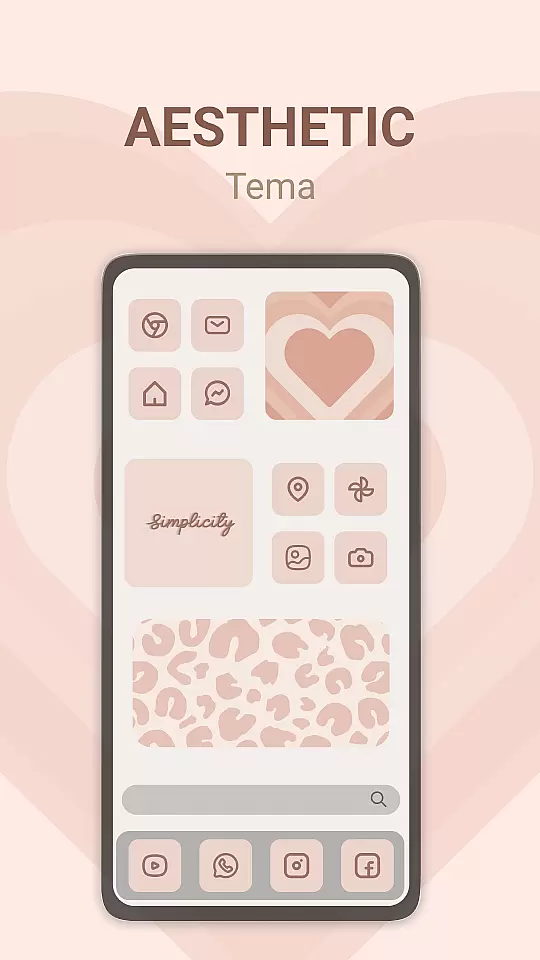
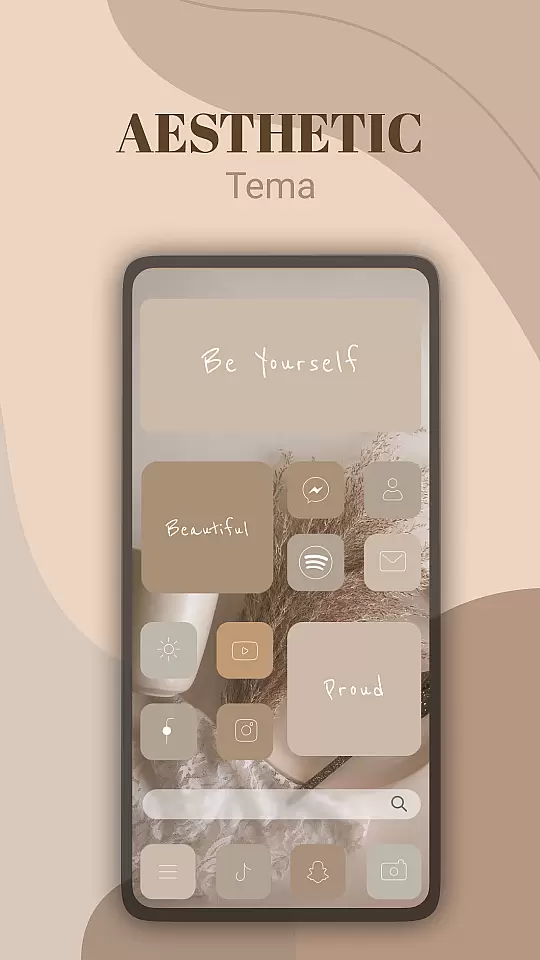
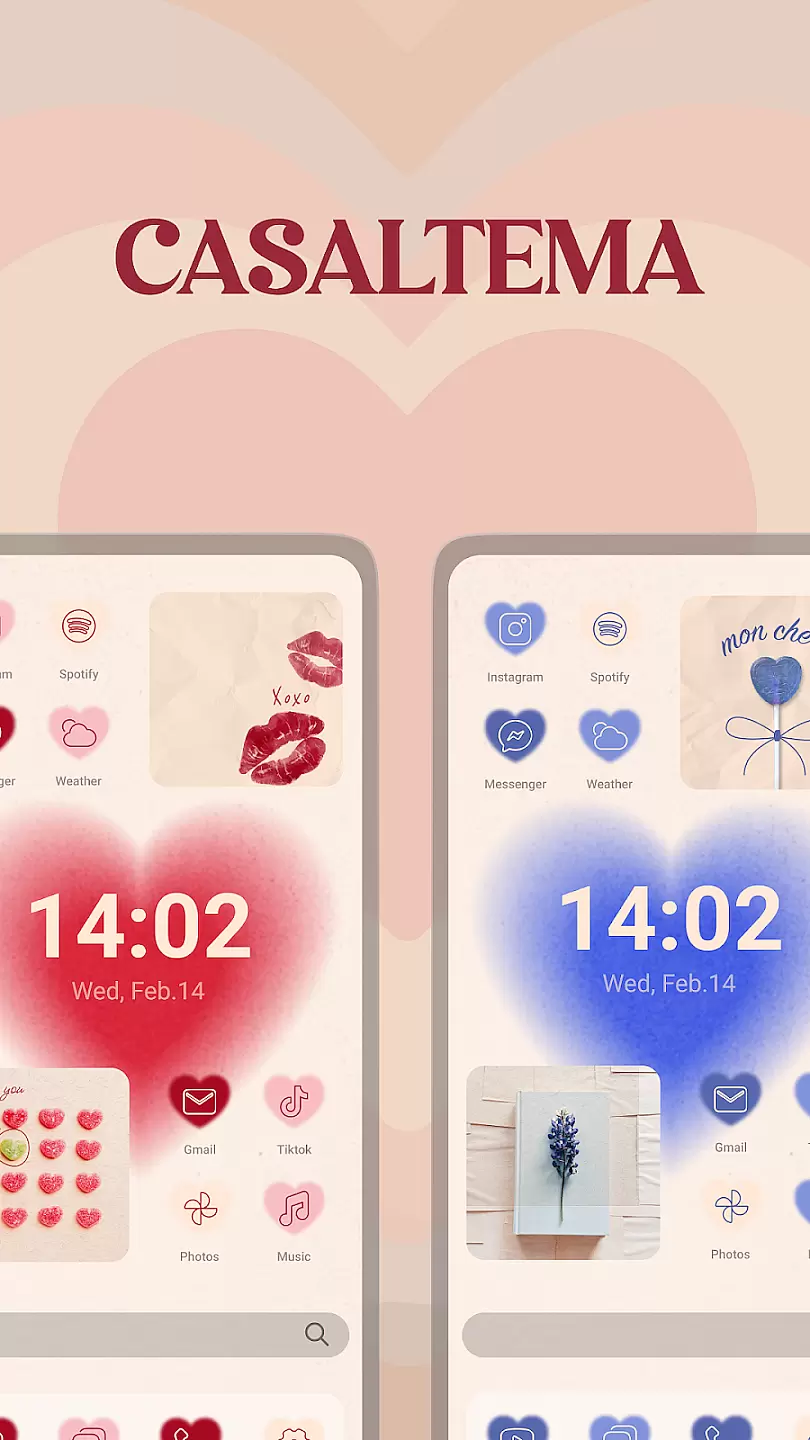
Theme, Widget & Icon Changer is a versatile personalization app that allows users to customize their smartphone experience. With an extensive library of themes, widgets, and icon packs, the app caters to those looking to break away from standard device aesthetics.
The app's core functionality lies in its intuitive design interface, which enables seamless switching between different visual styles. Whether you want a complete theme overhaul or just a few personalized icons, this app provides the tools needed to make it happen.
Users can benefit from regular updates that bring new customization options. This ensures that your device's look can stay fresh and unique, reflecting your personal style while maintaining optimal usability.
One of the standout features of Theme, Widget & Icon Changer is its massive collection of design elements. The app offers thousands of themes that cover various styles, from minimalistic designs to vibrant, eye-catching visuals.
Beyond themes, the widget section provides functional and aesthetic enhancements for your home screen. Users can add custom widgets that not only beautify their interface but also improve accessibility to frequently used features.
For those who prefer a more subtle change, the icon changer feature allows individual app icons to be swapped out. This granular control ensures that every aspect of your device's appearance can be tailored to your liking.
Theme, Widget & Icon changer offers a wide array of customization options that allow users to personalize their device's appearance with ease.
The app provides an extensive selection of themes, widgets, and icons, catering to various tastes and preferences. Whether you prefer a minimalist design or a vibrant, colorful interface, the app has options to suit your style.
Users can enjoy the flexibility of changing their deviceu2019s aesthetics according to their mood or occasion, making their smartphone truly unique. The ability to mix and match different elements ensures a personalized experience tailored to individual preferences.
This level of customization not only enhances the visual appeal of devices but also improves user satisfaction by providing control over the look and feel of their home screens.
Ensuring theme compatibility is crucial for a seamless user experience, and Theme, Widget & Icon changer excels in this aspect.
The app supports a broad range of devices and operating systems, ensuring that users can apply their favorite themes without encountering issues. Compatibility tests are performed regularly to adapt to the latest OS updates and device models.
By maintaining high standards of compatibility, the app guarantees that all visual elements display correctly, preserving the intended design and functionality. This commitment to compatibility prevents common problems such as distorted images or malfunctioning widgets.
Ultimately, reliable theme compatibility enriches the user experience, allowing individuals to enjoy a cohesive and visually pleasing interface across different devices and platforms.
User-friendly interface
Extensive theme library
Frequent content updates
Customizable widgets
Variety of icon packs
Limited free options
Some features require payment
Occasional compatibility issues
Ads in free version
Advanced settings may overwhelm beginners

Winter's Journey: digital watch face for Galaxy Watch & Wear OS
 4.80
4.80
A launcher for Samsung Good Lock and Good Guardians modules without ads
4.70
Gun Chase - Let the chase begin.
4.80
More than 3000+ themes and 9000+ wallpapers for everybody!
4.10
Turn text & photos into stunning AI videos, art, and creative visual stories.
4.50
Adaptive Dot Style IconPack with Light & Dark Theme.
3.70
300+ Stunning and well-designed widgets inspired by NOTHING.
4.70
Transform your device in a game console
4.40
Custom ringtones songs, music ringtones for Android phones
4.60
Dark icon pack based on One 8
4.80
Customizable Glass widgets. Over 360+ stunning widgets and more!
4.70
Vertically oriented rectangular icons
4.70
Nothing Icon pack with more than 3750+ highly crafted icons.
4.70
Glass style colourful icons with a One UI look and feel
4.60
Make your phone look simple & luxury, like iDevice
4.60
Customize your home screen with stunning themes, blur, widgets & icons.
4.60
Transform your phone with Launcher iOS 26 - Smooth & elegant iOS experience
4.50
AI-powered Copilot. Personalized keyboard with gifs, stickers & themes
4.40
Emoji Maker app - Design custom emojis and effortlessly blend them with Mixer
3.80


User Reviews