
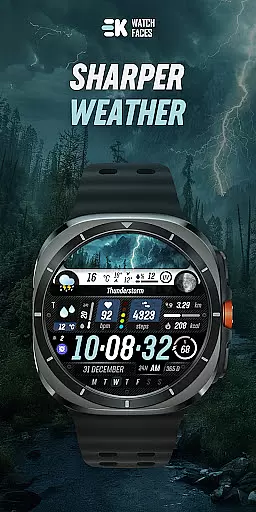
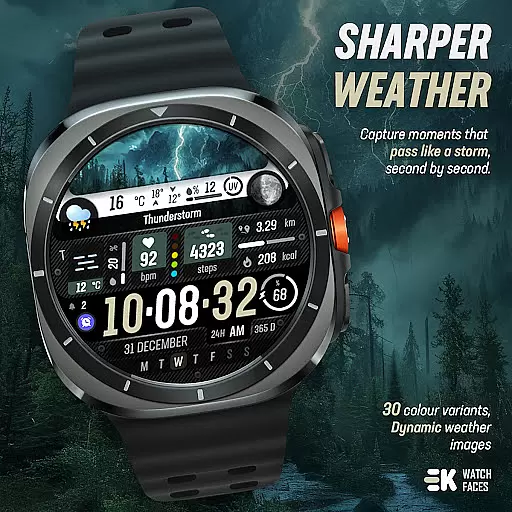
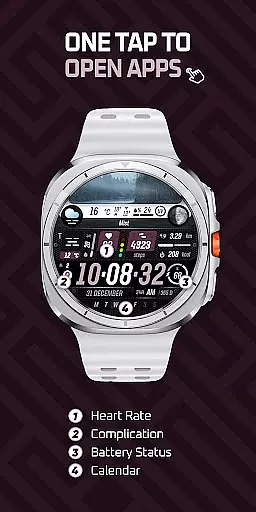
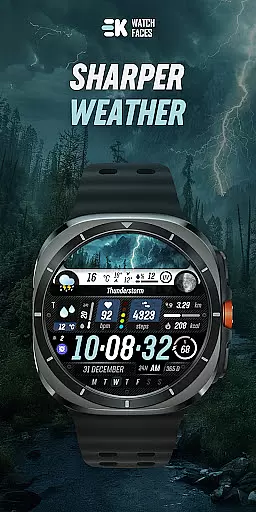
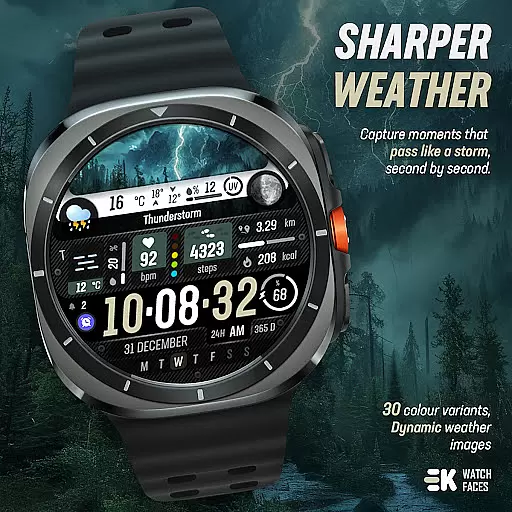
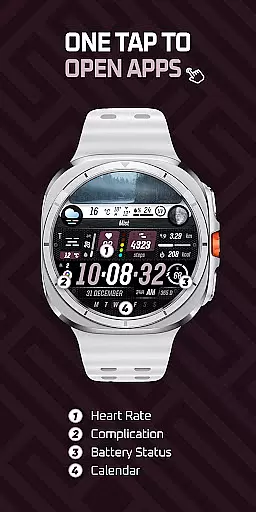
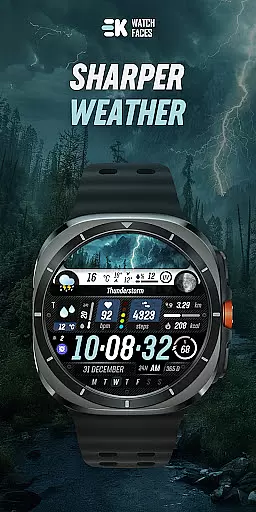
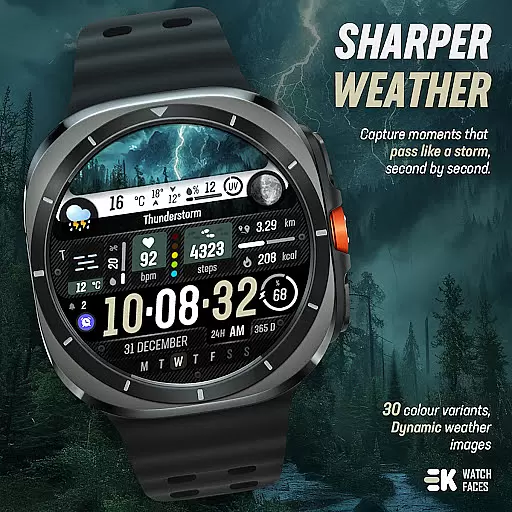
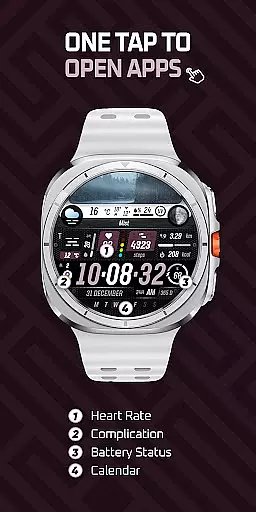
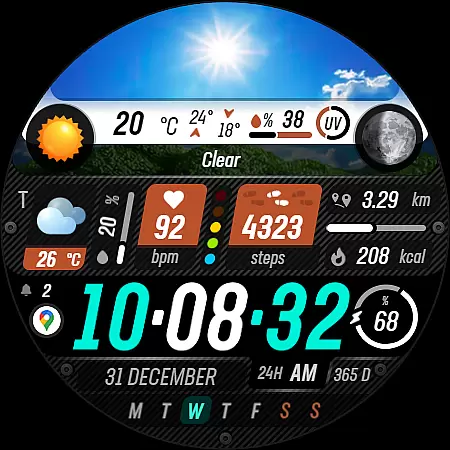
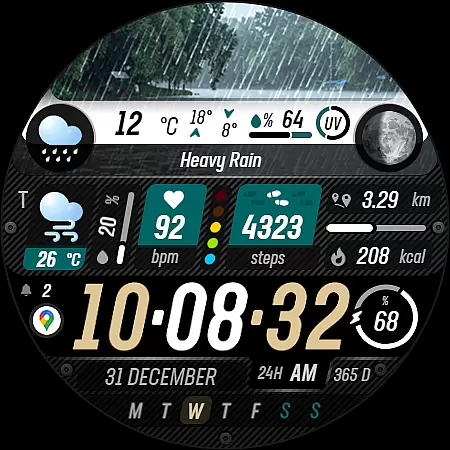
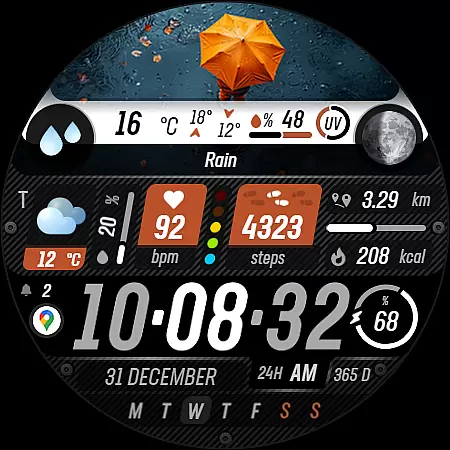
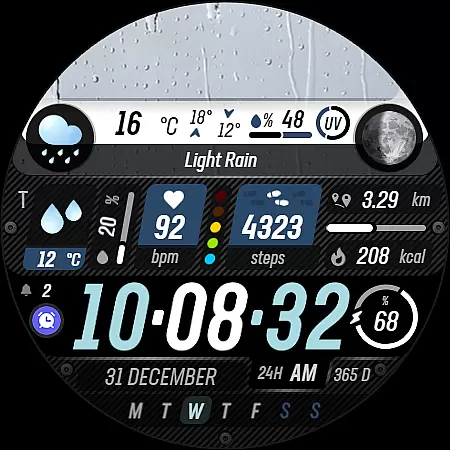
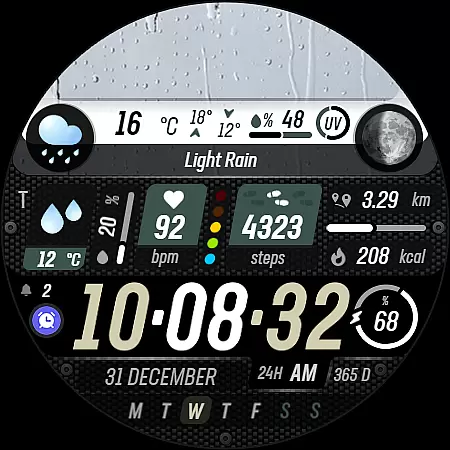
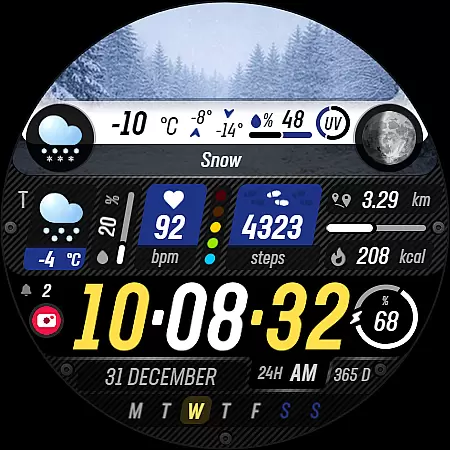
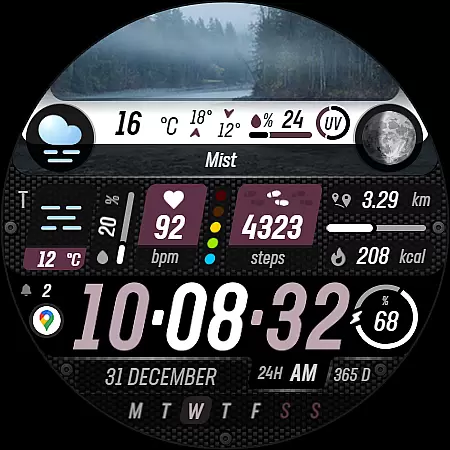
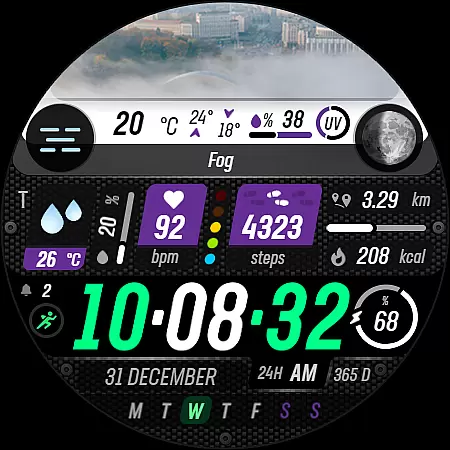
Sharper Weather is a feature-rich watch face designed exclusively for Wear OS devices, offering users an enhanced and personalized timekeeping experience. With its visually striking weather-based imagery and comprehensive health tracking features, this app transforms your smartwatch into a powerful personal assistant.
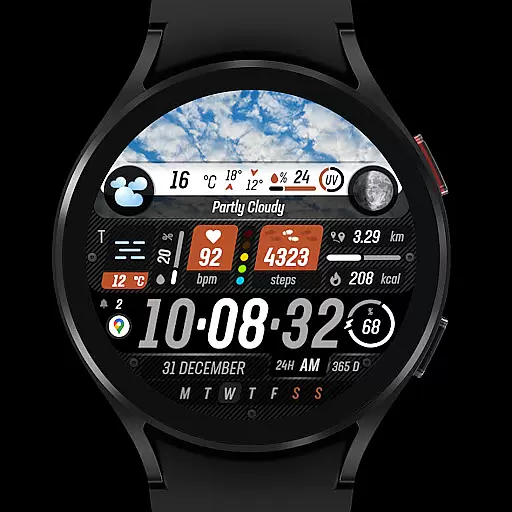
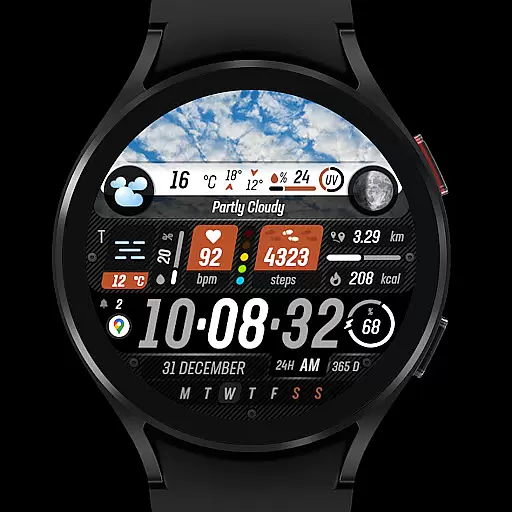
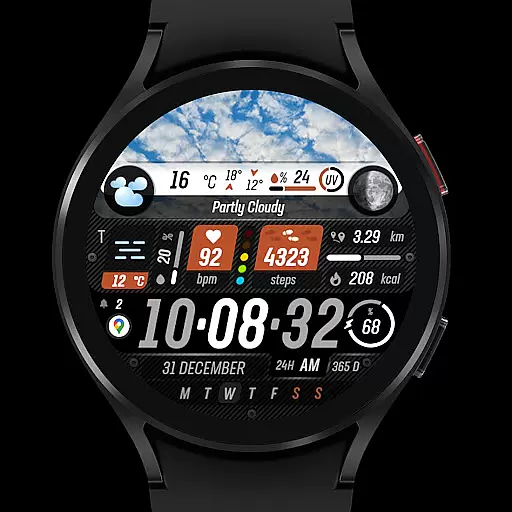
The watch face provides real-time weather updates with high and low temperature displays, animated icons, and day-night variations. It also includes advanced health monitoring tools such as step counting, heart rate tracking, and calorie measurement. The design is highly customizable, allowing users to adjust color schemes, shortcuts, and display settings to suit their preferences.
Ideal for tech-savvy individuals who value both functionality and aesthetics, Sharper Weather ensures you stay informed about weather conditions while maintaining an elegant appearance on your wrist wearable device.
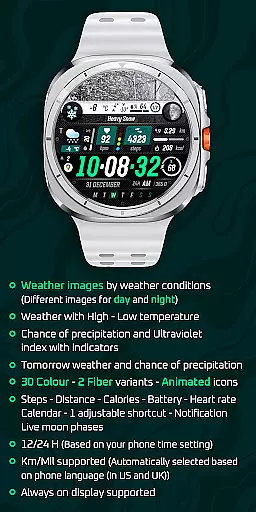
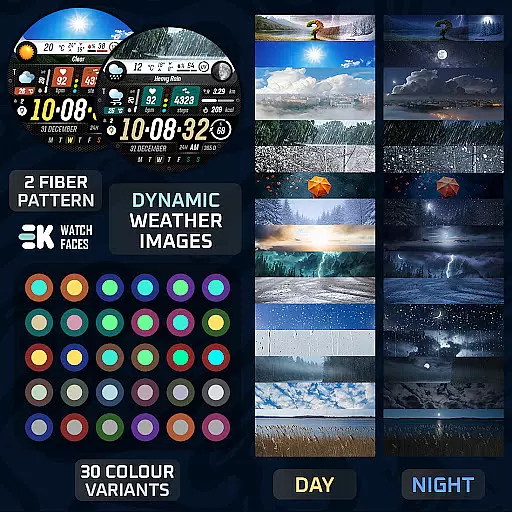
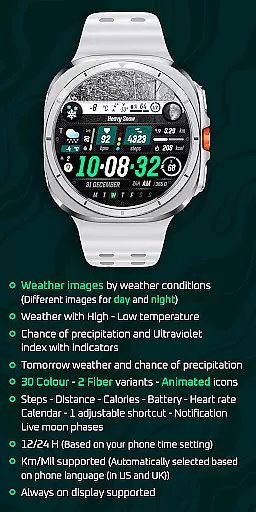
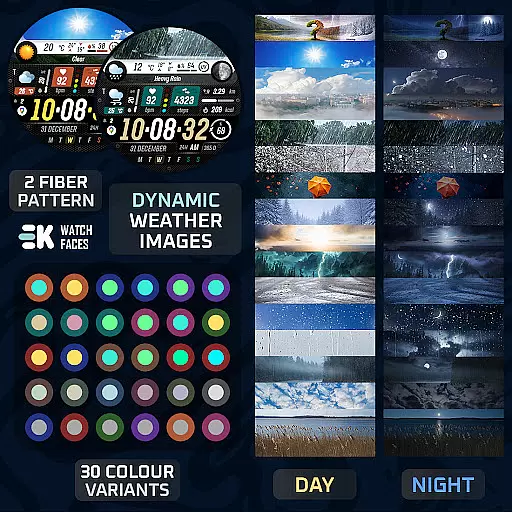
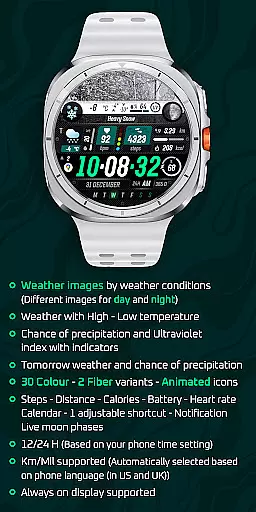
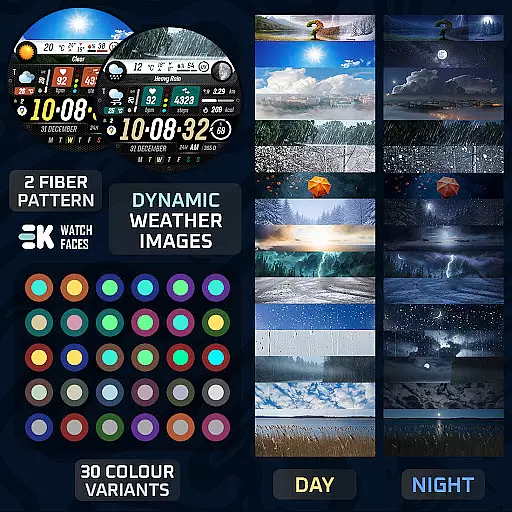
Sharper Weather stands out with its extensive customization options and robust feature set. The application offers 30 color variants and 2 fiber options, enabling users to personalize their watch faces extensively. Its animated icons and live moon phases provide dynamic visual elements that adapt throughout the day.
Health enthusiasts will appreciate the comprehensive fitness tracking capabilities, including step count, distance traveled, calories burned, and heart rate monitoring. The inclusion of calendar notifications and adjustable shortcuts enhances productivity by keeping important information readily accessible.
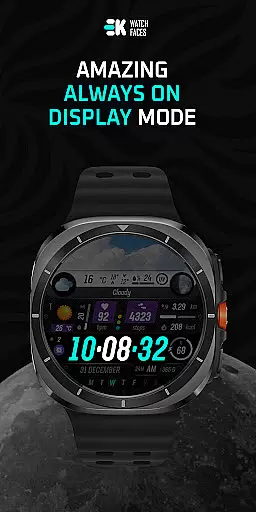
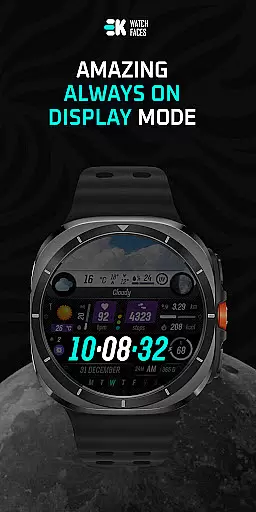
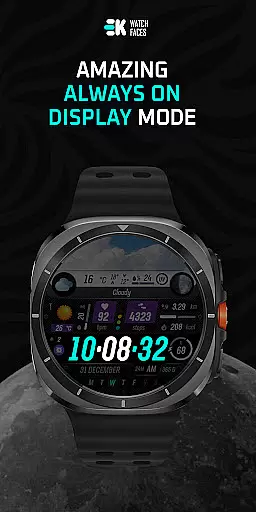
Advanced technical features include support for both 12-hour and 24-hour formats, automatic metric selection based on location, and always-on display functionality. These features are complemented by detailed weather information, including UV index indicators and precipitation forecasts, making it an indispensable tool for outdoor activities.
Sharper Weather - Watch Face offers an extensive range of customization options that cater to individual preferences and needs. With 30 color choices and 2 fiber variants, users can personalize their watch face to match their style or mood. The animated icons add a dynamic element to the display, making it not only functional but also visually appealing.
In addition to aesthetic customizations, the watch face provides practical features such as weather images that change with conditions and time of day, ensuring users are always aware of their environment at a glance. It includes high-low temperature displays, chance of precipitation, ultraviolet index indicators, and tomorrow's forecast, which all contribute to a highly informative and tailored experience on your Wear OS device.
The inclusion of health and activity tracking metrics like steps, distance, calories burned, heart rate, along with calendar notifications and live moon phases makes this watch face a comprehensive life management tool. Users have the ability to adjust one shortcut for quick access to frequently used functions, enhancing convenience and efficiency in daily tasks.
By supporting both 12/24-hour formats based on phone settings and automatically selecting units (Km/Mil) according to the phoneu2019s language setting, Sharper Weather ensures global usability without compromising personal preference. This level of customization empowers users by giving them control over how they interact with their smartwatch while maintaining an intuitive interface.
Sharper Weather - Watch Face is designed with theme compatibility as a core feature, ensuring seamless integration across various Wear OS devices. As a dedicated app for Wear OS 5+ (API 34+), it guarantees that visual elements are displayed correctly regardless of the specific model or screen specifications, providing consistent performance and appearance throughout different hardware configurations.
To maximize functionality, users must manually enable Sensors & receive complication data permissions. Once set up, the watch face supports always-on display technology, allowing wearers to view essential information without needing to activate their device fully. This enhances battery life while maintaining constant access to critical details such as weather updates, time, and personal health metrics.
Moreover, its design takes into account regional differences by supporting unit measurements based on geographical locationu2014automatically selecting between kilometers or miles depending on whether you're located in countries using metric or imperial systems. Such thoughtful consideration towards localization improves user satisfaction and broadens market reach.
For those who appreciate staying connected through social media platforms, links provided within the description direct users toward additional resources including web pages, Instagram, Facebook, Twitter, Pinterest, and YouTube channels managed under 'ekwatchfaces'. These outlets offer supplementary content related to customization tips, new releases, community engagement opportunities, further strengthening brand loyalty among tech-savvy consumers seeking personalized digital experiences.
User-friendly interface
Extensive customization
Real-time weather data
Comprehensive health tracking
Vibrant animated icons
Limited device compatibility
Complex installation process
Potential sync issues
Requires multiple permissions
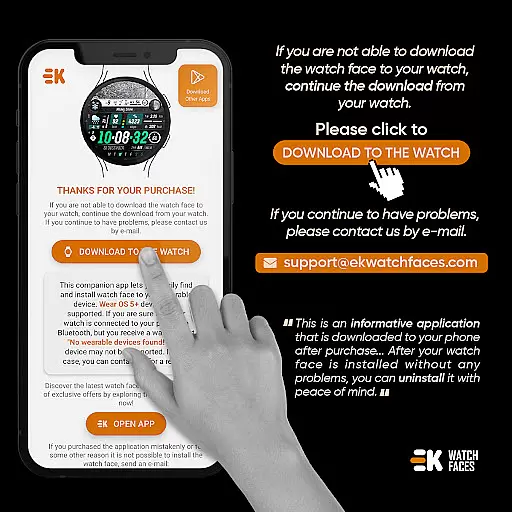
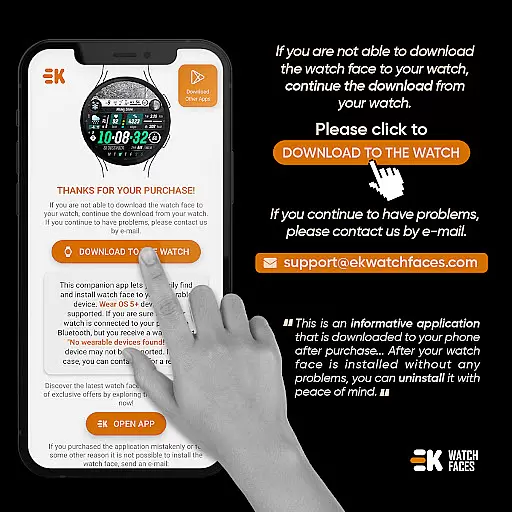
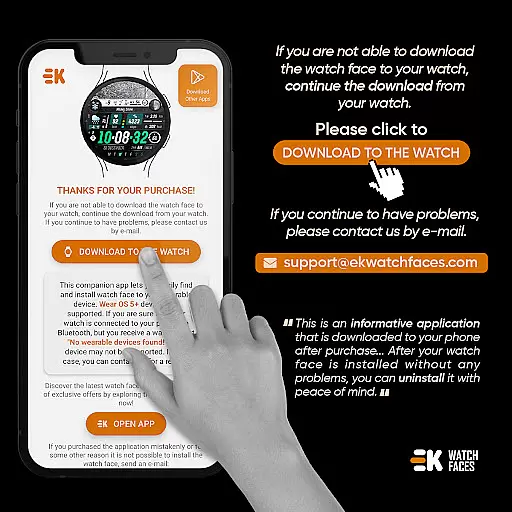
No standalone phone app

Sparkle your screen with Glitter Wallpapers For Girls and Cute Backgrounds!
 4.80
4.80
100+ Stylish Fonts, Emojis, Symbols keyboard for Instagram & TikTok!
4.80
Unique Fonts, typefaces and stylish text. Fonts for Instagram, Whatsapp & others
4.20
Turn text & photos into stunning AI videos, art, and creative visual stories.
4.50 4.50
4.50
Icons made of colorful linear lines
4.60
Handcrafted pixel art icons, widgets & wallpapers
4.60
Transform your phone with stunning video wallpapers and a unique, personal touch
3.80
Magic fluids wallpaper 4D: Relax with stunning fluid simulation wallpaper app
4.20
Only for Wear OS devices!
4.90
Gun Chase - Let the chase begin.
4.80
Over 28,000 high quality icons to bring color & homogeneity to your phone.
4.60
Ninja Turtles Cowabunga SE watch face for Wear OS
4.50
Transform your phone with Launcher iOS 26 - Smooth & elegant iOS experience
4.50
Vibrant Adaptive Icons with Material You and Enhanced Monet Colors.
4.50
AI-powered Copilot. Personalized keyboard with gifs, stickers & themes
4.40
Organize and manage your photos and videos effortlessly with Photo Gallery
4.20
Ultimate widget creator. Design custom widgets for a truly unique home screen!
3.90
⭐ OneUI inspired Fluffy Icon Pack – Soft. Stylish. Standout. ⭐
4.5


User Reviews