
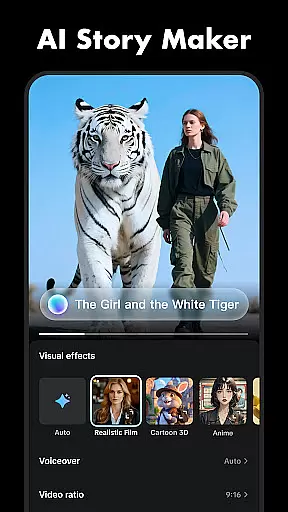
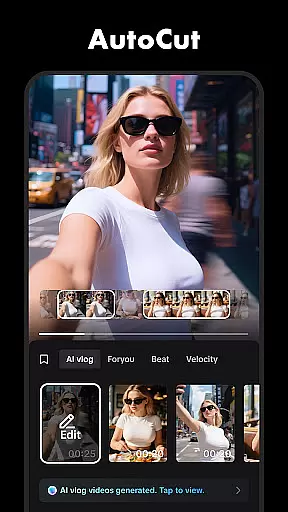
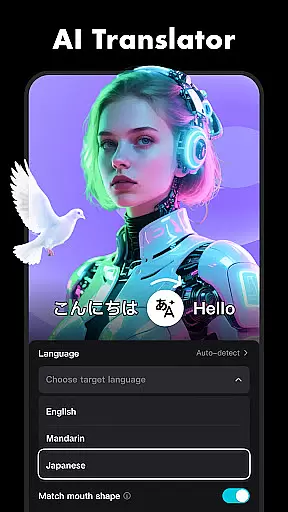

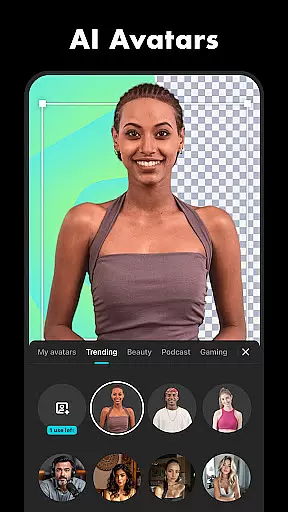


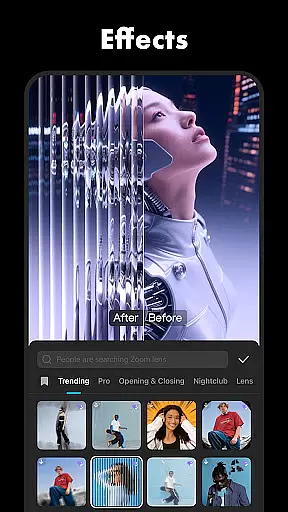
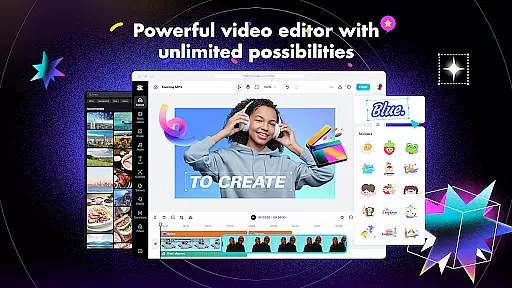
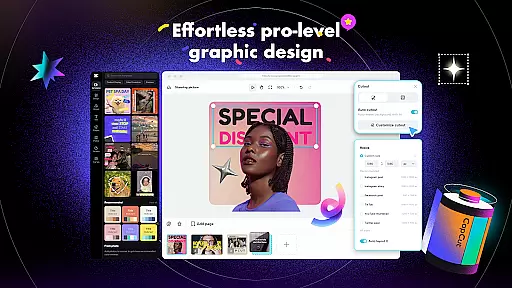
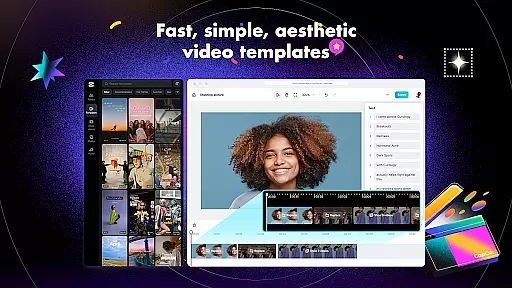
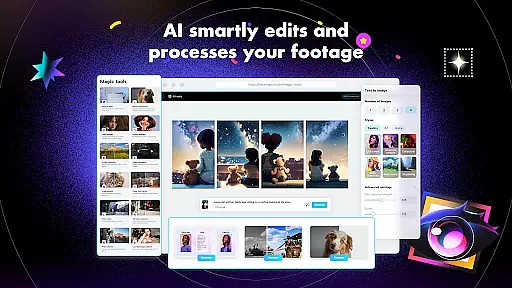
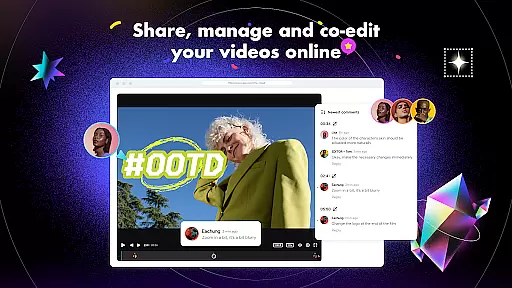
CapCut is a versatile video editing application that offers both basic and advanced tools for creating professional-quality videos. The app provides essential features such as trimming, splitting, and merging clips, along with more sophisticated options like keyframe animation, chroma key, and stabilization. With CapCut, users can adjust video speed, apply zoom effects, and use transitions to enhance their projects. It also includes intelligent features like auto captions, text-to-speech, and background removal, making it suitable for both beginners and experienced editors.
In addition to its robust editing capabilities, CapCut supports creative expression through various effects, filters, and music options. Users can explore diverse filters updated weekly, apply trending effects like Glitch and Blur, and add soundtracks from a library of millions of music clips. The app allows exporting videos in 4K resolution at 60fps, ensuring high-quality output. Whether you're looking to create engaging content for TikTok, YouTube, or Instagram, CapCut provides all the necessary tools to produce stunning videos that stand out.
CapCut stands out with its comprehensive suite of video editing features designed to cater to different skill levels. For basic editing, users can trim and split clips, adjust playback speed from 0.1x to 100x, and apply zoom effects for dynamic visuals. The freeze feature helps highlight key moments, while a variety of transition effects allow seamless scene changes. These fundamental tools make it easy for anyone to start editing videos quickly and efficiently.
For advanced users, CapCut offers powerful features such as keyframe animation, which enables precise control over every setting within the video. The optical flow feature creates smooth slow-motion effects, while the chroma key tool allows for green screen editing. Additionally, the multi-track timeline simplifies clip arrangement, and the stabilization feature ensures steady footage even when shooting handheld. Intelligent features like auto captions, text-to-speech in multiple languages, and automatic background removal further enhance the editing process, providing users with innovative ways to tell their stories.
CapCut stands out with its exceptional video format compatibility, ensuring that users can work seamlessly across various file types. The app supports an extensive range of video formats, allowing creators to import and export videos without worrying about compatibility issues.
This flexibility is crucial for content creators who deal with multiple sources of footage. Whether you're working with MP4, AVI, MOV, or other common formats, CapCut handles them all with ease. This ensures that your workflow remains uninterrupted, saving valuable time during the editing process.
The app's ability to export high-quality videos in 4K resolution at 60fps demonstrates its commitment to professional-grade output. This feature caters to both beginners and advanced users who demand superior video quality in their final products.
Furthermore, CapCut's smart HDR support enhances video clarity and color accuracy, making it an ideal choice for social media content creation. The app's comprehensive format support empowers creators to focus on their artistic vision rather than technical limitations.
CapCut revolutionizes video editing with its advanced AI-powered features that streamline the creative process. The app's automatic speech recognition and subtitle generation capabilities significantly reduce manual editing time while maintaining high accuracy.
The AI-driven background removal tool demonstrates remarkable precision, enabling creators to produce professional-looking videos without complex green screen setups. This feature particularly benefits social media content creators who need quick yet effective editing solutions.
CapCut's text-to-speech functionality supports multiple languages and voices, expanding its usability for international audiences. The motion tracking feature, powered by intelligent algorithms, ensures smooth and accurate object tracking throughout video sequences.
These AI-enhanced tools work together to create a powerful editing suite that caters to both novice and experienced editors. By automating complex tasks, CapCut allows creators to focus on storytelling and artistic expression while maintaining professional production quality.
User-friendly interface
Advanced editing tools
Variety of effects and filters
High-quality export options
Regular updates with new features
Limited offline functionality
Some features require premium access
Occasional bugs in older devices
Export times can be lengthy
Learning curve for advanced tools

Client application for NextPVR software
 3.00
3.00
?100% FREE! Download & save videos? safely in this app. All formats supported.
4.60
Watch a large amount of high-definition short drama content
4.60
Create & edit videos with AI
4.30
All format media Player, no need video converter any more!
4.00
Movie maker & video editing app with AI effects and green screen
4.30
Find, download, and play torrents with the official BitTorrent® Pro app
4.70
Web Browser for LG TV to stream webvideos, online movies and livestreams in HD
4.20
Video&Drama Player All Format is a HD video player, music player
3.00
Seamlessly connect and control your smart devices, anytime, anywhere with ease.
4.60
IPTV Loader, loads your own Playlist. DOES NOT CONTAIN ANY LIST OR CHANNELS
4.60
Fast, private downloading, video saving, social media
4.50
Fast & Private HD Video Downloader with Built-in Proxy Browser and Video Player.
4.50
Fast video downloader & private browser. Save HD clips to watch offline.
4.40
Download website videos fast&privacy
4.40
Fast & Private Video Downloader App. Save all videos easily from the Internet.
4.40
Video Downloader is an utility that can save videos and music from web sites
4.20
Turn your phone into a wireless camera!
4.20
Powerful video player with advanced hardware acceleration and subtitle supports
4.20


User Reviews