
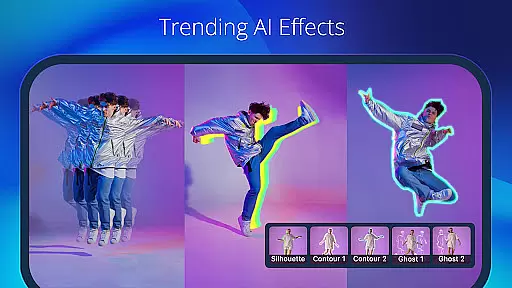
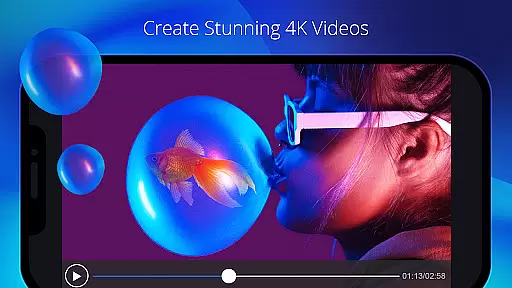
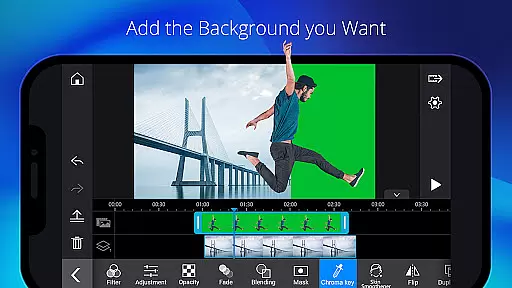
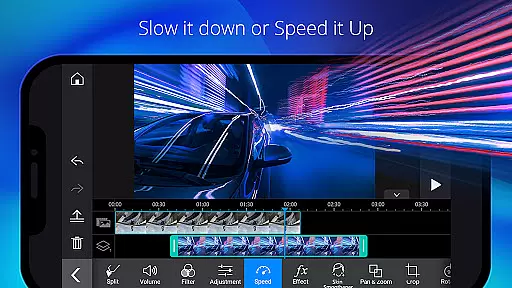
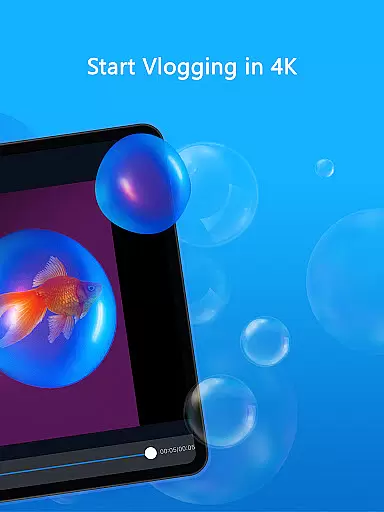
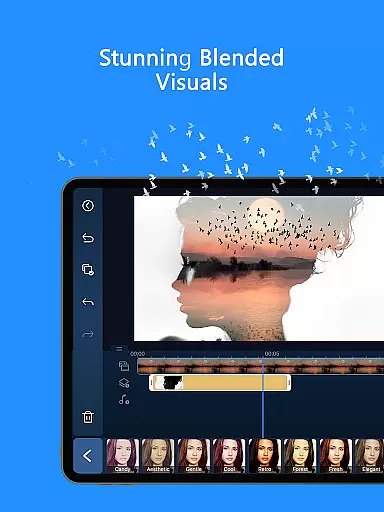
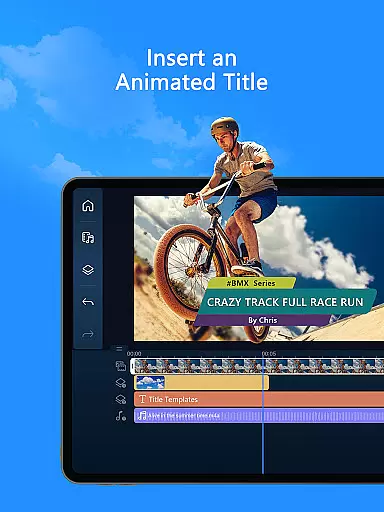
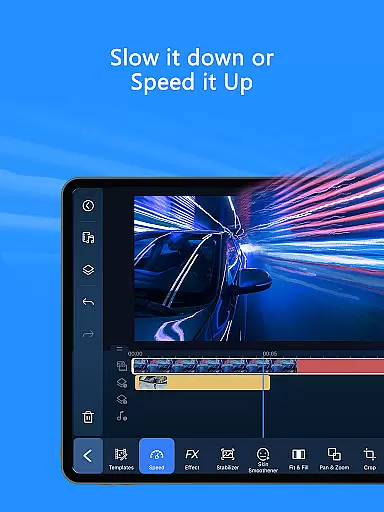
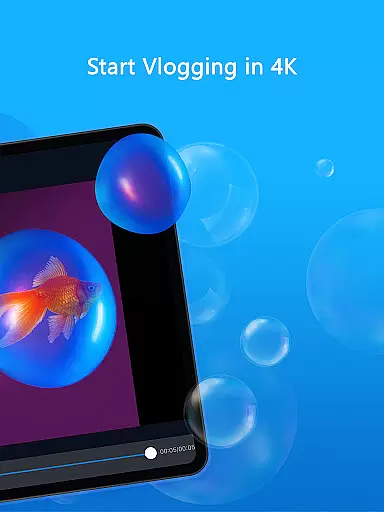
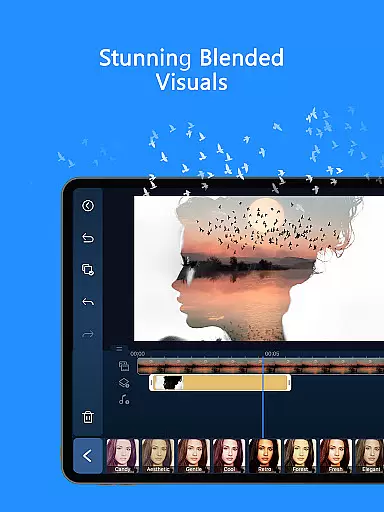
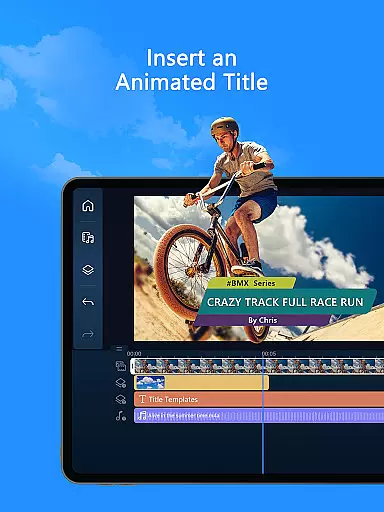
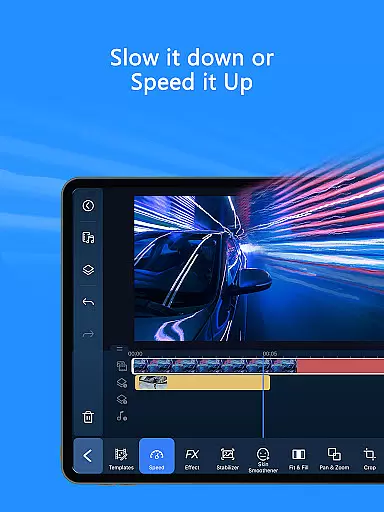
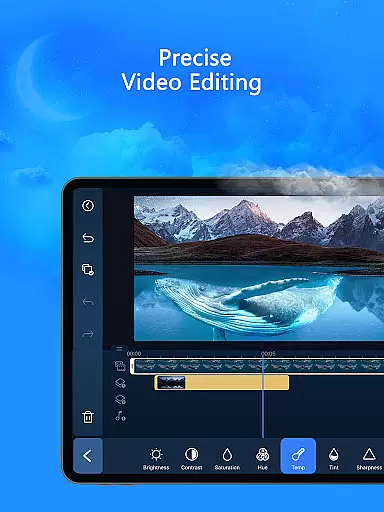
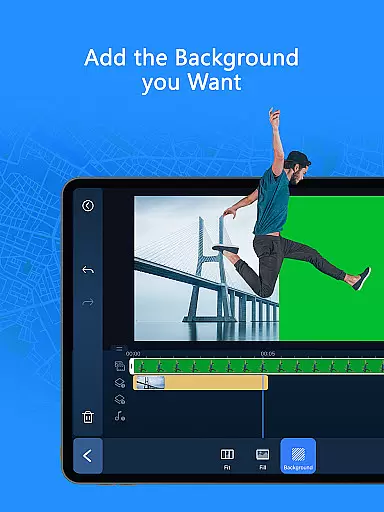
PowerDirector is a comprehensive AI-powered video editor that enables users to create high-quality videos with ease. The app offers an extensive suite of editing tools, including AI Auto Edit, which detects the best moments in clips and turns them into polished videos using templates. With features like AI Image-to-Video, AI Portrait filters, and AI Video Enhancer, users can transform their media into engaging content suitable for social platforms.
The app caters to all experience levels, providing easy-to-use tools such as trimming, cutting, and rotating, alongside professional options like green screen editing and keyframe controls. PowerDirector also includes a built-in stock library and customizable templates, making it a versatile tool for content creators who need advanced editing capabilities on mobile devices.
Whether you're creating viral TikTok clips or detailed video projects, PowerDirector's combination of AI features and traditional editing tools ensures your content stands out. Its intuitive interface and powerful functionality make it ideal for both beginners and professionals looking to produce visually stunning videos quickly and efficiently.
PowerDirector distinguishes itself through its robust AI editing features and versatile toolset. The AI Auto Edit function automatically identifies key moments in footage, streamlining the editing process by applying pre-designed templates. Additionally, specialized AI tools such as AI Portrait, AI Anime Video, and AI Background Removal allow users to apply creative effects effortlessly, enhancing their videos with minimal manual input.
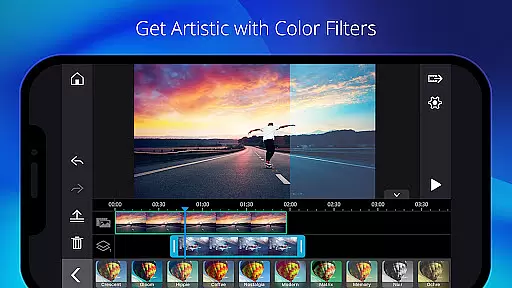
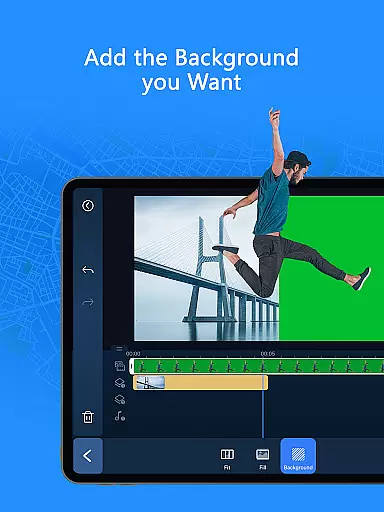
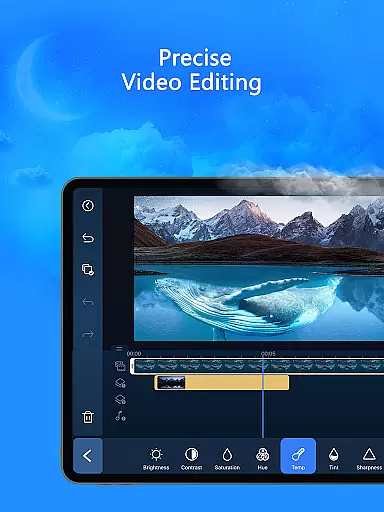
For more hands-on editors, the app provides professional-grade tools like brightness, color, and saturation adjustments, along with green screen and video stabilization capabilities. Users can also leverage unique features such as body tracking, double exposure effects, and keyframe controls to fine-tune every aspect of their projects. These functionalities ensure precision and creativity in equal measure.
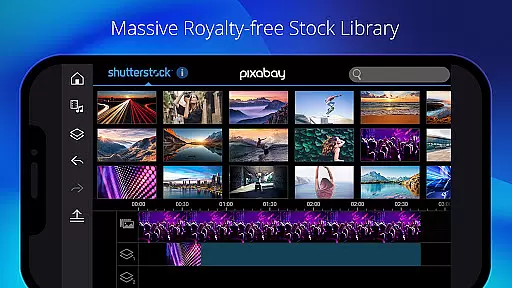
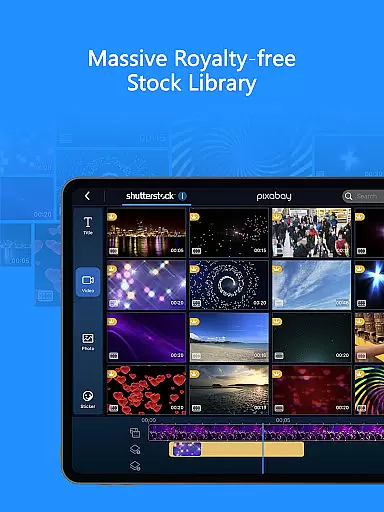
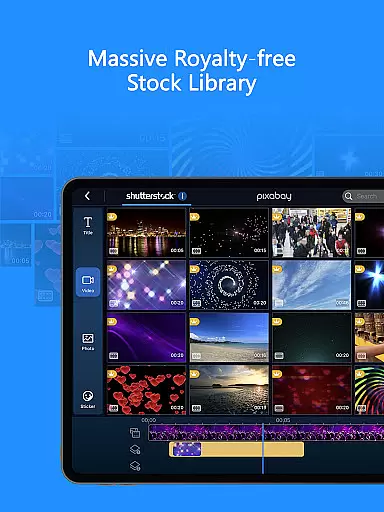
PowerDirector further enhances user experience with its massive royalty-free stock library, offering over 1,500 music tracks, photos, stickers, and sound effects. This feature is particularly beneficial for commercial use, allowing creators to access premium content without additional licensing fees. Combined with an ad-free environment, these elements make PowerDirector a top choice for serious content creators seeking efficiency and quality in their video production workflow.
Video format compatibility is a crucial feature for any video editor, ensuring that users can work with a wide range of video files without conversion hassles. PowerDirector excels in this area by supporting an extensive array of formats, from common ones like MP4 and AVI to more specialized types such as ProRes and HEVC.
The app's comprehensive format support allows creators to import footage from various devices, including smartphones, DSLRs, and drones, streamlining the editing process. This versatility means you can start editing right away, regardless of your source material.
For content creators who share their work across multiple platforms, PowerDirector's export options are equally impressive. You can save your projects in optimized formats for YouTube, Instagram, and other social media, maintaining high quality while ensuring compatibility.
This broad compatibility not only saves time but also preserves video quality throughout the editing process, making PowerDirector suitable for both casual users and professional videographers who need reliable format support.
AI-powered editing features represent a significant advancement in video editing technology, and PowerDirector stands at the forefront of this innovation. The application offers a suite of AI tools designed to simplify complex editing tasks and enhance creativity.
Among these features, AI Auto Edit automatically identifies the most compelling moments in your footage and assembles them into polished videos using professionally designed templates. Meanwhile, AI Image-to-Video transforms still images into dynamic video content through various thematic templates like AI Dance and AI Kissing.
The AI Portrait filters provide artistic transformations, enabling users to apply unique styles such as Ghibli or Disney-inspired effects to their videos. Additionally, practical AI tools like Auto Caption, Video Enhancer, and Background Removal streamline essential editing processes.
These intelligent features not only accelerate the editing workflow but also open new creative possibilities, making professional-quality video production accessible to editors of all skill levels.
User-friendly interface
Extensive AI features
Versatile editing tools
Premium stock library
Professional customization options
Some features require subscription
Advanced tools may overwhelm beginners
Occasional performance lags
Limited free templates
High device compatibility demands

You can play SWF format file!
 2.50
2.50
Photo and Music Video Creator into Stunning Videos—Effortlessly
4.40
Search & download videos from net with all video downloader, auto-detect & safe.
4.60
KineMaster, Your Ultimate Video Editor!
4.40
HD video maker with no watermark, no ads & vlog maker with music, PIP, text
4.50
Stream high quality video from your camera over NDI protocol
4.1
AirMirror is Receiver for Screen Mirroring and Casting from Apple Devices.
3.60
Seamlessly connect and control your smart devices, anytime, anywhere with ease.
4.60
Manage your YouTube channel on the go
4.40
Video Trimmer, Video to MP3 Converter. Extract music from video, Easy & Fast.
4.80
Play ALL formats in 4K & HD. Video downloader, MP3 player, Chromecast & more.
4.80
GENRAL PRO - General Pro is the best video player that fully supports all formats.
4.70
Download videos and play them offline
4.70
Screen recorder with audio to take live videos & Screenshot in high quality!
4.70
Video Player - Unlimited features, 30 days money back guarantee.
4.60
Fast & Private HD Video Downloader with Built-in Proxy Browser and Video Player.
4.50
Web Browser for LG TV to stream webvideos, online movies and livestreams in HD
4.20
Fast private browser with secure, seamless access & supported video downloads!
4.00
The essential companion to your Blue Iris PC software
2.50


User Reviews