
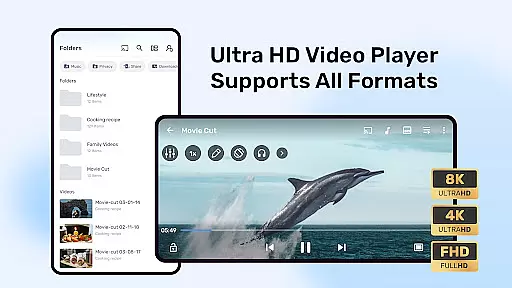
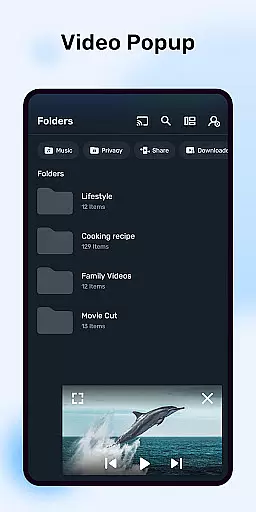
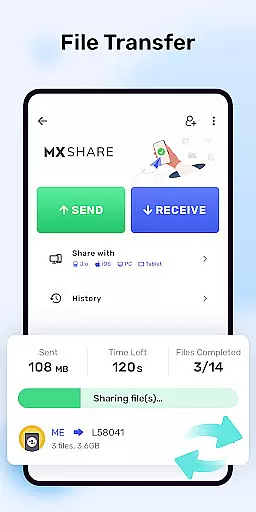


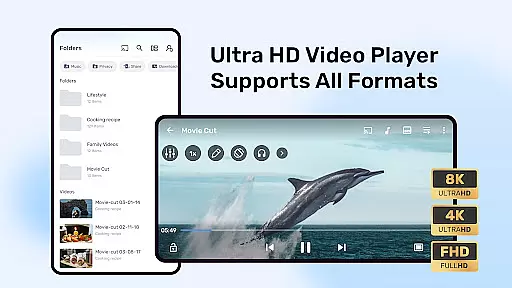

MX Player is a powerful multimedia player for Android devices, offering advanced hardware acceleration and comprehensive subtitle support. The app utilizes HW+ decoder for enhanced video playback on supported devices, ensuring smooth streaming even for high-resolution content.
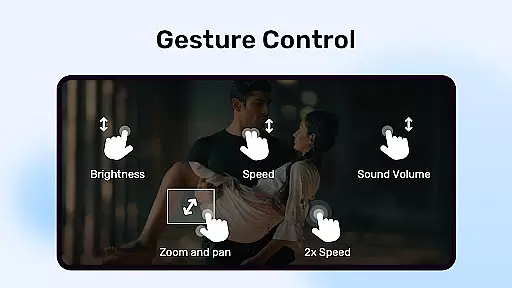
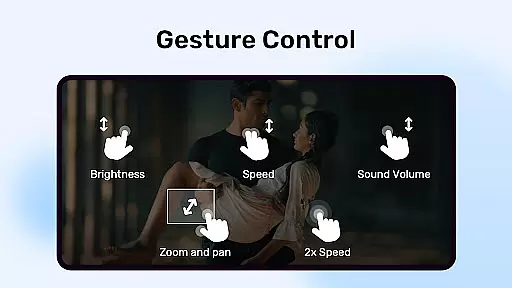
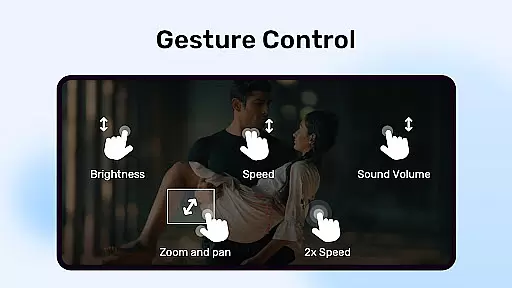
Beyond its core video playback capabilities, MX Player includes innovative features like multi-core decoding, which significantly improves performance on multi-core devices. Users can enjoy intuitive gesture controls for zooming and subtitle navigation, as well as practical functions like Kids Lock mode to ensure safe viewing experiences for children.
This versatile player supports various subtitle formats and provides privacy options such as the Privacy Folder feature. Whether you're watching local files or streaming online content, MX Player delivers a comprehensive media experience across multiple use cases.
One of MX Player's standout features is its advanced hardware acceleration capabilities. The app's new HW+ decoder optimizes video playback by utilizing device hardware more efficiently, resulting in smoother performance and reduced battery consumption during extended viewing sessions.
The application supports multi-core decoding, making it one of the first Android players to leverage multiple CPU cores for video processing. This technology translates to up to 70% better performance on compatible devices compared to single-core alternatives. Additionally, users benefit from sophisticated subtitle handling with support for over ten different subtitle formats including SubStation Alpha and WebVTT.
Usability enhancements include pinch-to-zoom functionality, customizable subtitle gestures, and dedicated Kids Lock mode. These features combine to create an intuitive user interface while maintaining focus on delivering exceptional audiovisual experiences across various media formats.
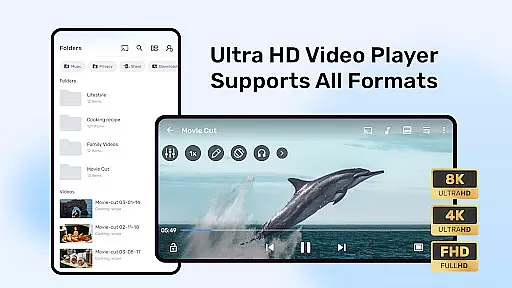
MX Player stands out with its extensive video format compatibility, ensuring users can enjoy virtually any video file without conversion hassles. The app supports a wide array of formats including but not limited to AVI, MKV, MP4, and MOV.
With the introduction of the new HW+ decoder, hardware acceleration is now applicable to an even broader range of video codecs. This enhancement not only improves playback smoothness but also reduces device battery consumption during video playback.
The inclusion of multi-core decoding further amplifies MX Player's ability to handle complex video files efficiently. Test results have shown that this feature boosts performance on multi-core devices by up to 70% compared to single-core processing.
Users benefit from uninterrupted streaming experiences and the capability to play high-definition videos seamlessly, making MX Player a versatile choice for all video playback needs.
While primarily known for its video playback capabilities, MX Player also incorporates AI-powered editing features that enhance user interaction with media content. These smart tools allow for intuitive video adjustments such as brightness, contrast, and color correction directly within the player.
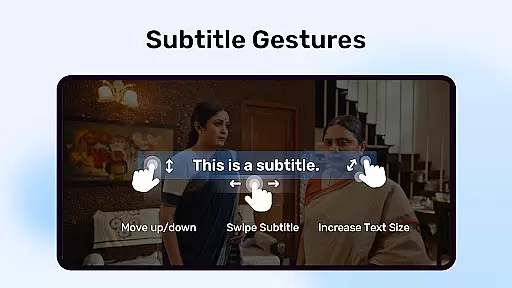
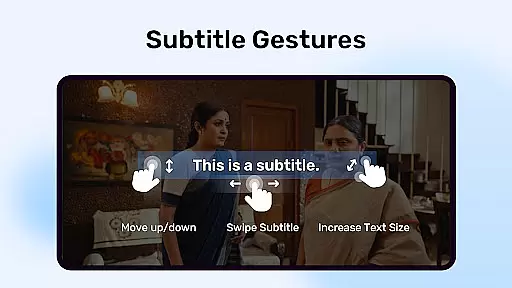
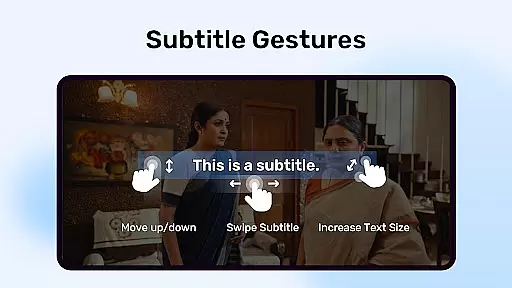
Subtitle handling is another area where MX Player excels, offering advanced gesture controls for navigating through subtitles. Users can easily scroll forward or backward to skip between texts, adjust text positioning via up/down swipes, and modify text size using zoom gestures.
Additionally, the Kids Lock feature demonstrates thoughtful integration of AI by enabling parents to lock the app on specific content, preventing children from accessing unwanted areas while ensuring they remain engaged safely.
These intelligent functionalities collectively contribute to a personalized viewing experience, empowering users to tailor their media consumption according to individual preferences and requirements.
Advanced hardware acceleration
Multi-core decoding support
Comprehensive subtitle format compatibility
Intuitive gesture controls
Kids Lock safety feature
Requires many permissions
Ads in free version
Occasional package errors
Complex permission structure
Limited official support channels

Fast, private downloading, video saving, social media
 4.50
4.50
Photo and Music Video Creator into Stunning Videos—Effortlessly
4.40
Search & download videos from net with all video downloader, auto-detect & safe.
4.60
An easy-to-use and all-round screen recorder with audio
4.80
Movie maker & video editing app with AI effects and green screen
4.30
Powerful Video Editor & Photo Editing App —— Quick Edits & Stunning Effects!
4.30
Video Downloader, Multiple Resolution Options, Video Player
4.50
A Simple app to download Video & Music from the Internet.
4.70
Download Hub, easy and private way to download and enjoy your videos offline
4.80
All in one HD video downloader & player for multiple formats with full privacy
4.70
A Quick and Pro Video Editor
4.70
Screen recorder with audio to take live videos & Screenshot in high quality!
4.70
Cast Videos from Web Browser, IPTV to Roku, Chromecast, DLNA, Smart TV +more
4.60
Fast private browser with secure, seamless access & supported video downloads!
4.00
Live TV, anywhere in your home
3.80
Kodi media center, a free and open source cross-platform entertainment hub
3.60
A full editing room to accompany your Insta360 cameras and handheld gimbals.
3.30
IPTV Player - Watch live TV from m3m & m3u8 playlist, stream IPTV on mobile
3.30
Video player with powerful streaming playback and various convenient features.
2.10


User Reviews