
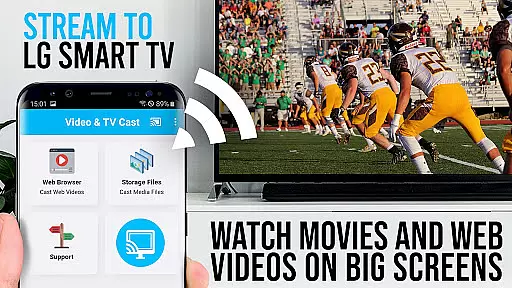
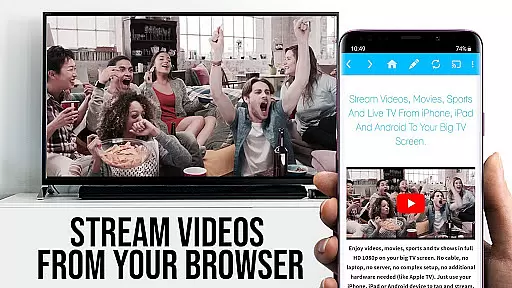
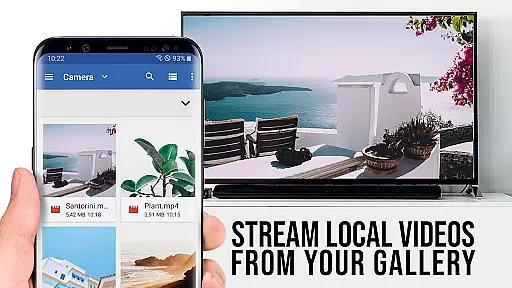
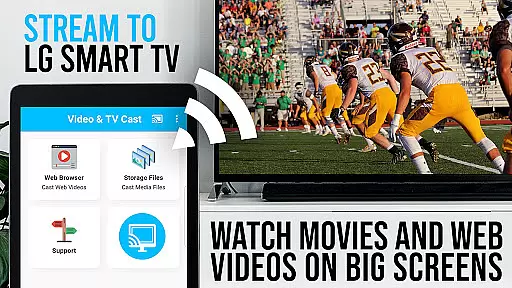
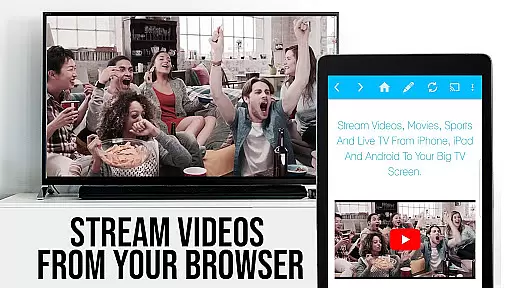
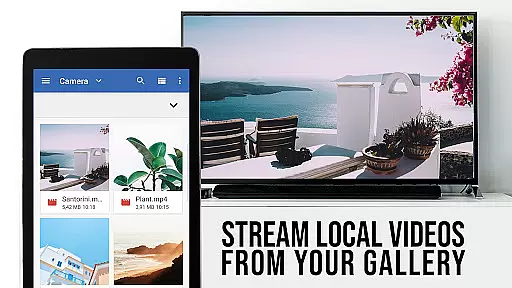
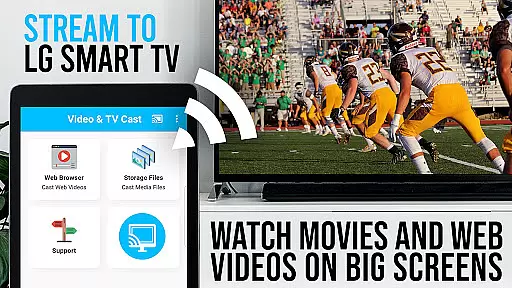
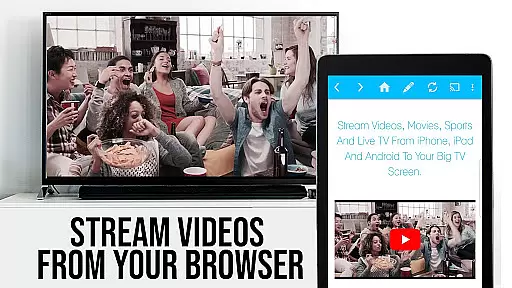
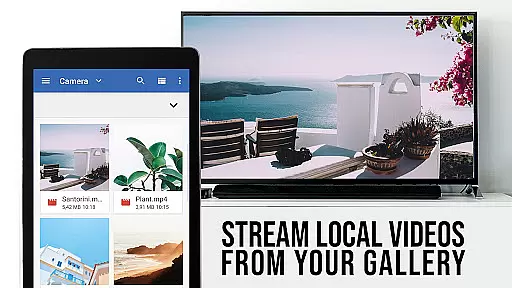
TV Cast Pro for LG webOS is a premier application designed to enhance your streaming experience on LG Smart TVs. This app allows users to cast web-videos, online-movies, livestreams, and live TV shows directly to their LG TV without the need for an additional streaming box. With support for video formats such as mp4 and m3u8, it ensures high-quality Full HD streaming. The app stands out with its multitasking capabilities, enabling users to close the app or even shut down their phone while casting continues uninterrupted.
One of the key features of TV Cast Pro is its compatibility with all Android devices, offering a broader range of device support compared to Miracast. It optimizes Wi-Fi usage by not routing videos through your phone, thus providing a seamless streaming experience. To utilize the app's casting feature, users must install a free companion app from the LG App Store. With its user-friendly interface, users can browse the web and stream content with ease, making it an ideal solution for enjoying online content on the big screen.
TV Cast Pro for LG webOS boasts several distinctive features that set it apart in the realm of video players and editors. A standout feature is the Remote Playbar, which offers advanced video control options including play, pause, stop, forward, rewind, and video scrubbing while browsing. This functionality provides users with a superior level of control over their viewing experience.
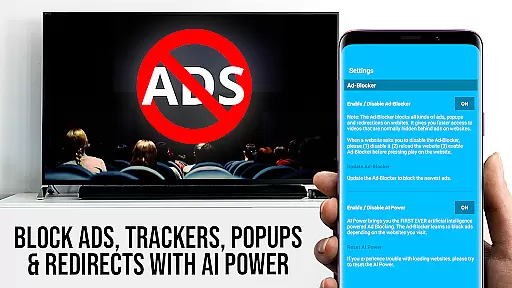
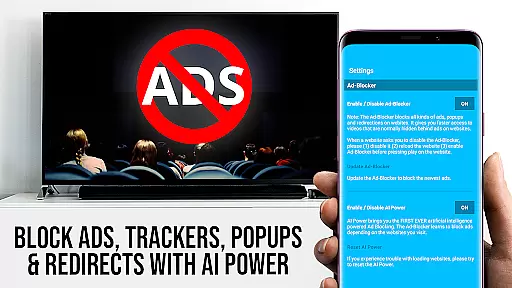
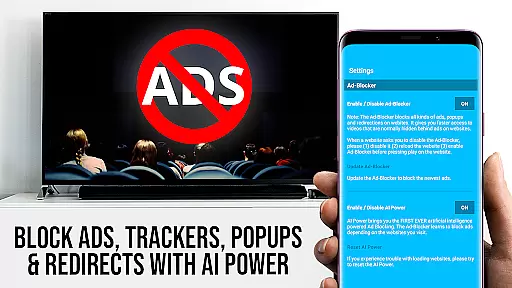
In addition to the Remote Playbar, the app includes an Ad-Blocker that enhances the viewing experience by blocking ads and popups on most websites. Users also have the ability to manage bookmarks directly within the browser, change the homepage, and switch to Desktop Mode to access desktop versions of websites. These features collectively ensure a streamlined and personalized browsing and streaming experience, catering to both casual viewers and those with more specific needs.
TV Cast Pro for LG webOS stands out with its versatile video format compatibility, ensuring users can stream a wide range of content without limitations. The app supports popular formats such as mp4 and m3u8, allowing seamless streaming of web videos, online movies, livestreams, and live TV shows in full HD quality.
The ability to cast various video formats directly to LG Smart TVs eliminates the need for additional streaming devices or conversions. This makes it an ideal solution for users who want to enjoy their favorite content on the big screen without worrying about format restrictions.
By supporting multiple video formats, the app provides a future-proof solution that adapts to evolving web standards and user needs. Whether you're streaming from popular websites or personal media libraries, TV Cast Pro ensures your content will play smoothly on your LG TV.
While TV Cast Pro for LG webOS doesn't focus on traditional AI-powered editing features, it incorporates advanced smart functionalities that enhance the streaming experience. The app's intelligent video discovery system automatically detects embedded videos on web pages, making it easy to send them to your LG TV with a single tap.
The PRO version includes an Ad-Blocker feature that uses smart filtering to remove ads and popups from most websites, creating a cleaner viewing experience. Additionally, the Remote Playbar offers advanced video control capabilities, including scrubbing, forward, rewind, and standard playback functions.
These smart features effectively serve as AI-powered enhancements for streaming, providing users with greater control and convenience when browsing and casting content. The inclusion of Desktop Mode further expands streaming possibilities by allowing users to access desktop versions of websites.
Full HD Streaming
Multi-tasking Support
Ad-Blocker Included
Remote Playbar Feature
Device Compatibility
No DRM Video Support
Companion App Required
Limited Refund Policy
QR Code Dependency
Third Party App Limitation

Video player, file manager for all formats, 4K/HD media player supports subtitle
 4.30
4.30
Fast, private downloading, video saving, social media
4.50
Client application for NextPVR software
3.00
A Quick and Pro Video Editor
4.70
This app was created to edit the metadata of music files.
4.20
Download website videos fast&privacy
4.40
Add date and time watermark to photos and videos
4.50
Video player with 4K & 1080P support, popup play, background play and subtitle.
4.20
convenient, safe and fast at Video Downloader & Player
4.60
Find, download, and play torrents with the official BitTorrent® Pro app
4.70
IPTV Loader, loads your own Playlist. DOES NOT CONTAIN ANY LIST OR CHANNELS
4.60
Watch IPTV on your Android device
4.60
Create & edit videos with AI
4.30
Video Downloader is an utility that can save videos and music from web sites
4.20
Fast private browser with secure, seamless access & supported video downloads!
4.00
Livestream, news, & gaming content. Watch, chat, and upload. Join Rumble today!
3.80
Kodi media center, a free and open source cross-platform entertainment hub
3.60
You can play SWF format file!
2.50
Stream high quality video from your camera over NDI protocol
4.0


User Reviews