
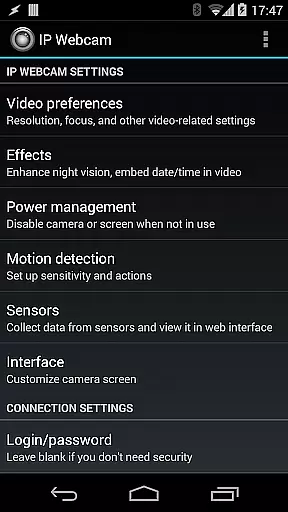
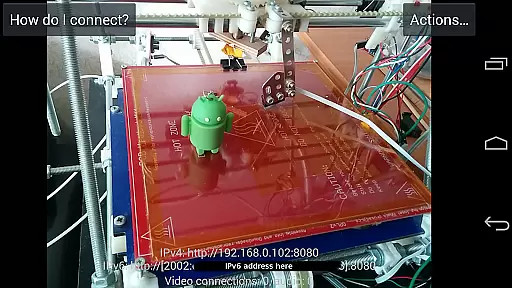
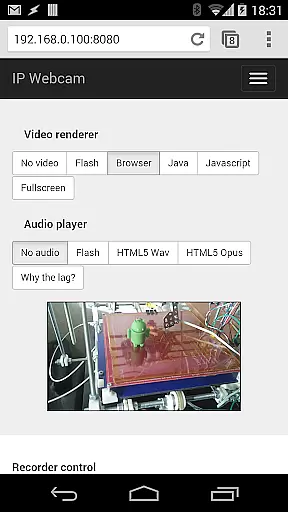
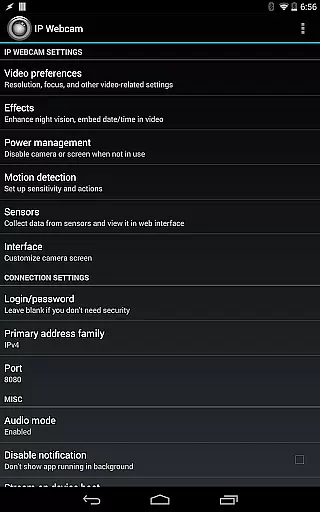
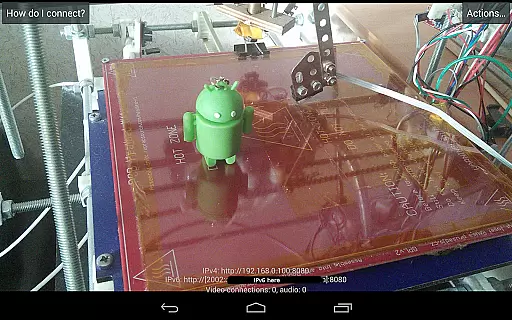
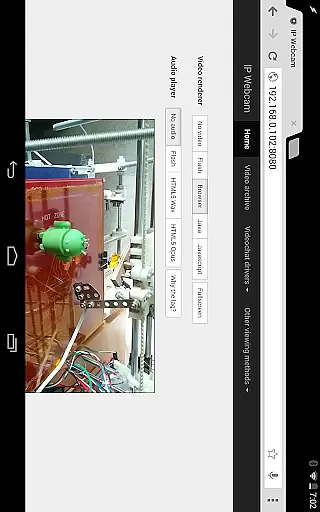
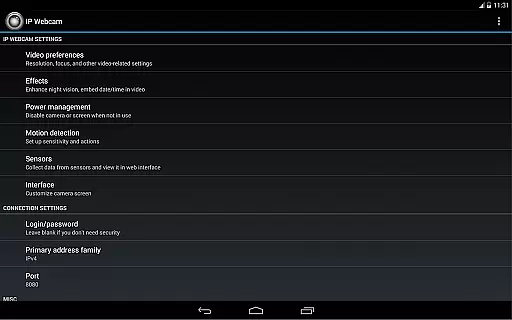
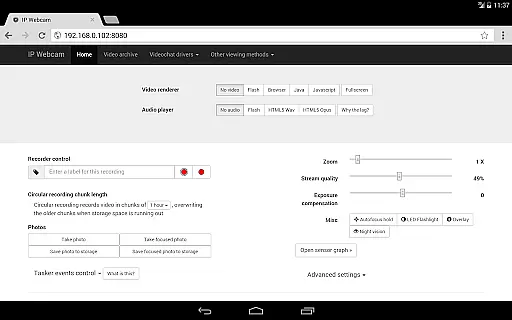
IP Webcam Pro transforms your smartphone into a versatile network camera, enabling real-time video streaming across multiple platforms. With support for VLC player and web browsers, it allows users to view their camera feed on any device within the same WiFi network without requiring internet access.
The application supports optional Ivideon cloud broadcasting for global access and features two-way audio when used with tinyCam Monitor on another Android device. Its integration capabilities extend to third-party MJPG software, making it suitable for video surveillance systems and security monitors.
Whether you need a reliable baby monitor, pet monitor, or security camera system, IP Webcam Pro offers advanced functionalities like motion detection, night vision, and cloud recording, providing both convenience and peace of mind.
IP Webcam Pro boasts an impressive array of features designed to enhance user experience. The app facilitates video uploads to various cloud services such as Dropbox, SFTP, FTP, and Email via the Filoader plugin, ensuring your recordings are safely stored and easily accessible.
Users can choose from several web renderers including Flash, Javascript, or built-in options, and record videos in multiple formats like WebM, MOV, MKV, or MPEG4 (on Android 4.1+). Audio streaming is supported in wav, opus, and AAC formats, with AAC requiring Android 4.1+.
Advanced features include motion detection with sound triggers, Tasker integration, date, time, and battery level overlays, sensor data acquisition with online graphing, and videochat support for Windows and Linux via an MJPEG driver. Additionally, cloud push notifications and cloud recording provide instant alerts and secure storage for motion-triggered events.
IP Webcam Pro excels in video format compatibility, ensuring users can stream and record in multiple formats. The app supports WebM, MOV, MKV, or MPEG4 (on Android 4.1+), catering to a wide range of user preferences and device capabilities.
This flexibility in video formats allows users to choose the best option for their specific needs, whether it's for quality, file size, or compatibility with other software and devices. Such versatility is crucial for both personal and professional video projects.
Moreover, the ability to switch between different formats easily means that users are not locked into a single standard. This adaptability ensures that content created with IP Webcam Pro remains accessible and usable across various platforms and systems.
While IP Webcam Pro focuses primarily on streaming and recording, it also offers AI-powered editing features that enhance the overall video production process. These features include motion detection with sound triggers, which intelligently starts recording when activity is detected.
The app provides date, time, and battery level video overlays, adding an informative layer to your footage without manual input. Additionally, sensor data acquisition with online web graphing allows for sophisticated monitoring setups, ideal for security or environmental observation.
These smart functionalities automate tedious tasks and improve the efficiency of video monitoring, making IP Webcam Pro not just a tool for capturing video but also for enhancing it through intelligent automation and data integration.
User-friendly interface
Wide compatibility
Advanced motion detection
Cloud integration
Two-way audio support
Paid version only
Complex setup required
Limited free features
High battery usage
Internet not included

A full editing room to accompany your Insta360 cameras and handheld gimbals.
 3.30
3.30
Kodi media center, a free and open source cross-platform entertainment hub
3.60
KineMaster, Your Ultimate Video Editor!
4.40
AI Video Editor:AI Music, Text to Video,Text to Speech,Auto Caption,Video Effect
4.00
Video Downloader, Multiple Resolution Options, Video Player
4.50
IPTV Loader, loads your own Playlist. DOES NOT CONTAIN ANY LIST OR CHANNELS
4.60
Flud is a simple and beautiful BitTorrent client for Android.
4.80
A Simple app to download Video & Music from the Internet.
4.70
AI Video Editor with Music, Filter, Slideshow, Effect, Merge & Trim Video.
4.80
Pro video editor app for Instagram, edit video with song, AI, effect & slowmo.
4.80
Video Player - Unlimited features, 30 days money back guarantee.
4.60
Seamlessly connect and control your smart devices, anytime, anywhere with ease.
4.60
Fast video downloader & private browser. Save HD clips to watch offline.
4.40
Viddo: Generate Action Figure, AI Anime, AI kiss, AI hug Video from image & text
4.40
Movie maker & video editing app with AI effects and green screen
4.30
Cast to Smart TV, Fire TV. Cast video, photo - Fast & Stable!
3.90
Download videos easily & play them all in one smart, powerful video manager.
3.40
The smartest M3U IPTV Player your playlists have ever seen.
4.3
Stream high quality video from your camera over NDI protocol
4.0


User Reviews