
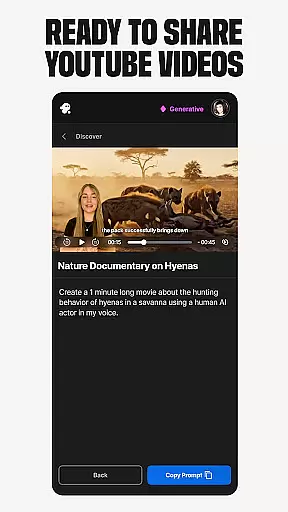
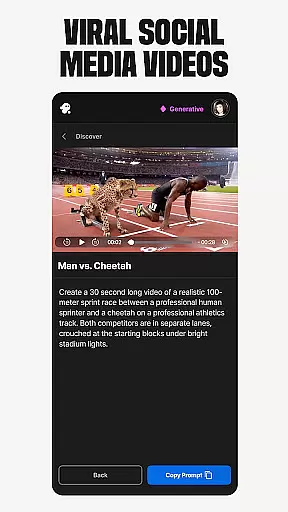
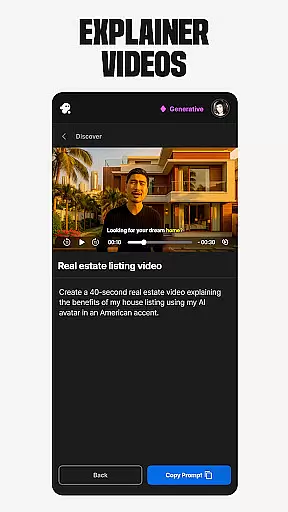
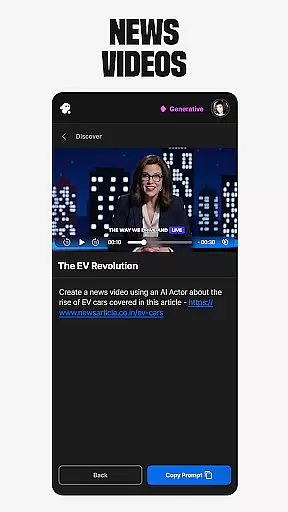
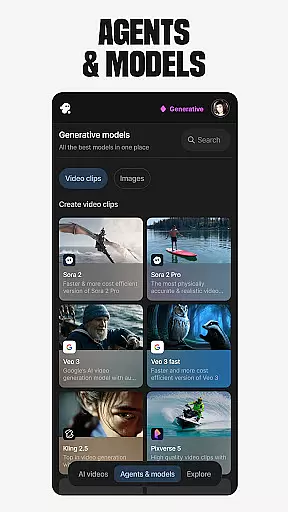
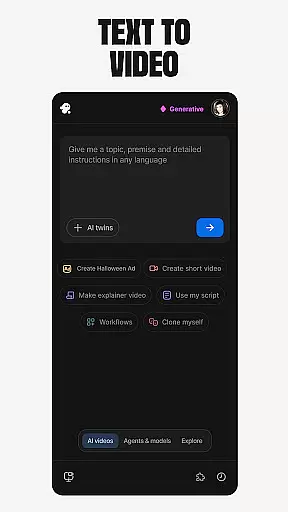
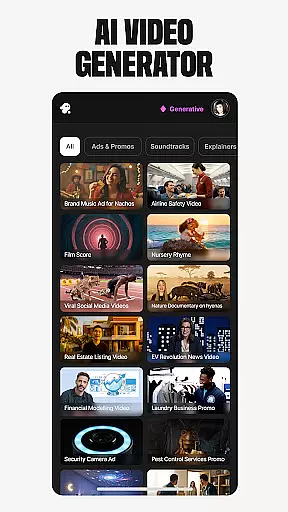
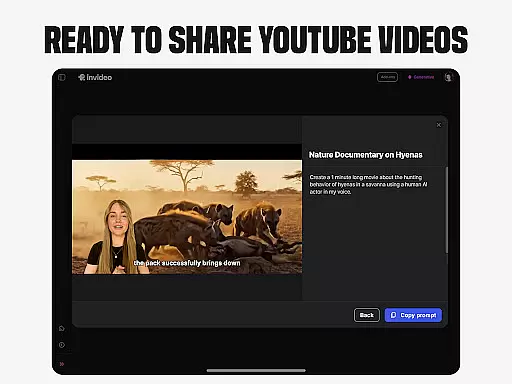
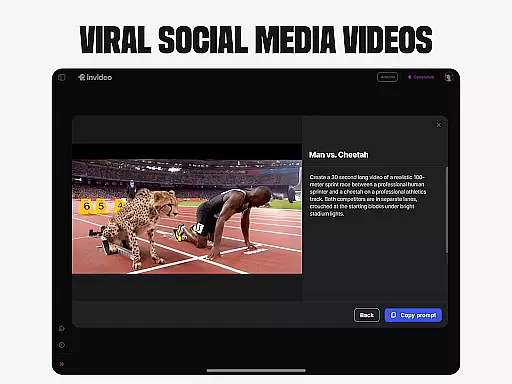
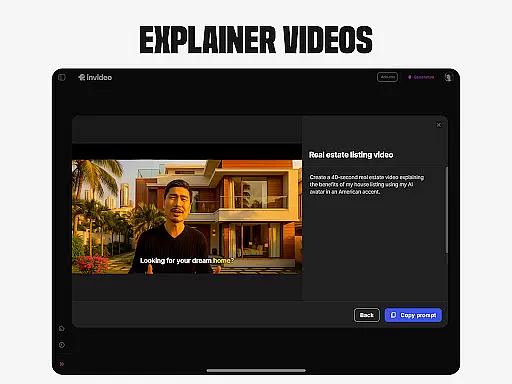
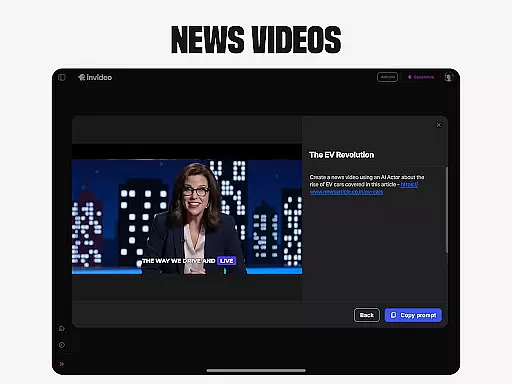
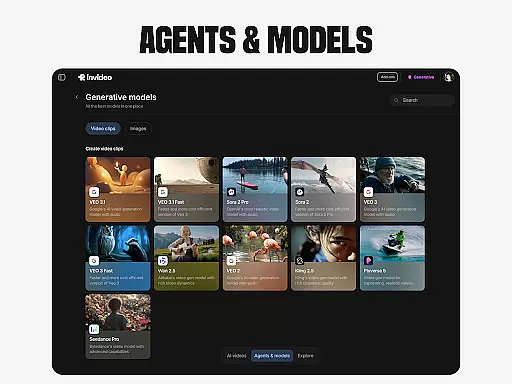
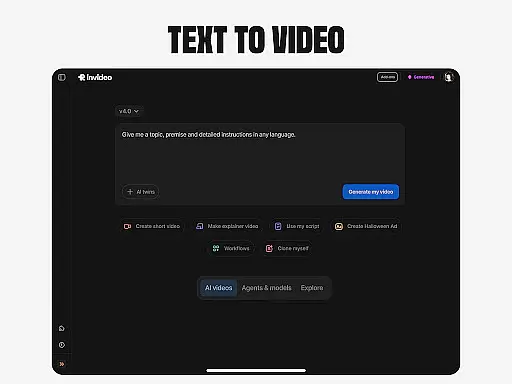
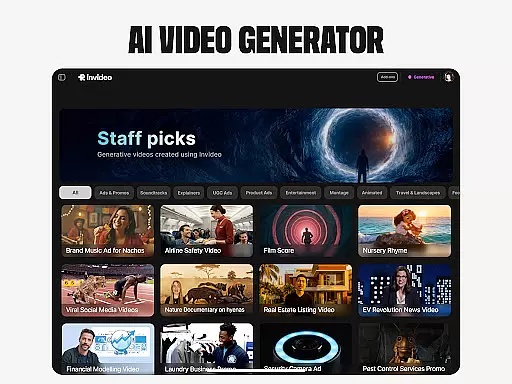
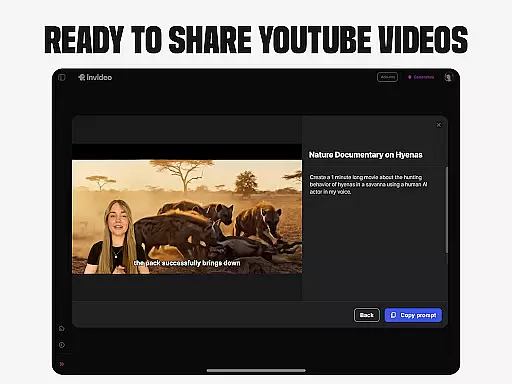
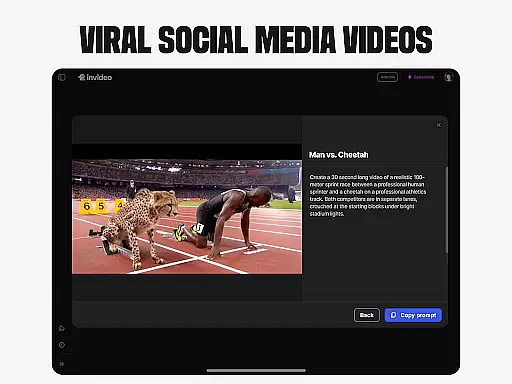
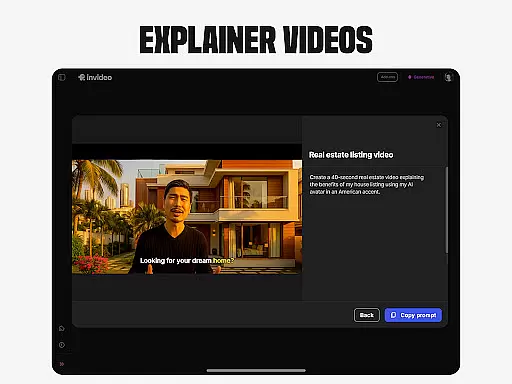
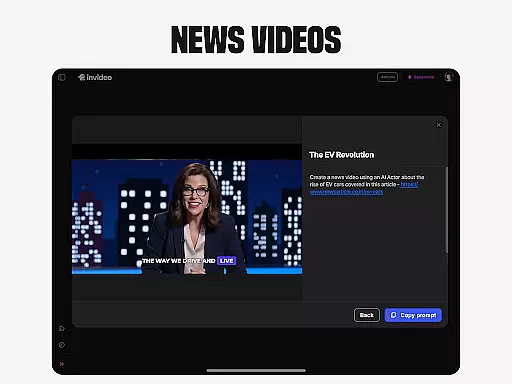
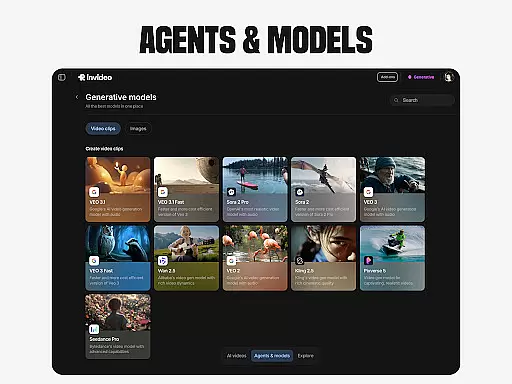
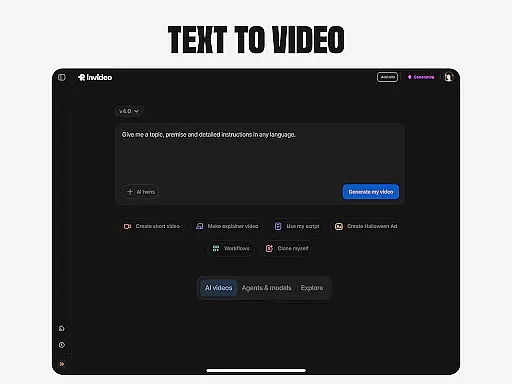
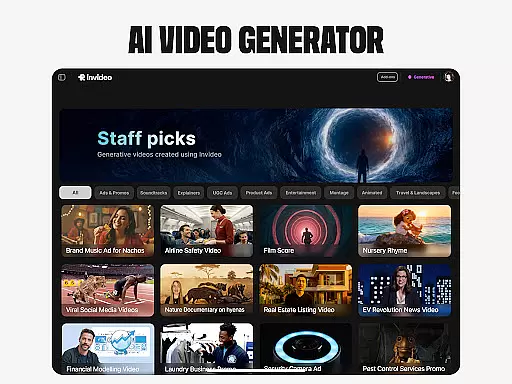
Invideo AI is a revolutionary video creation platform that leverages artificial intelligence to simplify and enhance the video production process. This powerful tool caters to both novice creators and seasoned professionals, offering an intuitive interface and advanced features without requiring specialized skills.
The application provides a comprehensive suite of AI-powered tools for creating various types of videos including explainers, promotional content, advertisements, and even full-length films. Users can generate complete video packages with scripts, generative media elements, multilingual support, captions, voiceovers, and sound effects. The platform's versatility extends to AI avatar creation, voice cloning, and image-to-video conversion, making it an all-in-one solution for diverse video production needs.
One notable use case is in e-commerce, where businesses can create virtual product try-ons and ultra-realistic testimonial videos using AI-generated human models. This feature eliminates the need for physical models, shipping logistics, and complex coordination, streamlining the content creation process while maintaining professional quality standards.
Invideo AI distinguishes itself through its extensive array of innovative features designed to streamline video production. The platform's AI video generator enables users to create complete video projects with minimal effort, incorporating scriptwriting, media generation, and post-production elements in over 50 languages.
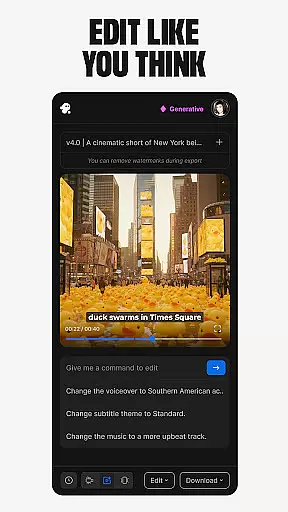
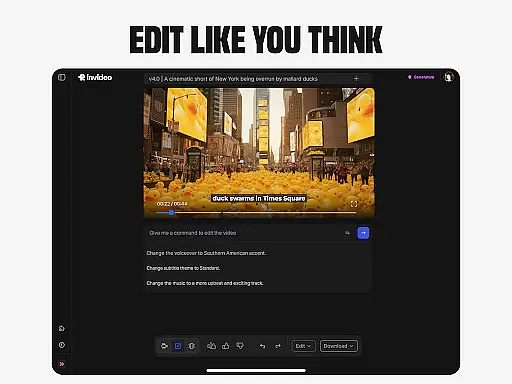
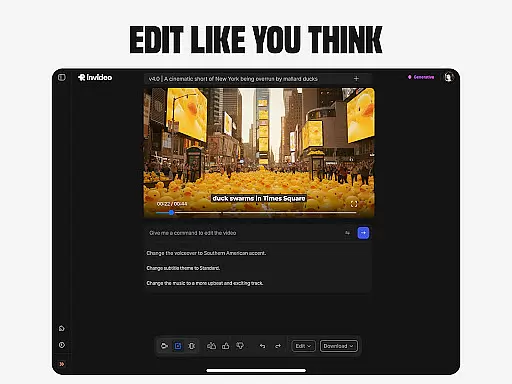
A standout feature is the AI avatar creation tool, which allows users to develop digital twins for various applications such as training videos and product demonstrations. The AI voice cloning capability permits users to create faceless videos while maintaining consistent vocal branding across multiple content pieces. Additionally, the platform offers sophisticated editing functions that enable users to modify scenes, adjust music, and refine video tone through simple text commands.
The application's AI-powered UGC (User Generated Content) capabilities are particularly noteworthy, allowing businesses to produce authentic-looking testimonial videos and spokesperson clips without the logistical challenges traditionally associated with such productions. The platform's ability to generate scroll-stopping social media content from simple prompts or existing scripts demonstrates its commitment to efficiency and accessibility in video creation.
Video format compatibility is a crucial feature for any video editing tool, ensuring that users can work with a wide range of file types without conversion hassles. Invideo AI supports over 50 languages and various media formats, allowing creators to seamlessly integrate scripts, generative media, captions, voiceovers, music, and effects into their projects.
The platform's extensive format support enables users to import videos, images, and audio files directly from their devices or cloud storage services. This flexibility empowers content creators to focus on storytelling rather than technical limitations, making it an ideal choice for both beginners and professionals alike.
With invideo AI's robust compatibility, users can export their finished videos in multiple resolutions and formats suitable for different platforms such as YouTube, Instagram, Facebook, and more. This ensures that the final product reaches its intended audience without compromising quality or accessibility.
AI-powered editing features revolutionize the way videos are edited by simplifying complex tasks through intelligent automation. Invideo AI leverages advanced algorithms to enable users to change scenes, edit music, refine tone, and swap voiceovers effortlessly using simple text commands.
This innovative approach eliminates the steep learning curve associated with traditional timeline-based editing software. Creators can now achieve professional-grade results without needing extensive technical expertise, saving time and resources while maintaining creative control over their projects.
In addition to streamlining the editing process, invideo AI offers unique capabilities like AI avatars, virtual product try-ons, and UGC videos with realistic human actors. These features empower businesses and individuals to produce engaging content that resonates with diverse audiences across various digital channels.
User-friendly interface
Comprehensive feature set
Multilingual support
Efficient workflow
Professional output quality
Subscription costs may be high
Learning curve for advanced features
Limited offline functionality
Dependent on internet connection
Occasional rendering delays

Fast, private downloading, video saving, social media
 4.50
4.50
VLC Remote lets you control your VLC Media Player on Mac, PC or Linux.
4.60
This app was created to edit the metadata of music files.
4.20
Movie maker & video editing app with AI effects and green screen
4.30
AI Video Editor:AI Music, Text to Video,Text to Speech,Auto Caption,Video Effect
4.00
Make your own Animations, Video and Photo Edits, Visual Effects, and more!
4.00
All in one multi protocols stream receiver for AirPlay, Cast and DLNA.
3.60
Make videos you’re proud to share with Edits, a video editor for creators.
4.70
Capture the moment and Cut
3.40
Find, download, and play torrents with the official BitTorrent® Pro app
4.70
KineMaster, Your Ultimate Video Editor!
4.40
Full HD Video mp3 Player, MP4 player play 1080p, File manager, Video Downloader
4.40
Powerful Video Editor & Photo Editing App —— Quick Edits & Stunning Effects!
4.30
Video Downloader is an utility that can save videos and music from web sites
4.20
1)AirPlay/DLNA Mirroring/Streaming, up to 4 connections; 2)Samba/NAS/DMS Player.
4.00
Live TV, anywhere in your home
3.80
Client application for NextPVR software
3.00
Video player with powerful streaming playback and various convenient features.
2.10
Stream high quality video from your camera over NDI protocol
4.4


User Reviews