
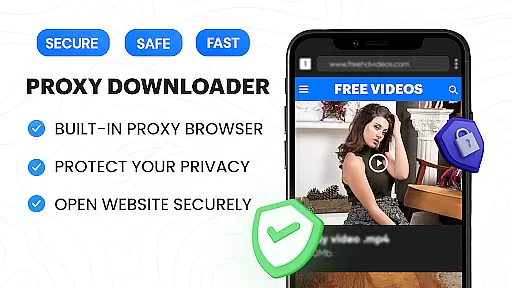
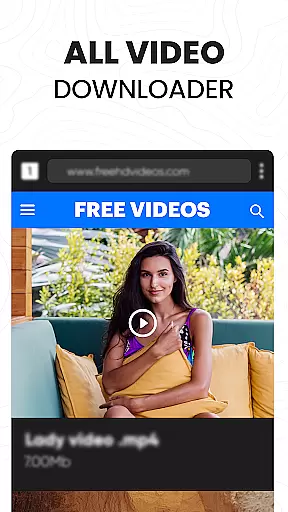




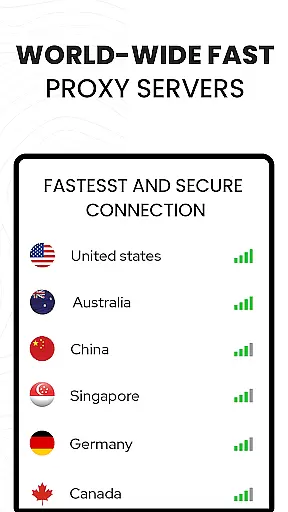


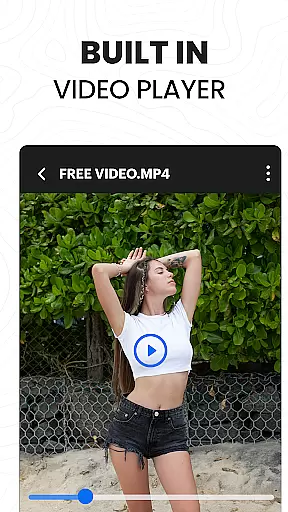
Video Downloader Proxy Browser is a versatile application designed for Android users who need a secure and efficient way to browse, download, and manage videos. This app combines a fast HD video downloader, a built-in proxy browser, and an advanced video player, making it a comprehensive tool for media consumption.
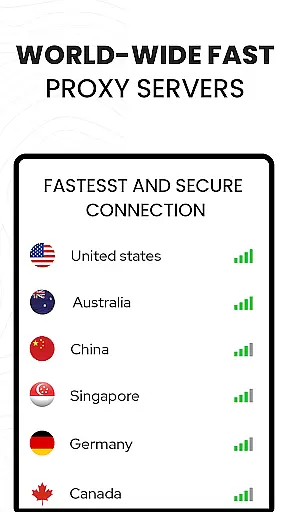
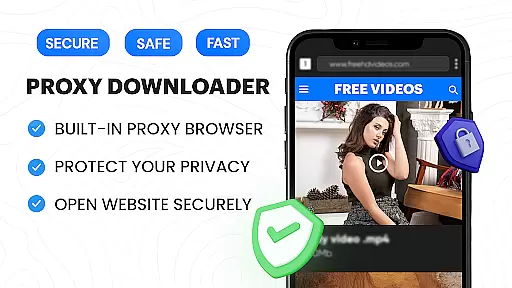
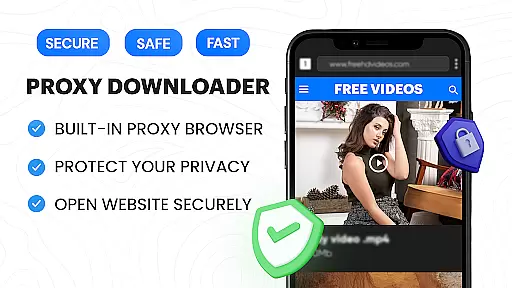
The secure proxy browser ensures privacy and security, even on public WiFi, while enabling unlimited access to content. With features like ad and tracker blocking, the browser not only enhances speed but also reduces data usage. The integrated video downloader supports one-tap downloads of videos, reels, stories, and social media clips in ultra HD quality.
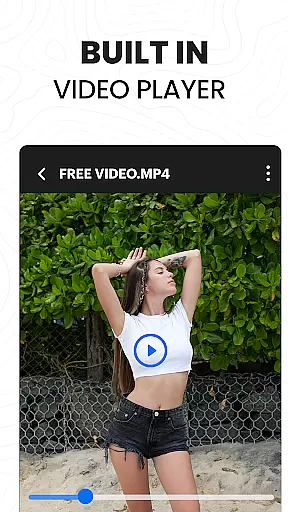
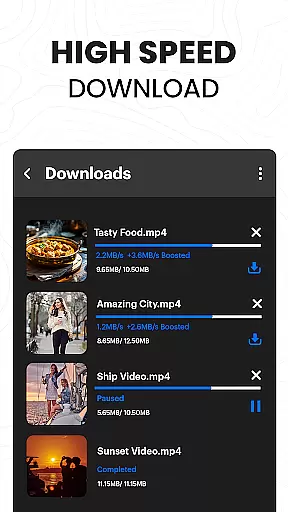
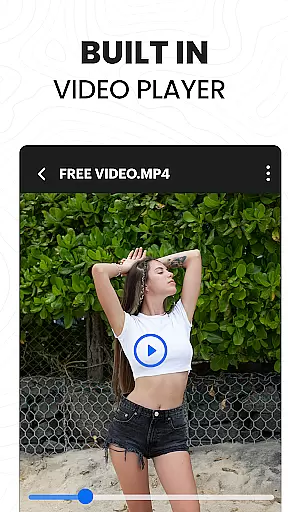
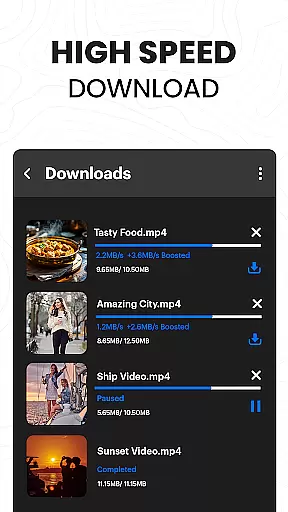
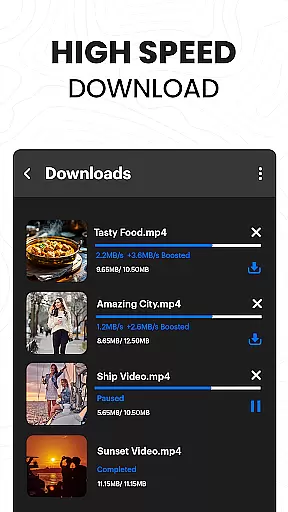
Users can enjoy smooth playback with the built-in 4K video player that supports multiple formats. Additionally, the app's advanced download manager allows multiple simultaneous downloads, background downloading, and interrupted task resumption, ensuring up to 4X faster download speeds without compromising quality.
Video Downloader Proxy Browser offers a robust set of features tailored for seamless video management and secure browsing. One of its standout features is the built-in proxy browser, which provides strong protection and security by keeping user data safe from trackers and ads.
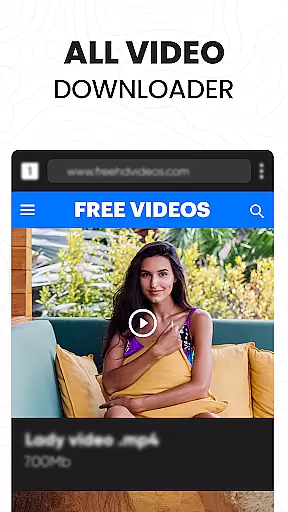
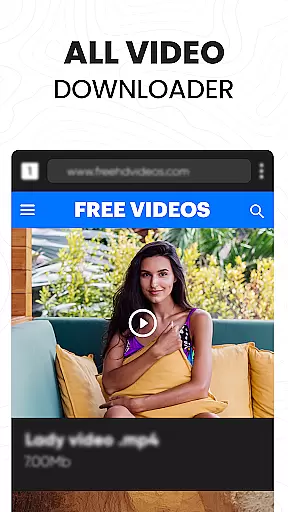
The app includes a powerful video downloader capable of auto-detecting videos on websites and facilitating one-click HD downloads. It supports downloading videos, stories, and other media from popular platforms. The download manager is highly efficient, supporting multiple simultaneous downloads, background mode, and resume options for interrupted tasks.
In addition to downloading capabilities, the app boasts an ultra HD video player that supports 4K resolution and various video formats. Users can save downloaded files in password-protected folders, ensuring their content remains private and secure. These features collectively enhance the user experience by providing both convenience and peace of mind.
Video format compatibility is a crucial feature for any video player and editor, ensuring that users can enjoy content across various formats without technical barriers. The Video Downloader Proxy Browser app excels in this area by supporting an extensive range of video formats, including but not limited to MP4, AVI, MKV, and MOV.
This application's built-in ultra HD video player elevates the viewing experience by flawlessly playing high-resolution videos up to 4K. Whether you're downloading from websites or saving social media clips, the downloader ensures that the original quality is preserved, offering users a cinema-like experience on their Android devices.
Moreover, the app simplifies the process of managing different file types. With its powerful download manager, users can handle multiple simultaneous downloads while maintaining format integrity. This means no more worrying about whether a video will play or not; just download and enjoy seamless playback anytime, anywhere.
The ability to support diverse video formats also extends to editing capabilities within the app. Users can trim, merge, or convert videos without losing quality, thanks to the comprehensive format compatibility. This versatility makes the Video Downloader Proxy Browser an indispensable tool for both casual viewers and content creators who demand flexibility and performance from their mobile applications.
AI-powered editing features represent the cutting-edge advancement in video players and editors, providing users with intelligent tools that simplify complex tasks. The Video Downloader Proxy Browser app incorporates these innovative technologies to enhance user experience through automated processes like smart auto-detect, which identifies videos on web pages for quick downloads.
One standout feature is the app's ability to optimize video quality during downloads using AI algorithms. These algorithms analyze each frame and adjust settings accordingly, ensuring that users receive the best possible resolution without manual intervention. Additionally, the built-in proxy browser benefits from AI-driven ad and tracker blocking, making browsing faster and safer while consuming less data.
The integration of AI doesn't stop at download optimization. The app offers advanced video management options powered by artificial intelligence, allowing users to organize their media library efficiently. From categorizing downloaded videos based on content type to suggesting edits based on viewing habits, the AI enhances productivity and enjoyment.
Furthermore, the app leverages AI to provide personalized recommendations for video content. By learning user preferences over time, it curates a selection of videos tailored to individual tastes, ensuring continuous engagement. This combination of intelligent editing tools, optimized performance, and personalized content delivery positions the Video Downloader Proxy Browser as a leader in modern mobile video applications.
User-friendly interface
Fast download speeds
Secure proxy browsing
Ad and tracker blocking
High-quality video playback
Limited platform compatibility
No YouTube support
Potential legal concerns
Privacy policy limitations
Occasional bugs

HD Video player all format, HD Videos, Cast & Subtitle. No annoying ads.
 4.60
4.60
Video Player - Unlimited features, 30 days money back guarantee.
4.60
Watch full episodes of your favorite Cartoon Network and Cartoonito shows!
3.50
Watch a large amount of high-definition short drama content
4.60
Stream high quality video from your camera over NDI protocol
4.0
Download videos easily & play them all in one smart, powerful video manager.
3.40
An easy-to-use and all-round screen recorder with audio
4.80
IPTV Loader, loads your own Playlist. DOES NOT CONTAIN ANY LIST OR CHANNELS
4.60
This app is an emulator of some specific IPTV boxes
3.50
Flud is a simple and beautiful BitTorrent client for Android.
4.80
Video Trimmer, Video to MP3 Converter. Extract music from video, Easy & Fast.
4.80
AI Video Editor with Music, Filter, Slideshow, Effect, Merge & Trim Video.
4.80
Fast, private downloading, video saving, social media
4.50
Cast to Chromecast, Xbox, Fire Stick, Roku, DLNA, Smart TV & No Feature Limited!
4.50
Browser for Samsung TV to stream webvideos, online movies and livestreams in HD
4.10
LumaFusion: The Ultimate Storytelling Experience for Video Editing
4.10
Powerful, professional, versatile teleprompter. Developed by an active film crew
4.00
The essential companion to your Blue Iris PC software
2.50
The smartest M3U IPTV Player your playlists have ever seen.
4.2


User Reviews