
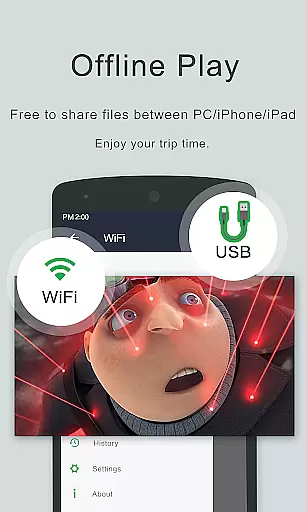
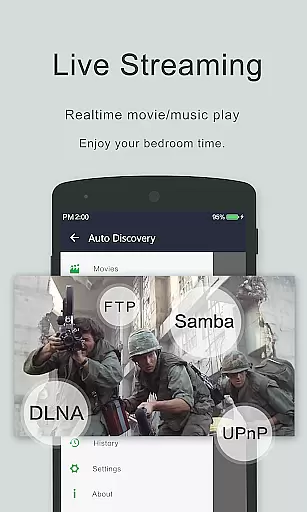
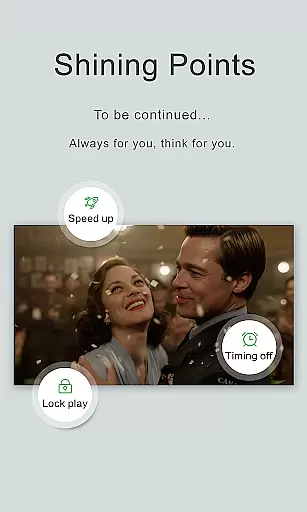
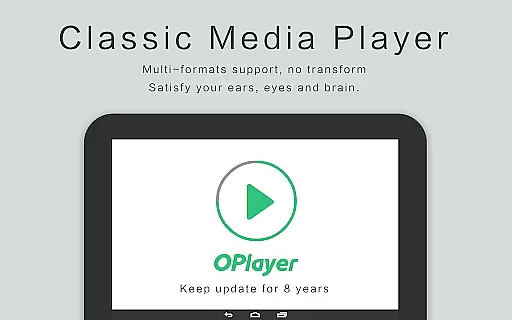
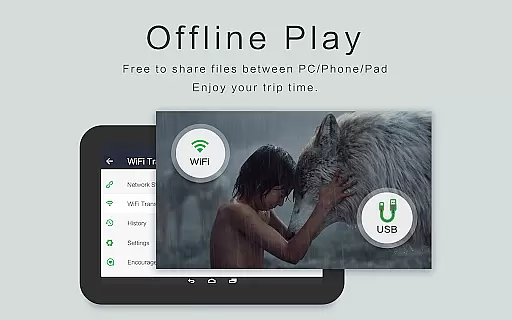
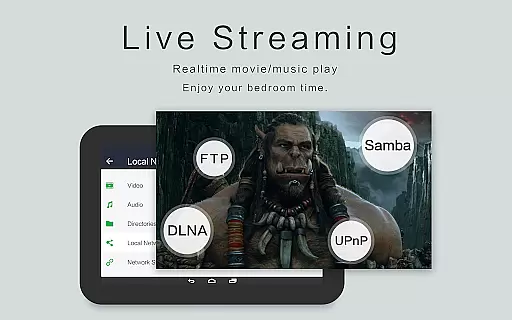
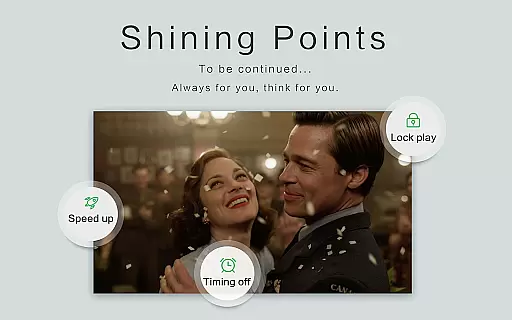
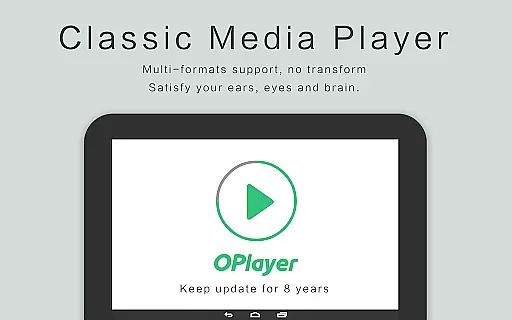
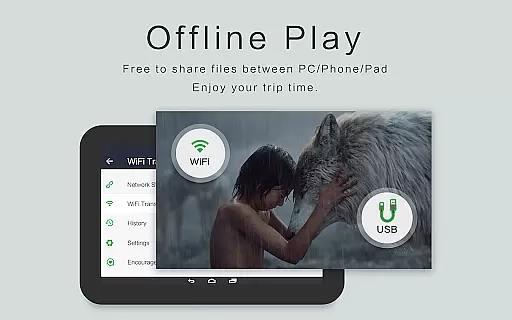
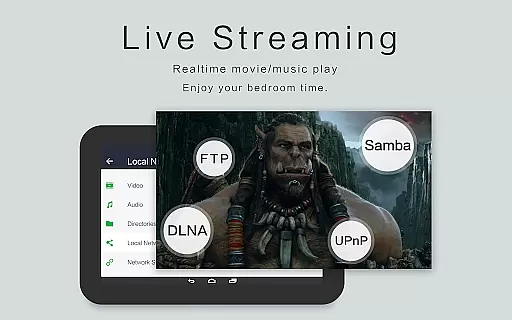
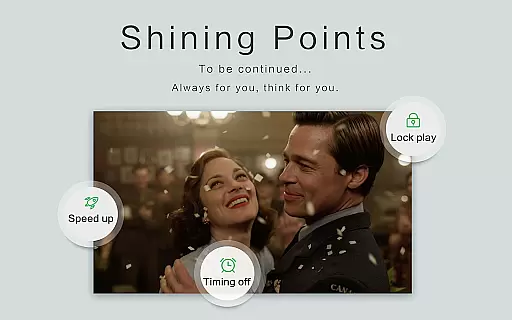
OPlayer is a professional media playback tool that has been under development for 12 years, making it one of the best HD video players for Android devices. It supports almost all media formats including MKV, MP4, AVI, and more, ensuring comprehensive compatibility for seamless video playback.
As an Ultra HD video player, OPlayer supports 4K resolution and hardware acceleration, delivering crisp and smooth viewing experiences. The app also features Chromecast support, allowing users to cast videos to their TV effortlessly. With advanced functionalities like pop-up window playback, night mode, and subtitle downloader, OPlayer caters to diverse user needs.
The application's secure gesture unlock feature keeps your video content safe while its full-featured file manager simplifies video organization and sharing. Suitable for both Android tablets and phones, OPlayer enhances multimedia consumption with its versatile playback options and user-friendly interface.
OPlayer stands out with its extensive format support, covering most video formats such as MKV, MP4, AVI, and audio formats like FLAC and DTS. This versatility ensures users can play virtually any media file without conversion hassles.
One of the key highlights is its Ultra HD and 4K video playback capability, which utilizes hardware acceleration for optimal performance. The floating video player feature enables multitasking by allowing videos to be played in a resizable pop-up window, perfect for productivity and entertainment.
Additional notable features include background video playback, Chromecast integration, and a comprehensive file manager. These tools collectively provide users with a robust platform for managing, playing, and sharing their multimedia content efficiently across different devices.
Video format compatibility is a crucial feature for any video player application, determining its ability to play various file types seamlessly. OPlayer excels in this area by supporting an extensive range of video formats including MKV, MP4, AVI, and many more.
The app's comprehensive format support ensures that users can enjoy Ultra HD and 4K videos without worrying about compatibility issues. Whether it's a high-definition movie or a simple recording, OPlayer handles different resolutions and codecs with ease.
With hardware acceleration, the playback experience is smooth and efficient, utilizing the device's capabilities to render videos optimally. This makes OPlayer not just versatile but also a reliable choice for users who require consistent performance across all types of media files.
While primarily known for its playback capabilities, OPlayer also offers AI-powered editing features that enhance the user's interaction with their media. These smart tools allow for intuitive video management and customization options that cater to both casual viewers and tech-savvy editors.
Among these features is the automatic identification of all video files on the user's device and SD card, simplifying the organization and access process. The built-in file manager supports operations like move, cut, and paste, making video management effortless.
Additionally, OPlayer provides advanced playback options such as auto-rotation, aspect-ratio adjustment, and screen-lock, which give users control over their viewing experience. Although not traditional editing features, these functionalities contribute to a personalized and convenient media consumption environment.
Comprehensive format support
Ultra HD and 4K playback
Chromecast integration
Floating video player
Secure gesture unlock
Interface may feel dated
Occasional playback glitches
Limited customer support
No cloud integration
Heavy on system resources

The smartest M3U IPTV Player your playlists have ever seen.
 4.0
4.0
Full HD Video mp3 Player, MP4 player play 1080p, File manager, Video Downloader
4.40
HD video maker with no watermark, no ads & vlog maker with music, PIP, text
4.50
KMPlayer Plus (Divx Codec) officially support Divx codec.
4.30
Powerful Video Editor & Photo Editing App —— Quick Edits & Stunning Effects!
4.30
Download videos and play them offline
4.70
Browser for Sony TV to stream web videos, online movies and live tv
3.20
Cast movies, tv shows and live streams to Chromecast, Roku, DLNA, Fire TV & more
4.60
Create, Publish & Maximize
4.70
Download Hub, easy and private way to download and enjoy your videos offline
4.80
Fast & easy HD video downloader for all formats, support 4K playback & download.
4.60
Video Downloader, Multiple Resolution Options, Video Player
4.50
Movie maker & video editing app with AI effects and green screen
4.30
This app was created to edit the metadata of music files.
4.20
Powerful, professional, versatile teleprompter. Developed by an active film crew
4.00
Stream Web Videos to Chromecast, Samsung, LG, Sony, Roku, Fire TV, DLNA + more
4.00
Explore the largest library of free GIFs, Stickers & Memes - or create your own!
3.90
Watch full episodes of your favorite Cartoon Network and Cartoonito shows!
3.50
This app is an emulator of some specific IPTV boxes
3.50


User Reviews