
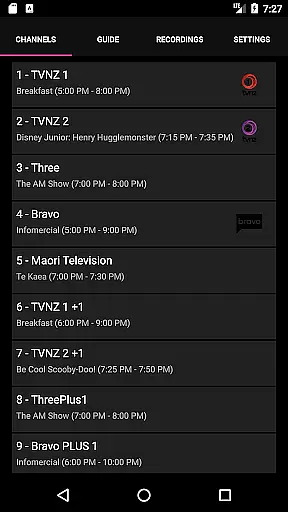
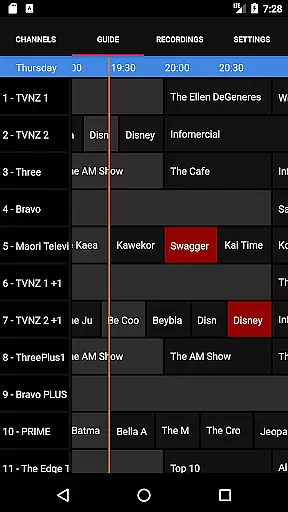
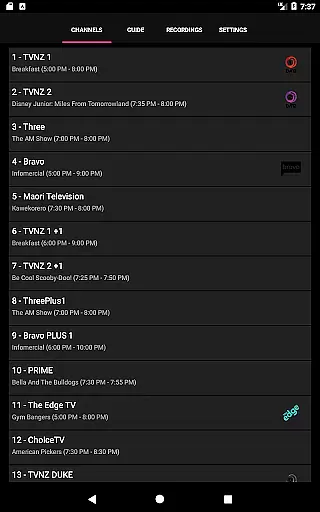
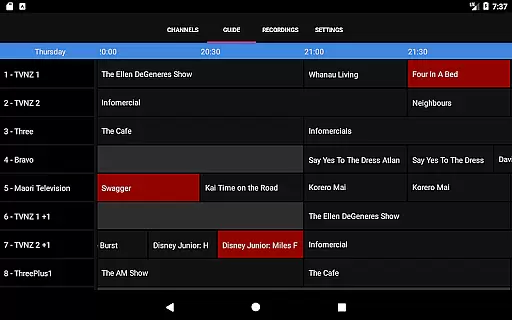
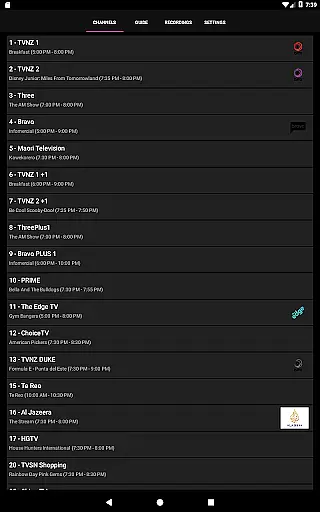
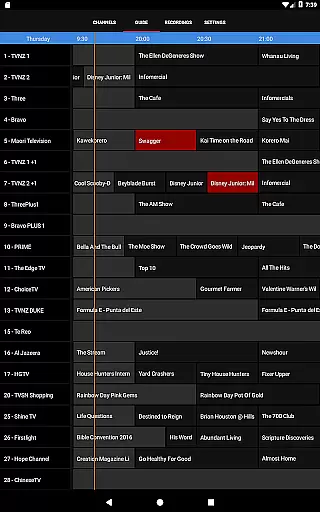
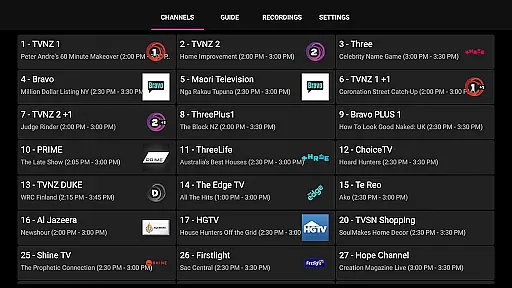
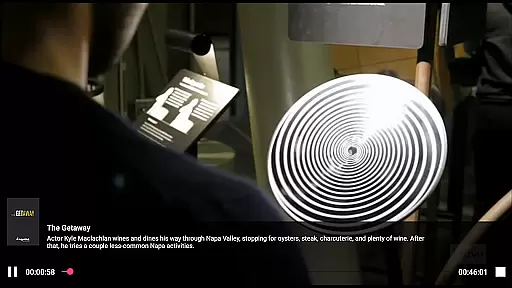
NextPVR is a versatile client application that connects users to the NextPVR software, enabling comprehensive control over their home media systems. Designed for seamless integration with NextPVR 4.1.0 or higher, this app allows you to manage live TV broadcasts, access an intuitive TV guide, and schedule recordings effortlessly.
This app transforms your mobile device into a powerful remote control for your Windows PC-based media center. With support for various TV tuners and video capture sources, it delivers a complete solution for enjoying and managing television content on the go. Whether you're at home or away, NextPVR ensures you never miss your favorite shows.
NextPVR boasts an array of features tailored for avid TV viewers. The app provides real-time access to live TV streams, ensuring minimal delay when switching channels. Its integrated TV guide offers a clear overview of programming schedules, empowering users to make informed viewing choices.
One standout feature is the recording scheduler, which simplifies the process of capturing your preferred shows. Additionally, the app supports playback of previously recorded content directly from your mobile device. These capabilities collectively enhance the user's ability to interact with their media library conveniently and efficiently.
NextPVR offers extensive video format compatibility, ensuring users can enjoy a wide range of media content without worrying about format restrictions.
The app supports popular formats such as MP4, AVI, MKV, and more, allowing seamless playback of videos recorded from ATSC/DVB/Analog TV tuners or other capture sources.
This flexibility enables users to watch live TV, view recordings, and manage their media library with ease. By supporting multiple formats, NextPVR ensures that users won't encounter playback issues regardless of the source or type of video content they wish to view.
While primarily a media player, NextPVR incorporates AI-powered editing features that enhance the user experience when managing recordings.
These features include automated scene detection, smart trimming, and intelligent chapter creation, which help users efficiently organize and edit their recorded content.
By leveraging AI technology, NextPVR simplifies the editing process, making it accessible even to users without advanced technical skills. This functionality adds significant value for those who regularly record and edit TV shows or events, streamlining their workflow and saving time.
User-friendly interface
Comprehensive TV guide
Live TV streaming
Remote recording scheduling
Playback flexibility
Requires separate NextPVR installation
Limited to Windows PCs
Dependent on network stability
No standalone functionality
Premium features may require additional setup

You can play SWF format file!
 2.50
2.50
IPTV-Smarters Player Pro M3U - Watch Live Stream TV Channels with Chromecast
4.00
Cast Videos from Web Browser, IPTV to Roku, Chromecast, DLNA, Smart TV +more
4.60
Tik & Story Saver-Download ALL social media videos, photos & reels no watermark.
4.80
Live TV, anywhere in your home
3.80
Video player with powerful streaming playback and various convenient features.
2.10
Manage your IPTV live channels and VOD playlists (no playlist included)
3.80
Screen recorder with audio to take live videos & Screenshot in high quality!
4.70
Fast private browser with secure, seamless access & supported video downloads!
4.00
An easy-to-use and all-round screen recorder with audio
4.80
High-Quality USB Camera Viewer & HDMI Display
4.70
KineMaster, Your Ultimate Video Editor!
4.40
Full HD Video mp3 Player, MP4 player play 1080p, File manager, Video Downloader
4.40
KMPlayer Plus (Divx Codec) officially support Divx codec.
4.30
Turn your phone into a wireless camera!
4.20
Video player with 4K & 1080P support, popup play, background play and subtitle.
4.20
HD video & music player - All format support with floating & PIP mode!
3.80
This app is an emulator of some specific IPTV boxes
3.50
Mix with Virtual DJ directly from your phone or tablet !
3.10


User Reviews