
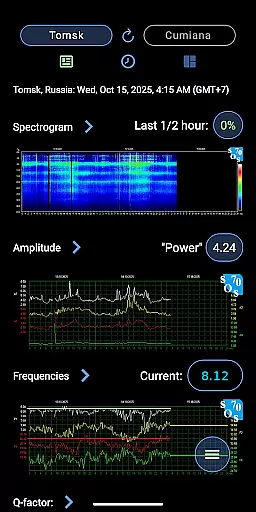
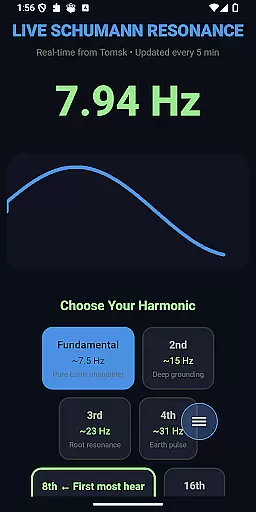
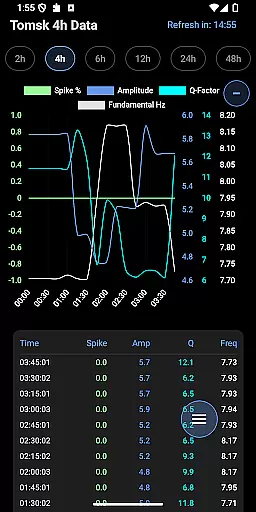
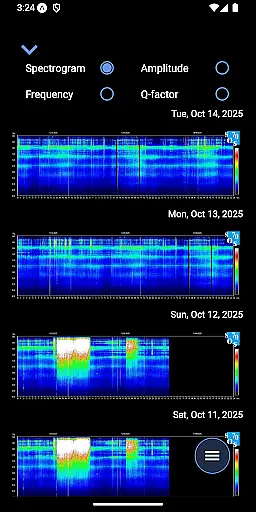
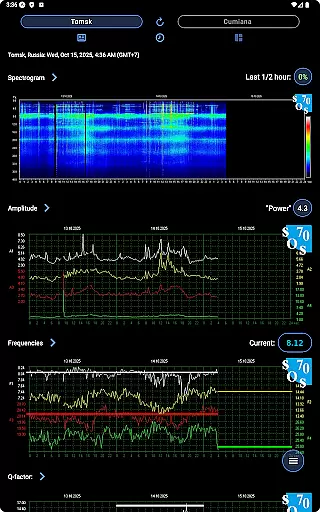
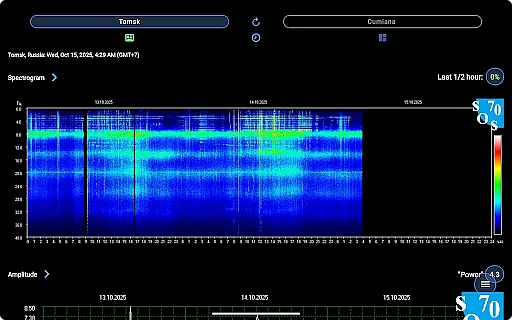
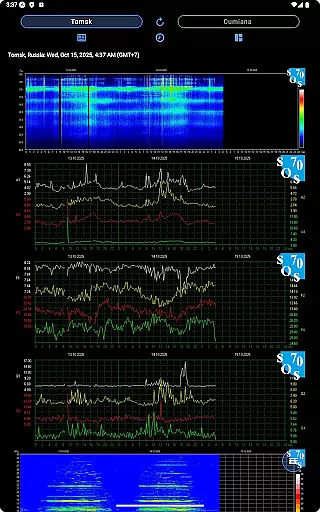
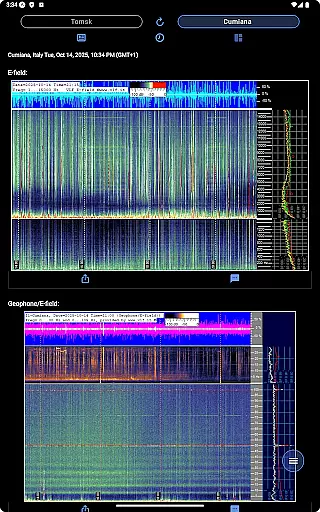
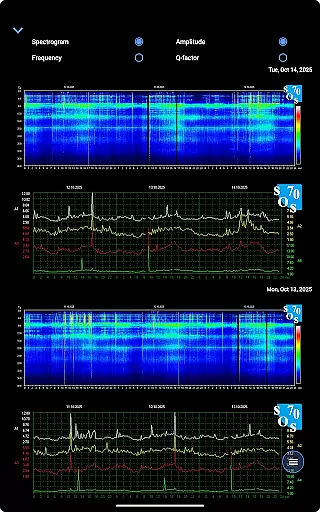
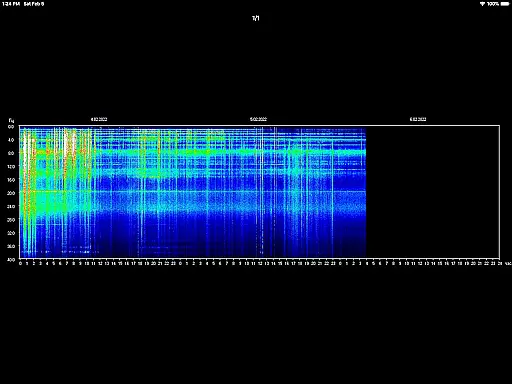
Schumann Resonance is a specialized tool designed for monitoring the Earth's electromagnetic field spectrum. It provides real-time data on spectrum peaks in the extremely low frequency (ELF) range, generated by lightning discharges between the Earth's surface and the ionosphere.
The app offers advanced features like spectrogram analysis, amplitude tracking, frequency monitoring, and Q-factor measurements. Users can access both current values and historical archives from locations like Tomsk and Cumiana. Its intuitive interface allows users to zoom, pinch, rotate, and share detailed spectrogram images.
With applications in geophysics and environmental monitoring, this app is ideal for researchers, enthusiasts, or communities tracking global electromagnetic resonances.
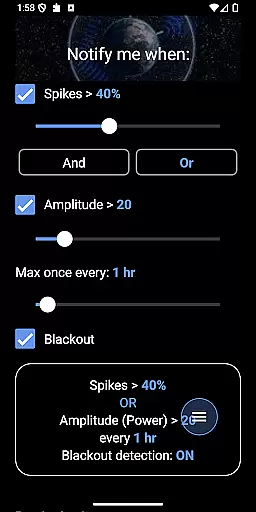
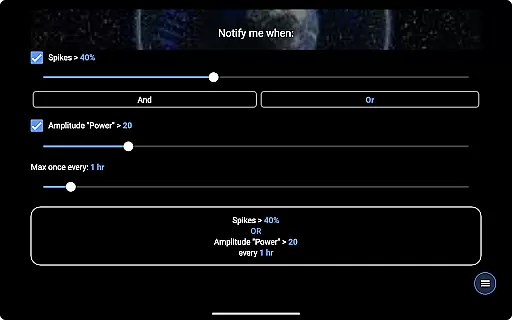
Schumann Resonance stands out with its comprehensive suite of tools for analyzing electromagnetic data. The app delivers notifications for significant events such as spikes and amplitude changes, ensuring users never miss critical updates.
One of its core strengths is the integration of AI analysis for spectrograms and geo/e-field data. This feature enables deeper insights into the Earth's electromagnetic activity. Additionally, users can browse archives, interact with 48 hours of historical data, and even listen to the fundamental frequency from Tomsk.
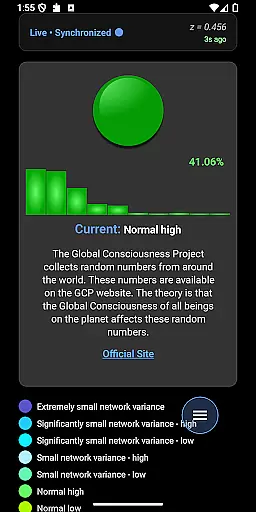
Other notable features include an animated GCP dot showing live data, offline/online status indicators, and resource links to NOAA, Kp-index, and more. These capabilities make it a versatile tool for both casual users and professionals.
The Schumann Resonance app provides precise and reliable data on Earth's electromagnetic field spectrum. It offers real-time values for key metrics like Spike, Amplitude, Frequency, and Q-factor.
Users can access advanced features such as AI analysis of spectrograms and geo/E-field data. The integration of Tomsk and Cumiana archives ensures comprehensive historical information tracking.
With interactive charts and notifications for significant changes, the app empowers users to stay informed about crucial environmental data. This level of detail and accuracy makes it an essential tool for enthusiasts and researchers alike.
Schumann Resonance boasts a user-friendly interface that simplifies complex data interpretation. Its intuitive design allows users to easily navigate through various charts and spectrograms.
The app includes helpful 'How To' popups that guide users in understanding each chart's significance. Essential features like zoom, pinch, rotate, and sharing options enhance the overall user experience.
By providing clear resources and links to related communities, the app creates an accessible entry point for both beginners and experts interested in electromagnetic field studies.
Real-time ELF data
AI spectrogram analysis
Comprehensive archive access
Customizable notifications
User-friendly interface
Complex for beginners
Requires constant internet
Premium features locked
Limited offline functionality
Highly specialized audience

Easily install aab(Android App Bundle) files on your Android device with our app
 4.80
4.80
Just swipe the edge to do something!
4.40
Family Locator, Share location, StayConnect with your family in real time
3.90
Canon PRINT is a companion app for your Canon printer.
4.60
VESC Tool can monitor and configure VESC-compatible devices over BLE and Wifi
4.20
Signal Strength, Mobile, Wifi, Speed Test, Bad Signals, Cellular, 5G, LTE, 4G
4.20
Making emulation easy for everyone!
4.30
The Ultimate Bluetooth Keyboard & Mouse. Securely control your PC, Mac, and more
4.50
Mirror your screen to Fire TV - Super fast and simple
4.40
Connect wirelessly to your computer to watch movies, browse the web, play games
5.00
Bedrock Together: Join any bedrock server on Xbox/PS
4.80
WiFi Signal Strength Meter help you detect WiFi Signal Strength in real time.
4.80
Creation, Learning, Entertainment & More — The All-in-One AI Search Engine
4.70 4.50
4.50
Button mapper, mouse toggle, sleep timer and a lot of another features
4.50 4.10
4.10
Automate everything from settings to photos, SMS to speech. ADC2 prize winner.
4.10
Fun lie-detection pranks for friends and parties.
3.80
Undelete and recover your lost or deleted files with DiskDigger!
3.40


User Reviews