
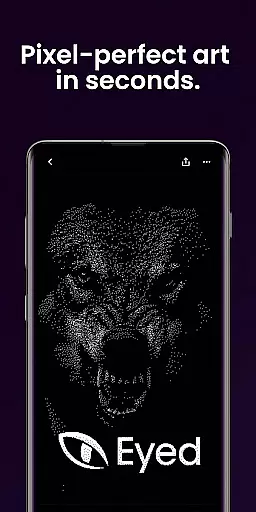
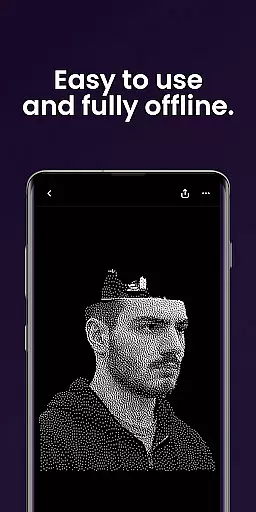
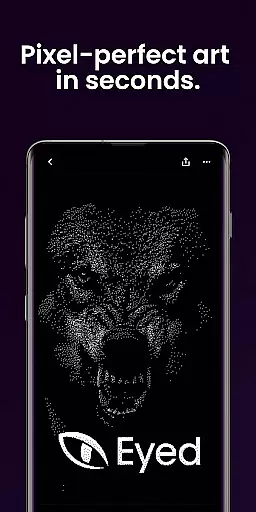
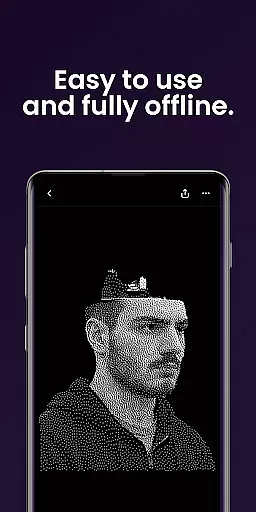
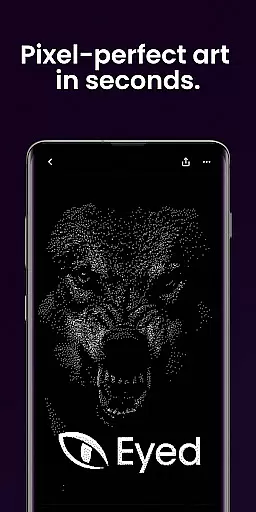
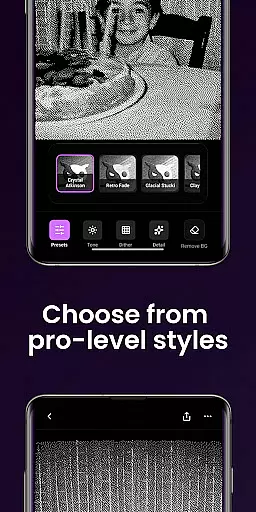
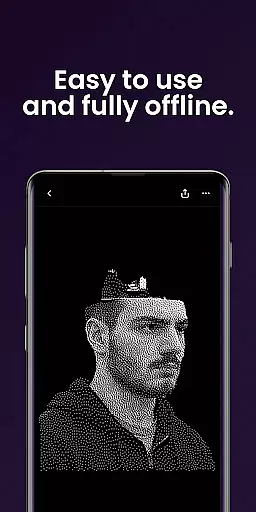
Dither By Eyed is a photo editor app designed to transform your photos into print-inspired artwork with expressive results in seconds. It offers iconic processing methods such as Floyd-Steinberg, Atkinson, and Stucki, along with curated looks that deliver instant character. Users can fine-tune images by adjusting contrast, midtones, highlights, blur, scale, and threshold with real-time previews. The app also allows isolating subjects cleanly and exporting high-quality results ready for print, web, or social media.
Thoughtfully designed for creators, Dither By Eyed supports importing from the photo library or capturing with the camera. It features pinch-to-zoom functionality and is optimized for phones and tablets with a clean, focused interface. No account is required, making it easy to open, create, and share your artwork.
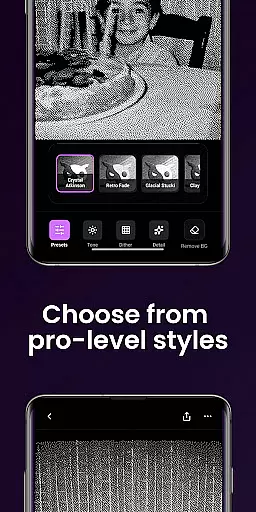
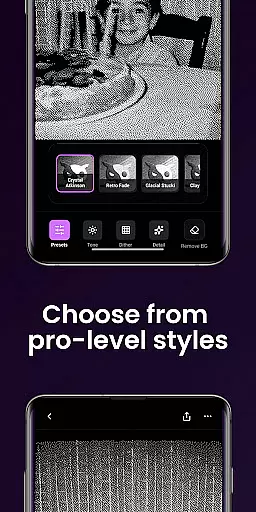
Dither By Eyed offers a variety of features that make photo editing accessible and creative. Explore iconic processing methods like Floyd-Steinberg, Atkinson, Stucki, Bayer, and blue-noise patterns for authentic texture and structure. Apply curated looks with one tap, such as Crystal Atkinson, Retro Fade, Warm Grain, Glacial Stucki, and Frozen Bayer to give your photos instant character.
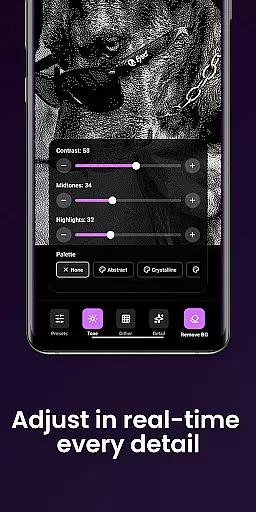
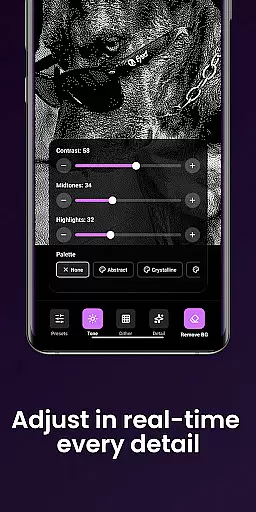
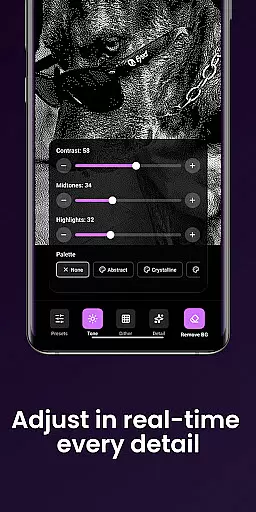
Fine-tune your images with responsive, real-time previews by adjusting contrast, midtones, highlights, blur, scale, and threshold. Isolate subjects cleanly to create crisp compositions or poster-style silhouettes. Export your artwork in high-quality formats ready for print, web, or social media, all within moments.
In the realm of digital artistry, having a comprehensive suite of creative tools is essential for bringing visions to life. Dither By Eyedu2122 stands out by offering an extensive array of iconic processing methods such as Floyd-Steinberg, Atkinson, and Stucki. These are not just filters but gateways to adding authentic texture and structure to your artwork.
Moreover, the app provides curated looks that can be applied with a single tap. Options like Crystal Atkinson, Retro Fade, and Warm Grain allow users to infuse their images with instant character and mood. This ease of use combined with powerful processing capabilities ensures that both amateur and professional artists can achieve their desired aesthetic without a steep learning curve.
Fine-tuning is where Dither By Eyedu2122 truly shines. The responsive, real-time previews let creators adjust contrast, midtones, highlights, blur, scale, and threshold with precision. Such detailed control over every aspect of image manipulation means that each piece can be meticulously crafted to match the artist's vision, ensuring satisfaction and a sense of accomplishment.
Flexibility in canvas and format options is crucial for artists who wish to explore different mediums and presentation styles. Dither By Eyedu2122 addresses this need by enabling users to import images from their photo library or capture new ones directly with the camera. This versatility ensures that inspiration is never lost, whether it strikes indoors or out in the world.
The app also supports pinch-to-zoom and pan functionalities while working on images. This feature allows for precise adjustments and detailed refinements, which are necessary when isolating subjects cleanly or creating crisp compositions. Artists can experiment with poster-style silhouettes or intricate designs knowing they have the control needed to perfect every detail.
Exporting high-quality results is seamless with Dither By Eyedu2122. Creators can save their work in formats ready for print, web, or social media sharing within moments. With support for common image formats, moving between different platforms and uses becomes hassle-free, making sure that artwork looks its best no matter where it ends up.
User-friendly interface
Real-time previews
High-quality exports
No learning curve
Variety of styles
Limited advanced tools
No account sync
Few customization options
Basic image formats
Occasional bugs

Pose and morph realistic male and female models! 3D poser app
 3.00
3.00
Customizable Outlined Fonts. Watch Face Format. Battery friendly Digital Clock.
4.20
Create sweet, cool and unique couple avatars easily, in just a few steps!
3.40
Stylish letters, Stylish Keyboard, Symbols, Emojis, Cool nickname
4.40
Create trending AI photos & videos with powerful effects and 3D styles.
3.20
Draw beautiful mandala's very easily
4.60
Draw anime easily with AR guidance, sketch templates & trace tools!
3.10
Get creative and make art with your Sesame Friends!
4.00
Create cute cat emojis & PFPs! Fun, custom avatars for cat lovers.
3.70
Share the joy of painting with ibis Paint! Drawing anime and manga art.
4.50
Draw anime & manga drawing, art with templates to create stunning picture!
4.50
Video AI: Revolutionize Your Content Creation with Advanced Video Generation
4.50
Photo blender app to create overlay photos & double exposure.
4.40
Everything you need to create hand drawn animation, anywhere you go!
4.40
Create and Design Custom Logos in Seconds with AI-Powered Tools!
4.40
Sketch and paint on your device with the feel and freedom of drawing on paper
4.00
Sketch, trace and master AR drawing with awesome anime art!
3.30
Art of Combination Wear OS Watch faces
4.4
Android 14 style widgets and wallpapers app.
4.5


User Reviews