
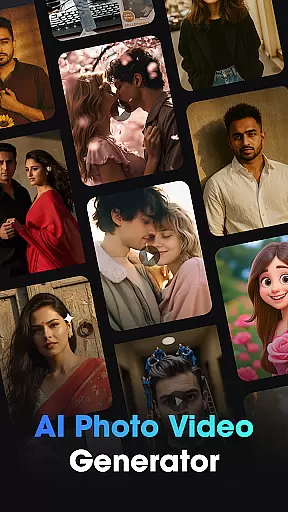
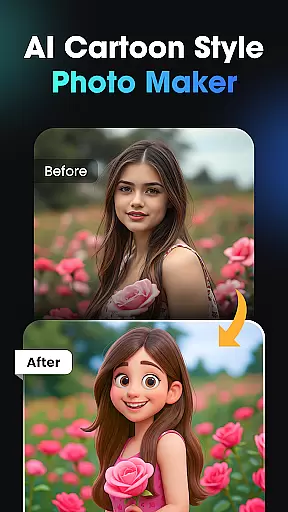
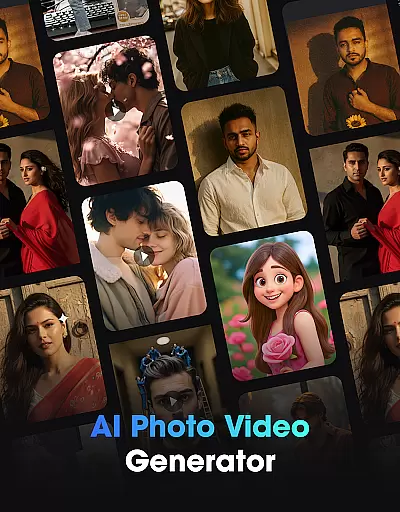
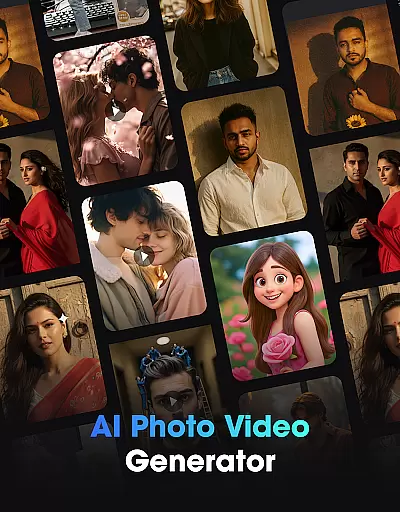
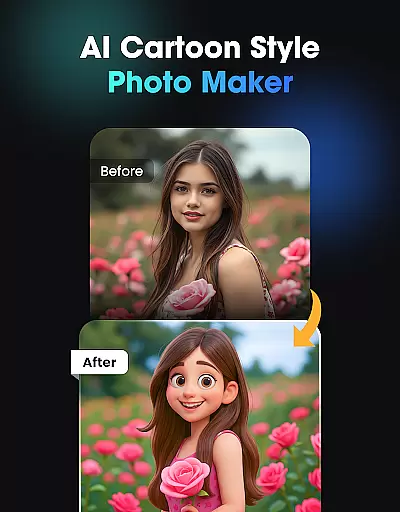
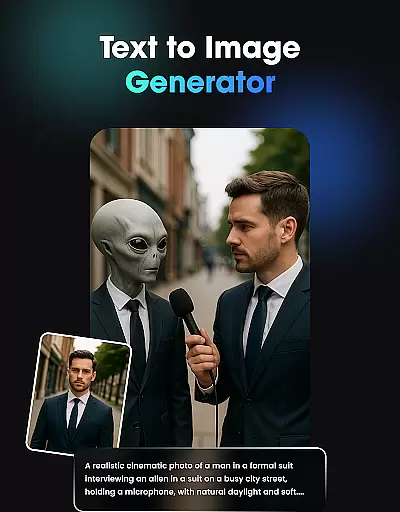
Vidix - AI Photo Video Generator represents a breakthrough in creative tools, offering users the ability to transform photos and text ideas into professional-quality videos and visual effects through artificial intelligence. This app is perfect for creators who want to produce engaging content without needing advanced editing skills.
The platform provides multiple AI-powered features including realistic video generation from photos, 3D character creation, and text-to-video capabilities. With Vidix, users can easily create lifelike animations, trendy avatars, and cinematic visuals that are ideal for social media platforms. Its intuitive interface ensures that anyone can achieve stunning results with just a few taps.
Whether you're an influencer, designer, or casual creator, Vidix empowers you to bring your imagination to life while saving time and effort. The app's regular updates ensure access to the latest AI filters and styles, making it a go-to solution for modern digital storytelling.
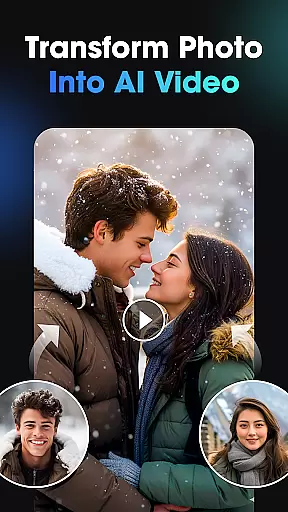
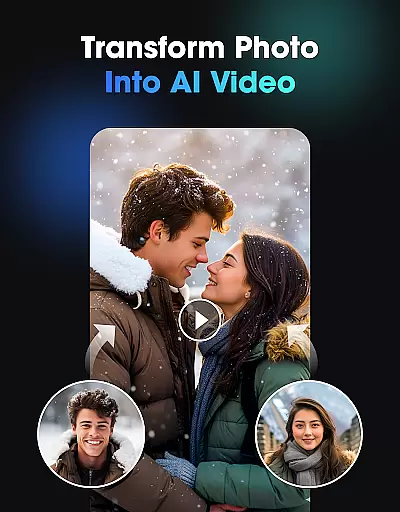
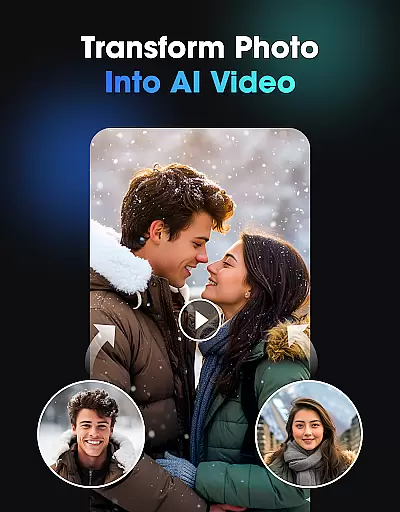
Vidix stands out with its diverse range of AI-driven tools designed to cater to various creative needs. One of its core functionalities is the AI Video Generator, which animates static images into dynamic videos complete with natural expressions and movements. This feature allows users to craft compelling narratives effortlessly.
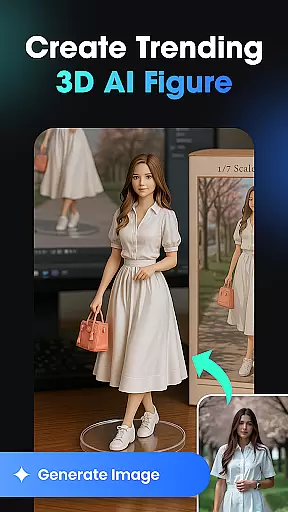
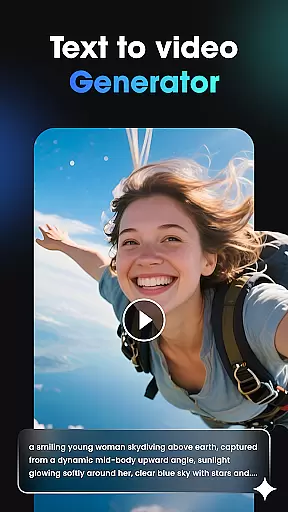
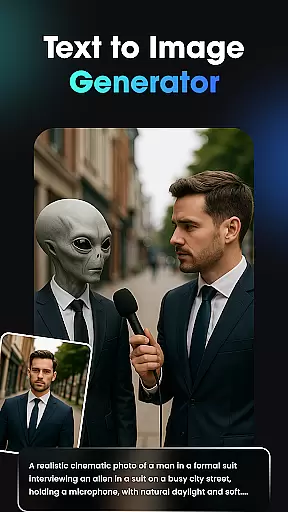
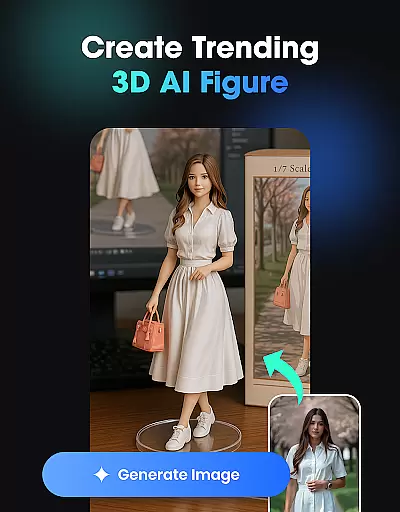
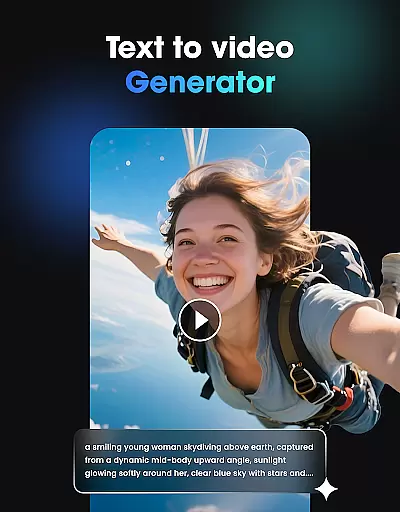
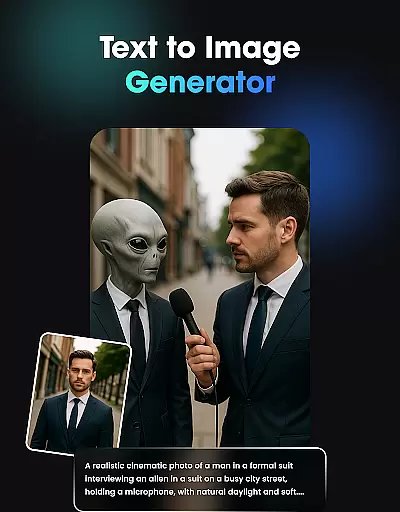
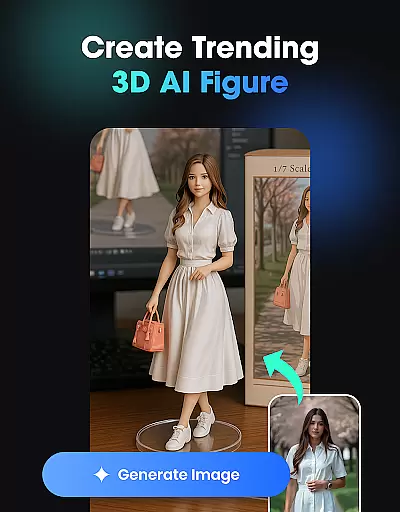
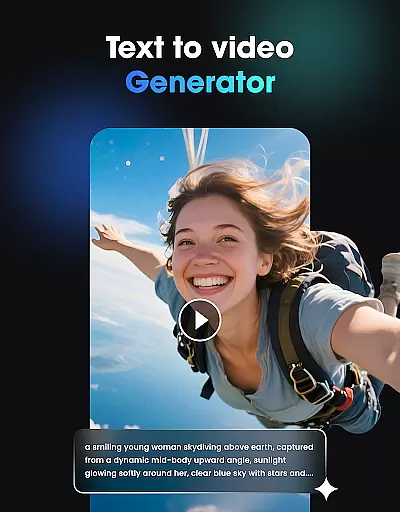
In addition, the app includes a 3D AI Figure & Avatar Creator, enabling users to design personalized characters using customizable poses, outfits, and styles. For those who prefer starting from scratch, the Text-to-Image and Text-to-Video generators interpret written descriptions into visually appealing outputs. These innovative tools eliminate the need for technical expertise while delivering high-quality results.
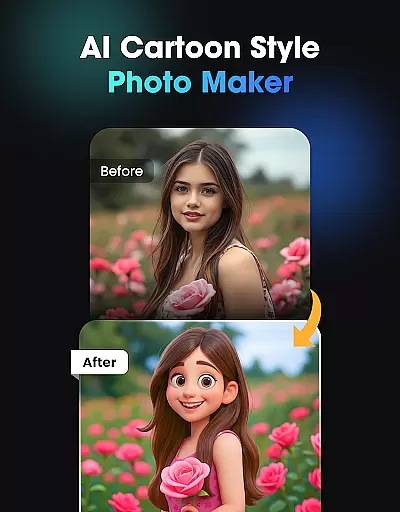
Vidix also offers a library of trending AI effects and filters that enhance creativity. Users can apply these effects to modify backgrounds, styles, or even body transformations, ensuring their content remains fresh and engaging. With fast processing speeds and HD export options, this app guarantees both efficiency and excellence in every project.
In the realm of digital creativity, having a comprehensive suite of tools is paramount. Vidix u2013 AI Photo Video Generator stands out by offering an all-in-one creative studio that harnesses the power of artificial intelligence. This app provides users with everything they need to transform simple photos or textual ideas into compelling AI videos, 3D characters, and trendy visual effects without requiring any editing skills.
Vidix's capabilities extend across various creative processes. The AI Video Generator breathes life into images, creating realistic animations where subjects can move, smile, and express emotions. For those interested in character design, the 3D AI Figure & Avatar Creator allows for the generation of personalized avatars with customizable poses, styles, and outfits, making it ideal for social media influencers looking to expand their digital presence.
Moreover, Vidix doesn't stop at video; its Text-to-Image & Text-to-Video Generator interprets written descriptions and turns them into visually stunning outputs. Whether you're imagining a serene landscape or a bustling cityscape, Vidix brings these visions to life cinematically. With regular updates introducing new AI Effects & Trending Styles, users have access to cutting-edge filters and aesthetics that keep their content fresh and engaging.
The ability to work flexibly with different canvas sizes and formats is crucial for creators who want to produce content for various platforms. Vidix u2013 AI Photo Video Generator excels in this area by providing users with the freedom to experiment with diverse project dimensions and resolutions. This flexibility ensures that whether you're designing for Instagram, YouTube, or any other platform, your creations will always look their best.
Vidix supports high-definition exports, allowing creators to maintain the quality of their work when sharing across social media channels. Users can upload portraits and convert them into animated stories or short clips while retaining clarity and detail. From classic portrait orientations to cinematic widescreen formats, Vidix adapts to the user's needs, ensuring that every piece of content is optimized for its intended medium.
Furthermore, Vidix offers features like AI Photo to Video Transformation, which not only enhances static images but also adjusts them to fit dynamic video formats. Creators can explore different aspect ratios and resolutions, knowing that the final output will be compatible with most devices and platforms. By prioritizing both canvas size and format compatibility, Vidix empowers artists to focus on their creative vision without being constrained by technical limitations.
User-friendly interface
High-quality AI animations
Customizable avatar designs
Trending AI effects library
Fast rendering speed
Limited free features
Subscription costs may add up
Advanced tools require learning
Occasional glitches reported
Export watermarks on free plan

Vidu is an AI video generator made for creators and aspiring makers.
 3.30
3.30
AI generated images & photos, turn your words into drawing, painting & pictures.
4.30
Meet the magic aı 3d photo generator and smart AI video generator app.
3.20
Create neon drawing with magic doodle and fun doodle art effects!
4.50
Design unique, funny and adorable cat stickers that reflect your own style!
3.80
Your AI soulmate — meaningful chats, and unique emotional moments
4.70
Mobile pixel art editor. Simple. Fast. Portable.
4.80
Resize photos and print photos in exact size with our powerful photo printer!
3.80
2D animation studio for Android tablets - unlimited layers, infinite timeline
4.70
Novices can also easily complete diamond painting masters
4.70
The ultimate tool for creating animations
4.60
Castle is social media for creating and playing games!
4.60
Discover Cartoon Dream : Unleash Your Creativity with CuttingEdge AI
4.50
Unleash your drawing and painting potential
4.50
AR Anime Drawing: How to draw anime with AR drawing & sketching apps!
4.00
Create cute cat emojis & PFPs! Fun, custom avatars for cat lovers.
3.70
Apply cartoon, caricature, and portrait effects to make your photos stand out!
3.60
Create sweet, cool and unique couple avatars easily, in just a few steps!
3.40
Inky runs Inkscape on Android devices and Chromebooks
2.90


User Reviews