
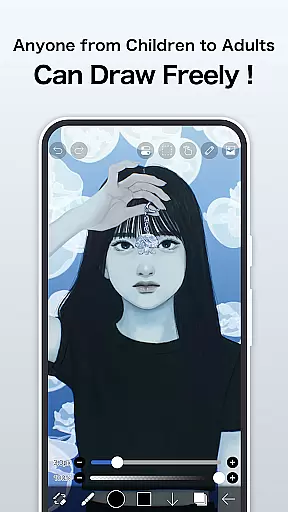
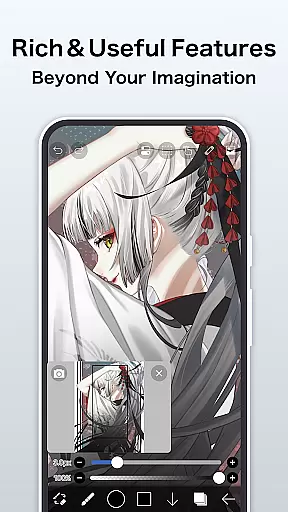
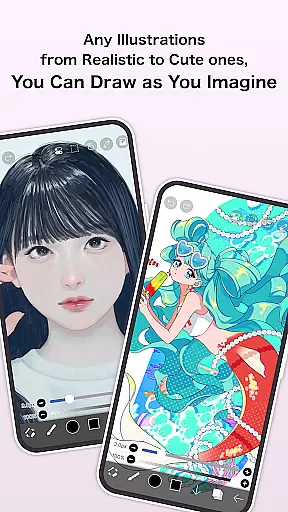
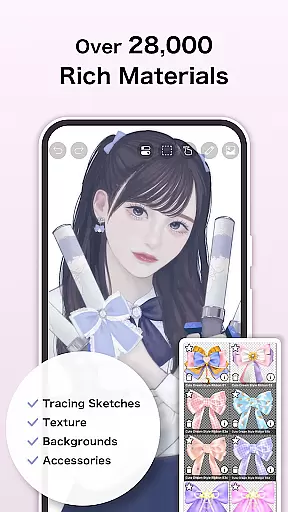
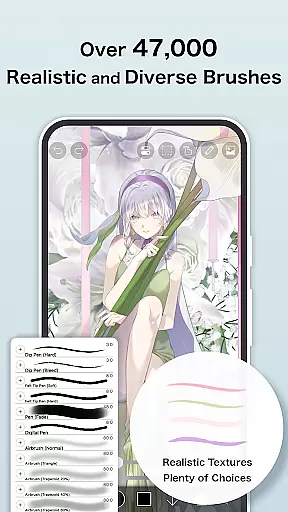
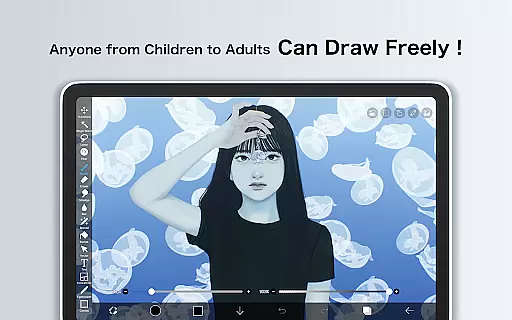
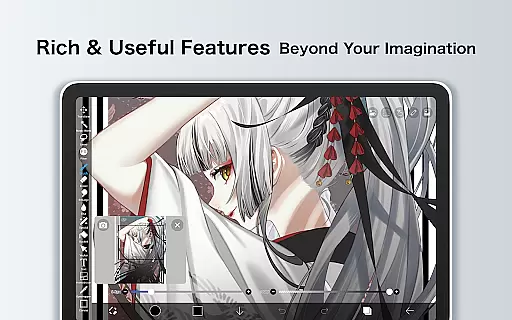
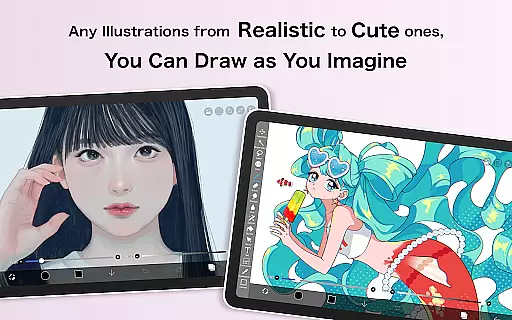
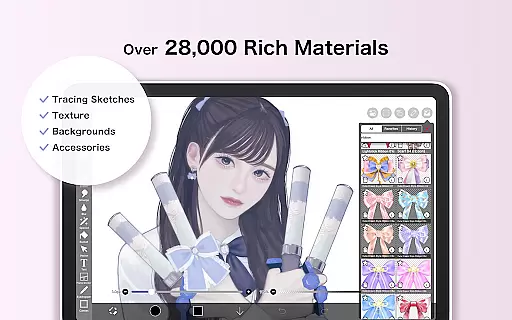
ibis Paint is a feature-rich drawing application designed for both amateur and professional artists. The app offers an extensive collection of over 47,000 brushes, 27,000 materials, and 2,100 fonts, making it one of the most versatile art tools available on mobile platforms. With advanced features like stroke stabilization, 84 filters, 46 screentones, and 27 blending modes, users can create highly detailed artwork directly on their devices.
In addition to its powerful drawing capabilities, ibis Paint also includes unique sharing functionalities. Artists can record and share their entire drawing process with other users, providing valuable learning opportunities and community engagement. The app supports various layer commands, manga creation tools, and even AI-based features through its Prime Membership program. This makes ibis Paint suitable not only for creating artwork but also for producing educational content and tutorials.
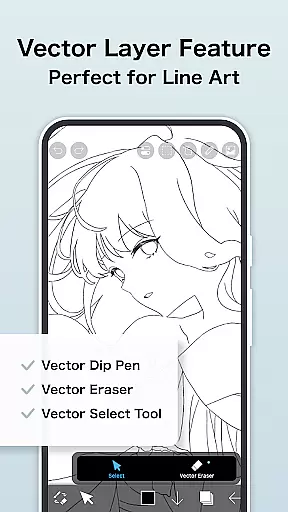
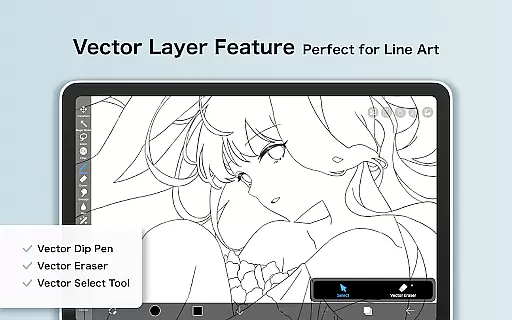
The application's value extends beyond casual users, as it provides professional-grade tools that cater to serious artists. The optional Prime Membership unlocks additional storage capacity, vector tools, exclusive materials, and advanced filters. These premium features make ibis Paint particularly useful for digital artists who require more sophisticated tools and larger storage space for their projects. Whether you're sketching simple drawings or working on complex illustrations, ibis Paint delivers a comprehensive solution for mobile digital art creation.
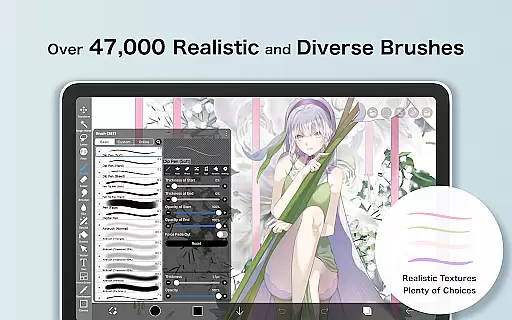
ibis Paint distinguishes itself through its exceptional range of artistic tools and innovative features. The application's brush library is unparalleled, offering over 47,000 options including dip pens, airbrushes, oil brushes, and charcoal tools. Each brush can be customized with precision settings and operates at up to 60 frames per second, ensuring smooth and responsive drawing performance. The app's layer system is equally impressive, allowing unlimited layers with individual parameter controls such as opacity adjustment, alpha blending, and various mathematical blending modes.
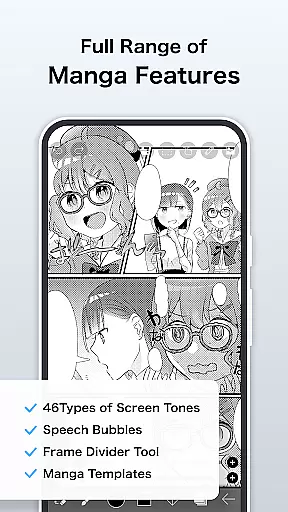
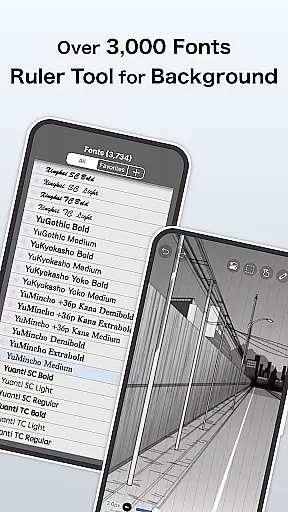
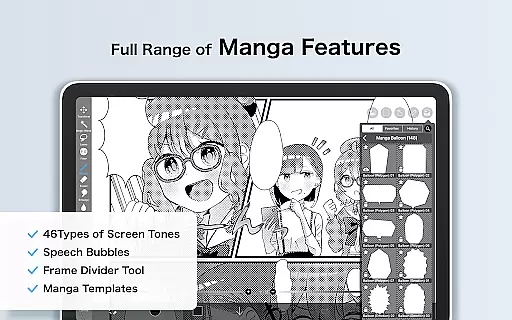
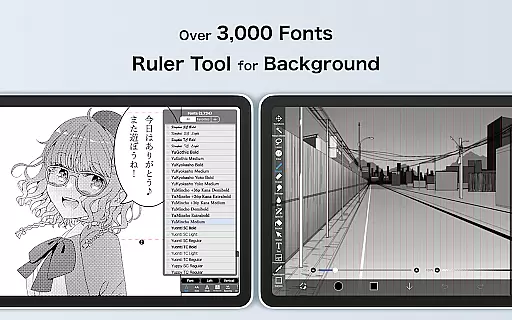
One of the app's standout features is its comprehensive manga creation toolkit. The advanced text tool supports vertical and horizontal writing, multiple font selections, and specialized stroke effects. For technical artists, ibis Paint provides various ruler features including radial line rulers and symmetry rulers, enabling precise geometric drawings. The application also incorporates modern digital art techniques through its AI Disturbance feature and vector tools, which are accessible through the Prime Membership subscription.
The app's functionality extends to video creation and sharing capabilities. Users can record their drawing processes in high quality and share them without watermarks after subscribing to Prime Membership. Additional premium features include 20GB cloud storage, tone curve adjustments, gradient mapping, and levels adjustment tools. These characteristics make ibis Paint not just a drawing application but a complete platform for digital art creation, education, and community sharing.
In the realm of digital art, ibis Paint stands as a beacon of creative potential with its vast array of tools. The app boasts over 47000 brushes, including dip pens, airbrushes, and oil brushes, catering to every artistic style imaginable. This extensive brush library ensures that artists can find the perfect tool to bring their visions to life.
Layer functionality in ibis Paint is equally impressive, allowing users to add unlimited layers with individual settings for opacity, blending modes, and more. This flexibility empowers artists to experiment with complex compositions without constraint. Additionally, features like radial line rulers and symmetry rulers provide precision and control, elevating the quality of artwork that can be achieved on a mobile platform.
The inclusion of manga-specific features, such as an advanced text tool and screentones, demonstrates ibis Paint's dedication to serving niche artistic communities. These specialized tools enable creators to produce professional-quality manga and comic art directly within the app. With these comprehensive creative tools at their disposal, users can explore new artistic horizons with confidence.
ibis Paint excels in providing artists with remarkable canvas and format flexibility. Users can work on custom-sized canvases, adjusting dimensions to suit their specific project requirements. This adaptability is crucial for artists who need to prepare their work for various publication formats or personal preferences.
The app supports importing images from the photo library, enabling artists to incorporate existing visuals into their projects seamlessly. Furthermore, the ability to zoom in and out, rotate layers, and perform inversions offers unparalleled control over the creative process. These features ensure that artists can refine their work with meticulous attention to detail.
For those seeking to push the boundaries of digital art, ibis Paint's Prime Membership unlocks vector tools and advanced adjustment layers. These premium features expand the possibilities for professional-grade artwork, allowing for non-destructive editing and sophisticated design techniques. Such flexibility in canvas and format options makes ibis Paint a top choice for artists demanding versatility in their creative toolkit.
User-friendly interface
Extensive brush library
Advanced layer controls
Professional manga tools
Active artist community
Prime membership costly
Steep learning curve
High device requirements
Limited free features
Subscription necessary

Sketch, trace and master AR drawing with awesome anime art!
 3.30
3.30
AI Assistant, powered by ChatGPT GPT-4 & GPT-4o. Your intelligent companion.
3.50
Paint with oils and sketch with natural tools on a realistic virtual canvas.
3.80
Draw glowing spinners, relax, and spin your creative art
4.60
Turn your drawings into flipbook-style animations with simple creative tools
4.60
Minecraft & Roblox Clothes
4.70
Get creative and make art with your Sesame Friends!
4.00
Explore future self face age filter & remove background image for a unique look.
3.50
All-in-One art, logo & collage maker. Design photos and edit video backgrounds
4.80
Passport size photo maker, create ID photo and visa photo in seconds
4.80
Draw on screen: FP sDraw is a simple and lightweight drawing app
4.70
Create color palette from Image, RGB & RYB Color wheel harmonies, Color Scheme
4.50
Kling AI is an image and video generation and editing studio powered by AI.
4.50
AI generated images & photos, turn your words into drawing, painting & pictures.
4.30
Remove Background, Magic Eraser, Photo Enhancer, Story Templates, Collage Maker
4.30
Unleash Your Creativity with Draw Cartoon - AR Drawing App
4.10
AI Face Swap, Video Effects Editor, Realtime Morph, Funny Video FX,AI Filters
3.70
AI Art Generator transforms your words into AI generated art & paintings.
3.70
Art of Combination Wear OS Watch Faces
3.30


User Reviews