
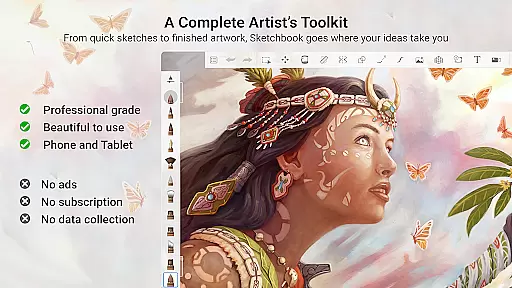
Sketchbook is a premier digital art studio designed for artists, illustrators, and creative enthusiasts who need a versatile platform to bring their ideas to life. This app offers professional-grade sketching, painting, and drawing tools that cater to both quick sketches and fully finished artwork.
With its elegant interface and customizable toolset, Sketchbook provides an immersive drawing experience free of distractions. Whether you're creating detailed illustrations or simple doodles, this app supports your creative journey with natural brush strokes and precise control options.
The app's comprehensive feature set includes a wide variety of brushes, layers with blend modes, and precision tools like guides and rulers. These features make it ideal for artists seeking flexibility and accuracy in their work, ensuring that creativity flows unhindered.
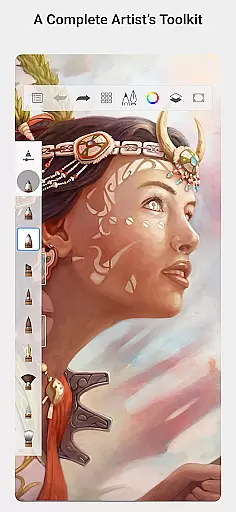
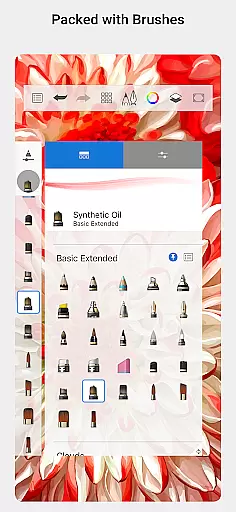
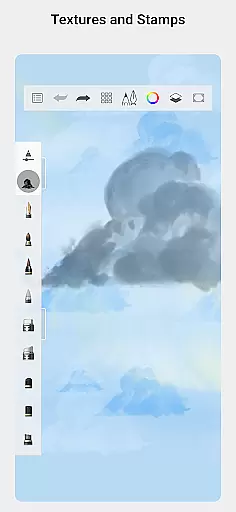
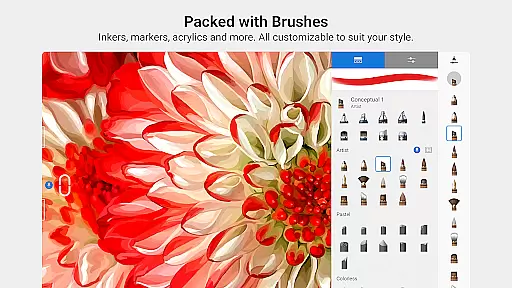
Sketchbook stands out with its extensive array of brush types, including pencils, markers, airbrushes, and smear tools, each designed to mimic their physical counterparts. These brushes are highly customizable, allowing users to tailor their drawing experience to achieve specific artistic effects.
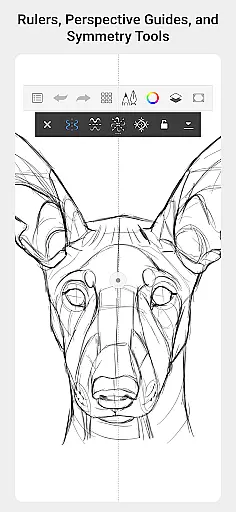
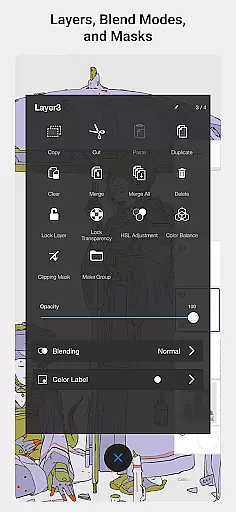
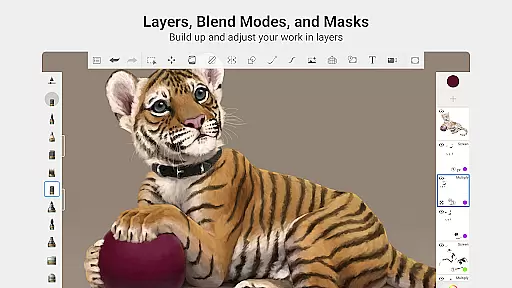
In addition to its impressive brush library, Sketchbook offers advanced features such as layers with blend modes, which provide the flexibility needed to build up complex drawings and explore color combinations. The inclusion of guides, rulers, and stroke tools ensures precision, making it suitable for detailed technical drawings as well as freeform art.
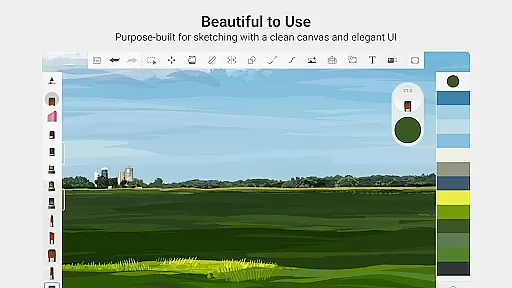
Designed specifically for sketching, the app's clean and unobtrusive interface minimizes distractions, enabling users to focus on capturing and expressing their ideas. This purpose-built environment enhances productivity and creativity, whether you're an amateur artist or a seasoned professional.
Sketchbook offers a comprehensive suite of creative tools that cater to both amateur and professional artists. The app includes a full range of brush types such as pencils, markers, airbrushes, and smear tools, each designed to mimic their physical counterparts. This attention to detail ensures that users can achieve the same effects digitally as they would with traditional media.
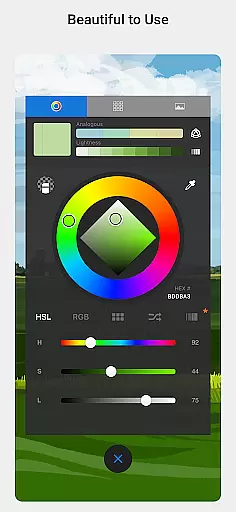
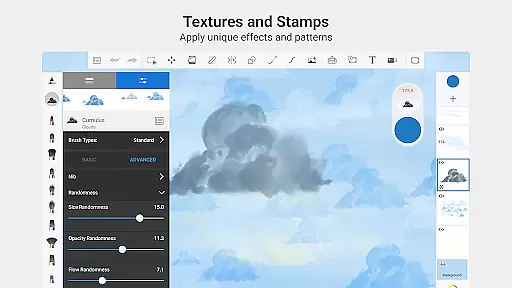
One of the standout features is the high level of customization available for brushes. Users can modify various parameters to create unique brush styles tailored to their specific needs. This flexibility allows for an unparalleled level of personalization, making it possible to replicate any artistic technique or develop new ones within the app.
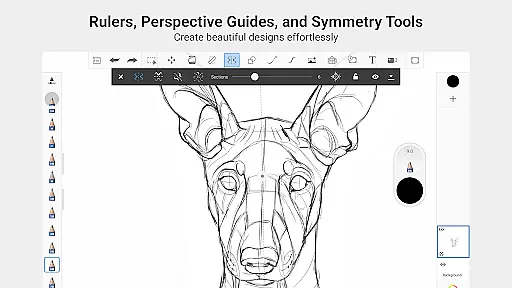
In addition to brushes, Sketchbook provides guides, rulers, and stroke tools that support precision drawing. These tools are essential for creating accurate sketches and illustrations, especially when working on complex projects that require exact measurements and alignments. The inclusion of layers with blend modes further enhances the creative process by offering the flexibility to experiment with different drawing techniques and color combinations.
Sketchbook excels in providing canvas and format flexibility, allowing artists to work on projects of varying sizes and resolutions. Whether you're sketching quick ideas or developing fully finished artwork, the app supports multiple canvas dimensions and resolutions, ensuring that your work looks great on any device or medium.
The interface is purpose-built for sketching, featuring a clean and unobtrusive design that maximizes the drawing area. This minimalist approach helps users focus on their artwork without distractions, enhancing productivity and creativity. The ability to customize the workspace layout further adds to the user experience, enabling artists to tailor the environment to their preferences.
Moreover, Sketchbook's compatibility with various file formats makes it easy to import and export artwork. Artists can seamlessly integrate their work into other software or share it across platforms without worrying about format limitations. This versatility ensures that Sketchbook remains a valuable tool throughout the entire creative workflow, from initial concept to final presentation.
User-friendly interface
Extensive brush library
Highly customizable tools
Precision drawing aids
Professional-grade features
Steep learning curve
Resource-intensive
Limited free features
No collaborative tools
Occasional bugs

Download now for a stylish and functional timepiece
 4.3
4.3
Create stylish invitation cards using templates for weddings, birthdays & RSVP.
4.20
Digital, Abstract, Classic - all types of color wheels in one app!
4.60
Castle is social media for creating and playing games!
4.60
AI Art Generator transforms your words into AI generated art & paintings.
3.70
Share the joy of painting with ibis Paint! Drawing anime and manga art.
4.50
Retouch photos. Create or edit images. Endless capabilities.
2.70
Just trace a projected picture on paper and color! Draw & Paint with AR drawing
4.40
Explore future self face age filter & remove background image for a unique look.
3.50
Create stunning art with AI.
4.80
Convert image to JPG PNG HEIC PDF, support almost all kinds of image formats
4.70
Your AI soulmate — meaningful chats, and unique emotional moments
4.70
Beauty Camera - Selfie Camera is the ultimate beauty camera and selfie app
4.30
Text to Image, Image to Video & AI Chat
4.20
Easy 3D drawing design maker & creator. Model designing, Sculpting. Create&paint
4.00
Powerful home decoration & house design that allows you to design dream home.
3.80
Experience next-gen icons with a modern liquid glass look.
3.60
Sketch, trace and master AR drawing with awesome anime art!
3.30
Draw anime easily with AR guidance, sketch templates & trace tools!
3.10


User Reviews