
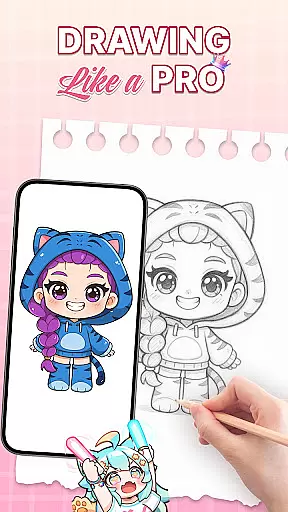
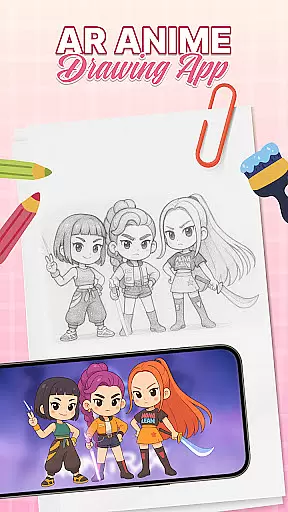
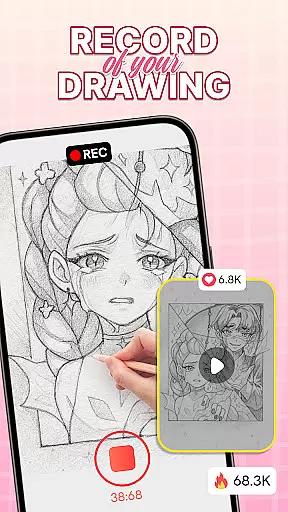
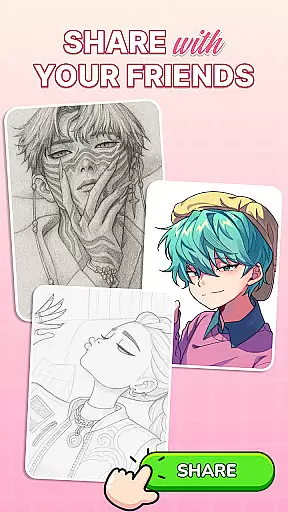
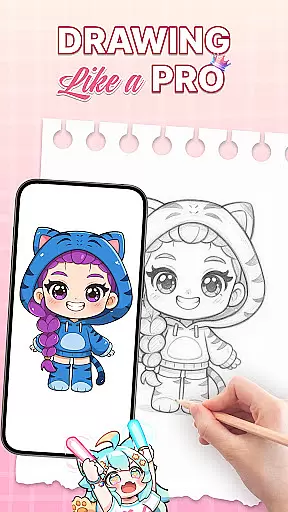
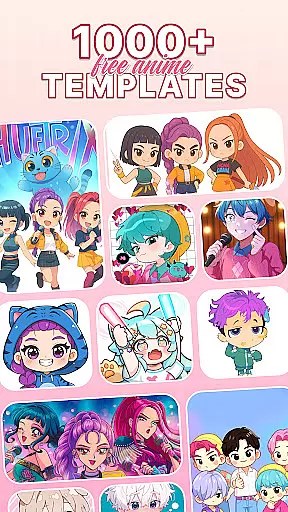
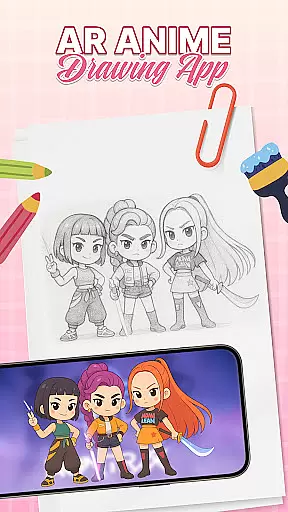
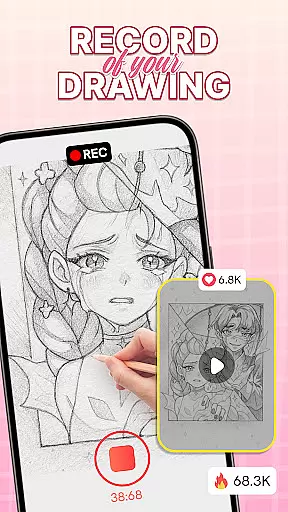
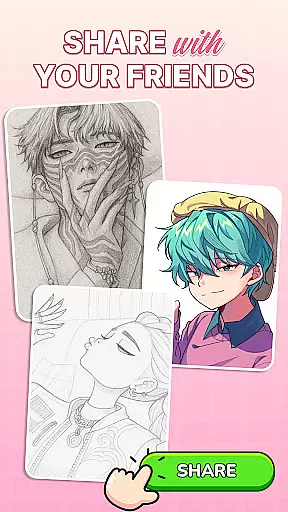
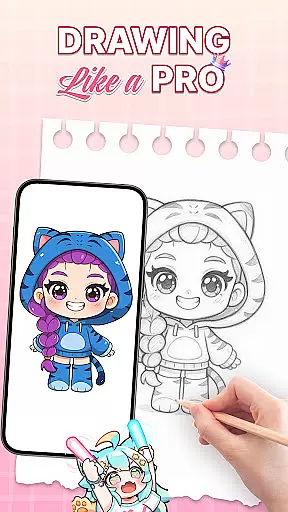
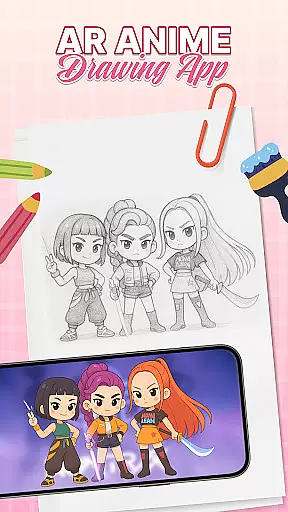
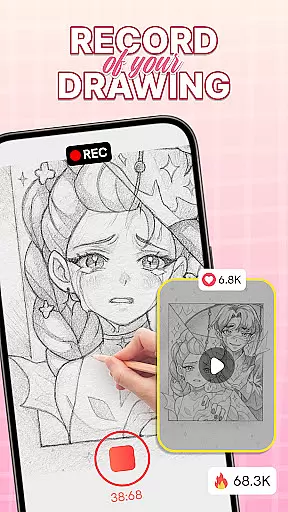
AR Drawing: Sketch & Trace is an innovative mobile application that merges augmented reality with artistic expression, allowing users to project any image onto paper for effortless tracing. This app serves as a comprehensive drawing guide, particularly beneficial for those interested in anime and cartoon art styles.
The core functionality lies in its ability to invert images through the device's camera, creating perfect traceable outlines. With diverse templates spanning various categories like animals, food, and nature, it caters to different artistic interests while providing essential sketching tools for detailed artwork creation.
Ideal for both beginners and professional artists, this app transforms traditional sketching by offering an interactive AR experience. Users can develop their skills through guided practice, making it an invaluable tool for educational purposes and family-friendly creative sessions.
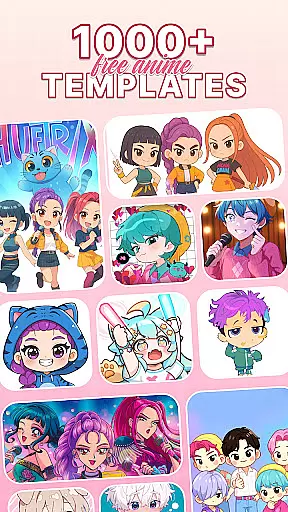
One of the standout features of AR Drawing is its advanced AR tracing capability, which projects selected images directly onto any drawing surface. This functionality is supported by a vast library of customizable templates, accommodating various artistic styles from anime to realistic portraits.
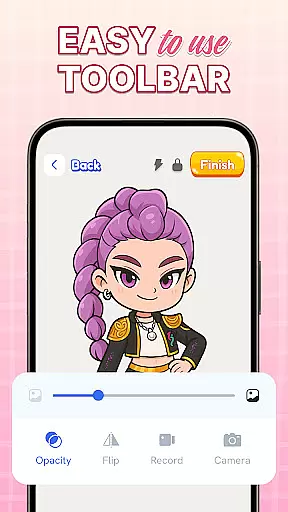
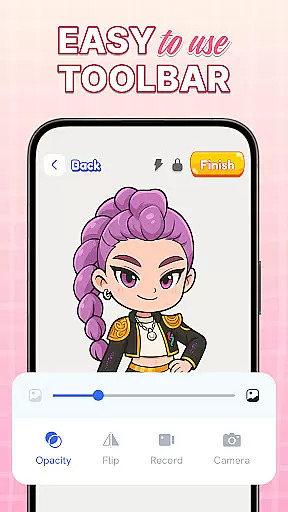
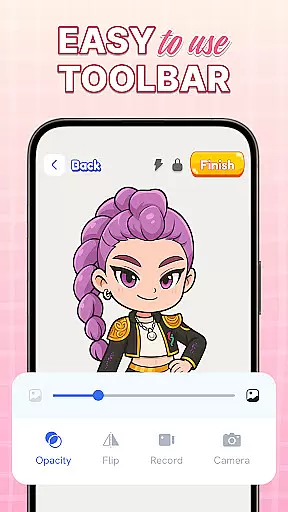
The app includes intuitive Sketch & Paint tools, empowering users to add vibrant colors and intricate details to their creations. Integrated camera controls and a built-in flashlight enhance the tracing experience, especially in low-light environments, ensuring precision in every stroke.
Regular updates and a user-friendly interface make this app accessible to all skill levels. The combination of traditional drawing methods with cutting-edge AR technology creates a unique artistic platform that stimulates creativity while providing structured learning opportunities for aspiring artists.
AR Drawing: Sketch & Trace offers a comprehensive suite of creative tools that cater to both amateur and professional artists. The app includes AR drawing and tracing functionalities, allowing users to project any image onto a surface for effortless replication. This feature is particularly beneficial for those looking to improve their anime drawing or cartoon sketching skills.
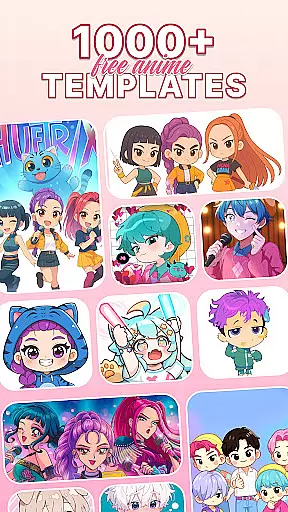
In addition to AR capabilities, the app provides diverse drawing templates covering various categories such as anime, animals, food, and nature. These templates serve as valuable guides for users who want to explore different art styles. The inclusion of sketch and paint tools further enhances the creative process, enabling users to add vibrant colors and intricate details to their work.
The app also features an extensive palette in the Paint & Color section, offering endless customization possibilities. Whether you're working on digital art or traditional sketches, these tools ensure that your artwork is as unique and expressive as possible. With regular updates and new features, AR Drawing: Sketch & Trace remains a cutting-edge solution for unleashing creativity.
One of the standout features of AR Drawing: Sketch & Trace is its canvas and format flexibility, which allows users to create art on various surfaces with ease. By using augmented reality, the app projects images directly onto paper or other materials, providing a seamless tracing experience. This flexibility is ideal for artists who enjoy working in different mediums and formats.
The app supports a wide range of artistic tools designed to enhance creativity and refine drawing techniques. Users can utilize the phone's camera and integrated flashlight to draw in low-light settings, ensuring that their creative process is not limited by environmental conditions. This adaptability makes it easy to practice sketching anytime and anywhere.
Moreover, AR Drawing: Sketch & Trace is suitable for all ages, making it a family-friendly creativity tool. Parents can engage with their children by guiding them through drawing exercises, stimulating young minds while having fun. The app's user-friendly interface ensures that everyone, from beginners to professionals, can navigate and utilize its features effortlessly.
User-friendly interface
Vast template library
Family-friendly features
Regular feature updates
AR-enhanced drawing
Requires stable surface
Limited free content
Device compatibility issues
Occasional AR glitches
Premium feature costs

Floor Plan Creator lets you create, edit and share floor plans.
 4.00
4.00
Trace, draw, and create art with AR - from memes to masterpieces!
4.30
AI Face Swap, Video Effects Editor, Realtime Morph, Funny Video FX,AI Filters
3.70
Art of Combination Wear OS Watch Faces
4.2
Make your phone cooler and have a fantastic experience
4.80
Draw Trace image sketch by, AR art projector app, Easy to trace any image.
4.50
Painting, drawing, & sketching
4.50
Mobile pixel art editor. Simple. Fast. Portable.
4.80
Get an overview over all your embroidery threads, projects and more.
4.60
Minecraft & Roblox Clothes
4.70
Draw beautiful mandala's very easily
4.60
Digital illustration drawing & painting pad app to paint Anime and Manga art
4.50
Create neon drawing with magic doodle and fun doodle art effects!
4.50
AI generated images & photos, turn your words into drawing, painting & pictures.
4.30
Customizable Outlined Fonts. Watch Face Format. Battery friendly Digital Clock.
4.20
Digital Drawing: Draw & Paint
4.10
Create trending AI photos & videos with powerful effects and 3D styles.
3.20
Art of Combination Wear OS Watch faces (for Wear OS 5+ devices)
3.00
Download now for a stylish and functional timepiece
4.1


User Reviews